Baby & Kids on Noon UAE: delivery fees — delivery-inclusive price
As soon as you add a baby stroller, stroller seat, or children’s clothing to your cart, the system flags the selection for freight calculation.
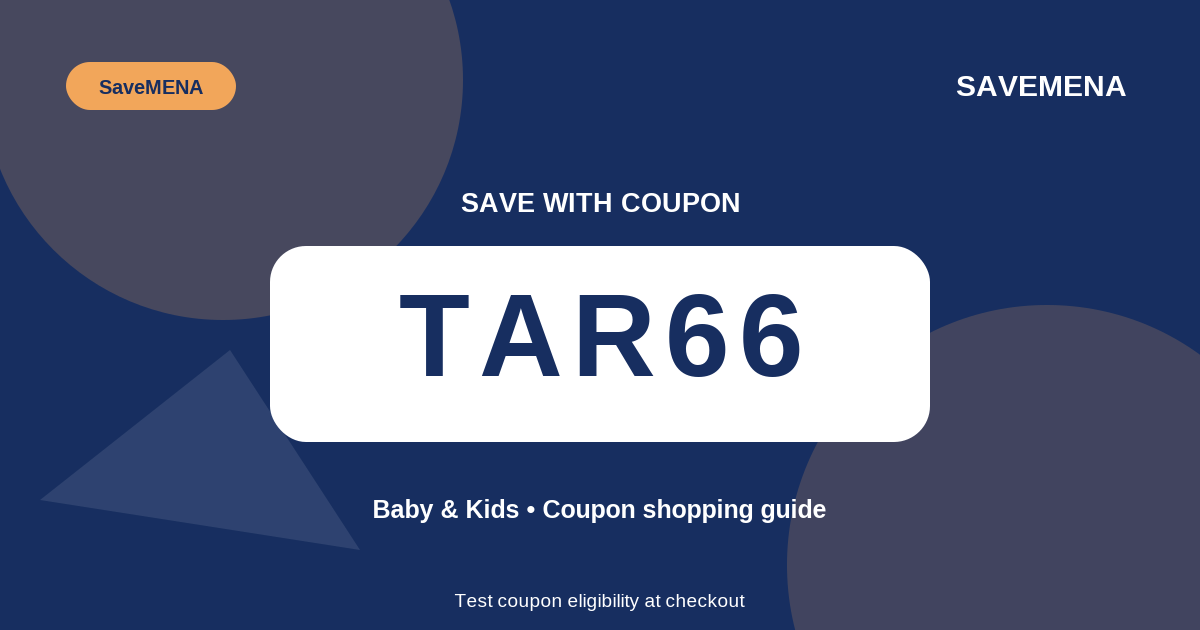
Codes available to try while comparing
These codes are not guaranteed for the article topic or listed brands; test them at checkout and use the live result.
1. Where Delivery Fees Enter the Checkout Equation
As soon as you add a baby stroller, stroller seat, or children’s clothing to your cart, the system flags the selection for freight calculation. At the checkout screen, the “Delivery” section—styled distinctly from the “Items” subtotal—shows a line item that reflects the cost for moving goods from the warehouse to your address. This fee is separate from any applied VAT or membership benefits, ensuring clarity in the final tally.
The calculated delivery charge is readable in the order summary before you select a payment method. It can be high or low depending on the packaging, weight, and distance to your nearest distribution center. While the exact amount appears only at this step, you can anticipate it by noting the designation “Delivery Fee” under the subtotal. This visibility is what helps you assess the total before final confirmation.
2. Typical Delivery Charges for Baby & Kids Categories
In the baby and kids portion of the platform, logistics partners prioritize heavier or bulk items such as cribs or large playsets. These often incur a higher fee because of their size or special handling. Conversely, small items like infant toys or clothing generally attract a lower fee. The system automatically assigns the appropriate rate based on the product attributes, and the resulting builder of the final line item reflects that allocation.
Because the calculation is dynamic, the same category can yield different fees from one order to another. Factors such as the choice of shipping mode (express vs. standard), the location of the fulfillment center relative to your sphere, and whether all items share the same carrier will reflect in the final “Delivery” line. Awareness of these variables allows parents to adjust their shop list accordingly.
3. How Product Selection Shapes Delivery and Fees
Choosing certain items can influence the overall delivery expense. For instance, a single boxed toy may fall under a lower per‑item fee, but buying multiple units can raise the cumulative freight cost. The platform’s algorithm sums item weights and dimensions before calculating the fee, meaning your final number will vary with each new addition or removal from the cart.
Moreover, certain SKU variations—such as a larger palette of toy sets or a premium mattress—might trigger a surcharge by virtue of their weight or fragility. Knowing that heavier Baby & Kids items tend to cost more for delivery allows shoppers to re‑evaluate bulk purchases by dividing the cost across several orders or scheduling larger deliveries to reduce per‑order overhead.
4. Order Size and Bulk Shipping—Do They Reduce Fees?
The checkout logic considers the total volume in the order. When many baby and kids items are grouped together, the platform may offer a reduced per‑item delivery surcharge or qualify the whole order for a free‑shipping threshold. The final line labeled “Delivery Fee” will show the adjusted amount if such a benefit applies. It is important to verify that all items are in the same order, as splitting across multiple checkouts may negate potential savings.
Should the fee still appear, check the “Order Summary” for any remarks such as “Bulk Shipping Bonus” or “Free Delivery for Qualified Orders.” These indicators show that the system recognized a volume‑based discount. If no such note appears, the fee remains unchanged and reflects the standard calculation for the selected items.
5. Choosing Payment Methods and Their Effect on Total Fees
The payment method you select appears after the delivery fees are calculated but before the final total is displayed. Some payment options can offer exclusive perks like a 5‑minute express delivery at no extra cost. However, the cost for delivery usually remains separate from the transaction method, and any promotional drive for a particular card will be visible in the form of a “Promotion” line item.
If a chosen payment plan includes a fee—for example, a bank‑card transaction fee or a currency conversion charge—this will be added after the “Delivery” line but before the grand total. Such an add‑on must be confirmed in the final screen, and shoppers can opt for alternative payment monitoring to avoid surprise inflation on the delivered bill.
6. Spotting Hidden Fees Before You Pay
Before you hit the “Place Order” button, the screen consolidates three crucial lines: “Items Subtotal,” “Delivery Fee,” and any additional surcharges like “Service Charge,” “Handling Fee,” or “Customs Tax.” Reading each line carefully prevents confusion at the payment stage. This is when you can also verify if the “Noon UAE total with delivery Baby & Kids delivery and fees” matches what you expected from the sum of the visible items.
If a line does not appear—e.g., a “Gift Wrap” charge—or if your payment plan shows an extra fee, double‑check the related sections. The system usually provides a note that explains why the cost is added, such as “Special packaging for fragile items” or “Logistics surcharge for remote locations.” Confirming these details by the time you confirm the payment ensures that the final displayed total is both accurate and complete.
7. Using the TAR66 Coupon at Checkout
The coupon code “TAR66” can be entered in the designated field on the checkout page, just prior to final confirmation. Once the code is accepted, a line titled “Coupon Discount” will appear, reducing the overall amount that you’ll pay. However, the coupon’s impact applies only after the delivery line has been calculated; it cannot alter the delivery fee itself.
The order summary will reflect the deduction, and the final total will refresh automatically.A coupon is not guaranteed; verify its result at the retailer checkout. This process also shows any difference in the representation of the “Noon UAE total with delivery Baby & Kids delivery and fees” after the coupon application.
Related SaveMENA pages
Related articles
Official sources to check
Frequently asked questions
A coupon is not guaranteed; verify its result at the retailer checkout.
No. The code is only available to try. Eligibility can vary with the live account, basket, item, seller and campaign context, so checkout is the final reference.
Where should I confirm the coupon result?
Apply the code in the Noon basket and review the live message and final payable total before payment. Do not rely on an undocumented percentage or condition.
Can the result vary by product or seller?
Yes. Eligibility and offer context can vary with the current basket details, so compare the exact item, seller, variant and final total before purchasing.
What should I do if the code does not work?
Check the market, account, item, seller, basket and payment context, then try another code available to try without guessing an unsupported reason.