Dyson Beauty on Noon UAE: delivery fees — delivery-inclusive price
Understanding how delivery charges and additional fees shape the final price when you shop for Beauty items, including Dyson products, on Noon UAE is essential for
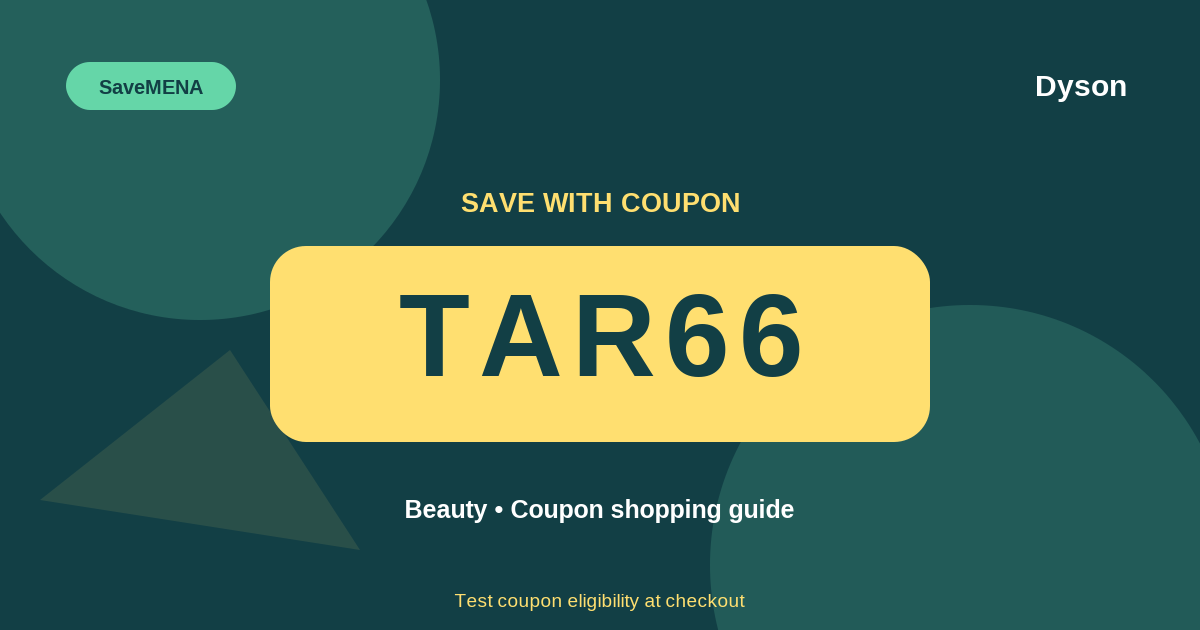
Codes available to try while comparing
These codes are not guaranteed for the article topic or listed brands; test them at checkout and use the live result.
Unpacking the Delivery Charge
Delivery fees on Noon UAE are not uniform; they differ per seller and per chosen delivery window. For Beauty and Dyson items, fast delivery might come with a premium while standard delivery may have a lower cost—or even be free above a threshold set by the seller. Take the time to examine how each seller lists their delivery rates.
As you adjust your delivery preference, keep an eye on how the order subtotal reacts. Some sellers offer incremental lifts when you opt for expedited shipping—a close glimpse helps you decide whether the extra cost aligns with your urgency.
Accounting for Beauty Product Fees
Beyond ordinary delivery costs, certain Beauty items trigger extra handling or restocking fees, especially those sold as limited editions or through exclusive distributors. These fees can surface only after you confirm your quantity or before you finalize payment.
In order to prevent surprises, note the sentence marked “Additional Charges” on the summary. Identify whether those charges correlate with beauty products such as makeup palettes or haircare sets, and confirm the reason (handling, restocking, or special service).
The Role of Dyson Products in Calculations
Dyson devices—whether they are hair dryers or smart beauty accessories—often carry higher handling fees due to their bulk or fragility. Sellers may specify these extra costs in a distinct line item, providing a clear connection between the product and the fee.
When you add a Dyson Beauty gadget, track whether the handling fee remains constant or fluctuates with quantity. A transparent fee breakdown ensures you can verify that the charges are accurate before proceeding to payment.
Applying the TAR66 Coupon Safely
To try the TAR66 coupon, navigate to the promo code field after delivery and fees are loaded.
The field will automatically recalculate your total once you hit “Apply.” Remember that the coupon validity is only confirmed at checkout, so if the discount does not appear, review the input or check the promo’s active status. Afterwards, the revised price will reflect the coupon’s impact on the final figure, which you should double‑check against the displayed total.
Payment Method Impacts on Final Total
The choice of payment method can introduce extra handling or convenience fees, particularly if you use a non‑funded card or a wallet service that charges a transaction fee.
When selecting a payment option on Noon UAE, look for a line item that mentions “Transaction Fee.” This fee is calculated after all other charges, meaning the grand total you see before confirming payment already accounts for it. Precise awareness of this fee helps you avoid last‑minute surprises.
Delivery Options and Timeframes that Influence Cost
Selecting a delivery window on Noon UAE can shift the price, as expedited delivery often carries an added surcharge. For Beauty items that you need urgently, compare the late‑night or same‑day options against the standard timeline.
Keep in mind that some sellers offer a “free standard delivery” threshold. By combining items, you can hit a threshold that cancels the delivery fee entirely, impacting the final bill you pay at checkout.
Double‑Checking the Final Paid Amount
After entering every fee, coupon, and payment method, scroll to the bottom of the order screen where the “Final Amount Payable” line resides. This number includes the product subtotal, delivery, handling, coupon, and any payment‑fee.
Before placing order, click the “Review Order” button, carefully confirm each line item, and then verify once more that the final number matches your expectations. This step ensures that all cost components—including delivery and any additional fees—are correctly reflected in your final total.
Related SaveMENA pages
Related articles
Official sources to check
Frequently asked questions
A coupon is not guaranteed; verify its result at the retailer checkout.
No. The code is only available to try. Eligibility can vary with the live account, basket, item, seller and campaign context, so checkout is the final reference.
Where should I confirm the coupon result?
Apply the code in the Noon basket and review the live message and final payable total before payment. Do not rely on an undocumented percentage or condition.
Can the result vary by product or seller?
Yes. Eligibility and offer context can vary with the current basket details, so compare the exact item, seller, variant and final total before purchasing.
What should I do if the code does not work?
Check the market, account, item, seller, basket and payment context, then try another code available to try without guessing an unsupported reason.