LG Electronics on Noon UAE: delivery fees — delivery-inclusive price
When you add an LG electronic item to your Noon UAE cart, the final amount you’ll see at checkout often changes because of delivery charges and possible fees.
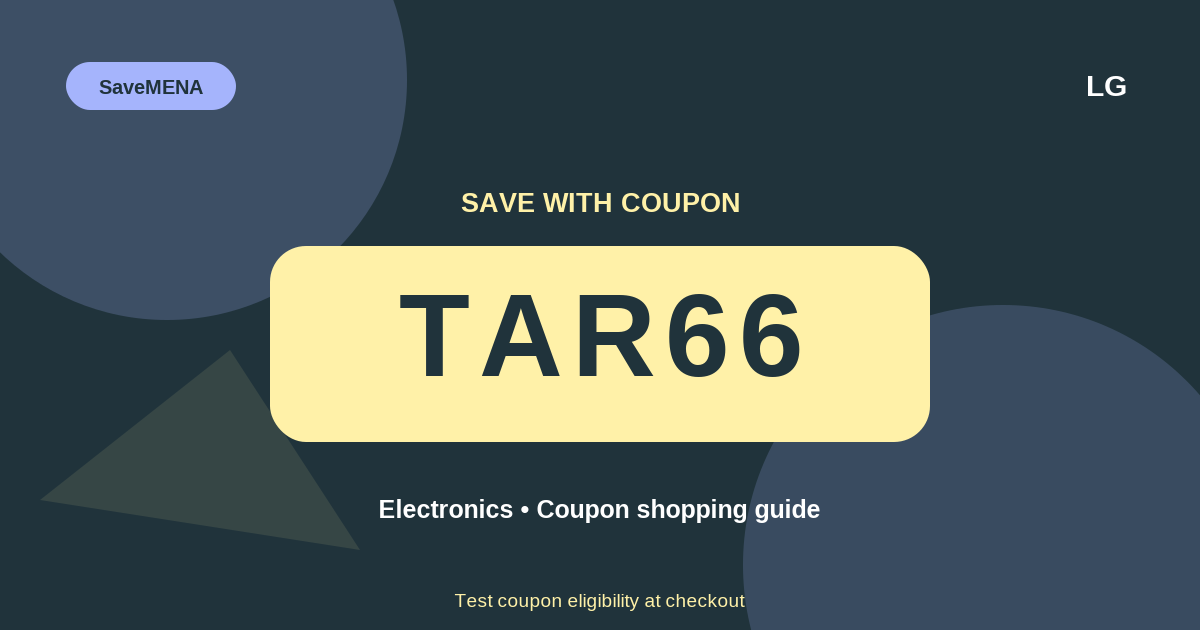
Codes available to try while comparing
These codes are not guaranteed for the article topic or listed brands; test them at checkout and use the live result.
1. How Noon Displays Delivery Fees for LG Electronics
During the checkout process, Noon shows a separate line item for delivery fees beside the subtotal of your LG product. This fee is calculated by the platform based on your address, the weight of the item, and the shipping method you select. It appears after you’ve chosen a delivery slot but before any discount or coupon is applied, giving you a snapshot of what the base added cost will look like.
Because the delivery fee can vary with each item and location, it is important to view its exact amount on the confirmation screen. That screen often appears only after you confirm the shipping address, after which the total may shift if the platform changes a free‑delivery threshold for that delivery window or item type.
2. Delivery Charges and How They Tweak the Final Total
The final amount you pay is a sum of four elements: the product price, the delivery fee, any optional handling or authenticity fees, and the subtotal of applied coupon discounts. Noon usually arranges these in a linear list so you can see each piece before clicking the “Place Order” button. This helps clarify where changes occur if you switch delivery schedules.
Remember that installing an addon service—such as a monitored home delivery or an extended warranty—can add a small handling fee too. Because these fees appear after you review your order but before you submit the payment, you should double‑check them at every iteration of your checkout flow. If this is a press‑nackel moment, pause to verify the fee list again.
3. Comparing LG Models: Size and Delivery Cost Correlation
When evaluating the lineup of LG TVs, refrigerators, or sound systems, consider that heavier gadgets often incur a higher delivery fee than lighter ones. That effect appears in Noon’s price calculator as soon as you hit the “Add to Cart” button. The program attempts to predict a fair cost for each product weight and dimension, so the displayed fee will vary accordingly.
It is common for Noon to offer free delivery on certain LG items if you meet a minimum subtotal or if they partner with a specific logistics provider for that model. Checking the “Shipping” tab in the cart can reveal whether you are currently in a free‑delivery promotion window and whether adding more items will trigger a better rate.
4. Leveraging the TAR66 Coupon on Your Noon UAE Order
The TAR66 coupon can be entered on Noon’s coupon entry field on the payment page. To use it, you simply type the code and click apply. If the coupon is valid for your chosen LG electronic and the delivery window you selected, its amount will automatically drop from the total before you finalize your purchase.
Because Noon’s coupon engine runs a quick eligibility matrix, it will highlight any restrictions it finds—in particular whether the delivery fee remains unaffected or the coupon is only applied to the product price. You’ll see the updated final amount instantly, so you can decide whether the discount is sufficient to justify the delivery cost.
5. Step‑by‑Step: Verifying Delivery Fees at Checkout
Begin by clicking the “Checkout” button. Input your delivery address and then select the preferred delivery slot. At that point, Noon displays the base delivery fee. If you wish to switch the slot to gain a cheaper shipping window, you can do so before you lock in the fee.
Once you hit “Continue to payment,” Noon pulls in your coupon entries and re‑evaluates the final line items, which now includes the adjusted delivery cost, any handling charges, and discount totals. Compare the pre‑ and post‑coupon totals side‑by‑side to ensure there are no hidden surprises.
6. Payment Options that Influence Delivery Fees
Some payment methods on Noon, such as e‑wallet transfers or installment plans, sometimes come with an extra service charge that is added to the final total. Those charges are distinct from the delivery fee but appear immediately after you select the payment method.
If you suspect a payment‑related fee might be influencing your final balance, scroll to the bottom of the payment review page. There you will see a breakdown that lists each financial surcharge. Confirming that there are no additional fees after your coupon has been applied is essential before you proceed.
7. Delivering on Promos: How Noon Handles Free‑Delivery Marketing
When Noon runs a promotion on a certain category, like “Free delivery on all LG electronics over AED 5,000,” the promotion is automatically programmed into the checkout list. It removes the delivery fee from the breakdown as soon as the threshold is met, giving you instant visual confirmation.
Sometimes, the promotion may be tiered or time‑limited. In such cases, a small warning banner might appear next to the delivery fee line, informing you of the requirement. This reminder can help you decide whether adding a second LG product would bring you into a free‑delivery spot.
8. Strategies to Keep Your Final Total in Control
Before adding an LG device to your cart, review the shipping window offered by Noon at the product page. If you can schedule your delivery at a peak slot, you might get a lower fee due to volume. Additionally, compile a table of the various delivery fees listed for each SKU.
When you reach the checkout, type the TAR66 code and observe how it interacts with the fees. If the code does not eliminate all fees, you can choose to adjust the delivery slot or add a small supplementary purchase to meet the free‑delivery threshold. This approach lets you maintain control over the final payable amount.
Related SaveMENA pages
Related articles
Official sources to check
Frequently asked questions
When does Noon UAE show delivery fees for electronics?
They appear instantly after you confirm your delivery address in the cart, and again on the payment page before final confirmation.A coupon is not guaranteed; verify its result at the retailer checkout.
Will the TAR66 coupon reduce the delivery fee for LG products?
Coupon impact depends on the platform’s current eligibility logic. It generally applies to the product price, and delivery fees may remain unchanged unless a promotion covers them. Review the final total after entering the code.
Do delivery fees vary by LG model weight or size?
Yes, heavier or larger LG items can incur higher delivery charges as calculated by the platform. Check the delivery fee line in the cart to see the exact amount for the selected model.
Can I change delivery dates to affect fees?
Changing your delivery slot before checking out can sometimes lower the fee, especially if Noon offers a cheaper rate for certain windows. Compare the displayed fees after each change to decide on the best slot.