Grocery on Noon UAE: delivery fees — delivery-inclusive price
Answering the question on how delivery and fees influence the final total for Noon UAE grocery orders, this article breaks down every factor you need to consider
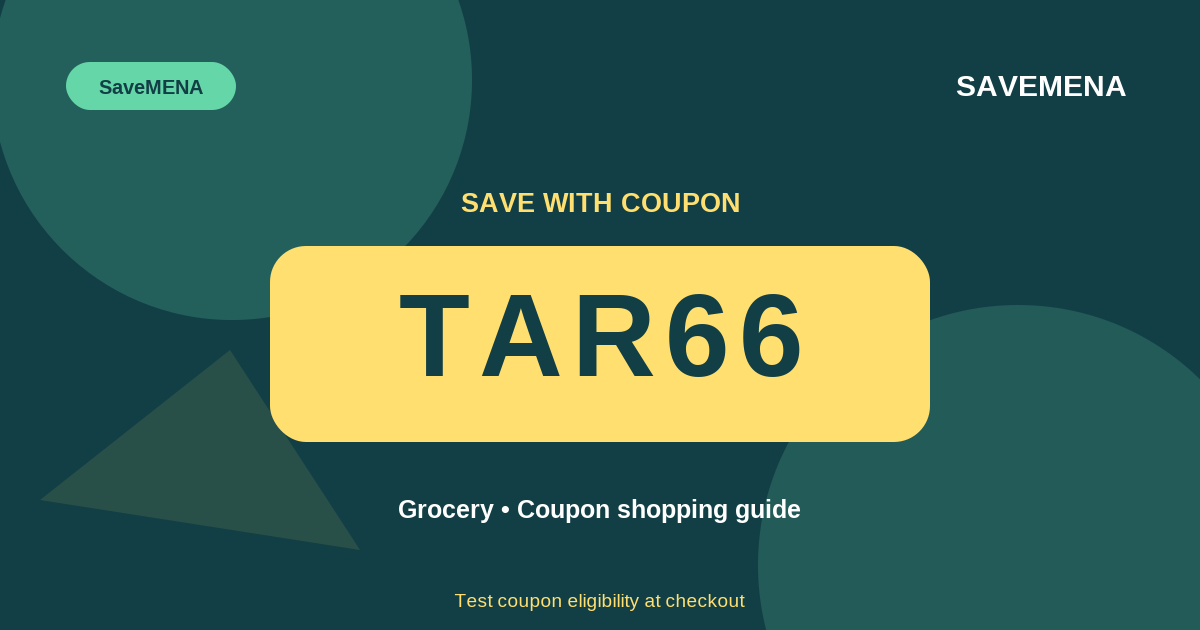
Codes available to try while comparing
These codes are not guaranteed for the article topic or listed brands; test them at checkout and use the live result.
Understanding Noon UAE Total with Delivery Grocery Delivery and Fees
The first clause of any online grocery transaction is the base price of the items you select. Still, almost as soon as you add something to your cart, Noon computes a delivery string that matches the seller’s policy. Usually, the page will display an approximate fee or “delivery pending” until the checkout screen reveals the final amount. Being aware that the delivery fee is separate from the product subtotal helps you monitor how the total trunk‑lines will change when you alter dimensions like weight or count. The final count you see in the “Summary” enjoys the same signs of change that the product prices bear as you move from one product to the next for the day.
Delivery fees may vary even for similar grocery items that came from different outlets. For instance, a seller that stocks bulk dry goods might put a different freight model than one that provides ready‑to‑eat meals. The aggregate cost you pay at checkout also may incorporate taxes or other charges that you cannot see in the product list. Consequently, the “Noon UAE total with delivery” grows by more than just the paneled price—if, for instance, you can apply a code that cuts the grand fee in half, you will witness the change right in the final sum.
How Grocery Delivery Fees are Calculated
When shopping on Noon, the platform usually fetches a delivery fee from the seller’s own profile. This fee may encompass both transportation and handling costs, and it is displayed once you choose a shipping address. In the majority of cases, the seller invites the shopper to either accept a flat fee or a variable fee that hinges on the total weight, volume, or other physical attributes of the cart. The idea is that heavier or larger orders inherently cost more to ship due to packaging and transportation.
In general, Noon will not apply a blanket, fixed fee across all grocery orders. Instead, each seller showcases a separate fee section that you will have to heed. The sum you ultimately see in the checkout will be a blend of the chosen product prices, the seller’s delivery mark‑up, and any ancillary charges. Thus, to keep a firm grip on your total, locate the “Delivery fee” in the order summary and check whether it aligns with your expectations before proceeding.
Checking Fees Across Different Sellers
For a bakery item, the delivery fee from the local bakery seller may differ from the one listed by a supermarket that stocks the same product in bulk. Noon typically shows a unified table where each seller’s fee is distinctly labelled. By clicking through the “Seller” link, you can see if the fee is minimal for a particular outlet like a high‑volume supermarket or if the seller marks it higher due to limited shipping capacity.
Being able to compare sellers in real‑time allows you to evaluate whether a more expensive but cart‑friendly seller is worth the extra cost. The app usually offers a “Compare” option, letting you place identical items from different sellers side‑by‑side. Watch for the change in the delivery fee column; that will help you decide which seller yields a better overall cost without compromising on the quality of the grocery item.
When Fees Accumulate or Waive
Sometimes, sellers list a delivery fee that steps up with each new item you add, especially if the subtotal doesn’t hit a threshold that automatically cancels the fee. In other occasions, the fee might drop to zero after the user reaches a certain level of spend or if the seller is in a promotional period. These shifts are triggered by the seller’s internal thresholds, so the only way to see the changes is in the “Summary” section before final confirmation.
There are also known extra charges such as a “Handling” fee or a “Special Services” mark‑up for things like vac‑opened packaging. Even when the usual delivery fee seems zero, an unexpected shipping charge might appear under “Extra charges.” You should double‑check that the final needed total matches the figure shown on the screen, as hidden fees might show up only once you enter the payment screen.
Using TAR66 Coupon to Reduce Your Total
The TAR66 coupon number can be entered at checkout in the designated “Promo code” field. The platform will then evaluate whether the coupon applies to the current set of items or if it references a seller‑specific promotion. Since the coupon’s scope isn’t listed, the price you’ll receive might be partially lowered in either the subtotal or the delivery fee, or it could be a combination of both. You won’t see a universal discount — you will only be told whether the final total has been reduced, if it has been.
It’s therefore vital to keep an eye on the “Summary” line just after you submit the code. If the total reduces, the difference will show up either as a halved delivery fee or a lower subtotal, and the final price shown in the payment screen will reflect that decrease. Without the code, the totals will stay as initially listed, so the coupon offers a simple way to cut down the final amount you ultimately pay.
Comparison of Delivery Fees for Fresh vs. Packaged Items
Readers often notice that fresh produce listed by certain local markets comes with a delivery fee that’s noticeably higher than the fee assigned to canned goods sold by the same marketplace. This is due to the need for temperature control and rapid handling, which increase the shipping cost. Posts usually highlight that keeping your cart balanced with items at different price tiers may lead to a judicious merging of fees and savings.
When you have multiple fresh items, some sellers bundle their logistics and usually offer a single flat fee for the entire order, even if you have a handful of dispatched items. In contrast, for packaged or frozen goods, the fee can be a small fixed sum that does not vary with volume. Knowing such patterns allows shoppers to form a strategy that keeps total delivery cost as low as possible, especially for heavier or time‑sensitive groceries.
Practical Tips to Minimize Extra Costs
A coupon is not guaranteed; verify its result at the retailer checkout. If the fee remains constant across different shops, it might be worth switching to a seller that boasts a lower or even free shipping option. By adding a small extra quantity of a needed product, you may push the cart over a threshold that eliminates or reduces that fee.
When you apply the TAR66 code, confirm that the discount activates in the summary. If the total has not changed, examine whether the code was entered correctly or whether it’s compatible with the chosen items. The app will only reduce the ultimate payable amount if the business logic of the promo aligns with the cart. Thus, a quick double‑check before final payment keeps surprises at bay.
Final Steps Before Checkout
After having priced each item and inspected delivery fees, you should review the final line in the “Order Summary.” Make sure that each section—product prices, delivery charge, possible taxes, exclusive offers, and coupon reduction—is presented clearly. This line will act as the basis for the final payment amount and gives you the last chance to catch any changes that might have slipped in during the transaction flow.
Once you’ve confirmed that all fees and discounts match your expectations, be ready to choose the payment method. If you have a payment option that may provide reward points or a card that offers cashback, you may want to weigh those rewards in the overall equation. But the bottom line remains: the ‘Noon UAE total with delivery Grocery delivery and fees’ cannot be misjudged if you follow each step up to the final payment screen.
Related SaveMENA pages
Related articles
Official sources to check
Frequently asked questions
Can I apply the TAR66 coupon to reduce delivery fees?
The coupon can only lower the total if the app accepts it; you won’t know the exact impact until you check the summary after entering the code. If it does apply, the final amount shown before payment will be the new lower figure.
Do grocery delivery fees vary between fresh and packaged foods?
Yes, many sellers set higher shipping costs for fresh produce due to temperature and handling requirements. Packaged items typically follow a simpler, often lower fee structure.
Will the delivery fee automatically disappear after a certain spend?
Some sellers waive the fee once a cart value crosses a threshold, but this must be confirmed in the summary. No universal rule applies; each seller sets its own limit.
How does Noon show my final total before payment?
The app displays a concise Order Summary with product line items, delivery fee, any applicable taxes, and the impact of promo codes before you proceed to payment. Verify this screen for accuracy.