Apple Headphones on Noon UAE: delivery fees — delivery-inclusive price
When you reach the checkout, Noon presents multiple delivery options: standard, express, same‑day, or pick‑up in-store.
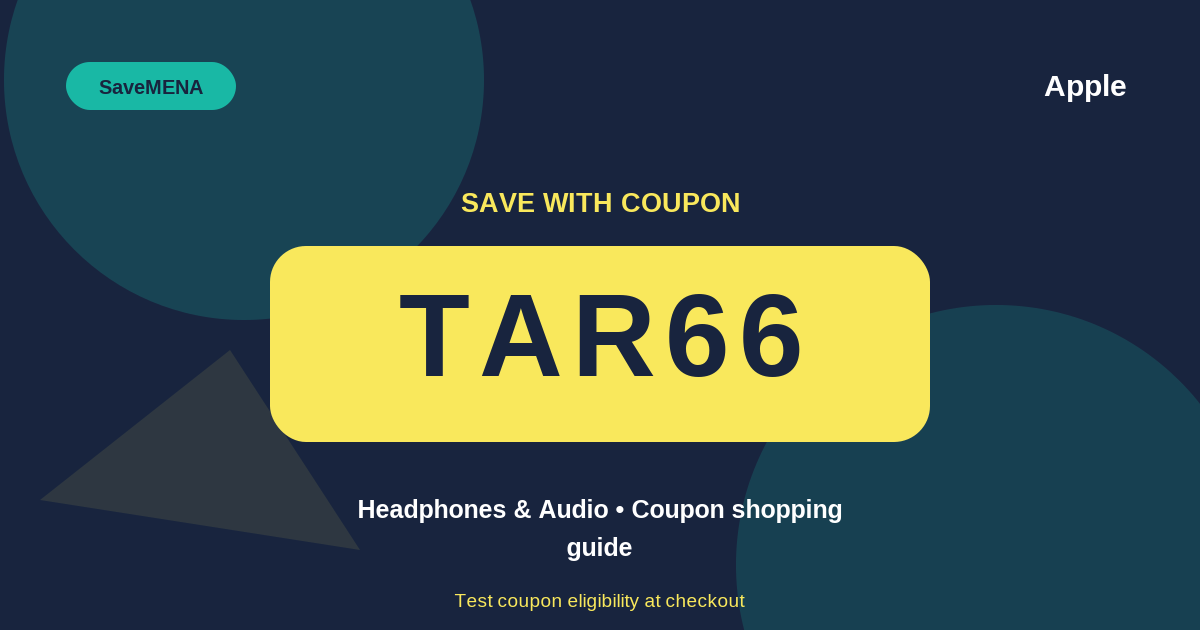
Codes available to try while comparing
These codes are not guaranteed for the article topic or listed brands; test them at checkout and use the live result.
Delivery Options and Their Impact
When you reach the checkout, Noon presents multiple delivery options: standard, express, same‑day, or pick‑up in-store. Each choice carries a different fee, with express and same‑day typically incurring higher charges. In many cases, the price of the headphones influences which delivery tier is viable—lower‑priced items may default to a paid standard option, while higher‑priced Apple models might enjoy a complimentary delivery in certain zones. Mapping the cost of each option against your timeline lets you make an informed decision about whether the time saved justifies a higher fee.
It’s also worth checking whether your delivery region offers a “free delivery” window, sometimes available to elite or loyalty members. Although Apple headphones usually qualify for a flat delivery fee, advanced filtering options on Noon’s site let you sort by delivery type, so you can preview the actual cost before adding the item to your cart. Always verify the fare on the summary page as the final delivery charge can slightly shift due to ongoing promotions or seller‑specific adjustments.
Understanding Service Fees and Where They Come From
Noon typically imposes a service fee to cover platform maintenance, payment processing, and customer support. For Apple headphones, this fee is added after the product price and delivery charge. While the amount is often standard across most orders, it can vary if the seller uses third‑party fulfillment services or if the order is high‑value. These fees are generally listed under a line item titled “merchant service fee” or simply “service fee” and are added automatically during checkout.
Because the service fee is a fixed percentage of the order subtotal, it scales with the product price. Therefore, a single pair of high‑end Apple headphones will attract a higher absolute fee than a budget model. Noel’s interface allows you to view a breakdown of this fee; click on the “fee details” link if available to confirm the exact calculation. By reviewing these details regularly, you can gauge how much of your final total is genuinely linked to the headphones versus ancillary platform costs.
Using Coupon TAR66
The coupon code TAR66 can be entered during checkout in the “promo code” field. If the code is valid, a discount will appear as a separate line item, reducing either the product price, the delivery fee, or the service fee, depending on the promotion’s rule. SaveMENA does not claim any guarantees about the discount’s magnitude or applicability, so it’s essential to check whether TAR66 applies to Apple headphones specifically or to the total cart value only.
Even if you successfully apply TAR66, the code won’t automatically offset delivery or service fees unless the promotion explicitly states so. For example, some coupons are limited to product discount only, meaning the delivery cost remains unchanged.A coupon is not guaranteed; verify its result at the retailer checkout.
Example Scenario Without Numbers
Let’s imagine you add an Apple headphone set to your cart. Noon will list the base price first, followed by a delivery fee selected based on your chosen speed, and then the standard service fee. After the payment method is chosen, the order may trigger a tax line. If you include a valid promo code like TAR66, that line appears, diminishing either the headphone price or the delivery fee depending on the coupon’s specifics. The final screen will sum the subtotal, all fees, and taxes, giving you the only checkout‑time total you pay.
Because we cannot provide actual dollar amounts, the most reliable way to confirm each step is to click through to the summary window at each stage. There, Noon explicitly lists every component, so you can verify what part of the total is influenced by delivery, which part is the service fee, and whether the coupon was accepted and applied correctly.
Tips for Minimizing Delivery and Fees
There are practical ways to reduce add‑on costs. If you shop regularly, look for periods when Noon runs a promotion on free delivery for high‑value items or for new members. Coordinating multiple purchases of different items can spread a fixed delivery fee across several orders, lowering the per‑item cost. Some sellers offer “flat‑rate” shipping or include shipping within the product price, particularly for luxury Apple products, so choose sellers that incorporate shipping into the price to avoid separate fees.
Another approach is to monitor Noon’s dedicated “express delivery” or “same‑day” options; while pricier, they sometimes have lower overall fees due to bundled shipping rates. Checking these options at the cart level can reveal whether the expedited cost outweighs the benefit of a lower fee structure. Always save your checkout the day you’re ready to buy; many retailers show a temporary reduction if you finalize before a certain time, which could offset some of the fees carried in the final total.
The Final Settlement
At the checkout completion stage, Noon consolidates all charges into a single line called “final payable amount.” This includes the product price, the applied delivery fee, the service fee, any taxes, and a subtraction of any valid coupon savings. No extra fees are hidden beyond what’s shown, allowing you to read the exact total you will be billed. The final screen also offers a “payment method” selection process, where you choose either credit card, PayPal, or carrier‑to‑carrier payment; some methods may add a small transaction fee, so be aware of any additional charges in the payment summary.
When you confirm the order, Noon presents a confirmation page that repeats the final total and offers a printable recap. SaveMENA advises keeping this page as proof of the final amount, especially if you need to track delivery charges for warranty or purchase record. Once the order completes, you’ll receive an email confirmation with the same breakdown, so you can verify that no unexpected fees appeared after the final settlement. Staying vigilant at this last step guarantees that the sum you saw on the screen will match what your bank statement shows.
Compare alternatives without guessing
When you compare another option in apple, keep the specifications, quantity and seller as consistent as possible and compare the total shown at checkout. A different coupon does not automatically make a deal better because delivery, fees and the live basket context can change the outcome. Use the final payable total as the practical comparison point.
If the retailer shows a specific condition, rely on that visible message; if it does not, do not turn an assumption into a general rule. Test available options one at a time and note any real change in the total or eligibility message. That creates a verifiable shopping comparison instead of a recommendation built on an unsupported marketing claim.
Related SaveMENA pages
Related articles
Official sources to check
Frequently asked questions
Does the the coupon code code TAR66 apply to Apple headphones on Noon UAE?
The code can be entered during checkout and will be reflected on the payment summary. However, SaveMENA does not guarantee its applicability to Apple headphones, so verify at checkout.
How can I see the exact delivery fee for my order?
Once the item is in the cart, navigate to the checkout screen; the delivery fee will be displayed next to the chosen delivery option before you finalize payment.
Are there any hidden fees beyond the service and delivery charges?
All fees are listed before the final total. If a payment method adds a small transaction charge, it will appear in the payment summary.
What if I want to cancel my order after seeing the final total?
Check Noon’s cancellation policy online. Cancellation fees, if any, will be outlined in the policy section prior to completion.