Puma Men’s Fashion on Noon UAE: delivery fees — delivery-inclusive price · TAR64
When calculating your final purchase cost on Noon UAE, understanding how delivery fees and other charges adjust the total is essential.
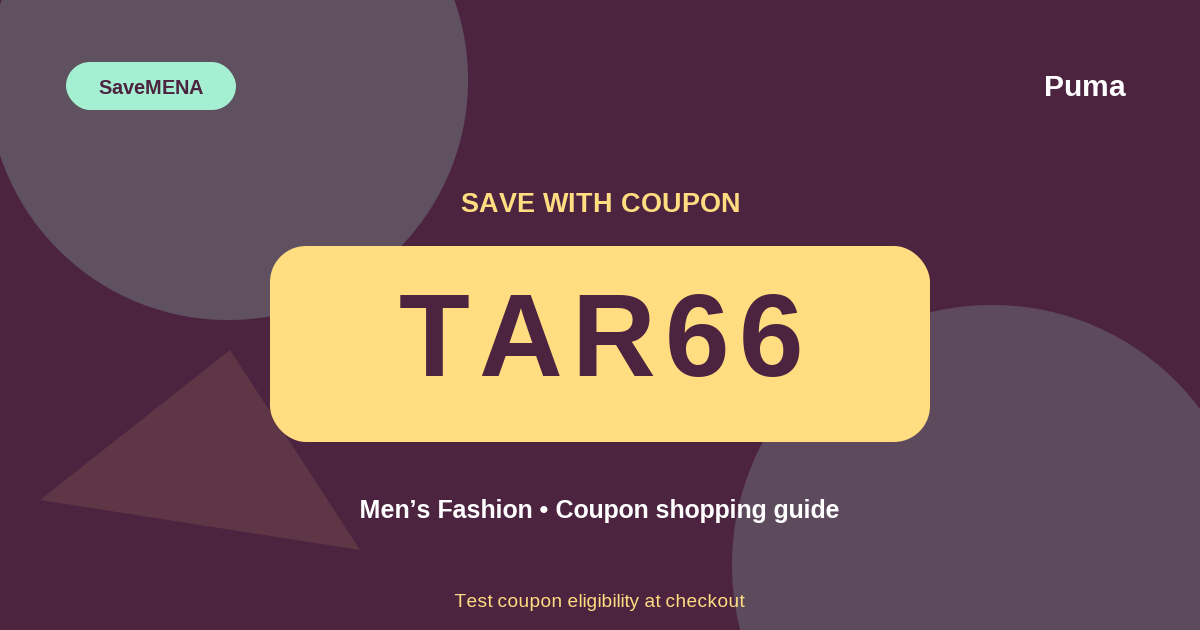
Codes available to try while comparing
These codes are not guaranteed for the article topic or listed brands; test them at checkout and use the live result.
How Noon UAE Calculates the Final Total for Men’s Fashion
Every purchase on Noon Uganda begins with the product’s listed price. For men’s fashion items, that base cost may already include sales tax or storage fees, but the platform separates those elements for clarity. When you proceed to checkout, Noon automatically appends a delivery charge in addition to any applicable handling or processing fees. The sum of product price, delivery, and minor service fees results in the 'Subtotal' displayed on your virtual shopping bag.
The subtotal is not your final payable sum. Noon applies any active promotional codes, discount vouchers, or cashback offers right after the subtotal calculation. Only after these adjustments does the platform present the “Total” line you need to pay. For shoppers interested in PUMA items, the final total will reflect the specific delivery fee applicable to that brand’s listing, ensuring you’re aware of the exact cost before confirming the transaction.
Using the TAR64 Coupon: What It Covers and What It Doesn’t
The TAR64 coupon can be applied during checkout to reduce your purchase price or delivery charge, depending on the coupon’s conditions. It does not guarantee a discount on every PUMA product or a free delivery on all orders. Instead, it offers a potential reduction that will appear as a negative value in the final total section. The platform will subtract the coupon value from either the base amount or the delivery fee, whichever is appropriate.
Once applied, the updated total will reflect the coupon’s effect immediately, giving you a clear picture of how much you save before proceeding. Because Noon doesn’t disclose the exact discount details for each voucher until you enter the code, always verify the adjusted total after applying TAR64. This step ensures you’re not caught by an unknown difference between the advertised and the final payable amount.
Reviewing the Order Summary: Spotting Hidden Fees
The order summary appears just before payment confirmation. Here, Noon lists each component of the cost: product price, subtotal, delivery fee, any processing charges, and discounts applied. Men’s fashion purchases, especially for brands such as PUMA, may include brand‑specific handling fees—these are harmless extras that sometimes smooth out logistical complexities. They are disclosed explicitly in the summary to prevent surprises.
It’s common for marketers to bundle small processing fees into the final total. Noon's layout separates them, so always double‑check each line-item. Should you notice a fee you do not recall authorizing, remove the product or contact Noon customer service. Similarly, if the delivery fee seems higher than what is expected, verify you selected the correct delivery option before confirming your order.
Factors that Influence Delivery Fee Variability
Delivery fees can fluctuate based on a number of criteria, including the size and weight of the item, the seller’s location relative to your address, and the upfront cost of shipping. Larger PUMA apparel or accessories sometimes incur a higher nominal postal charge. The seller’s logistics hub proximity also plays a role; a hub closer to Dubai, for example, may have lower shipping costs than one located further inland.
Because Noon doesn’t reveal the metric behind the calculated fee at lobby time, shoppers should rely on the final view. If you select a different delivery method or choose to wait for the next shipping window, the platform instantly updates the fee. This transparency helps you make a more informed decision about whether the added price is worth the immediate delivery or faster service.
Why the Final Total May Differ from Pre‑Checkout Estimates
On Noon, the preliminary estimate shown on the product page usually excludes taxes, shipping, and discount vouchers. Even a small difference in shipping weight can shift the shown price when you start the checkout process. For PUMA apparel, some sellers add a “brand handling” fee, which is only applied at the end of your cart review. These eventual additions transform your perceived cost into the real amount you pay.
In such cases, the variation isn’t arbitrary; it reflects actual service costs incurred by Noon or the seller. To avoid being caught by these adjustments, make sure to read all the fine print in the “Terms of Delivery” section exchanged during checkout. This ensures you understand all distinct loading points on your purchase, giving you complete control over the final total.
Choosing Payment Methods That Influence Fees
Different payment choices—credit card, debit card, buy‑now‑pay‑later options—can introduce processing fees or interest depending on the partner financier. For example, using a specific card plan might add a small service charge or waive a delivery fee altogether. While Noon doesn’t force a particular method for men’s fashion items, it suggests you select the method that offers the best balance between convenience and total cost.
Buy‑now‑pay‑later or installment plans may include hidden assurances, like a post‑purchase fee that’s added to your final balance. By reviewing the payment section, you can identify any additional fees that would change your subtotal. Checking the payment method details before placing an order allows you to confirm that the final total truly reflects the cost you accept.
Final Tips for Controlling Delivery Fees on All Men’s Fashion Purchases
To keep delivery fees minimal, consider consolidating multiple purchases into a single order, as Noon sometimes offers free or discounted shipping when ordering over a certain amount. Also, check if the seller’s shop offers a “delivery discount” or a complimentary pickup at a nearby store—this may appear as a separate option later in the checkout steps.
Next, evaluate your shipping preference relative to the price spread. If you’re in no rush, selecting Standard Delivery can be cheaper than Express. For new orders, monitor any “delivery deadline” field, as shipping over the weekend or at a busy time can increase costs. By adjusting these variables, you maintain a clear picture of how delivery and fees rewrite the final total.
Compare alternatives without guessing
When you compare another option in puma, keep the specifications, quantity and seller as consistent as possible and compare the total shown at checkout. A different coupon does not automatically make a deal better because delivery, fees and the live basket context can change the outcome. Use the final payable total as the practical comparison point.
If the retailer shows a specific condition, rely on that visible message; if it does not, do not turn an assumption into a general rule. Test available options one at a time and note any real change in the total or eligibility message. That creates a verifiable shopping comparison instead of a recommendation built on an unsupported marketing claim.
Related SaveMENA pages
Related articles
Official sources to check
Frequently asked questions
How do I see the exact delivery fee before I place my order?
In the checkout overview on Noon, each final total shows a distinct line for the delivery fee. Hover or click the fee label for more detail, or use the “Review Order” screen to ensure the fee matches your selected shipping option.
Can I get free delivery on PUMA items at Noon UAE?
Noon doesn’t guarantee free delivery for all PUMA products. Certain sellers may waive delivery fees for specific orders, but this is highlighted in the item’s shipping information section during checkout.
What happens to the TAR64 coupon if I order more than one PUMA item?
When multiple PUMA items are in your cart, the TAR64 coupon applies to the entire order. After submission, the coupon’s discount will reduce the combined subtotal or delivery fee, depending on its terms.
Do I need a special account to use TAR64?
Noon doesn’t require a special or new-user account to try TAR64. Simply enter the coupon code during checkout on any existing account; the platform will apply the discount if eligible.