Huawei Mobiles on Noon UAE: delivery fees — delivery-inclusive price
Choosing a Huawei model on Noon begins with filtering by specifications, color, and price range. After selecting the desired variant, click “Add to Cart.” At this
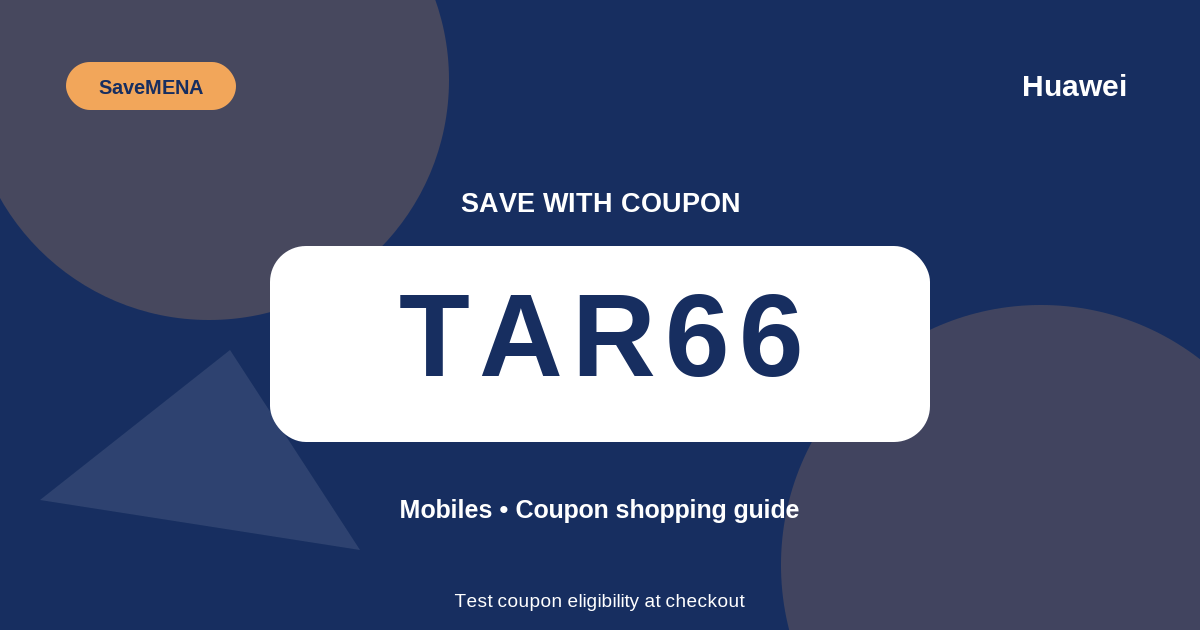
Codes available to try while comparing
These codes are not guaranteed for the article topic or listed brands; test them at checkout and use the live result.
How to Add Huawei Devices to Your Noon Cart
Choosing a Huawei model on Noon begins with filtering by specifications, color, and price range. After selecting the desired variant, click “Add to Cart.” At this point, the system may prompt you to choose a specific seller if multiple listings are available. The seller’s location, ratings and delivery promise affect the anticipated delivery cost, so it is wise to review the seller details before confirming.
Once the cart is populated, the sidebar will update with the base price and a provisional delivery fee. If you plan to use the TAR66 coupon, ensure it is entered at this stage; coupons are typically applied at checkout but can be pre-checked for eligibility. Remember, any additional fees will still surface at the final payment screen.
Calculating the Final Total: Discounts, Fees, and Delivery Charges
The final total you pay is a sum of the item price, any applicable discount (like the TAR66 coupon), taxes, and additional fees. Noon UAE’s algorithm calculates this composite figure after you confirm the order and select your payment method. The resulting “Noon UAE total with delivery Mobiles Huawei delivery and fees” is the amount that will be debited from your chosen account.
If the coupon code yields a discount, it is applied before tax but after delivery charges—that means the delivery fee stays unchanged. Because Noon does not publish a fixed delivery rate for every seller, the checked amount is the only reliable indicator of the cost. Shopping in real-time ensures you are not shocked by hidden marks added later in the process.
Using the TAR66 Coupon: Where and When to Apply
The TAR66 coupon is available to try and can increase savings when it is accepted by a qualifying seller. At checkout, locate the “Enter Coupon Code” field and type “TAR66.” The system will validate the code against the cart’s contents and apply any reduction instantly in the summary table.
Since Noon doesn’t guarantee coupon applicability, it’s essential to check the coupon’s validity right after entry. If the coupon is not accepted, review the product or seller details because some listings may exclude coupon use, or the coupon may only be valid for a subset of Huawei models. The updated final total will reflect any changes.
Comparing Carrier‑Specific Delivery Policies for Huawei Phones
Different carriers in the UAE often partner with Noon sellers. Carrier‑specific delivery policies can influence both the speed and cost of shipment. For instance, a carrier that offers same‑day delivery may levy a higher fee than another that delivers within 3–5 business days. Buyers should compare these options before finalizing the cart to ensure their chosen Huawei device arrives within the desired timeframe and at a reasonable cost.
In addition, some carriers include a convenience fee at arrival if the buyer is not present. This fee is typically listed as a separate line item during checkout, which directly adds to the “Noon UAE total with delivery Mobiles Huawei delivery and fees.” Being aware of this possibility helps you decide whether you’ll need a delivery reservation or are comfortable accepting a surcharge.
Payment Methods and Their Impact on Fees for Mobile Orders
Noon offers multiple payment methods: debit/credit cards, digital wallets, and installment plans. Each method may attach an extra charge that appears only at the payment selection step. For example, a card issuer might add a small processing fee, and a wallet transfer could have its own service fee. These additional charges are part of the final total and will be displayed after you confirm your payment type.
To pre‑empt unexpected costs, review the “Payment Summary” before final submission. Some payment methods also reduce the total by allowing you to split the amount into equal installments, which can affect how fees are allocated. Always cross‑check that the total shown matches the “Noon UAE total with delivery Mobiles Huawei delivery and fees,” especially if you have used a discount coupon.
Keeping Track of Your Order: From Checkout to Dispatch
After confirming payment, Noon issues an order confirmation that includes an order number, estimated delivery window, and a tracking link. This link connects you to the carrier’s live shipment activity and displays any applied fees or surcharges that were applied after the initial “Noon UAE total with delivery Mobiles Huawei delivery and fees.” By tracking the shipment you can anticipate the arrival of your Huawei device and confirm that no extra charges past the listed total appear.
If the actual delivery invoice differs from the pre‑checkout total, contact Noon’s customer service for clarification. Some charges, such as customs duties for international orders, may appear later and aren’t reflected until the item is physically dispatched. This scenario doesn’t affect the final amount you paid but may be relevant for accounting and return policies.
Tips for Managing Unexpected Costs and Saving on Huawei Mobile Shopping
One of the best methods to mitigate surprise fees is to consistently review the “Cart Summary” before advancing to checkout. Since Noon updates fees dynamically, changes in shipping promotions or your chosen delivery window can alter the final total. For Huawei phones that have varying weight categories, lighter models often carry lower delivery charges; this subtle factor can influence the final price.
Also, keep an eye on Noon’s seasonal promotions and add the TAR66 coupon at the earliest possible moment. Even if the coupon doesn’t apply, you may be able to catch other savings like free delivery for specific regions. Ultimately, the “Noon UAE total with delivery Mobiles Huawei delivery and fees” is finalized only at the payment step, so double‑check all elements before confirming to stay in control of your spending.
Related SaveMENA pages
Related articles
Official sources to check
Frequently asked questions
Will delivery fees change after I select my payment method?
Yes, some payment methods add a small processing fee that becomes visible once you choose the method, which can affect the total.
Can I cancel a Huawei phone order after I see the final delivery fee?
Cancellation policies vary by seller and product. Check Noon’s order status page or contact customer support promptly if you need to cancel.
Is the “Noon UAE total with delivery Mobiles Huawei delivery and fees” displayed before or after I pay?
It is calculated and displayed on the final payment screen, so you see the exact amount that will be debited once you confirm.