Samsung Mobiles on Noon UAE: delivery fees — delivery-inclusive price
When you shop for a Samsung mobile on Noon UAE, the total you see at checkout reflects not only the base price but also the delivery fee and any applicable charges
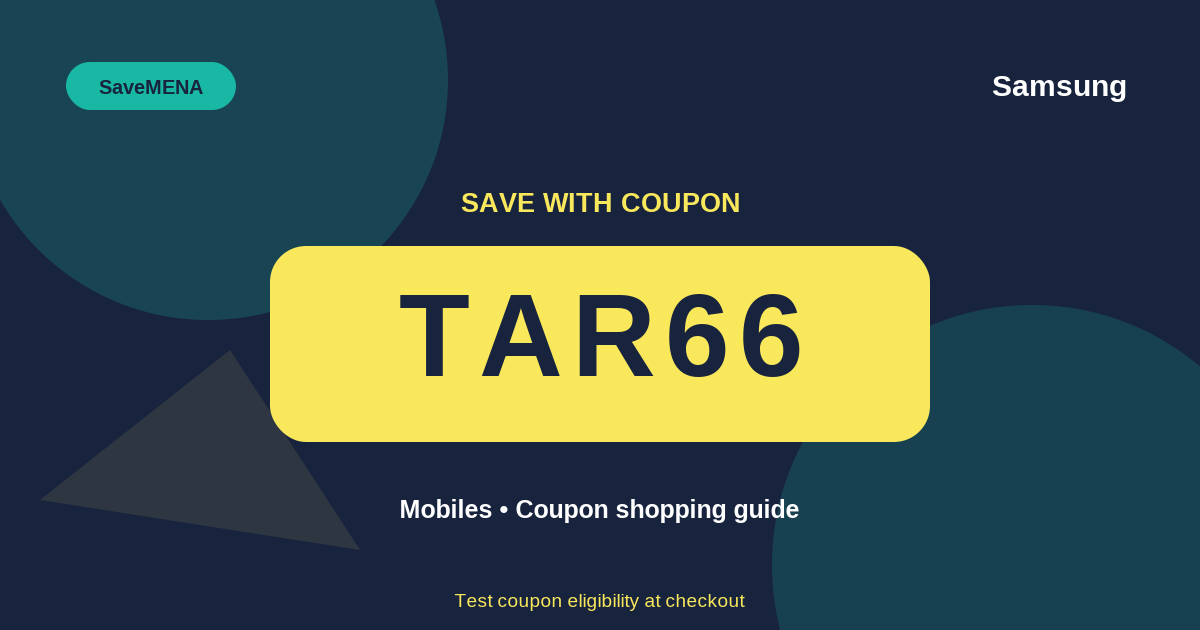
Codes available to try while comparing
These codes are not guaranteed for the article topic or listed brands; test them at checkout and use the live result.
Understanding Noon UAE Total with Delivery and Fees
When you add a Samsung mobile to your basket on Noon, the initial display shows only the base price, often overlooking important elements that will be calculated later. Delivery fees, customs duties, and potential tax adjustments are typically summed before the checkout page confirms the final figure. The way these figures are grouped may differ depending on your delivery address, so always compare the listed “delivery” line and any “additional fees” line to verify what you’ll pay. Understanding how Noon structures these items will help you predict the overall cost with more confidence.
At checkout, the platform aggregates all active charges into a single total. This line stands out from preceding elements such as the product price or applied discounts, making it easy to see the combined sum of base cost, delivery, and other fees. By examining each component individually—especially the delivery fee—you can identify where the greatest impacts are and judge if the combined amount is reasonable compared to alternative sellers. Remember that the final number represents what you truly owe, not just the product’s advertised cost.
How Delivery Fees Shape Your Mobile Shopping Experience
Delivery fees on Noon vary depending on factors like distance from the fulfillment center, the class of delivery requested, and whether you opt for express service. While the small flat rates feel negligible, on a high‑value Samsung device, they can translate into more noticeable sums. Some sellers combine delivery with packaging or handling fees, which appear together on the final quotation page, while free shipping may appear as a zero line underneath the header. Your choice of seller can shift how those fees are applied.
The impact of delivery fees is more pronounced when you’ll have to pay extra for a different delivery point, such as a corporate address, or when the merchant offers a specialized courier. In these cases, Noon will list a separate “delivery” charge and may also show an optional “delivery surcharge.” Checking these subtleties can highlight how the final total might increase without obvious mention during earlier navigation.
Choosing the Right Samsung Mobile for Your Needs
Samsung’s line of mobiles in the UAE ranges from modest models to flagship releases, each carrying its own value and, consequently, its own shipping profile. More advanced specifications usually incur a higher base price, but also possibly a different handling fee. Likewise, larger models may be delivered via a custom packaging process that adds a nominal fee. Choosing the device that best fits your usage and budget helps you account for logical variations in delivery cost.
When evaluating models, use Noon’s built‑in filters to narrow by features like camera resolution or processor speed. However, keep in mind that these filters affect only display, not courier choices; the delivery cost is calculated after selection. Reviewing the model’s cost together with the expected fee will showcase how much the fee nudges the final outcome relative to the base price.
Checking Seller Information for Secure Purchase
Not all Samsung mobiles on Noon come from the same vendor. A reputed seller may offer a complimentary shipping or a slightly lower handling rate. Inspect the seller badge, read their return policy, and view rating summaries before committing. Sellers above certain credibility thresholds frequently announce “free delivery,” which often reduces the final figures substantially compared to standard courier fees.
When you hit the “Add to Cart” button, the system shows a quick preview of the selected item's price, but the delivery cost appears only after the “Proceed to Checkout” step. Some sellers place the delivery fee as a separate line, while others embed it under a larger “Shipping & Handling” category. Cross‑checking these labels against each other ensures there are no hidden increments that would unintentionally raise your payable amount.
Applying the TAR66 Coupon: A Quick Guide
The the coupon code coupon TAR66 is presented as a promotional code you can try at checkout to potentially reduce your bill. While Noon clearly displays where to enter the code, the exact savings it provides is only revealed once you apply it, typically reflected as a deduction beneath the product total. If the coupon is accepted, the new figure will display directly on the summary page.
Because Noon does not provide specifics like discount rate or minimum spend, you should verify simply whether the code is accepted by looking for a “discount applied” message or an updated total. If you notice the final amount still includes the original delivery fee and any other charges, that indicates the coupon’s impact was limited to the product price alone. Always double‑check the receipt after applying the code to ensure the deduction is indeed reflected.
Payment Options and Their Impact on Final Cost
Noon offers multiple payment methods, ranging from credit cards to local wallets and buy‑now‑pay‑later schemes. While most payment options do not alter the total you owe, some may apply an additional convenience fee or a mild surcharge for specific services. Checking the payment screen will display whether a fee is associated with your chosen method.
If a surcharge appears, it will directly affect the “final total” line, pushing the final amount higher. Some services include a “payment processing” fee that may be a small fraction of your order. This fee is typically calculated after the delivery cost but influences the figure you see in the final cost display.
Shipping – Tracking, Timing, and Additional Charges
Once you confirm payment, Noon delivers a tracking number and an estimated delivery window on the order confirmation screen. Tracking details will outline whether the item is being handled through a standard or expedited channel, which may impact any secondary fees that could arise if you request changes to your delivery details at a later time.
If you need to adjust the delivery address after checkout, you may be prompted for an additional “change of address” fee. This fee can spill over onto the final total after the original display. Tracking a delivery and monitoring any applied adjustments is essential to avoid surprises that can inflate the final bill.
Final Touches: Reading the Checkout Summary
Before completing the purchase, open the final summary page. This acts as the authoritative display of every charge: base price, applied coupon, delivery fee, shipping fee, and any payment‑related surcharges. The total will sit at the bottom, labeled plainly as the amount you are asked to pay. Comparing each line against earlier estimates helps confirm that no hidden fee is present.
In the UAE market, delivery and fees are often pronounced when large‑value electronics are involved. When the final figure looks plausible compared to other platforms or different sellers, you can be confident you’ve made a well‑informed decision that aligns with your cost expectations. If any figure seems inconsistent, double‑check the line items before finalizing the purchase.
Related SaveMENA pages
Related articles
Official sources to check
Frequently asked questions
What does the Noon UAE total include?
The final total on Noon reflects the base price of your Samsung mobile, any delivery or handling fee, battery or customs charges if applicable, plus a small surcharge for certain payment methods.
Can I avoid delivery fees when buying on Noon?
Delivery fees are often tied to seller policies and delivery options. Some sellers offer free shipping on specific devices, while others have flat rates or discounts for certain payment methods that can reduce the delivery fee.
Will the TAR66 coupon affect my delivery fee?
Usually the coupon applies only to the product’s price, not delivery charges. However, this may differ based on the seller’s policy, so check the final statement after coupon application.
How do payment surcharges influence the final total?
If your chosen payment method has an additional convenience charge, it will be added to the total displayed during checkout, increasing the amount you owe.