School & Stationery on Noon UAE: delivery fees — delivery-inclusive price
For UAE students, parents and teachers, knowing exactly how your Noon UAE total comes together is a vital part of smart shopping.
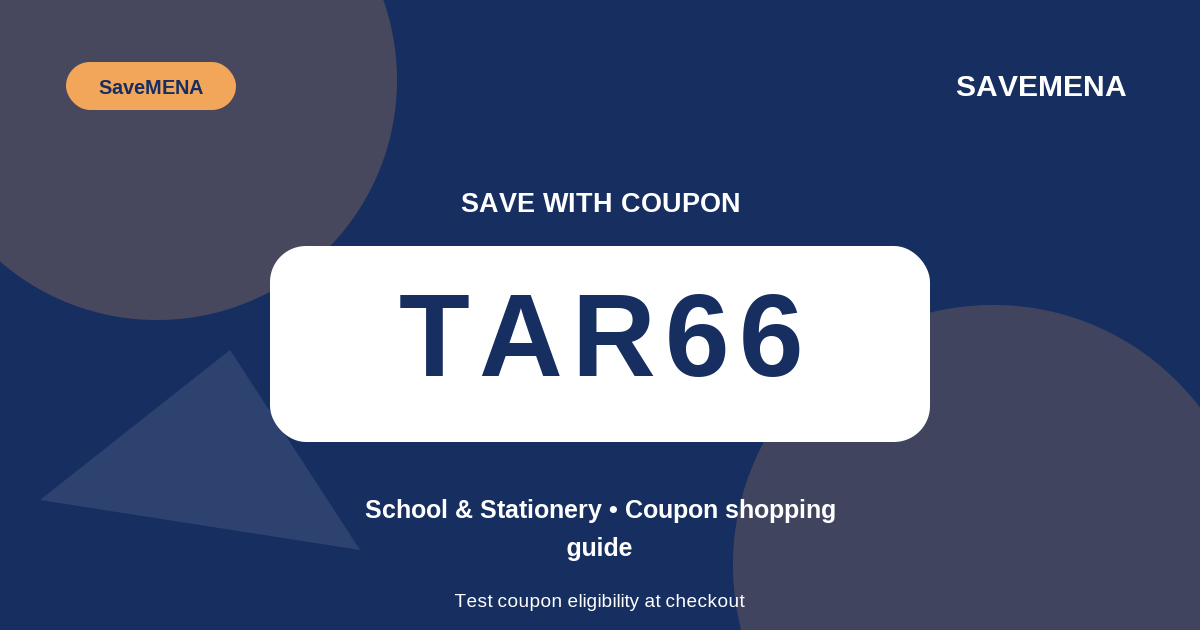
Codes available to try while comparing
These codes are not guaranteed for the article topic or listed brands; test them at checkout and use the live result.
Understanding the Noon UAE Total: Delivery and Fees Explained
The Noon UAE total is displayed only after the system has compiled the individual item prices, applied any applicable taxes, added the chosen delivery fee, and subtracted available coupons. Each element can change depending on your location, selected delivery window, and the item’s seller presence. For school and stationery items, sellers often set their own delivery rates, which Noon aggregates. When you view the cart summary, the “Delivery & Fees” section will display a subtotal that may include delivery charges, handling fees, or platform fees, depending on the category and courier partnership. Knowing what each line item represents is the first step toward controlling the final amount.
Below the delivery line, you’ll usually find a “Tax” label if VAT applies to the product or shipping. It appears after the delivery fee is added but before the coupon is applied. The platform or order fee is rare for stationery, yet some large bulk orders or premium bundles may trigger it. Always verify the “Total” figure just before you proceed to payment; this is the sum of all previous components. Because the total is recalculated each time you modify quantity or quantity, keep an eye on how the fee structure updates in real time.
How Stationery Costs Build Up the Final Price
Stationery and school supplies come in varied price ranges—from affordable basic pens to premium planners. Each item lists a “Price” field that reflects the purchase cost excluding shipping. For bundles or multi‑packs, Noon reduces the unit price, but a shelving fee or restocking fee sometimes appears as a small addition. When multiple items are in the cart, the platform may compute a “Bulk Discount” automatically. However, this discount will not appear unless the items are marketed as a bundle; otherwise, you simply pay the sum of individual prices.
When you add a new item, note if the seller’s name displays as “OEM” or a reseller. Some sellers offer free delivery for items above a threshold; others maintain a flat fee regardless of the basket size. For school and stationery, the delivery fee is more likely to be tied to the seller’s policy. Ensure you read the “Delivery & Fees” note, which might say “Free delivery for items above X dirhams.” This final detail is critical for deciding whether to add extra items to meet the threshold.
The Role of Delivery Charges in Your Total
Delivery fees on Noon vary by seller and region. In many cases, the seller sets a separate cost for courier service; if the order is large or heavy, it may attract a higher fee. For school supplies that are lightweight, the fee often remains standard. Delivery costs are shown under the “Delivery & Fees” section before tax. By default, Noon applies the smallest fee from all eligible couriers, but some sellers require a specific courier. This can influence the fee because different couriers charge differently. The delivery window you choose may also affect the cost—express delivery usually has a higher fee than standard.
You can reduce the delivery charge by choosing items with free shipping thresholds or by purchasing from a studio with a lower shipping rate. In addition, Noon sometimes offers free delivery during promotional periods, but these periods must be confirmed at checkout. Always check the delivery fee after you add all items because it can shift if you reach a free shipping threshold or if the seller’s items change.
Using the TAR66 Coupon: What to Expect
When you apply the coupon code TAR66, the system will attempt to reduce the total as per the coupon’s eligibility rules. The discount is applied after delivery & fees, meaning the coupon can lower your total by the coupon’s value, if applicable. There is no assurance the coupon will work for each SKU; it depends on the seller and category. If the coupon does not apply, Noon will display a message explaining why.
Because the coupon code is part of the final calculation, you’ll see the discounted amount reflected in the “Total” line only after applying. If the coupon does not provide a discount, the total will remain unchanged.A coupon is not guaranteed; verify its result at the retailer checkout.
Category Specific Fees: School Supplies vs Office Stationery
School and stationery orders often involve several types of items: pens, notebooks, organizers, and art supplies. Each category may carry a different fee structure. For example, bulk packaging for stationery may incur a higher handling fee than single-piece items, resulting in a small but noticeable addition to the Delivery & Fees line. In contrast, office stationery such as pens and markers often enjoy lower handling costs due to their smaller size.
When opening the cart, watch for an “Handling” field separate from delivery. It usually appears after the “Delivery” row but before the tax. Handling fees are attributed to the seller and can increase the total slightly. For school items, these fees can be the same across sellers or may differ if the seller uses a premium packaging service. Know what you’re paying for when total breakdown shows handling, and consider removing high‑fee items if the budget is tight.
Checking the Final Copy: Get the Accurate Total
Before you finalize the purchase, review the cart’s final “Total” figure carefully. Midnight changes such as a coupon acceptance or a twenty‑three‑minute calculator may set the final line. Make sure that the total includes all components—price, delivery, handling, tax, and any coupons applied. Visible percentages or symbols like “‑the discount shown at checkout” on the page indicate the coupon has been processed, but you should still confirm the dollar value is correct.
If anything looks off, try clearing the cart or refreshing the page. That ensures any temporary glitches don’t affect your final amount. During the payment step, Noon may re‑confirm fees with subtle adjustments if there’s a promotion that activates instantly. Whenever the process offers an alternative payment option (like using a loyalty point program), the projected total will change accordingly. Verify each step until you see the same amount displayed throughout the payment flow.
Final Thoughts and Actionable Tips
Here’s a quick checklist to ensure your Noon UAE total remains predictable: verify the seller’s delivery fee before adding items; add items until you hit any free‑shipping thresholds; apply the TAR66 coupon after the cart is complete; confirm the final total displays all components; and double‑check the same figure on the payment screen. Shop late in the day, if possible, to catch any last‑minute promotions that may not be public yet. By following these steps, you’ll rarely see unexpected additions to your final payable amount.
Keep in mind that policies can shift. If a seller’s fee structure changes or a new tax rule kicks in, Noon will update the cart automatically. Never rely solely on the first subtotal you see; always review the final numbers before confirming the purchase. Using the coupon and understanding the fee matrix will let you consume your stationery budget with confidence, giving students and educators the tools they need without a price shock at checkout.
Compare alternatives without guessing
When you compare another option in School & Stationery, keep the specifications, quantity and seller as consistent as possible and compare the total shown at checkout. A different coupon does not automatically make a deal better because delivery, fees and the live basket context can change the outcome. Use the final payable total as the practical comparison point.
If the retailer shows a specific condition, rely on that visible message; if it does not, do not turn an assumption into a general rule. Test available options one at a time and note any real change in the total or eligibility message. That creates a verifiable shopping comparison instead of a recommendation built on an unsupported marketing claim.
Related SaveMENA pages
Related articles
Official sources to check
Frequently asked questions
When is the delivery fee applied to my Noon UAE order?
The delivery fee is added after you have all items in the cart, usually within the “Delivery & Fees” section before tax is calculated.
Will the TAR66 coupon reduce the delivery fee?
The coupon discount is applied after delivery & fees, so it reduces the total amount after the fee is added but does not change the fee itself.
Can I buffer my order to reach free shipping in the school & stationery category?
Yes, many sellers offer free delivery once your subtotal crosses a set threshold. Add more items if you’re close to that limit.
What if the coupon code doesn’t work?
You’ll see a notification at checkout explaining why it’s not eligible. Once accepted, the discount appears on the final total. If it fails, the total stays unchanged.