Braun Home Appliances on Noon UAE: delivery timing — delivery-inclusive price
Noon UAE total with delivery Home Appliances Braun estimated delivery timing: When you’re shopping for a new Braun home appliance on Noon UAE, the price at first
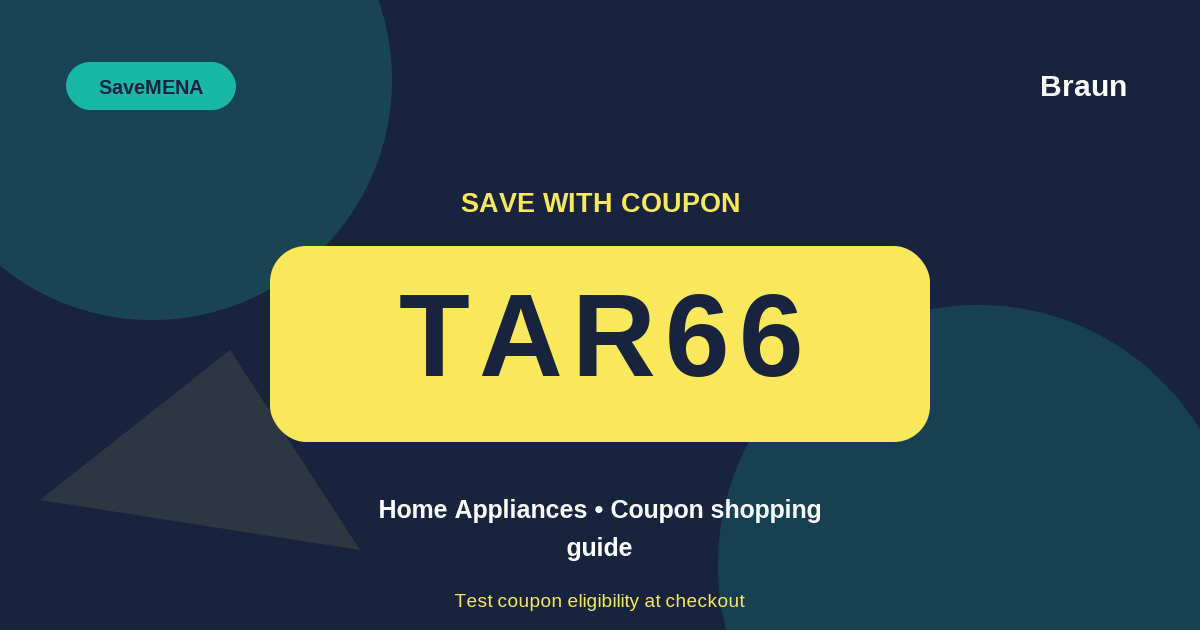
Codes available to try while comparing
These codes are not guaranteed for the article topic or listed brands; test them at checkout and use the live result.
Understanding Total Cost Breakdown on Noon
On Noon, the product page shows the list price and occasionally a discounted price. However, that figure does not include delivery charges, which vary by seller and chosen shipping option. When you add a Braun appliance to your cart, a separate “Estimated Delivery” section appears, alongside a highlighted fee for shipping. This fee can be standard or expedited, and its amount might change depending on your location within the UAE.
To gauge the true cost before checkout, click the “View Cart” button and review the “Subtotal” next to the product price, the “Delivery Fee,” and the “Total” estimate. The total displayed here is provisional—it will be recalculated at the final checkout screen once you confirm payment method and shipping address. Keep this provisional total in mind as you test different delivery speed options.
Checking Delivery Fees Before Adding Braun Appliances
Delivery fees on Noon can differ from one seller to another, even for the same Braun model. Before you add the appliance to your cart, take advantage of the “Seller Reviews” link that often lists a standard shipping fee. This fee is usually the same for the entire order but can be waived if you exceed a certain purchase threshold—a detail you should verify in the seller’s policy section.
When you add the Braun item to the cart, refresh your browser or revisit the cart page to see if a discounted order minimum applies. If your payment isn't covered by a subscription program, the fee will appear as a separate line item. Verify that this fee matches the seller’s stated shipping rate and that no additional “Handling” charges are hidden.
Selecting the Right Home Appliance Variant for Faster Shipping
Different Braun home appliance variants can share the same name but vary in size, color, or feature set. Sparse variants often ship quickly because they are stocked at local distribution centers. Check the product detail page for a “Stock Availability” indicator under each variant; a ‘In Stock’ label typically signals a shorter shipping window.
If you select a variant listed as ‘Backorder’ or ‘Out of Stock,’ the estimated delivery date inflates, and the seller may apply a higher fee to compensate for expedited handling. Opting for a variant with a ‘Local Stock’ note reduces both the delivery lag and the shipping cost, assisting you in staying within your budgeting constraints.
How Estimated Delivery Timing Influences Your Choice
The estimated delivery timing column is an essential horizon for many UAE buyers who need appliances for upcoming events or seasonal use. A 2-3 day estimate is common when the item is in a nearby warehouse, whereas a 7-10 day estimate often points to cross‑airport dispatch. Beyond timing, the seller might offer a slightly higher fee for the same Braun model to guarantee faster arrival.
Comparing the two options—standard versus expedited—lets you weigh extra cost against the convenience of having your appliance ready when you need it. If the appliance is for regular, non‑urgent use, stick to the longer estimate to avoid higher fees. For critical installations, an upsized fee may be justified by the earlier delivery date.
Using the TAR66 Coupon at Checkout
When you reach the review‑order screen, look for an option to add a coupon. Enter “TAR66” to see whether it can be applied to your Braun home appliance order. Although the coupon is available for trial, there is no guarantee it will affect the final payable amount. Some sellers only accept coupons on their own site, not through Noon’s checkout.
After submitting the code, watch for the “Discount” line to appear. If it does not, confirm the coupon’s conditions via the seller’s FAQ or customer support. Even if it doesn’t apply, you still have the chance to lower your total by choosing a lower shipping fee or different payment plan, as outlined in the seller’s policies.
Confirming Delivery Date Before Finalizing Order
Once the coupon input is processed, scroll down to the “Estimated Delivery & Pickup” section. This area will now show localized delivery dates based on your address and chosen shipping speed. Notice that the date may shift if you change any portion of your order—such as exchanging the product, changing the address, or adjusting the shipping method.
Verify that the delivered date aligns with any glaring requirements you have—such as a holiday or a planned move. If there’s an incompatibility, use the “Change Delivery Options” button to adjust the speed or ship to the nearest pickup location. A confirmed date here secures your planning and ensures no surprise delays.
Reviewing Seller and Payment Method Impacts
Noon supports various payment methods, including credit cards, digital wallets, and installments. Some sellers advertise a “Zero‑Fee Installments” promotion that may reduce the effective cost but adds a small finance charge. Check the payment method section for additional fees or savings before confirming.
Seller shipping policies also play a role: some may charge for returns, while others offer free return shipping only after a certain time. Read the seller’s return policy in the cart before clicking “Place Order,” as these costs will affect the finalability of the purchase.
Tracking Your Braun Appliance After Purchase
After submitting the order, Noon provides a tracking link in your order confirmation email. Click this link for live updates on the shipment’s status—whether it’s pending, en route, or out for delivery. Since delivery timing varies by sponsor and swift dispatch, the tracking page may offer real‑time location updates and estimated arrival.
Use the tracking information to plan around the exact delivery window. If you notice a significant delay or discrepancy, contact the seller directly through the Noon chat interface. This step ensures you can resolve shipping issues before the appliance arrives, safeguarding both your schedule and your budget.
Related SaveMENA pages
Related articles
Official sources to check
Frequently asked questions
How does Noon calculate delivery fees for Braun home appliances?
Delivery fees are set by each individual seller and vary depending on shipping speed and the buyer’s location. They are displayed separately in the cart and recalculated again at checkout. This fee may also be waived if you meet a minimum purchase threshold specified by the seller.
Will the TAR66 coupon always apply to my Braun purchase?
The coupon is available for attempt, but its applicability depends on the seller’s acceptance policy. If the code does not register a discount, you can still use other savings methods like selecting a lower shipping fee or a cheaper payment option.
Can I change my delivery date after placing the order?
Once the order is confirmed, delivery date adjustments can only be made through Noon’s customer support. It’s best to double‑check the estimated delivery during checkout to avoid needing a post‑purchase change.
Is the estimated delivery time guaranteed?
The estimated time offers the most likely arrival window based on current shipping conditions. While Noon strives to meet the stated window, unforeseen delays like customs or weather can affect the final delivery date.