Nike Shoes on Noon UAE: delivery timing — delivery-inclusive price
Noon UAE total with delivery Shoes Nike estimated delivery timing: If you’re wondering how the “Noon UAE total with delivery” for a pair of Nike shoes ends up being
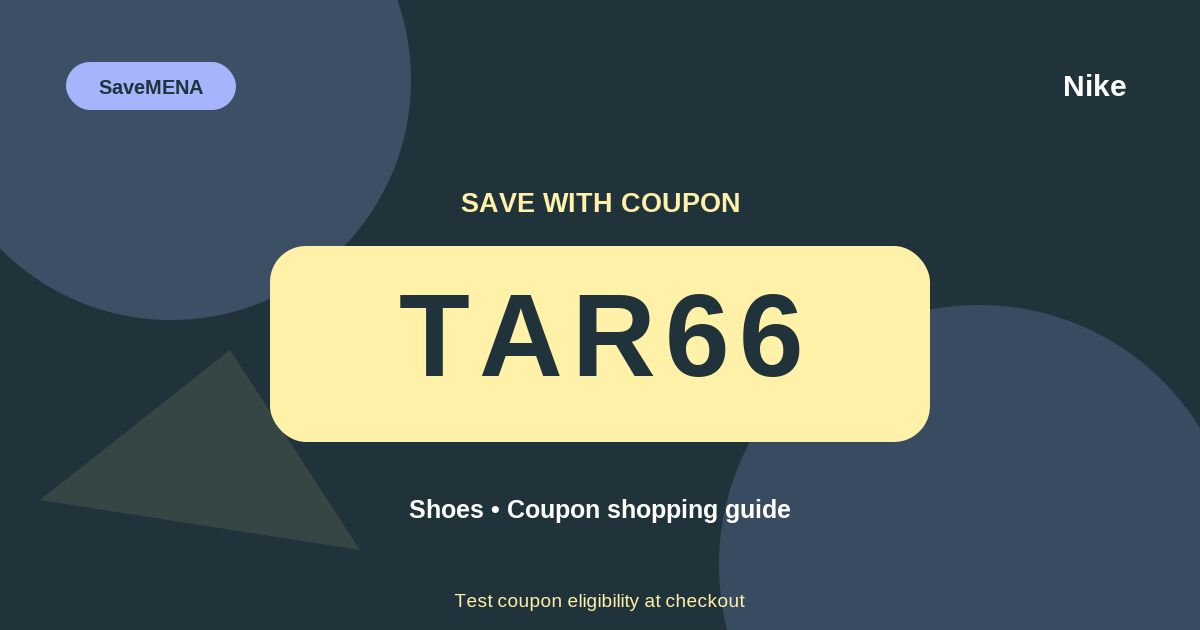
Codes available to try while comparing
These codes are not guaranteed for the article topic or listed brands; test them at checkout and use the live result.
Understanding Noon UAE’s Delivery Fees and How They Shape the Total
On Noon, shipping is displayed as a separate line item during the order process, and the amount can vary based on your address and the chosen shipping speed. If you decide on an express method, you will pay a higher fee than with standard delivery, even though the final product price remains unchanged. This fee is added on top of the item's base price, and the combined figure is the amount shown as the order total before you confirm payment. Therefore, before moving to the next step, double‑check that the displayed fee matches the shipping option you intend to use, and remember that delivery duration is directly tied to this cost.
The fee is not static across the platform; it may differ for the same Nike shoes if you change your shipping address or switch from a standard to an express delivery window. Users often overlook that the delivery option chosen at checkout governs the final total. A quick glance at the shipping breakdown—often found beneath the cart summary—can reveal whether a higher fee is being applied for a faster delivery or if a lesser fee reflects an extended delivery window. Taking a moment to review this section of the order summary ensures the displayed total truly reflects the shipping speed you plan to accept.
The Role of Estimated Delivery Timing in Choosing Nike Shoes
Estimated delivery timing is more than just a convenience; it carries weight in how much you’ll pay for the Nike shoes you want. When you select a faster delivery slot, the platform typically adds an extra fee that is reflected in the cart total. This added cost often aligns with the shorter lead time requested. Consequently, the longer the delivery window you agree to—such as a standard delivery—its associated fee may be lower or in some cases, nonexistent. Understanding this relationship helps you weigh the immediate benefit of quick possession against the price differential for extended waits.
Choosing a delivery window that fits your schedule can also impact the coupon applicability or taxes. For example, if a coupon is applied only after the shipping fee is processed, a quicker delivery routing could push the final total to a point where the coupon no longer covers part of the overall sum. Shoppers should compare the total payable amount for either delivery choice while factoring in potential coupon effects, ensuring they make an informed decision where cost and timing align with the product’s value.
How to Verify Delivery Windows During the Checkout Process
Many users skip the first look at the estimated delivery time until they’re at the payment stage, which can result in surprises that inflate the final cost. During checkout, Noon displays the shipping options alongside the expected delivery period for each. By hovering over or clicking on the delivery option, you can see a concise description like “standard – arrives in the next 3–5 days” or “express – arrives in 1–2 days.” This information allows you to re‑evaluate whether the time frame is acceptable before your money is committed.
After you select a shipping speed, the platform updates the cart total instantly, showing how the delivery fee modifies the overall amount. Even if the product’s base price remains unchanged, the added fee will alter the final amount you pay. Confirming this updated total before proceeding to the payment page guarantees that the time you have chosen to wait has been accounted for, avoiding a situation where you pay more than you anticipated because a faster timeline came with a higher fee.
Calculating the Final Total with Fees and Timing in Mind
Once the cart updates to include the select delivery fee, you will see three primary components: the item price, the shipping fee, and applicable taxes. These figures render the order total you will owe once you click the “Pay” button. By examining each of these line items, you can see exactly how the final amount is calculated and whether the timing of delivery has altered the quantity you pay for shipping. If you’ve added a coupon at the next step, that code will usually apply after the shipping fee is included in the calculation. Therefore, viewing the full breakdown early on confirms the expected cost before final payment.
The described order total reflects the sum calculated by Noon based on your current selections. Be mindful that final figures can shift if you decide to change your shipping method or if the system recalculates taxes after applying a coupon code. Thus, you should always review the total one last time in the payment screen to confirm that the figure matches your expectations given the chosen delivery timeframe. A fresh eye on the screen can avoid unanticipated re‑charges or a mismatch between expected and paid amounts.
Using the TAR66 Coupon: What to Expect and Where to Enter It
Coupon codes such as TAR66 are meant to provide discounts, but their influence on the overall cost often depends on whether the code accepts the final shipment fee as part of its calculation. On Noon’s interface, you’ll find a field labeled “Enter promo code” either in the cart or during checkout. Input the code there, hit apply, and see the cart refresh. If the code is valid for shoes and the system accepts the total including shipping, you will notice a reduced amount in the final total.
However, there is no guarantee that TAR66 will be accepted or that it will shift the shipping fee itself. Some coupons apply only to the product line item, while others consider the grand total, which includes shipping. Since the coupon may or may not affect the fee associated with your delivery timing, double‑checking the total after applying the code is essential. If you still pay the full shipping fee, you may notice that the coupon reduced other costs or that it did not apply due to terms unrelated to the chosen shipping speed.
Shipping Options at Noon: Standard vs Express and Their Time Impacts
Noon typically offers at least two shipping tiers: standard delivery, which respects a longer wait period, and express delivery, which prioritizes a more rapid arrival. Selecting a faster delivery usually ups the shipping fee, which is immediately visible on the cart. If you’re satisfied with a standard wait, clicking the standard option will reduce or eliminate the extra fee, letting the total remain closer to the product price. The timing of each option directly influences the fee you see, so picking the right one is a cost‑plus time decision.
While expressed shipping benefits include a shorter estimated arrival window, the pricing varies by region and by how many items you buy. Therefore, before you input a coupon or finalize the payment, confirm which delivery option is selected. This confirmation assures that the final total reflects the intended speed of delivery. If you switch from standard to express at the last moment, expect the total to refresh immediately, adding the new fee and the new estimated arrival time for a quick update.
Avoiding Surprises: Tracking Orders and Adapting to Delays
A key part of managing your cost and expectations after placing your order is order tracking. Noon provides a tracking number for every shipment, usually displayed in the order confirmation screen. Entering this number into the tracking feature tells you where the shoes are and how close they are to delivery. By monitoring the status, you can anticipate whether the estimated time is still realistic or if a delay is likely to occur.
If you discover that your package is behind schedule, you might consider adjusting the delivery expectation for future orders. Oftentimes, you can pivot to a standard delivery window in your profile to reduce fees or accept an extended timeframe that still aligns with your needs. Adjusting expectations early can save on shipping fees and prevent the need for refund or replacement procedures in case of a mishap. Checking the progress early also ensures you’re aware of any loss or damage risks that may affect the final total if an expedited claim is filed.
Final Checklist Before You Pay: Ensuring the Total Reflects Delivery Timing
Before you hit the payment button, run a quick audit: confirm the item price, verify that the chosen shipping method matches the displayed delivery estimate, and make sure any coupon code has been entered and applied. The total shown on this screen should incorporate all past changes, and you can reassess whether the chosen time frame is still acceptable after seeing the final amount. Don’t ignore the subtle shift in final total when the shipping option changes—this confirms that your cost matches the delivery speed you want.
Once the total looks right, double‑check any box that confirms you’re satisfied with the price and delivery timeline. After confirming, the payment will lock the order at that price and schedule the delivery per your selected windows. Following payment, a receipt will keep you updated on the cost breakdown, and tracking will let you monitor the package. By staying vigilant through each step—especially while the delivery estimate influences fee structure—you ensure the Noon UAE total for Nike shoes meets your budget and schedule expectations.
Related SaveMENA pages
Related articles
Official sources to check
Frequently asked questions
What exactly does the “Noon UAE total with delivery” show?
The total includes the price of the Nike shoes, the shipping fee chosen (standard or express), and applicable taxes, but it may not yet include coupon discounts applied after shipping is calculated.
Can I change my delivery timing after paying for the shoe?
Some sellers allow you to switch from express to standard after payment, for a fee. Check with the seller or Noon’s help center for specific policies on changing delivery options.
Will the TAR66 coupon affect my shipping fee?
Coupon codes vary in what they discount. TAR66 may apply only to the product price; it may not reduce the shipping cost that’s already in the cart total.
How can I be sure I’m getting the best price for the estimated delivery?
Review the cart breakdown after selecting a delivery option and after applying any coupon. Confirm the final total before paying to ensure the cost matches the delivery timeline you want.