Calvin Klein Men’s Fashion on Noon UAE: final total — delivery-inclusive price
Noon UAE total with delivery Men’s Fashion Calvin Klein final payable total: If you’re looking to understand exactly how Noon UAE’s delivery fees and any potential
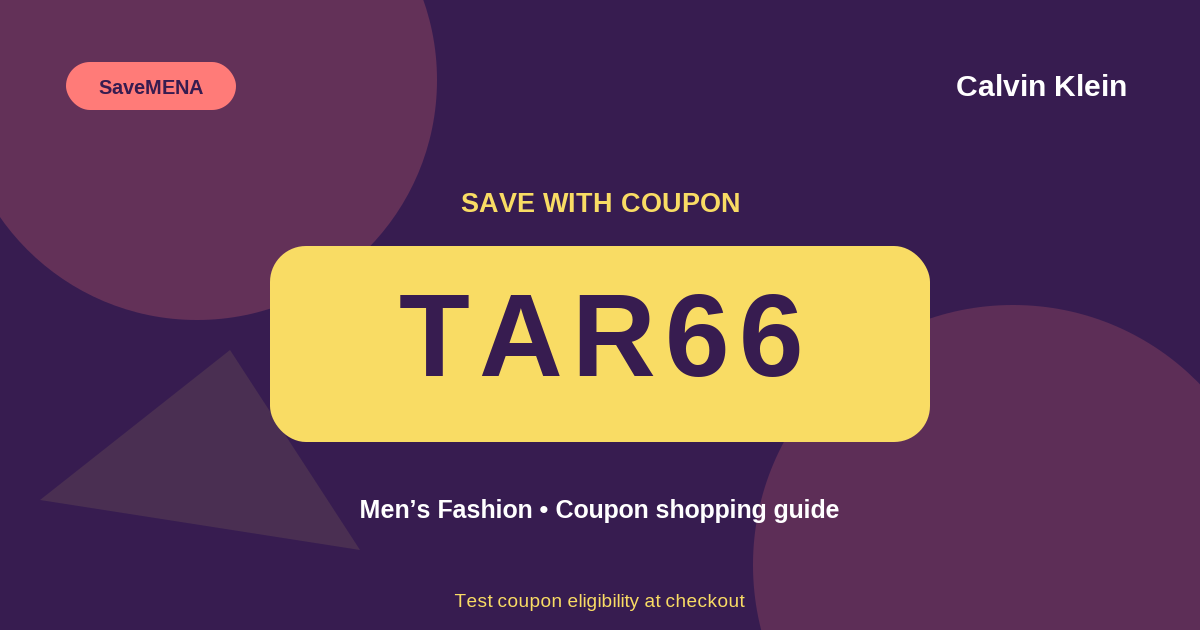
Codes available to try while comparing
These codes are not guaranteed for the article topic or listed brands; test them at checkout and use the live result.
Start with the Product: From Calvin Klein Men’s Fashion to Cart Values
Begin by browsing Noon UAE’s Men’s Fashion segment for Calvin Klein items. Each listing will display the selling price before any added fees. When you select a colour, size or other variant, the price remains the same for that variant, but glance for any hidden manufacturer‑discounts or promotional offers that might be exclusive to the product page. Ensure the product is still available for shipping to your address, because this will affect which delivery channels are presented later.
Once you place the item in the cart, let the page load fully; a subtotal appears that solely captures the gross price. Verify that the quantity matches your intention—more units will multiply both the base price and any quantity‑based handling fees at checkout. A clear subtotal at this point is the dependable starting point for estimating your eventual out‑of‑pocket cost.
Cart Overview: Spotting Gross Amounts Before Delivery Adds In
On the cart page you should see a line that sums the selected items’ prices, excluding shipping and taxes. This line is your standard reference for calculating any discounts that may apply. Do not assume a tax‑free sale; UAE’s VAT policy may still add a percent to the whole purchase. Knowing your cart’s net value is essential for assessing how the next steps will enlarge the final number.
If you have more than one item, check that the cart lists them all under the same seller rank. Items from different sellers can trigger varying delivery terms, which means they may appear in separate sub‑totals that each receive their own shipping charges. In this scenario, anticipating separate charges helps you mentally prepare for a potentially higher final payable amount.
Delivery Options on Noon UAE: Which One Steps Into Your Final Payable Total?
After you review the cart’s subtotal, the checkout flow typically presents several delivery channels: standard, express or expedited. Your choice here directly impacts the additional amount you’ll pay. Some reasonable‑priced couriers might have a higher per‑box charge, while a faster service could add a flat fee but save time.
Near the delivery selection, you’ll usually see a preview of the resulting surcharge. Inspect if the fee changes depending on your location or the package size. If Noon reserves a “free shipping” threshold, confirm that your subtotal hits that the coupon code; otherwise the delivery charge becomes a fixed line item that is added to the gross amount before the final total calculation.
Choosing a Payment Method: How Checkout Fees Can Shape Your Debt
Beyond shipping, the payment method you select can introduce additional costs. Some credit or debit cards charge a small transaction fee during the processing stage, while the app occasionally offers a promo like “pay with X to get a free delivery”. The fee is normally listed beneath the payment option; take a moment to view every line before confirming your choice.
If you opt for a non‑cash payment, double‑check whether Noon’s instance of “Pay Later” or a third‑party wallet has a separate service charge. While this might not affect the actual amount transferred to the seller, it will still appear in the final payable sum displayed at checkout. This step ensures you’re aware of every overhead before final proceeds reach your pocket.
TAR66 Coupon Code: Bringing Potential Savings into the Total Equation
Once all other options have been examined, you’re ready to apply the coupon TAR66. In the checkout window, locate the coupon field and enter the code. The code’s existence leads to a recalibration of the total—if it’s accepted it will appear as a boxed discount under “Promo” on the screen. However, a successful code application needs to be confirmed; failure to reduce the subtotal suggests the coupon may not be valid for that order.
Because the code is “available to try”, don’t presume it will work automatically. If it appears on the cart but the discount line is missing at the final review page, consult the Help Center or reach out to seller support. The only definitive verification of the coupon’s effect is the disappearance of a line item in the last payable total displayed before payment.
VAT and Service Surcharges: Little Fees That Magnify the Final Payable Total
The VAT line item, typically a percentage of the cart subtotal, will appear in the final scan. Keep in mind that the VAT rate in the UAE is applied uniformly, but the taxable amount can change depending on whether a delivery fee is added before or after tax. In most scenarios, Noon adds VAT to the combined product and delivery amount; ensure the displayed figure reflects that ordering.
Even if VAT is clear, some platforms add a small service surcharge for handling cards or electronic processing. If such a line appears under “Service charges,” it can feel negligible at a glance but still nudges your payable total upward. Confirm the amount exists and aligns with the pre‑payment review; any unfamiliar line should be verified with Noon’s support or the FAQ they maintain.
Final Review Step: Cross‑Checking All Components Before Paying
At the preview screen—often called “Order Summary”—you will see a bullet‑point list: items, delivery fee, payment fee (if any), VAT, service charge, coupon discount. The line titled “Total payable” is the number you actually pay. Review each line to confirm it’s agreeable; mis‑placed or duplicated fees can inflate the sum without your knowledge.
If a line looks suspicious, use the “edit” or “remove” functions to adjust the cause or reach a version that matches your understanding. Some mis‑entries stem from accidentally selecting a same‑seller or mixed‑seller cart, and the platform may add a second shipping entry. Removing extraneous items keeps the final total honest and under your control.
After Payment: Confirmation Screens and Tracking as Part of the Payable Total Experience
After confirming payment, Noon will print a receipt screen that re‑echoes the amount transferred. This final confirmation ensures that your final payable total matched the initial review. Store the receipt or screenshot; it serves as proof in case the delivery fee appears inflated in future disputes.
Tracking information will appear in subsequent notifications, and may include a pointer to an estimated delivery window. While the tracking status doesn't alter the paid amount, it confirms that the fees applied at checkout were valid in the context of the shipment’s delivery schedule and route. Always keep an eye on the final confirmation to catch any late adjustments.
Related SaveMENA pages
Related articles
Official sources to check
Frequently asked questions
Does the TAR66 coupon apply to all Men’s Fashion items on Noon UAE?
No. The coupon is available to try, but it only applies if the system accepts it during checkout. Verify its use in the final order summary; if the discount line does not appear, the coupon was not accepted.
Can I use a different payment card to avoid additional fees?
Certain cards may flag a transaction fee that shows before the final total. Check the payment method options at checkout; if the fee is displayed, the cost will be part of your payable total.
Is the VAT included in the final payable total or added separately?
The VAT is typically shown as a separate line item that is added to the sum of items, delivery, and other fees before the final payable total is presented.
What if the delivery fee changes after I have chosen a courier?
On Noon, the delivery surcharge is usually fixed once you select a courier option. If it changes, it will be updated in the final order summary before you confirm payment.