Xiaomi Mobiles on Noon UAE: shipping responsibility — delivery-inclusive price
Noon UAE total with delivery Mobiles Xiaomi fulfilment and shipping context: When you click “Buy Now” on a Xiaomi mobile at Noon UAE, the final amount you see in
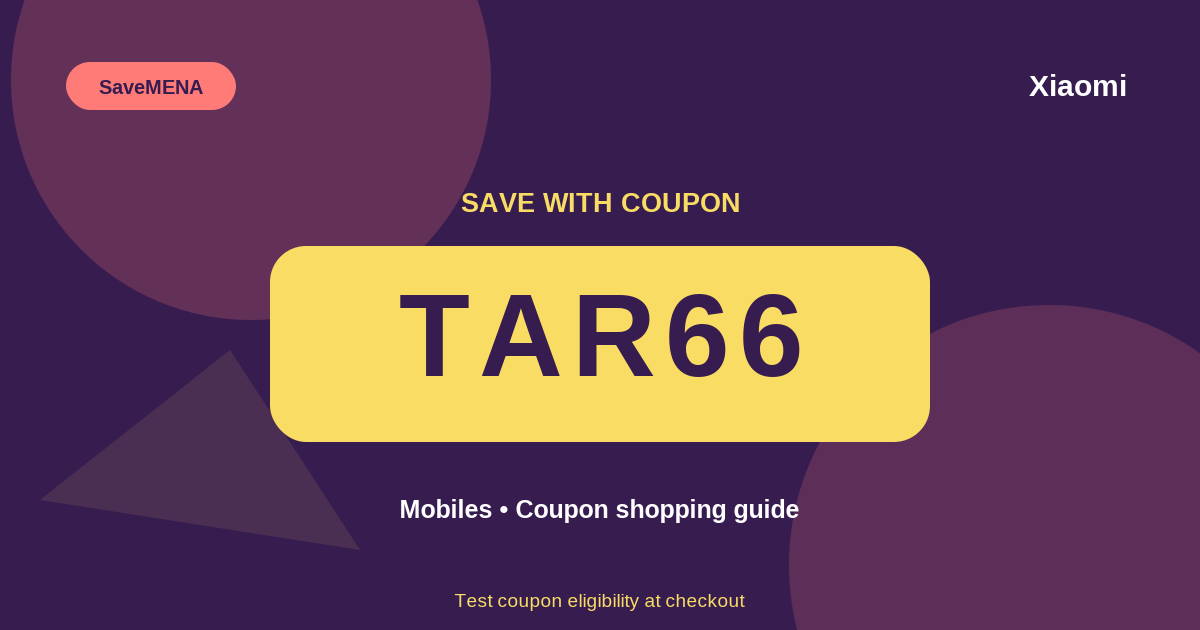
Codes available to try while comparing
These codes are not guaranteed for the article topic or listed brands; test them at checkout and use the live result.
1. Understanding Noon’s Delivery Structure for Mobile Purchases
Most smartphone listings on Noon are split between two fulfilment scenarios: in‑house warehouses that dispatch immediately, and third‑party marketplaces that deliver after a brief processing window. The source affects the shipping fee in two concrete ways. If a device is shipped from a Noon‑owned location, the platform often incorporates a flat, regional freight charge that is visible before checkout. Conversely, marketplace sellers normally pick their own couriers and may list a variable freight cost that could fluctuate based on order volume or carrier agreement.
For a Xiaomi phone, the variation is especially significant because newer models may be sourced from multiple regions. A delivery rider could be stationed in Dubai or Abu Dhabi, each with different logistic arrangements. Before you even add the item to bag, click the “Shipping Details” link (if available) to note whether the fee is marked as “Standard Delivery” or “Express Delivery.” The presence of that label hints at how much the final total will grow.
2. Calculating the Final Price: Separating Product Cost and Shipping Fees
The cart view on Noon lists the item price followed by any shipping fees as separate line items. This separation is critical: the product price is what the phone itself costs, while the shipping line aggregates all freight charges, handling, and potential insurance. When you take out one phone, check that the shipping amount has not inadvertently increased because of other add‑ons like protective cases or charger bundles. These extras can trigger a higher freight rate if they exceed the thresholds for free shipping.
You will often notice an optional “Free Delivery” marker next to the shipping fee. If the marker is present, it confirms that the cost for shipping is zero. If no marker appears, the fee will roll onto the final payable amount. Keep in mind that Noon’s printed shipping fee is a good reference, but the final digital invoice at checkout could adjust it if your total dips below a threshold or if the seller’s freight rate changes on the fly.
3. Timing of Delivery: Same Day, Next Day, Standard – How it Shapes Fees
Shipping speed is a significant driver of cost. Noon often offers multiple delivery windows: same‑day, next‑day or standard three‑to‑five business day pickup. Each window triggers an incrementally higher freight fee because faster delivery relies on premium logistical services. For instance, a Xiaomi phone slated for next‑day delivery will attract a higher per‑kilogram cost than one scheduled for standard shipping. This isn't always transparent until your order reaches the “Confirm Order” screen.
Service level choice also affects your convenience. If you plan to take the phone home the same day you purchase, the increased shipping fee is justified by the immediate use. For those who can wait a few days, selecting standard delivery saves you from an extra surge in charge. At the cart step, toggle the speed option and observe how the shipping line updates the figure, giving you instant feedback on the impact on the total.
4. Leveraging Promo Codes: How TAR66 Might Interact with Shipping Charges
Adding the coupon code TAR66 to your order is an attempt to reduce the final total, but its effect on shipping charges depends on the offer’s parameters. In many scenarios, a promo code only reduces the product price or applies a flat discount that is applied after freight is tallied. Make sure to enter TAR66 before you reach the payment screen; delivering the code too late in the process may result in a silent failure.
If the discount is based on the overall basket including shipping, you will see the shipping line updated after the code is applied. In other cases, the coupon may cover only the product value, leaving the freight amount untouched. To keep the total as low as possible, always double‑check the adjusted shipping line after you hit the “Apply” button. If the screen shows the same freight figure as before, the code likely didn’t affect shipping.
5. Choosing the Right Seller: Fulfilment Center vs Marketplace Distributors
When browsing Xiaomi mobiles on Noon, you often encounter listings from both Noon’s own warehouses and marketplace sellers. The seller’s chosen fulfilment method can dramatically change shipping cost structure. Orders sourced from Noon’s hub usually benefit from a baseline freight rate that generally remains consistent across regions.
Marketplace sellers, however, might apply a dynamic fee that scales with distance, weight, or even hourly demand. Check the seller’s rating and description line for mentions of “Noon Marketplace” or “Third‑Party Seller.” If it’s a third‑party, you may need to accept a higher freight fee unless the seller offers free shipping tiers. During checkout, the system will compute the accurate freight based on the seller’s fulfilment context, so verify the company name before locking in your purchase.
6. Tracking and Managing Your Order: Insight into Delivery Status and Charges
Once the purchase is confirmed, Noon offers a real‑time order tracking pane that shows the package’s current hop: warehouse, transit, out for delivery, or delivered. Each status update can also reveal if an extra fee will be applied—for example, a status change to “Express handling” may prompt an added delivery surcharge that isn’t billed until the next step, causing a subtle increase in the final total.
During mid‑process, should the courier need to reroute your package or if clearance delays occur, Noon’s system sometimes updates the shipping line automatically. While you cannot pre‑empt these changes, you can decide to cancel the order if the surcharge grows beyond your budget. The order cancellation interface will reflect the projected refund after shipping adjustments have been applied.
7. Post‑Purchase Flexibility: Cancelling, Refunding, and Shipping Revocation
If you discover that the final payable sum after applying TAR66 and reviewing shipping is higher than you expected, you have a short window to act. Noon’s “Cancel Order” option is available only before the processing stage, when the courier hasn’t yet loaded the package into the delivery system. The interface will recalculate the final refund, factoring in any freight that was already applied.
In cases where the order is already marked “Shipped,” you can still file a refund request but must await the courier to return the item. Noon’s return policy typically reimburses the product price but excludes the freight that has already been paid. Therefore, reviewing the shipping fee at checkout is the most reliable way to prevent costly surprises.
8. Summing Up: Final Total Confirmation through Checkout Parameters
Before you tap the final “Place Order” button, take a moment to recalc everything. The checkout shwow’s distinct line items—item price, applied coupon discount, shipping charge, taxes—will display consolidated into the total Go‑to‑Pay amount. If you’ve used TAR66, verify that the discount applied appears in the breakdown; the same for shipping. If any element looks out of place, you can edit the shipping option or re‑apply the coupon before proceeding.
After confirming, the platform sends you a confirmation email that replicates the posted breakdown. Keep that receipt as a record of the final total, including all fees. By following this pre‑checkout audit trail, you ensure that what you see in the cart is the amount you actually pay, and that the freight and discount were applied exactly as intended.
Related SaveMENA pages
Related articles
Official sources to check
Frequently asked questions
Does the TAR66 coupon also reduce my shipping fee?
Applying the coupon might lower the product price or provide a flat discount, but it does not automatically reduce the freight charge unless the coupon’s terms explicitly mention shipping. Check the updated shipping line after you apply the code.
Is there a way to get free delivery for my Xiaomi phone?
Free delivery often requires meeting Minimum Order Value or selecting a seller that offers free shipping. You can also look for seasonal promotions or wait for the checkout step, where your total might qualify for a zero freight rate.
What happens if my order changes to “Out for delivery” and a new fee appears?
When the status changes, the system will apply any pending freight adjustments. If you see a new charge, cancel the order before it leaves the fulfillment center; otherwise, the extra fee will be deducted from the final refund if you return the phone.
Can I confirm the shipping fee before I pay?
Yes. At the cart or checkout page, the freight is displayed as a separate line item. Review this figure before proceeding, and ensure your selected delivery window reflects your budget.