Nike Shoes on Noon UAE: shipping responsibility — delivery-inclusive price
When you first add a pair of Nike shoes to your cart, Noon lists a base price that reflects the product’s cost and any wholesale adjustments.
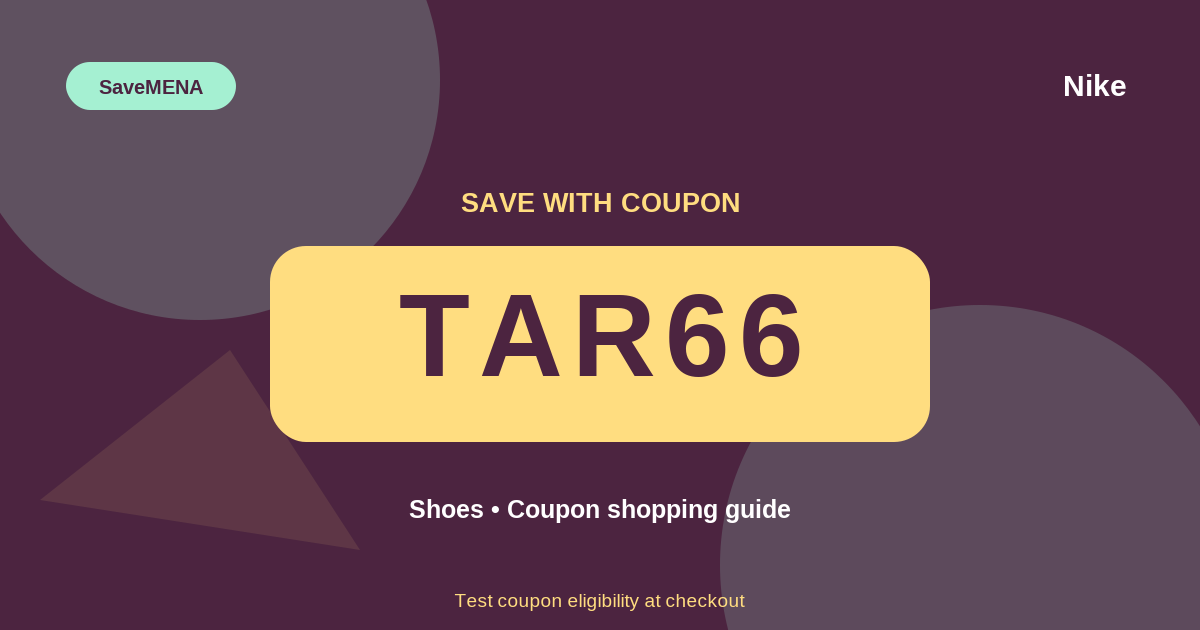
Codes available to try while comparing
These codes are not guaranteed for the article topic or listed brands; test them at checkout and use the live result.
Anatomy of a Noon UAE Total for Nike Shoes
When you first add a pair of Nike shoes to your cart, Noon lists a base price that reflects the product’s cost and any wholesale adjustments. That figure is one component in the final total; the rest comes from fulfillment, shipping, taxes, and optional services. By understanding each piece, you’ll be ready to tweak the order to suit your budget and schedule. Pay attention to the “fulfillment fee” icon—this shows whether the item will be dispatched from a local hub or shipped internationally.
Once you proceed to checkout, the platform aggregates all charges into a single line called the “Total.” For Nike shoes, the fulfillment price varies: some listings include a free delivery offer, while others add a modest fee. Make sure you compare the two before locking in the transaction. If you’re unsure which fulfillment option appears, scroll to the “Delivery details” section on the checkout page and note which shipping partner is listed. Verifying this at the final step helps avoid unexpected surprises in the total.
Choosing the Right Fulfilment Method for Speed and Cost
Noon offers multiple fulfilment paths for Nike footwear—standard shipping, express delivery, and sometimes curbside pickup at the nearest high‑traffic hub. Choosing express typically raises the total by a calculated extra of a few dirhams, whereas standard shipping may add a smaller fee or even be free for members. Where cost is a priority, check the “Estimated delivery time” next to each shipping option; the platform will display both the price and how many business days the delivery will take.
If your purchase is time‑sensitive, opt for the express option, even if it adds a small fee. For those who can wait a day or two, the standard route often balances affordability and convenience. Note that the fulfilment fee is separate from the shipping fee—a distinction you’ll see in the final breakdown. Double‑check the billing part of your account to be sure the fee matches the selected method before confirming payment.
The Role of Delivery Fees in the Final Payable Amount
Delivery fees on Noon reflect route distance, logistic partner, and sometimes demand spikes. For Nike shoes ordered in the UAE, most sellers have a fixed local delivery cost; however, if the product comes from a nearby stock‑center, that fee can be waived. There may also be a “delivery surcharge” on high‑volume sales days. You’ll see a line item map out the exact amount in the “Shipping charges” section of checkout, allowing you to see how the fee contributes to the overall total.
To keep delivery costs low, look for listings that explicitly state “Free delivery” in the product description. Cross‑check the Seller’s rating for fulfillment service to confirm that free delivery is valid; sellers sometimes offer it only during specific promotions that may expire before checkout. In the absence of free delivery, confirm that the listed fee reflects your chosen shipping method by matching it to the calculator’s output on the checkout page.
Applying the TAR66 Coupon: Steps and Verifications
When you ready to reduce the final total, you can try entering the TAR66 coupon code in the “Coupon code” field. Noon will indicate whether the code was accepted when you click “Apply.” The current policy does not guarantee applicability to all Nike shoe listings or to every fulfillment option; the code’s success status is shown immediately after application.
After adding TAR66, review the updated total carefully. If the discount was accepted, a separate line item “Coupon discount” appears, showing how much was deducted. If it appears unchanged, the coupon either wasn’t valid for that listing or your chosen shipping method disallows it. In that case, you’re still free to proceed without the coupon or explore another code, remembering that completeness of the discount is always confirmed at checkout.
Shipping Times: Predicting Arrival with Fulfilment Options
Noon’s standard shipping for Nike footwear in the UAE typically takes 3–5 business days, while express can bring delivery to 1–2 working days. These ranges are estimates based on geographic proximity to dispatch centers. The exact time depends on your delivery address’s location—sections farther from distribution hubs may incur extra transit days. The platform’s pricing calculator sketches this dynamic by showing “Estimated delivery time” next to each shipping option.
When you wish to arrive by a specific deadline, use the “Delivery date range” slider to filter options that meet your timeline. Make sure to review the final estimated date on the receipt in your account history; even within the same shipping tier, occasional delays can shift arrival by a day. Recording the estimated date in a note allows you to track any discrepancy between the saved estimate and your actual receipt date.
Comparing Seller Fulfilment and Vendor Fulfilment
Noon hosts items directly from Nike as well as third‑party sellers. Items shipped from Noon’s own warehouses often carry a lower or zero fulfillment fee, while vendor‑shipped inventory may show an added fee for logistics. This difference shows up in the “Sellers” section of checkout, where the label indicates “Ship from Noon” or “Shopper’s Choice.” Only the former guarantees a smaller fee and potentially faster delivery.
Check the rating of the seller and its “Fulfilment rating” if shown. A high rating in that category suggests consistent on‑time delivery and lower average fees. However, keep in mind that ratings are not absolute guarantees; confirm the shipping fee on the checkout screen before final commitment. For high‑cost Nike shoes, the choice of seller can significantly influence the final payable amount.
Re‑examining the Total After Payment Method Selection
Choosing a payment method can add convenience charges or service fees. Noon accepts credit cards, digital wallets, and online payment platforms that may engage separate transaction fees. The “Payments” tab in checkout lists any applicable surcharges, but typically these are minimal. Some payment methods might offer promotional credits or no‑interest financing that can offset up‑front delivery costs.
Before you press “Place Order,” scroll through the “Final Summary” to verify that the payment method’s fee (if any) appears and that the overall total matches what you expect. Digital wallets sometimes apply a different calculation; cross‑check if the displayed total changes when you switch the method. Maintaining a final snapshot of the total (screen capture or printout) gives you a reference in case of later disputes or email notifications.
Post‑Purchase: Tracking, Confirmation, and Adjusting for Shipping Fees
After checkout, Noon sends a confirmation email outlining each line item: product price, shipping fee, fulfilment fee, discount, and payment details. Use this email to confirm the calculated delivery fee matches the amount paid. If you notice a mismatch, you may need to contact Noon’s customer service, but typically the email matches the receipt in your account.
Follow the provided tracking link to monitor the shipment’s progress. Tracking updates include transit milestones and estimated delivery dates. If you receive a notification that shipping will be delayed beyond the original estimate, review the new dates in the order history to see whether an additional fee will be added. Although rare, some logistic partners impose a small fee for last‑minute delivery changes; these appear as a revised “Shipping charges” in the updated order summary.
Related SaveMENA pages
Related articles
Official sources to check
Frequently asked questions
Does the TAR66 coupon apply to all Nike shoes on Noon?
The TAR66 code can be tried on Nike shoe listings, but its acceptance isn't guaranteed for every item or fulfilment method. Verify its validity and the resulting discount on the checkout page immediately after application. If it doesn't apply, proceed without the coupon or look for alternative codes.
Will the delivery fee change after I select a payment method?
Noon’s delivery fee is determined before you choose a payment method. However, certain digital payment options can add a small service fee, which appears in the final summary. The base delivery cost remains unchanged regardless of payment choice.
Can I cancel delivery fees if I change my shipping address late?
Changing your address during checkout can affect the delivery route and possibly the fee. Update the address before confirming payment to avoid new charges. After order placement, contact Noon’s support to request a change; they may reassess the fee, but it’s not guaranteed.
How do I know which fulfilment method ships from a local hub?
Look for “Ship from Noon” in the seller details at checkout; this usually indicates use of a local fulfillment center. If the shipping partner is listed as “Noon Standard” or “Noon Express” and the price shows no extra fee, it is likely a local dispatch. Always confirm on the checkout summary before placing the order.