Baby & Kids on Noon UAE: market and currency — delivery-inclusive price
Before adding any item, check the listing price and ensure it is displayed in AED. Many Noon UAE listings default to local currency, but some international sellers
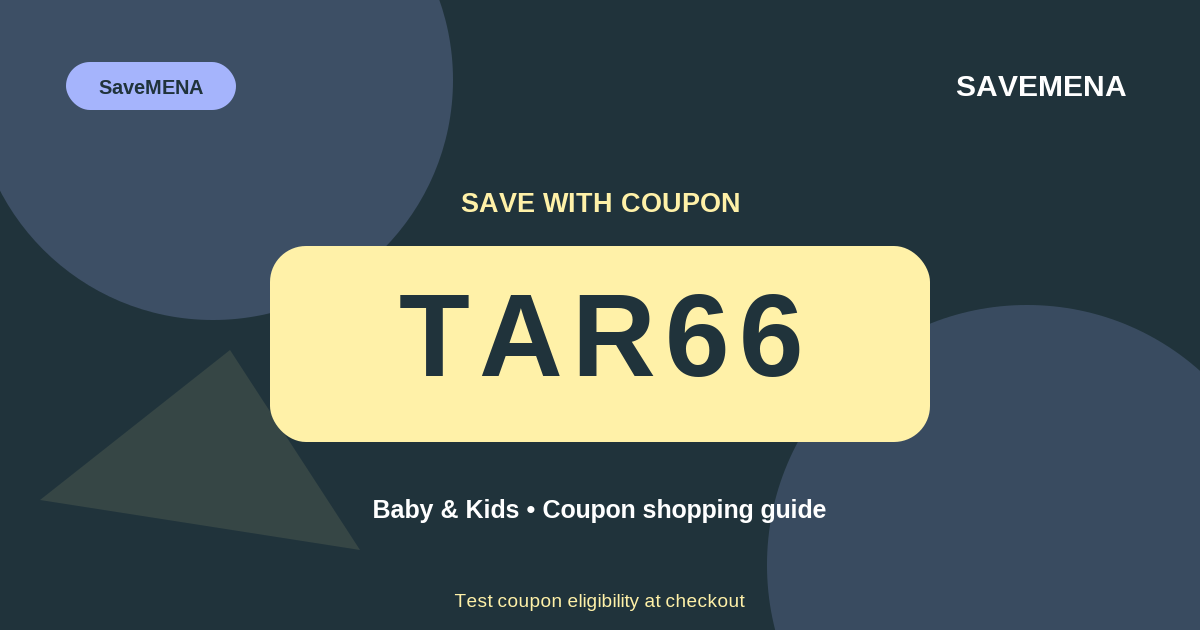
Codes available to try while comparing
These codes are not guaranteed for the article topic or listed brands; test them at checkout and use the live result.
1. Verify Item Prices and Currency Conversion Early
Before adding any item, check the listing price and ensure it is displayed in AED. Many Noon UAE listings default to local currency, but some international sellers may show USD or SAR. An incorrect currency can inflate your basket cost once the platform reconverts it to AED. Double‑check the product page’s “Price in AED” label; if it’s missing, let a customer support request a currency adjustment. By confirming the right rate at the outset, you guard against hidden increases in your “Noon UAE total with delivery.”
This step also lets you weigh whether a coupon like TAR66 will apply to foreign‑currency items. Some discounts work only with locally listed prices, so a mismatch may mean the voucher cannot be used at all. Confirming the currency reduces the risk of a Post‑checkout penalty or a gift‑card deduction that can create an unplanned spike in the final sum for your Baby & Kids orders. Checking the listed rate early saves time when you have a limited window to purchase seasonal infant gear.
2. Add Your Baby & Kids Essentials with Accurate Quantities
Add each item to the cart and select the exact quantity you need. If you’re ordering multiple units of a diaper brand, Amazon’s auto‑appended shipping charges can be misleading. In Noon UAE, each unit may incur a small incremental delivery fee that multiplies the final cost. Once items are in the cart, the platform shows a “Subtotal” that reflects the summed price of all goods before delivery and tax. This subtotal is a critical reference point when you later view the full “Noon UAE total with delivery.”
Use the cart’s “Edit” function to adjust quantities only after you’ve noted the subtotal. A single extra unit might trigger a higher delivery tier, especially for heavy or bulky Baby & Kids equipment. Keeping the cart tidy forestalls accidental load‑based shipping surcharges that would otherwise widen the gap between your bookmark price and the payment screen. Always confirm total items in the cart match what you intend to purchase before proceeding to the delivery options page.
3. Check Seller Delivery Fees and Conditional Minimums
Most Noon UAE sellers specify a fixed delivery fee for each delivery zone. Review the “Delivery Fees” section on the cart summary to see if your chosen seller offers flat‑rate shipping or a tiered structure based on order volume. Some sellers waive the fee for orders above a particular AED threshold—this can affect the Baby & Kids total if you’re close to that cut‑off. Carefully note whether the transport charge is listed per item or a single fee, as this distinction alters the final math on the checkout page.
Additionally, pay attention to any “minimum spend” triggers that unlock free delivery. For a pair of baby car seats, for instance, the seller might offer free shipping if the cart total surpasses AED 200. Make sure the merchant’s minimum is scanned in the cart; if you fall short, the delivery fee will stay in your “Noon UAE total with delivery.” Avoid the pitfall of ignoring this metarule, as it can double‑up on the amount you pay for a high‑priced Baby & Kids item.
4. Compare Delivery Options and Predicted Costs Explicitly
On the delivery page, Noon UAE offers different shipping speeds or delivery windows. Express delivery may have a higher per‑day rate in AED, while standard shipping can cost a flat fee. Choosing a faster route usually increases the final total. Some sellers also provide a “Schedule a delivery” feature, where you pick a slot; the cost shows incrementally if you choose an off‑peak window. Recording these choices in the cart allows you to preview the exact addition to your “Noon UAE total with delivery.”
You should also review whether any special stamp duty or VAT has been applied to the delivery charge itself. While UAE’s VAT applies broadly, certain carriers might levy a separate service charge that appears after you select a delivery method. Inspect the “Fee breakdown” box once you confirm the delivery option; you will see each component that contributes to the final sum of the Baby & Kids order. This transparency ensures you won’t be surprised by a hidden line‑item once you hit the payment screen.
5. Probe the TAR66 Coupon Code: Is It Eligible?
Enter the coupon code “TAR66” in the designated discount field on the checkout page. The platform will immediately display whether the voucher is accepted, which often reveals a straightforward “The coupon is not applicable” alert if not. Note that the voucher can still be applicable to certain Baby & Kids products but not free‑delivery items; the platform displays feedback accordingly. If no response is received, you can re‑enter the code and observe if any numeric discount or amended total appears.
It’s important not to assume the voucher will reduce your “Noon UAE total with delivery.” Even if the code accepts, the discount may be minimal or specific to a category that excludes your selected items. Leave the coupon field alone if the system does not approve the code, and simply proceed to the final total. Remember, the only guarantee is what the checkout page shows in real‑time; no other testing of the code is possible before you confirm your purchase.
6. Scrutinize the Order Summary for Hidden Taxes
Before finalizing payment, review the “Order Summary” panel compiled by Noon UAE. This panel lists the items, quantity, prices, total items cost, delivery fee, seller-specific charges, and finally the total taxes or VAT applied. For each Baby & Kids product the VAT rate should be a fixed percentage in AED, shown as “VAT: AED X.” The aggregation of these taxes directly increases the “Noon UAE total with delivery,” so verify that the figure matches your expectations.
Some sellers add an “International handling fee” if you’re buying from outside the UAE. If this appears, note that it applies in AED. While it may seem small, it can sign‑ficantly affect the final amount, especially for expensive nursery furniture. Confirm that this fee is indeed present in the final breakdown; if absent, you won’t notice a jump in your total after payment. By taking the time to cross‑check all the charges you’re meeting downstream, you maintain control of the precise cost of your Baby & Kids haul.
7. Select Your Payment Method and Observe Final Payable Total
Choosing a payment method—credit card, debit, or a digital wallet—can sometimes influence fee tiers. Some payment providers apply an extra processing fee in AED that feeds into the “Noon UAE total with delivery.” The checkout display will usually calculate and append this fee before sending you to the payment gateway. Confirm the final payable total in AED, ensuring that the sum no longer includes narrative or tax‑breakdown text, but rather a single aggregate figure that you’ll have to settle.
Also, watch for any “gift card balance” deduction; the platform may apply your saved AED credit after the total is finalized. If you have a gift card, it usually displays a “$ X applied” line that reduces the final amount. If the voucher is rejected or not applicable, the system won’t alter the number. By cross‑checking the last number before you click “Place Order,” you avoid surprises later on the confirmation email or receipt.
8. Final Confirmation and Tracking of Baby & Kids Deliveries
After placing the order, Noon UAE provides an order confirmation page and email. The confirmation details will list the “Order ID,” your final paid amount in AED, the delivery date range, and the courier partner. Use the provided tracking link to monitor the shipment’s progress. If the shipment is delayed or the delivery fee later changes, this will affect your satisfaction but not your price. A reliable tracking update allows you to plan for a baby’s arrival without financial uncertainty.
Should you detect an increase in the delivery fee post‑purchase, contact Noon UAE customer support to discuss the discrepancy. The support team can verify whether an additional fee was mistakenly added or if a delivery override was needed. All correspondence will be logged in AED, so keep your email handy for clarity. By staying engaged with the delivery status, you stay grounded in the exact “Noon UAE total with delivery” that you committed to at checkout.
Related SaveMENA pages
Related articles
Official sources to check
Frequently asked questions
Will the TAR66 coupon affect the delivery fee?
Coupons like TAR66 generally apply only to item prices; they rarely reduce delivery charges. If the discount code is accepted, the platform will show the modified subtotal, but the delivery fee usually remains unchanged.
Can I change the delivery method after paying?
Once payment is processed, changing delivery options may not be possible and could require a return or refund. Confirm your delivery choice before finalizing the purchase to avoid such complications.
How do I verify which sellers allow free delivery?
Check the cart’s “Delivery Fees” section for any “Free delivery eligible” notices. If a seller offers free shipping above a USD threshold, the requirement will be displayed in AED before you place the order.
What if the order total changes after checkout?
If the platform recalculates and updates the total after you’ve confirmed payment, contact Noon UAE support immediately. Normally, the price you see on the final payment screen is what you’ll actually be charged in AED.