Huawei Mobiles on Noon UAE: model specifications — delivery-inclusive price · TAR71
When hunting for a Huawei phone on Noon, start by listing the core tasks you’ll use it for—basic calls, high‑resolution photography, or intensive gaming.
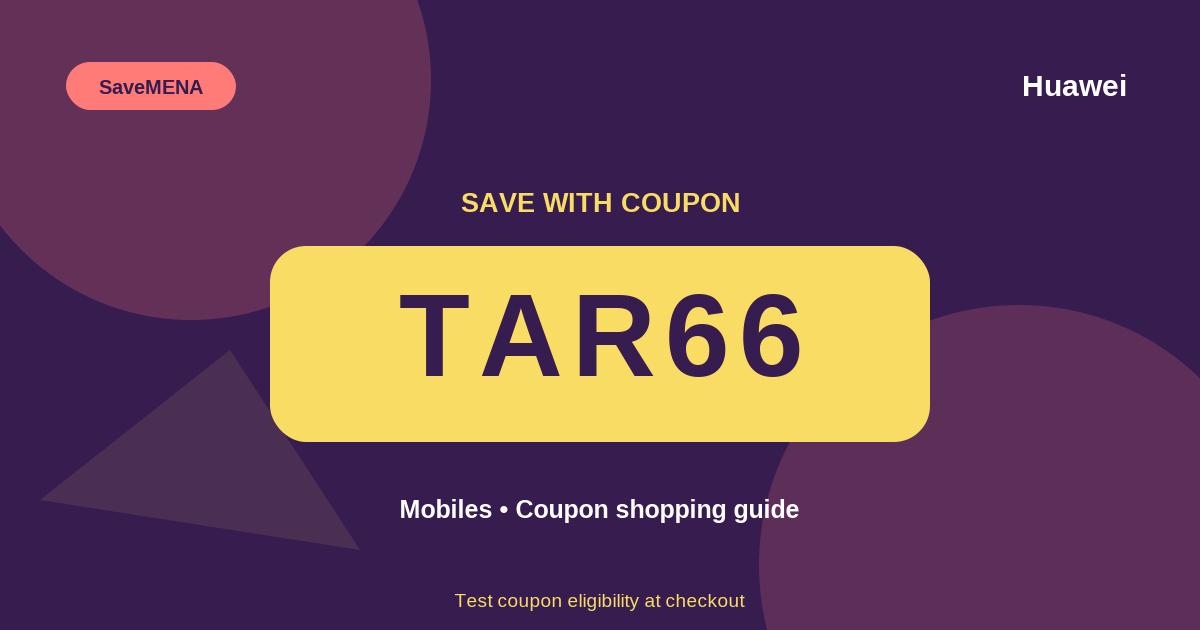
Codes available to try while comparing
These codes are not guaranteed for the article topic or listed brands; test them at checkout and use the live result.
Step 1: Choosing the Right Huawei Model for Your Needs
When hunting for a Huawei phone on Noon, start by listing the core tasks you’ll use it for—basic calls, high‑resolution photography, or intensive gaming. Each model offers a spectrum of specifications: flagship variants carry top‑tier processors, higher‑resolution displays, and larger battery capacities, while mid‑range units balance performance with cost. Pay attention to processor models, camera sensors, and RAM order of magnitude; these specs directly affect speed, multitasking, and shooting ability. Even within the same series, small changes in gate‑level manufacturing can shape real‑world performance, so make sure you compare each feature against your daily usage patterns.
After selecting a general product line, narrow down to the precise variant that meets your budget and feature requirements. Check for differences in internal storage, pre‑installed software, and regional variants that might affect hardware compatibility. Take note that certain models include unique hardware, such as eye‑tracking sensors or specialized AI chips, which can be a decisive factor if you prioritize a particular functionality. Always keep your specific usage scenarios—camera quality for social media, processor for gaming, battery for travel—in mind when you weigh each technical detail.
Step 2: Deep Dive into Huawei Specifications
Delve into the technical specifications to understand what each Huawei model truly offers. Display size, refresh rate, and resolution define how crisp and fluid content appears, while factored pixel density impacts text clarity. Processor generation, architecture, and clock speed determine speed, efficiency, and overall power consumption. Battery capacity, alongside fast‑charging support, dictates how long you can stay unplugged, and camera sensor specs—megapixels, aperture, and image‑processing software—directly influence image quality in varied lighting conditions.
Secondary specs such as build material, water‑resistance rating, and available connectivity options—USB‑C, 5G, Wi‑Fi 6—also play roles in your purchasing decision. Software choice, whether EMUI or a more streamlined skin, may influence battery health and feature set. Remember to verify that the listed specifications match hardware region releases, as some features may be enabled or disabled depending on local regulations.
Step 3: Seller Selection and Warranty Considerations
On Noon, the seller list can include authorized retailers, third‑party vendors, and sometimes museum distributors. Authorized sellers typically provide manufacturer‑official warranties and streamlined return processes, while lesser‑known vendors might offer quicker delivery but potentially different support levels. Compare seller ratings, but avoid taking a rating at face value; it’s wise to research comments, especially about delivery reliability and post‑purchase support.
Some sellers bundle guarantee extensions or free service agreements with the purchase, which can alter the long‑term value but affect the total cost at checkout. Ensure that any such add‑ons are fully disclosed in the cart, and keep an eye on warranty terms—duration, coverage area, and whether it includes battery replacement or hardware repair.
Step 4: Understanding Delivery Options on Noon UAE
Noon provides several delivery methods. Standard delivery typically allows residents to receive the item within a few business days, whereas express options offer faster settlement for an extra fee. Delivery may be free when certain conditions are met, but if your chosen seller charges a base fee, it will appear as a line item in your cart.
Geographic considerations also influence delivery; areas with limited logistics coverage may see higher or delayed costs. Verify your address details to ensure smooth handling. If you are an expatriate or reside in a remote region, confirm whether the seller has a serviceable outlet nearby, as some items may not be deliverable to all UAE locations.
Step 5: Calculating the Expected Delivery Fee
Delivery fees on Noon vary by seller and shipping method; they are a function of item weight, destination, and chosen speed. The platform typically aggregates these costs in a separate line before tax and promotional deductions. Such transparency helps you anticipate the real price, but the only definitive figure comes at checkout.
To get an estimate, visit the product page and add the variant to your cart. Watch for the highlighted “Delivery fee” box; it will update once you enter your ZIP code. For the most accurate figure, proceed to the checkout step and scroll to the order summary where the total cost—including delivery, taxes, and coupon discounts—will be prominently displayed.
Step 6: Applying Coupon Codes and Promotions
You can attempt to use the promo code TAR71 during checkout. Noon typically applies these codes automatically if they are valid for the selected item. Attempting a voucher is straightforward: enter the code, and the platform will show the resulting adjustment, if any.
Remember, coupon eligibility depends on factors such as cart value, the specific product, and seller participation. If the code does not apply, Noon will keep the original amount, and you will still see the final total list.A coupon is not guaranteed; verify its result at the retailer checkout.
Step 7: Putting It All Together – The Final Total
At checkout, Noon aggregates the handset price, delivery fee, applicable taxes, and any applied coupon discount into a single figure. The “Order Summary” page shows each component separately, letting you verify that you’re aware of every charge. The final total is what you will be asked to confirm before payment.
Because the final amount reflects real‑time calculations, it might differ from earlier estimates, especially after tax or after a coupon has been applied. If you notice an unexpected surge, review the breakdown for hidden fees or confirm that your shipping address matches your selected options.
Related SaveMENA pages
Related articles
Official sources to check
Frequently asked questions
How do I know if the delivery fee is the same for all sellers on Noon?
Different sellers set their own delivery charges based on weight, location, and shipping method. The cart will display each seller’s fee, and the final total will combine them with taxes and any applicable discounts.
Can I apply more than one coupon code to a Huawei mobile on Noon?
Noon typically allows a single coupon or promotional code per transaction. If you attempt to use a second code, the system will not stack them.
Will the the coupon code code TAR71 affect the delivery fee or just the handset price?
TAR71 is applied to the base price of the selected product. Delivery charges are calculated separately based on the chosen shipping method or seller fee, and the code does not modify those fees.
What if my selected Huawei model is out of stock or unavailable for my ZIP code?
In that case, Noon will show an out‑of‑stock warning in your cart. You can either wait for restocking or choose an alternative seller or variant that supports your delivery area.