Tablets on Noon UAE: model specifications — delivery-inclusive price · TAR71
The final total you pay on Noon UAE for a tablet depends not just on the base price but on delivery charges, potential taxes, and any applicable coupons.
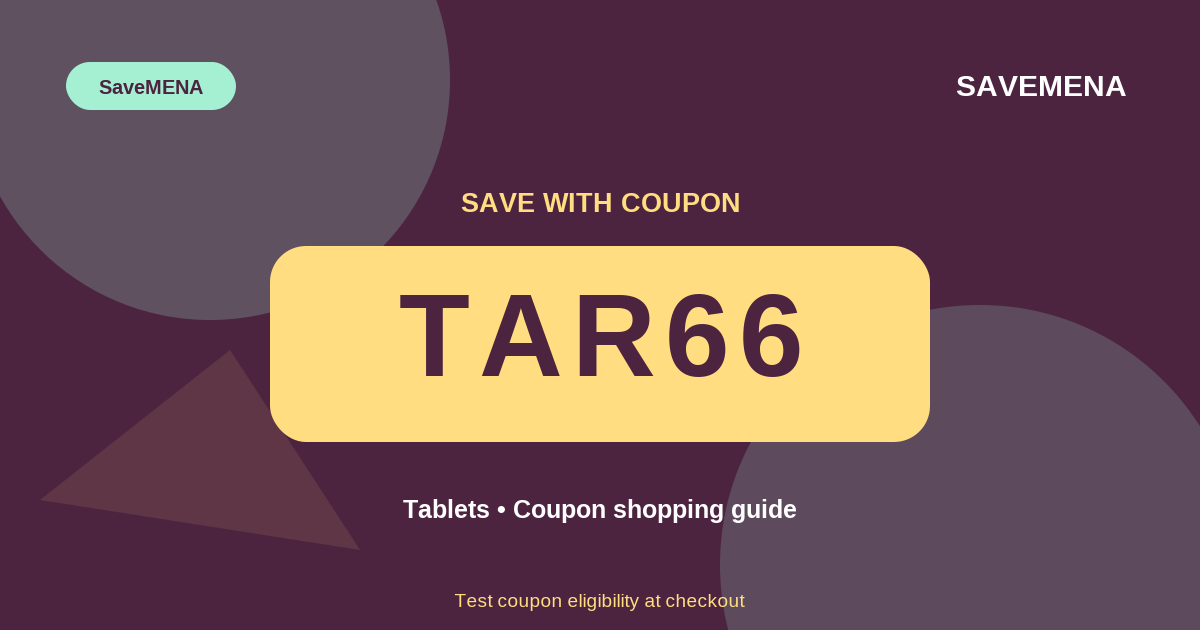
Codes available to try while comparing
These codes are not guaranteed for the article topic or listed brands; test them at checkout and use the live result.
1. How Delivery Fees Shape the Final Tablet Total
When you add a tablet to your Noon cart, the platform normally shows the base price followed by an estimated delivery fee. Notice that the fee might be listed as “Free Delivery” if you meet a minimum spend, or as a monetary amount if your order is below that threshold. The fee is calculated based on your delivery address, the weight of the item, and Noon’s logistics network at the time of checkout. Because the fee can change last minute due to carrier rates or traffic, it’s essential to review the “Shipping & Handling” section on the order summary before finalising payment.
After you confirm your order, the final amount displayed on the confirmation page is the sum of the tablet’s price, the delivery fee, any applicable sales tax, and, where relevant, a small administrative fee. Even if you later use a coupon, the delivery charge is already applied, so the discount will only reduce the base price portion of your total. Thus, verifying the final total at the checkout screen guarantees you have the most accurate figure before you transfer money.
2. Tablet Model and Specifications to Prioritise
When browsing Noon UAE for tablets, you’ll notice a range of models varying in screen size, processor power, RAM, battery endurance, and storage options. The right choice depends on your primary use—be it light web browsing, gaming, or professional work. For instance, a 10‑inch tablet with a Snapdragon processor and 4GB RAM may suit casual users, whereas a 12‑inch device with an Intel chipset and 8GB memory is preferable for multitasking professionals. Make a list of the specs that matter most and compare them across a handful of devices before you add one to your cart.
Remember, specifications can influence the device’s weight and dimensions, which in turn affect the shipping fee. A heavier, larger tablet may incur a higher delivery charge than a compact model of similar price. Therefore, when you view the product page, check the dimensions and weight figures; that data not only tells you about portability but also lets you anticipate the possible freight cost caseous to your purchase.
3. Applying the TAR71 Coupon at Checkout
The coupon code TAR71 is listed as a promotional offer you can try when you are ready to buy a tablet. To use it, go to the cart page, find the “Enter Promotion Code” field, type TAR71, and tap “Apply.” After application, the screen will adjust the subtotal, showing any discount taken off the base price. The discount is limited to the amount the code affords and typically does not alter the delivery fee or taxes.
The final total you see after the coupon is applied will include the discounted price, delivery charges, and taxes. Be aware that if the discount brings the subtotal below a threshold that grants free shipping, Noon may automatically convert a payment of a delivery fee to zero. While the coupon may lower the overall amount, the delivery fee still remains part of the final figure unless free shipping is triggered. Double‑check the breakdown for clarity before proceeding to payment.
4. Payment Methods and Potential Extra Fees
Noon UAE accepts a variety of payment methods including VISA, MasterCard, debit cards, and electronic wallets. Some payment methods might introduce a small transaction fee, especially if you use a card with a foreign or prepaid status. These fees usually appear as an additional line item in the payment review step. In most cases, an online card is charged via the merchant’s processing gateway, so the fee is often waived for standard consumer cards.
If you choose a credit card or a wallet that incurs a surcharge, the amount will be added to your final total after all discounts and shipping have been applied. You’ll see it highlighted in the payment section above the “Place Order” button. By being proactive and comparing payment options before confirming, you can minimise these extra expenditures and achieve the cheapest final price for the tablet.
5. Seller Reputation and Delivery Reliability
On Noon, tablets can be sold by multiple sellers, ranging from the Noon brand itself to third‑party merchants. Each seller’s profile lists a rating score, the number of reviews, and a response time indicator. A higher rating and many positive reviews often mean reliable shipping and responsive customer support. Conversely, a low rating or few reviews may signal potential delays or dissatisfaction, which could affect your delivery timeline and basis for returns.
When you view a tablet’s product page, scroll to the seller section and review the available statistics. If you’re particularly concerned about delivery speed or want to avoid any unexpected delays, choosing a top‑rated seller can reduce the risk of late or lost packages. This consideration directly influences the total cost—in case of a missed delivery, you might face extra handling or restocking fees, or a potential refund from Noon’s customer service.
6. Warranty, Returns, and After‑Purchase Support
The manufacturer’s warranty and the store’s return policy affect what you effectively pay. A tablet that comes with a two‑year warranty from the brand usually guarantees repair or replacement, while a Noon‑only warranty could offer reduced coverage. If the product lacks a warranty, you may need to purchase extended protection through a third party, adding to the final cost. Verifying the warranty at the product detail page gives you a clear idea of the protection you’re foregoing or gaining.
Return policies are similarly important. Many Noon sellers offer a 30‑day return window for defective products, but shipping costs for a return may be your responsibility if the return is because of tester disappointment. Check the “Return Policy” link near the product description. Ensuring you understand these terms can prevent surprise additional out‑of‑pocket expenses, especially if you discover a defect post‑purchase.
7. Final Total Verification Checklist
Before you finalize your purchase, run through a quick checklist on the checkout screen: (1) Confirm the product model, weight, and dimensions against the specifications; (2) Verify the applied coupon code appears and has the intended discount; (3) Ensure delivery fees are listed and that no hidden charges are pending; (4) Review the chosen payment method for potential surcharges; (5) Note the seller’s rating and return policy terms.
Once you have scanned the summary, scroll to the very bottom of the page where Noon displays the final payable amount. This figure is the one you commit to when you hit “Place Order.” If you see any discrepancy between your expectations and the displayed number, you should contact Noon’s customer support immediately or use the “Undo” option before confirming the purchase. Only after these checks should you proceed to the payment gateway.
8. Post‑Purchase Actions and Record Keeping
After you complete the order, you’ll receive an order confirmation email with a unique order ID, item details, and a breakdown of costs. Keep this email saved or saved in the Noon app; it serves as your receipt and is needed in case of disputes or refunds. The email will also show the estimated delivery date, which you can cross‑check against the seller’s shipping commitment.
If you later find that the final total was higher than the figure you expected, review all the sections highlighted earlier. The most common cause is a change in delivery fee or a surcharge applied by the payment method. Should there be an error, contact Noon’s customer service with your order ID, and you can usually resolve the issue efficiently. Maintaining accurate records ensures a smooth post‑purchase experience.
Related SaveMENA pages
Related articles
Official sources to check
Frequently asked questions
Does the TAR71 coupon discount apply to shipping fees?
No, coupon discounts on Noon generally reduce the item’s base price only. Shipping fees are calculated separately and appear after the discount is applied.
Can I change my delivery address after ordering?
You can modify the address only before the payment is completed. Once payment is processed, the order is locked for delivery adjustments.
Will using a third‑party seller affect my warranty?
Warranty terms depend on the manufacturer. Third‑party sellers may not automatically translate the brand warranty, so check the seller’s warranty details before purchasing.
What should I do if my delivery fee is higher than expected?
Check the seller’s shipping policy and confirm your address falls within the standard delivery zone. If the fee still seems high, contact Noon support for clarification.