Puma Women’s Fashion on Noon UAE: model specifications — delivery-inclusive · TAR71
Choosing a women’s fashion piece from Noon UAE can feel straightforward, but the final cost you pay is shaped by more than just the product price.
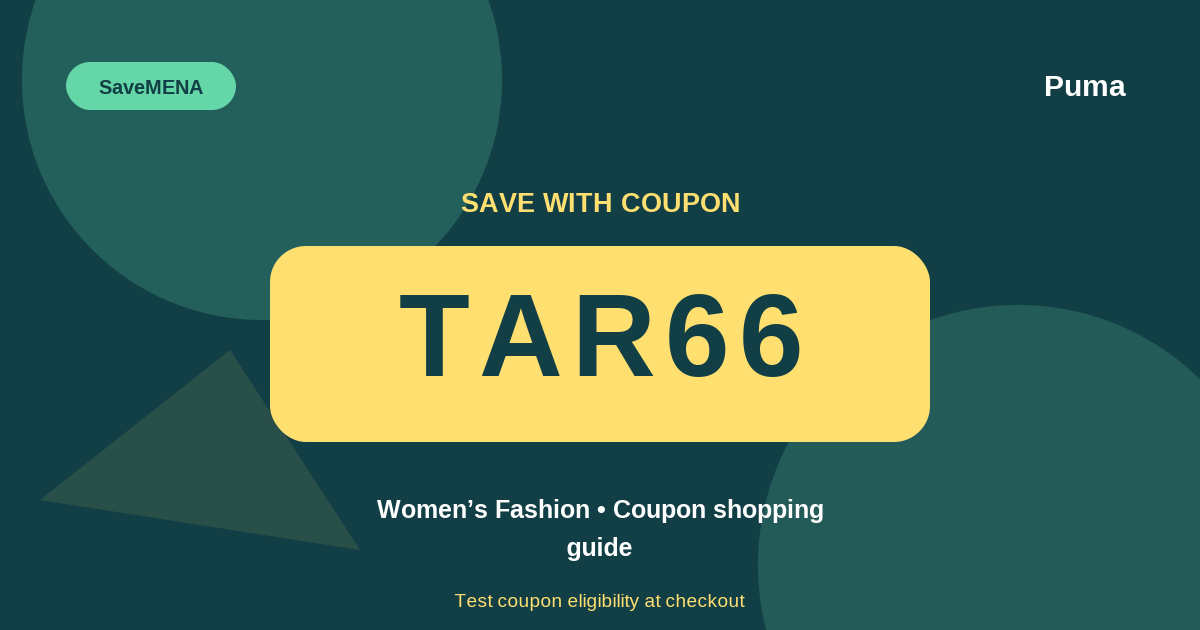
Codes available to try while comparing
These codes are not guaranteed for the article topic or listed brands; test them at checkout and use the live result.
1. Know Your Puma Model and Specifications Before Adding to Cart
When you start on Noon UAE, the first thing to consider is the exact Puma model you want. Pay careful attention to the model’s designation, which usually includes the collection name, intended use (e.g., running, lifestyle), and design details such as colorways or limited‑edition prints. This information is vital because different models can have different base prices, and some may be listed under distinct variants even within the same product family. By confirming the model’s specifics upfront, you keep the steps after purchasing clearer.
Equally important is the technical specification sheet that sellers provide. Look for size charts, material composition, and any special features—like waterproofing or cushioning technology. Sellers often list a maximum wear weight, recommended age range or gender, and care instructions. Ensuring that these match your expectations prevents mismatches that could lead to returns or extra fees down the line.
2. Choose the Correct Size and Color for a Smooth Transaction
On Noon UAE, adding the wrong size or color to the cart can lead to decisive impact costs such as restocking fees or expedited shipping if you insist on an urgent re‑order. Double‑check the size option against the product’s official size chart, and if available, read user feedback on fit. Color selections may differ across listings—some sellers label shades differently or offer alternate naming conventions, which can affect the item’s specific SKU.
To avoid a costly error, confirm each selection before proceeding to checkout. Use the product’s preview tool to ensure the visual representation matches the chosen color. Once satisfied, lock in your options by adding the item to the basket, and you’ll move closer to the “Noon UAE total with delivery” stage without unnecessary adjustments.
3. Delivery Options: Free, Standard, or Expedited
The type of delivery you choose is a major driver of the final total. Noon UAE typically offers multiple shipping tiers: standard delivery, which may take a few days, and expedited options that deliver faster but add a fee. Sellers sometimes list a free shipping threshold or specify that delivery is free for certain order values. These conditions are displayed in the product details and often reiterated at checkout.
Location also plays a role because delivery fees can vary by region. If you’re ordering to a remote or off‑site address, you might see an added risk or handling fee. Review the estimated delivery date and cost before you confirm your order. This step is essential to understand how delivery will shift the final payable amount before you cement the purchase.
4. Apply the TAR71 Coupon at the Right Moment
On Noon UAE, coupon codes are usually entered in a dedicated field on the order review page, often labeled “Enter Promo Code.” Typing TAR71 before final payment can bring a discount into your running balance. However, applying it at checkout is the only way to guarantee its effect on the “Noon UAE total with delivery.” If you add the code too early, subsequent changes—such as switching delivery options—might reset the discount.
Of note, the TAR71 coupon is not tied to any specific product category or brand, implying its application is general across many items. Still, you must verify that the coupon remains active for your chosen products and that it integrates automatically with any added delivery fees. Checking the updated total instantly will confirm whether the coupon successfully decreased the final cost.
5. Review Delivery Fees and Codified Charges Before Final Payment
Once you’ve added the product and entered the code, the order summary on Noon UAE will list each charge separately: product price, delivery fee, applied coupon reduction, and any extra service fees. In this breakdown you can see how the chosen delivery tier—whether it is free or paid—shapes the overall sum. The exact figures may differ depending on your address, and any changes made after seeing this summary may adjust the total again.
Make sure to scroll all the way through the summary. Pay close attention to any small line items—like handling charges or city‑specific fees—that may not be immediately obvious. If you notice any anomaly or a fee you weren’t expecting, you can tweak the delivery option or reach out to seller support before proceeding. These steps help ensure the final “Noon UAE total with delivery” value reflects what you genuinely intend to pay.
6. Understand How Payment Method Alters Final Charges
Choosing a payment method on Noon UAE can also affect the total payable. Some instant payment gateways offer instant discount promotions while others might charge a small convenience fee for certain cards or wallets. The final amount you see at the last step will reflect any payment‑related adjustments. If a particular method incurs an extra fee, you’ll see it listed alongside the other line items.
To verify this, before confirming the order, scroll to the payment options section and compare the labels attached to each card or wallet. Look for terms like “no extra fee” or “service charge.” These notes are often appended to the funding source and can change the final total by a few dollars. By reviewing these details, you can confirm the “Noon UAE total with delivery” stays exactly as expected.
7. Track Your Order and Watch for Late Fee Adjustments
Once the transaction is complete and the “Order Confirmation” page is displayed, Noon UAE will provide an order number. Using this identifier in the tracking feature keeps you informed about any shipment updates. Occasionally, shipping delays or route changes can result in an unexpected shipping charge update. Tracking history will display such changes, if any, on the order details page.
If you notice a discrepancy in the final amount after tracking, the best practice is to contact Noon UAE support through the app or website. The support chat will show your original total, the applied coupon, and any new notification that might explain a change. Resolving this before your package arrives ensures the final cost remains unchanged or any adjustments are handled promptly.
8. Verify the Final Total in the Checkout Summary Before Completing
Before you hit “Place Order,” revisit the final summary. This final view shows the cumulative price of the item, the inverted coupon effect, and the specific delivery fee attached to your chosen method. If any of those values look off or you’re missing a discount you expected, it’s the last chance to correct it. Adjust SKU selections, coupon codes, or delivery preferences accordingly.
Once the final amount is acceptable, complete your purchase. Afterward, keep an eye on the confirmation email and order status updates for any message that might indicate a delivery fee change or other issues. Even if the checkout step looks clean, updating your understanding of the final “Noon UAE total with delivery” within the next few hours ensures you’re fully aware of the cost you committed to. This thorough verification reduces surprises and gives you peace of mind about your Walmart‑style satisfaction.
Related SaveMENA pages
Related articles
Official sources to check
Frequently asked questions
What if the coupon code TAR71 doesn’t seem to apply at checkout?
Double‑check the exact spelling, ensure that the product you are buying is eligible for this code, and that you are entering it in the promo field right before you pay. The discount should appear in the order summary if it’s valid for that purchase.
How do delivery fees vary between regions in the UAE?
The fee is shown during checkout when you add your delivery address. If your address is on the outskirts of a city or an outside‑city area, it might carry an additional charge; otherwise, standard delivery is often free up to a certain order value.
Can I change my delivery option after I’ve started the checkout?
Yes, most checkout pages allow you to return to the delivery selection screen or change the option before you finalize the order. Keep in mind that each change will update the final total displayed in the summary.
Will the payment method I choose affect the total I see?
Some payment methods add a small fee or offer a discount. Those fees or discounts appear in the payment section during checkout, so you can see the impact on the final “Noon UAE total with delivery” before confirming.