HP Computer Accessories on Noon UAE: payment method — delivery-inclusive price · TAR92
Shopping for computer accessories in the UAE through Noon can feel straightforward, but the final price you pay is shaped by more than just the sticker value.
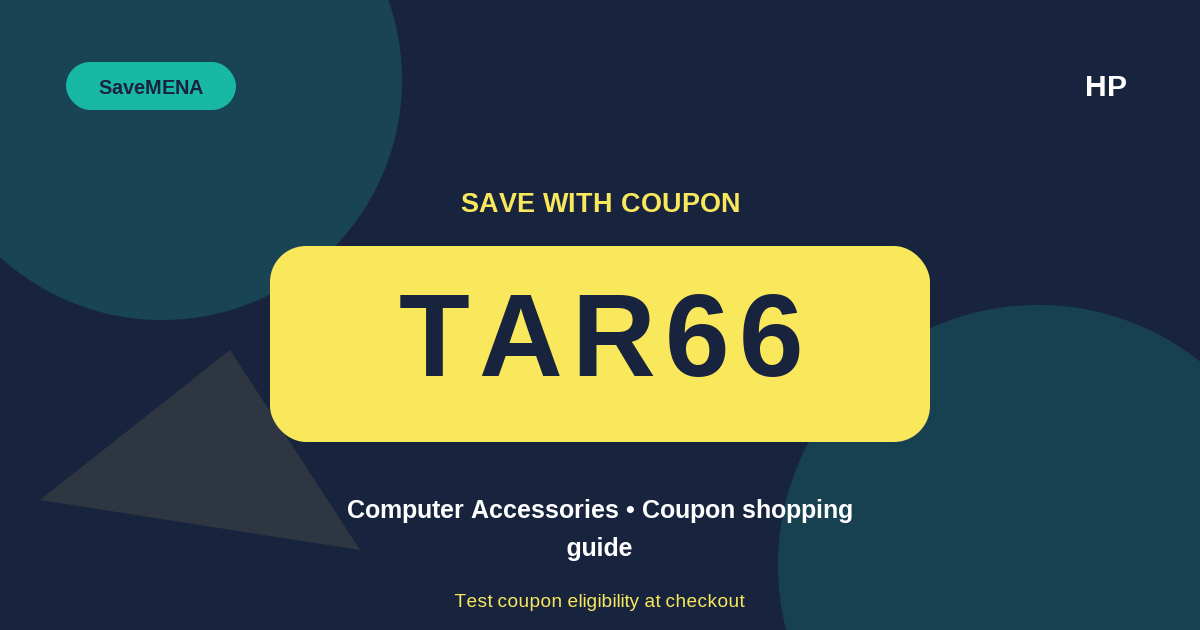
Codes available to try while comparing
These codes are not guaranteed for the article topic or listed brands; test them at checkout and use the live result.
Understanding Noon’s Checkout Flow for Computer Accessories
When you add an HP keyboard, mouse, or monitor to your Noon cart, the platform doesn’t just show a unit price. The system pulls in real‑time shipping rates from multiple sellers, calculates tax where applicable, and offers a range of payment methods, each with its own set of terms. Crucially, the final “You’ll Pay” figure appears only after you have selected a delivery option, chosen a payment method, and entered any coupon codes. Until that last step, the displayed price can be misleading if you’re projecting the final charge wrongly.
This flow means that if you’re zooming in on the Noon UAE total with delivery, you should first confirm the shipping address and time frame you need. Prices can shift with a faster delivery slot or a different pickup point. Grouping all of these factors together in one view—such as the Checkout Summary—lets you see the true cost of the HP product and the accompanying delivery fee before you hit “Confirm.”
How Delivery Fees Shape Your Final UAE Total
Delivery charges on Noon vary widely. They can be free, a fixed fee, or even based on distance, package weight, or the seller’s location. Since HP accessories can be bulky or lightweight, the fee changes accordingly. The lower the delivery fee, the less it will add to the pre‑tax and pre‑discount subtotal, directly influencing the whole “Noon UAE total with delivery.”
It’s a common misconception that delivery is automatically included in the product price. At Noon, it is typically appended post‑product total. Checking the Estimated Delivery Cost in the cart gives you an exact number, but you must verify it at the final checkout stage because some sellers offer in‑store pickup at no extra charge while others may charge a small courier fee. Always read the delivery terms carefully.
The Role of HP’s Payment Options in Your Checkout Experience
The decision lens of selecting a payment method becomes critical when working with HP accessories on Noon because each method can unlock different benefits. Some payment methods provide instant credit, a later‑pay option, or a small cashback for specific processors. Others may offer faster posting times or a slightly lower processing fee, which can affect the final total.
When you add a HP device to the cart, the payment gateway suggests several options: credit/debit card, digital wallets, and Noon wallet. A good rule of thumb is to choose the method that offers the most transparent fee structure. Verify whether the platform applies a surcharge or discount at that stage, because that additional cost or saving will directly shift the final price displayed in the “You’ll Pay” box.
Applying the TAR92 Coupon: What to Expect
Coupons are an excellent tool when you’re looking to reduce the overall cost. The TAR92 promo is available for use on many HP accessories, but its effectiveness depends on the actual New Shopping Total after adding delivery fees and selecting a payment method. Enter the code in the Coupon field and observe the discount that appears in the summary area.
Do not assume the coupon will be automatically applied to every HP product. Some sellers have their own pricing models that may not accept external coupons, or the discount could be limited to specific categories or brands. Checking the applicability at checkout is vital—once you confirm the order, the discount must be present in the “Final Amount” line to have any effect.
Comparing Noon and Other Marketplace Fees
It pays to frame your purchase against other e‑commerce options. If you were to buy the same HP keyboard from Amazon UAE or a local electronics retailer, their delivery cost or payment fees could differ significantly. At Noon, the seller’s shipping price is included in the displayed Math line, while offline stores may charge a flat delivery fee that sometimes exceeds Noon’s variable rates.
When focusing on the Noon UAE total with delivery, keep in mind that the platform can pool the costs from multiple sellers. That means you could end up paying a sum that includes a slightly higher delivery charge for an HP headset purchased from a different vendor than the one handling your HP mouse. Always confirm the seller ID and shipping terms for each item before finalising the order.
What a Real‑Time Total Look Like—A Walkthrough Example
Consider a scenario where you’re adding an HP gaming mouse to your cart. First, the page lists the product price. Next, the cart shows the “Subtotal.” To see the final cost you will actually pay, you must progress to the Checkout Summary. There, the platform lists the weight‑based delivery fee, any tax, a discount field where you can paste TAR92, and a dropdown for payment method. The total after all adjustments is displayed on the right.
At this stage, picking a payment method can either increase or decrease the cost, depending on whether the chosen method involves a surcharge. If the platform indicates a the discount shown at checkout payment fee for using a particular credit card, that fee adds to the subtotal before the coupon discount is applied. Verify the “Estimated Final Total” every time you switch methods, because it reflects the dynamic interplay of all the factors you’re trying to optimise.
Tips to Maximise Value When Buying HP Accessories
Once you’re comfortable with how Noon’s checkout dynamics work, several practical tips can help you stretch every dirham. First, keep an eye on delivery fee tiers; sometimes selecting a slightly slower delivery window can skip a small fee. Second, try choosing a payment method that Noon specifically flags as “No fee,” as this can result in a direct savings.A coupon is not guaranteed; verify its result at the retailer checkout.
Finally, it is wise to add HP accessories from multiple sellers to compare their shipping costs. Don’t rely solely on product price; the total after delivery, payment fee, and coupon can be quite different. If you find a seller offering free delivery for HP products, that can be a substantial advantage. Always revisit the cart after any modification to ensure the values reflect your intended savings.
Final Checklist Before You Confirm Your Order
When the cart contains your chosen HP accessories, the buyer’s voice must underscore a few last confirmations. First, re‑read the “Delivery Details” to confirm the shipping cost and expected arrival window. Second, review the payment method and verify that any surcharge is acceptable. Third, double‑check the coupon field to see that the TAR92 discount is reflected in the final figure.
Once all three elements—delivery, payment method, and coupon—are correct, the “You’ll Pay” field should match the amount you’re willing to grant. The final confirmation button will lock this figure and activate the payment process. If any numbers look off, revisit the earlier steps; errors often crop up here in the final minutes of checkout.
Related SaveMENA pages
Related articles
Official sources to check
Frequently asked questions
What happens if I forget to enter a coupon code before confirming my purchase?
When you skip the coupon field, the discount does not apply to the final total. At checkout, the system will not retroactively add a coupon; you would need to cancel the order or ask customer support to amend the price, which is rarely possible once the order is confirmed.A coupon is not guaranteed; verify its result at the retailer checkout.
Can I change my payment method after I have confirmed the order?
Once you hit the confirm button, the payment method is locked and the amount is charged accordingly. To switch methods, you would need to cancel the order or contact the seller directly, process which can be time‑consuming and may not be allowed depending on Noon’s policy at that moment.
Will delivery fees be included for All HP accessories listed on Noon?
Delivery fees are calculated per seller and per order weight. Not every HP accessory will incur a fee; some sellers offer free shipping as part of a promotion. Check the delivery details for each item in your cart before proceeding to final checkout.
Is the TAR92 coupon valid for all HP accessories?
The coupon can be used on many HP items, but its applicability depends on the seller’s terms and the product category. Some HP accessories may have restrictions or may not accept external coupons. Confirm that the discount reflects in the final total during checkout.