HP Office on Noon UAE: payment method — delivery-inclusive price · TAR53
When you add an HP office product to your Noon UAE cart, the platform doesn’t simply show the base price.
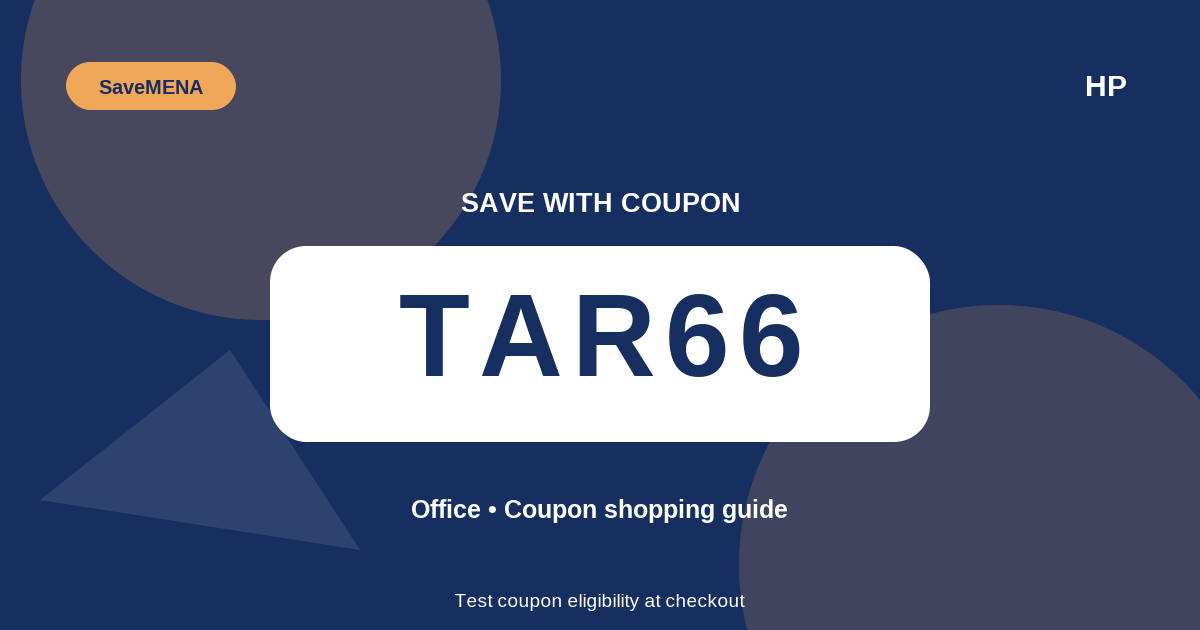
Codes available to try while comparing
These codes are not guaranteed for the article topic or listed brands; test them at checkout and use the live result.
1. How Noon Calculates the Total for HP Office Items with a Delivery Office
At Noon, the product list on your cart page shows the marked‑up price of each HP office item. Small additional amounts, such as the local tax rate, are automatically added in the next step. Once you select a nearby delivery office, the system calculates the distance‑based delivery fee and adds it to your subtotal. This process completes before you reach the payment gateway. By the time you click “Proceed to Pay,” the screen displays a clear ‘Total Due,’ encompassing product cost, tax, delivery, and any payment‑related fees required by Noon.
Your awareness of this sequence matters. If a delivery office is further away, the delivery charge can increase; likewise, if you’re paying via a credit card that incurs a processing fee, that fee will be added to the final screenshot. Checking each column of the summary before any payment confirms that individual charges are accurate and that you understand where your money is directed.
2. Delivery Office Fees: Distance and Eligibility for Office HP Goods
Noon’s delivery offices are strategically located across the UAE, and their accessibility directly influences the delivery fee that appears in your checkout total. When you choose a particular office for your HP office items, the platform applies a distance‑based fee, which may differ from one office to another. This fee is added after the tax calculation but still before the payment method charge, ensuring all costs are visible when you review the final amount.
Because office goods sometimes qualify for free or reduced delivery, verifying whether your chosen delivery office provides that benefit can reduce the final total. If you’re abroad or traveling, choosing a central office may increase logistics costs, while selecting a closer one can keep delivery charges low— factors that become clear only at the shipping details step.
3. HP Office Product Pricing Strategies on Noon UAE
HP offers a range of office supplies and equipment, each listed with a standard selling price on Noon. Bulk purchases often come with a lower per‑unit price, while single‑item orders may be priced higher. When you add such items to your cart, Noon calculates the base total before tax, but still keeps factory price transparency visible. This helps you see whether an item is priced competitively compared to other sellers.
After establishing the base amount, Noon applies the regional tax and optional delivery surcharge. Only then does the payment method influence the final figure. Paying with a method that triggers additional fee might shift the final total slightly higher than the base + tax + delivery computed earlier.
4. The TAR53 Coupon Code: How to Try It With Your Payment Method
Before proceeding to payment, Noon offers a coupon input box where you can enter promotional codes. The code TAR53 is listed as a valid option that shoppers can try. Because its activation is not guaranteed, inserting it and proceeding to checkout will let the system determine whether it applies to your HP office items and delivery office selection.
If the code is accepted, the system will subtract a discount from the subtotal before recalculating the payment‑related fee. If the code does not apply, you’ll see the same total as if you had not entered the coupon. Regardless, the coupon input step allows you to check whether you’ve aged a meaningful saving without influencing the delivery fee or the taxes.
5. Reading the Final Total at Checkout: Where Delivery, Tax, and Payment Fees Appear
When you reach the payment gateway, Noon presents a consolidated bill. The breakdown lists the product total, the tax amount, the delivery fee based on your chosen office, and the payment method surcharge if applicable. This step is critical; any overlooked surcharge—such as a card‑processing fee—can push your final payable amount beyond the visible product cost.
Spend a few minutes verifying each line item. If a fee appears unexpected, you can change your delivery office or payment method to see how the total shifts. This hands‑on validation ensures that you are not caught off‑guard by a last‑minute increase when the payment authorization is requested.
6. Payment Method Choices: Noon Wallet, Credit Card, and Cash on Delivery
Noon offers a variety of payment methods, and each can alter the final amount. Using the Noon Wallet may offer a small transaction fee exemption, while credit cards often carry a processing fee that appears as a percentage of the total. Cash on delivery adds a fixed logistics charge and may also include a service fee.
Choosing a payment method that aligns with your budget can reduce the final total. For example, if delivery office charges are fixed, selecting a payment method without additional fees can keep your overall cost lower. When planning to use a specific payment method, reviewing the customer support FAQs for that method can save you from unexpected charges.
7. Common Mistakes When Adding HP Office Items to Noon UAE Cart
Many shoppers overlook that the delivery office fee is separate from any free‑shipping promotion tied to product total. When adding HP office items, double‑check whether the promotion threshold applies before delivery is calculated. If the threshold isn’t met, the delivery fee will still apply, raising the final total.
Another frequently missed point is the possibility of an extra cash‑on‑delivery charge if you choose that payment option. Even when you’re not using a credit card, the final screen will incorporate any applicable service fee, so ensuring you’re aware of it during checkout avoids surprise totals you might otherwise pay later.
8. Checklist Before Finalizing Your HP Office Purchase on Noon UAE
Before clicking the payment button, take a quick run‑through of your order.A coupon is not guaranteed; verify its result at the retailer checkout. The final row should display the product subtotal, taxes, delivery fee, and payment method surcharge.
Once satisfied, place your order. Keep an eye on any email confirmations summarizing your final amount. These confirmations provide a record in case you need to dispute a discrepancy, ensuring you always know where every dirham came from during the transaction.
Related SaveMENA pages
Related articles
Official sources to check
Frequently asked questions
What does the total price show on Noon’s checkout page?
The total price on the checkout page represents the sum of the product cost, tax, delivery fee for the chosen office, and any payment method charge. If a coupon code is applied, its discount appears before the payment surcharge.
Will using the Noon Wallet impact the delivery fee for HP office items?
Noon Wallet primarily affects the payment surcharge; delivery fees are calculated based on the chosen office and distance, independent of the payment method used.
A coupon is not guaranteed; verify its result at the retailer checkout.
TAR53 is an optional code you can try at checkout. Whether it applies depends on Noon’s current promotion rules and the product selection, so you’ll see the final effect after you enter it.
How can I see if a delivery office offers free shipping for my HP purchase?
Check the delivery options screen before finalizing payment. If free shipping is available, the delivery fee line will read zero; otherwise, a calculated fee will appear.