Logitech Office on Noon UAE: payment method — delivery-inclusive price · TAR53
When you’re ready to add Office essentials from Logitech to your Noon UAE basket, the “Noon UAE total with delivery” is not just a headline—it’s the final
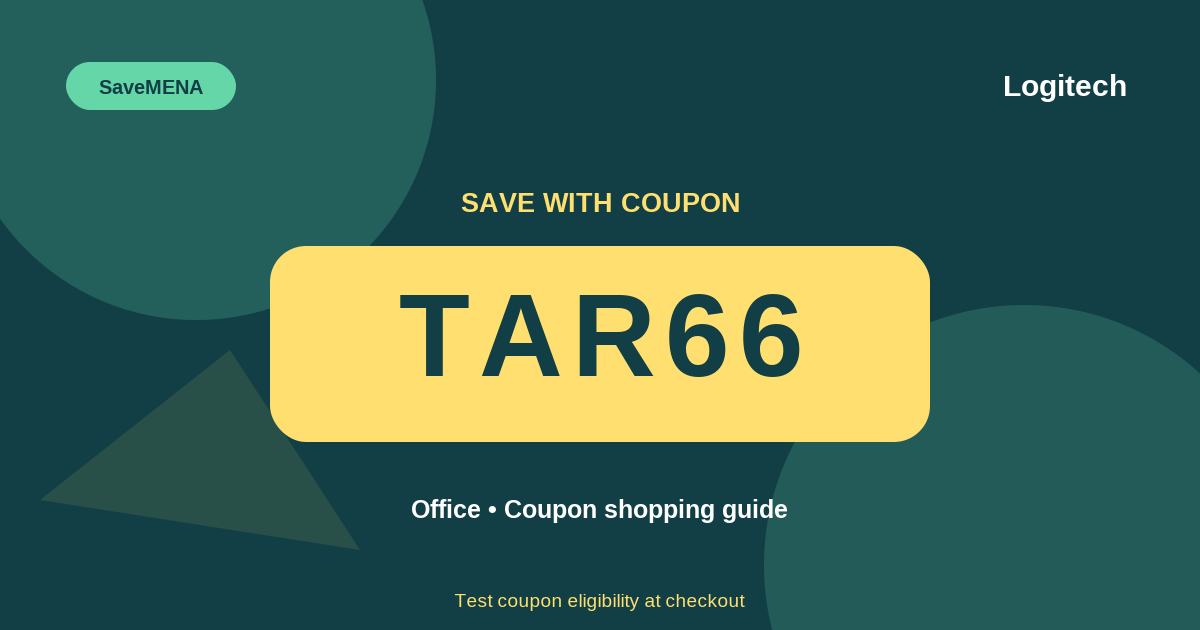
Codes available to try while comparing
These codes are not guaranteed for the article topic or listed brands; test them at checkout and use the live result.
Understanding the Noon Order Summary
The order summary on Noon is your roadmap to the final amount. It lists product prices, any add‑ons like extended warranties, and the cumulative cost before taxes, delivery, and discounts. For Office items such as Logitech keyboards and mice, the subtotal will reflect the unit price multiplied by the quantity. The summary is updated in real‑time, giving you north‑star clarity on how each component contributes to the “Noon UAE total with delivery.”
When you reach the final checkout screen, the same summary is expanded to include shipping choices and applicable impact on the total. Delivery options are usually presented as options—standard, express, or click‑and‑collect—with each having a different weight on the final sum. The breakdown will also show whether any taxes have been automatically added or if you’ll need to double‑check the post‑tax amount yourself.
How Delivery Charges Stack Up for Office Essentials
Delivery fees can be a hidden variable in the final bill, especially for bulk Office purchases. Noon often offers free standard delivery above a certain basket size; otherwise, a modest fee appears beneath the product list. This fee, while not a fixed heading, can influence whether you hit a free‑delivery threshold or pay an extra charge. The phrasing “delivery with Office Logitech payment method” signals the provider’s readiness to accommodate corporate transaction flows, but the cost itself is clearly shown in the summary.
Choosing an expedited shipping slot will typically bump the fee higher up the hierarchy. However, for Office gear, the difference tends to be marginal relative to overall spend. If you’re crunching the bottom line, pick a delivery window that keeps the fee hidden—like a free standard delivery—unless time constraints require quicker receipt of your Logitech peripherals. Each choice should be reflected before you finalize the payment method, as they lock into the final payable amount.
Taxes, Duties, and the Final Touch on Your Checkout
In the UAE, most goods are exempt from VAT, but items categorized under certain niche Office equipment might undergo a brief customs review if imported. Noon’s checkout interface typically auto‑calculates any applicable duties and shows them within the fee section. The tax element can elevate the “Noon UAE total with delivery” beyond the base subtotal by a small margin, and that increase is usually transparent—displayed as a distinct line item labeled “Tax” or “Customs Duty.”
Let’s say your cart already has free standard delivery; a sudden tax entry mid‑checkout could upset the calculated balance. That’s why checking the “Order Summary” box before proceeding to payment is critical. It will let you spot any new tax addition that might have crept in after you chose a delivery option. Make sure you read those updates because taxes can sometimes subtle shift the final printable amount on the coupon receipt you receive.
Gauging the Impact of the TAR53 Coupon on Your Total
Once your delivery and tax figures are locked, you’ll want to apply your discount. Noon allows coupons to be entered at checkout, which can reduce the gross subtotal before delivery applies. The TAR53 coupon is a free code to test on your Office pile; to use it, simply type the code in the designated input field labeled “Coupon or Gift Card” and watch the numbers adjust.
It’s essential to note that coupons often only affect the product subtotal, not delivery or tax. Consequently, even a substantial discount might leave the total delivery charge intact, keeping the “Noon UAE total with delivery” higher than you expected. The coupon’s effect is displayed immediately after entry, providing quick visual confirmation that the parity shift is exactly what you intended. If the discount appears diminished after you switch to a different payment method, it signals that the portal recalculates the final sum in real time.
Choosing the Right Payment Method: The Role of Logitech Integrations
Unlike standard credit card processing, Noon can accept corporate payment solutions that integrate with Logitech’s purchasing ecosystem. This feature is especially handy for offices that already use a Logitech‑approved Finance platform. Opting for the same payment method as your logistics vendor can streamline approvals and sometimes unlock stack‑level discounts that are not visible to end‑users.
When you pick a corporate or bulk payment method, Noon recalculates the final amount once again—sometimes adding a negligible transaction fee or adjusting the discount eligibility window. Those changes will be highlighted in the final order summary under “Payment Fees.” The platform prompts you to confirm the updated total before proceeding, ensuring that the “Noon UAE total with delivery” accurately reflects all variables. For employees paying through a corporate account, the final total often matches a pre‑approved budget.
Reviewing Your Order Before You Hit Pay
In the final checkout stage, a consolidated screen is displayed showing every line item: product prices, delivery, taxes, coupon savings, and the payment fee associated with the chosen method. This is the ultimate checkpoint where the “Noon UAE total with delivery” is finalized. Buffer there to double‑check each fee; an incorrect entry might be reflected only after this step, so a second glance can catch a rogue line item.
Once you confirm the payment method—be it a corporate card, Revolut, or a local UAE bank—clicking the “Pay” button locks all numbers. The receipt we’ll receive by email mirrors what you saw on screen: product details, a consolidated shipping fee, the applied coupon, and the exact total. Keep that receipt handy for future invoice reconciliation or for your team accounting ledger. In a corporate setting, that final number drum‑beats the budgetary line and gets you moving from ordering to reviewing expenses.
What to Do If the Final Total Surprises You
Sometimes the “Noon UAE total with delivery” surprises you after the fact if a new tax or restriction pops up. If that happens, contact Noon’s customer service via the chat icon; they can explain why the figure changed. For shipments destined to corporate sites abroad, customs might apply an unexpected duty that Noon flags after the order lands in a port of exit. In rare cases, a delivery fee may adjust due to a logistics contractor’s last‑minute revamp.
Addressing surprises means reviewing each component of your order summary again. If you see a fee you didn’t anticipate—such as a “logistics surcharge” for a fast‑track delivery—use the “Edit” button to pull or recalculate the price. Additionally, you can ask whether a different payment method would change that fee. Nightly reaffirm the final total through the receipt and make sure your internal finance periodings align with the day of purchase.
Tips for Planning Future Office Purchases on Noon
Build a reference list of which Logitech Office items (keyboards, mice, hubs) align with your team’s needs and where delivery options shift the $ very slightly. Keep a mental log of how delivery fees vary across ZIP codes; choosing a single consolidated shipping address often cuts the extra fee. Also, test coupon codes like TAR53 during shake‑flavoring, as not every discount applies to every category, but they are easier to use when your order is above a modest threshold.
Another trick is to stagger purchases—split the order over two days. That way, you reconcile tax changes or new customs rules in separate buckets, ensuring no one order sky‑rocket because of a sudden policy tweak. Doing so also lets you alternate between free delivery weekdays and busy weekends, where courier costs are often higher. Keep the decision lens of payment method fresh: corporate credit cards usually have lower transaction fees than individual debit cards, so that small savings can differ across batches.
Related SaveMENA pages
Related articles
Official sources to check
Frequently asked questions
A coupon is not guaranteed; verify its result at the retailer checkout.
No, the coupon is available to try. The discount applies only after you enter the code at checkout, and its effect depends on the current price of the Office items you buy.
Can delivery fees vary depending on the payment method used?
Delivery fees are determined by the selected shipping option. Payment method modifications generally do not alter the fee, but certain corporate payment methods can introduce small transaction costs that appear in the final checkout.
How do I know if a tax will be added to my Office purchase on Noon?
Tax or customs duties appear in the order summary before you complete payment. If they apply, they will be listed distinctly, allowing you to see the exact amount added to the final total.
What should I do if the final total listed at checkout is higher than I expected?
Review each line item in the summary, paying close attention to delivery fees, potential taxes, and any payment fees. If you still have questions, contact Noon’s support for clarification before confirming payment.