Calvin Klein Perfumes on Noon UAE: payment method — delivery-inclusive price
Noon UAE total with delivery Perfumes Calvin Klein payment method: When shopping for a Calvin Klein perfume on Noon UAE it’s tempting to just click “Buy”.
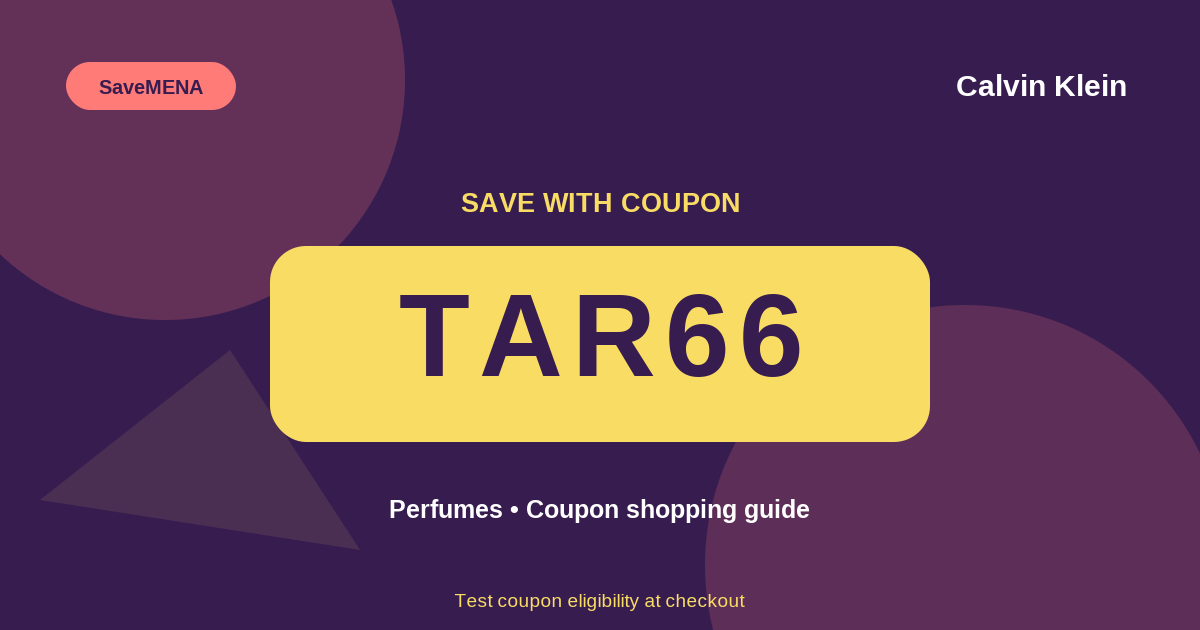
Codes available to try while comparing
These codes are not guaranteed for the article topic or listed brands; test them at checkout and use the live result.
Choosing the Right Calvin Klein Perfume Variant
The first step to a clear total is selecting the correct variant. Noon often lists multiple sizes, scents and limited‑edition releases for a single brand. Pay close attention to the colour and fragrance notes of the variant you want; a slightly different scent may carry a higher base price. When multiple product listings show similar names, ensure you read the product description and any seller notes so that you’re comparing apples to apples. Only after you’ve identified the exact variant can you reliably track the price throughout checkout.
Keep the variant identifier visible during the process—most shops display a brief code or size beside the name. This helps prevent accidental swaps that could alter the price. Store the variant list in a note or card; that way when you return to the cart you can verify the correct line item is present before proceeding. A mismatched variant can add an unexpected fee or change the base price, impacting the final delivery‑plus‑payment total.
Comparing Shelf‑Price to Checkout Price
Even before adding an item to your basket, comparing the product’s listed price with the price that appears in the cart is essential. On Noon’s product page the price may display a discount for a limited period, while checkout might show the updated price after cross‑seller adjustments. These discrepancies can stem from dynamic pricing, promotional codes applied by the platform, or seller‑specific flags. Double‑check the unit price in both locations to catch any early surprises.
Use the “View Details” link for the full list of applicable promotions that might affect the final amount. If the retailer shows a special bundle or if free shipping thresholds are in place, the cart price may already reflect those. Noting any difference early on saves time when you later adjust delivery options or payment methods that could further alter the subtotal before fees are added.
Testing Delivery Options Before Adding to Cart
Noon UAE offers multiple delivery methods – standard, express, or scheduled deliveries. To estimate the most suitable cost you can select each option from the product page’s delivery dropdown before committing to purchase. The platform typically updates the cart totals instantly as the chosen method changes.
Take note of how the subtotal shifts when you switch between delivery choices. Some resellers charge a flat fee, while others calculate the cost based on distance or time. Understanding each option’s fee structure will guide you to the choice that best matches your budget and urgency while keeping the overall total manageable when paired with your payment method.
Calculating Expected Delivery Fees
After adding the perfume to the cart, scroll to the delivery section to review the exact fee that will be added. This fee is shown separately from the item’s price and can vary by seller or distance. Noon displays the fee in the cart, but confirmation is still necessary before proceeding. Some sellers may state “free delivery” only for orders above a certain sum, while others apply a flat charge regardless of amount.
Mark the delivery fee on a sheet or an app while you continue to the next step. Knowing this figure allows you to anticipate how it will affect the payment sums, especially if your payment method has a transaction fee or an applied discount that depends on the base amount excluding delivery. Keep the fee handy until the final payable total is displayed.
Selecting a Payment Method That Saves Space
Your choice of payment – card, net banking or e‑wallet – influences the final total through possible transaction fees or rewards/discounts that apply only to certain methods. Noons might offer small credits or cashback when using a particular card issuer, effectively lowering the ultimate amount you pay. Verify the terms of each payment option during checkout, as they can plateau after certain thresholds.
When you select a payment method, Noon lists any additional charges or perks next to the payment icon. Pay special attention to whether the widget prioritises the total after all fees. If the payment fee isn’t obvious, note that this step is crucial because the method you pick may or may not add a supplemental cost to the delivery‑inclined subtotal you have been building.
Applying the TAR66 Coupon Safely
You only need to add the coupon code TAR66 at the checkout step where discount codes are entered. Type the exact string into the designated field before you proceed to the transport and payment sections. Once entered, it should update the subtotal; if it fails to apply, the platform will indicate the reason right then. It’s best to apply the coupon after you’ve confirmed delivery fees, because the platform may treat the discount as a pre‑delivery adjustment.
Because the coupon code cannot be guaranteed to work with every product or delivery combination, always confirm that the code has been successfully applied before finalising payment. Don’t rely on the code if the display still shows the original subtotal; re‑enter or refresh the page and try again. Ensure no other discount flags are visible that could conflict with the new code.
Double‑Checking the Final Total at Checkout
When you reach the last screen pre‑payment, Noon lays out every component that contributes to the final amount: unit price, delivery fee, any applied coupons, and the payment‑specific fees. Cross‑check each line to confirm it aligns with what you expected from the earlier steps. If any figure looks out of place, return to the previous page and adjust as needed.
Export the final amount by photographing or writing down the total. This figure is the reference you’ll rely on for payment method selection: if your card offers a transaction fee for amounts above a specific threshold, you might prefer to lock in the fee before you pay. Once satisfied that the total is correct, proceed to your chosen payment method with confidence that the article’s guidance has kept costs transparent.
Tracking the Order and Managing Expectations
After payment, Noon will send a confirmation email and an order tracking number. Most delivery estimates are displayed on the platform; use them to set realistic arrival expectations. If the delivery date falls outside your schedule, you may contact Noon’s support or the seller to explore possible adjustments.
During delivery, keep an eye out for any unforeseen charges that may appear—rare but possible if a special handling fee is warranted. In such cases, contact Noon immediately to confirm the authorization and why the fee applies. Having a clear record of the final total at checkout simplifies these post‑purchase conversations and protects your spending plan.
Related SaveMENA pages
Related articles
Official sources to check
Frequently asked questions
What is the best payment method for avoiding extra fees on Noon?
Use a card that imposes minimal transaction fees or offers cashback for the exact category. Review Noon’s payment options during checkout; if a card has a fee for amounts above a threshold, select the method that keeps your total below that limit.
Will the TAR66 coupon apply to all Calvin Klein perfumes?
Coupons typically work across a range of items but must be applied at checkout. If Noon indicates the coupon is not valid for the selected product or delivery fee, it will fail to discount the price and you can try again after adjusting the cart.
How do I verify the delivery fee before paying?
After adding the item to the cart, locate the delivery fee listed separately under the subtotal. The fee is displayed in the cart summary; keep a note of it as it will be added to the base price when calculating the final total.
Ade <noon/> I can avoid delivery charges on my purchase?
Noon may offer free shipping for orders above certain values or during promotional periods. Review the shipping policy on the product page or cart to see if your order qualifies, and consider adding more items if the discount applies.