Samsung Smart Watches on Noon UAE: payment method — delivery-inclusive price · TAR53
When you choose Samsung as your payment method, Noon’s checkout will separately list the payment fees, if any, alongside the deliverable charges.
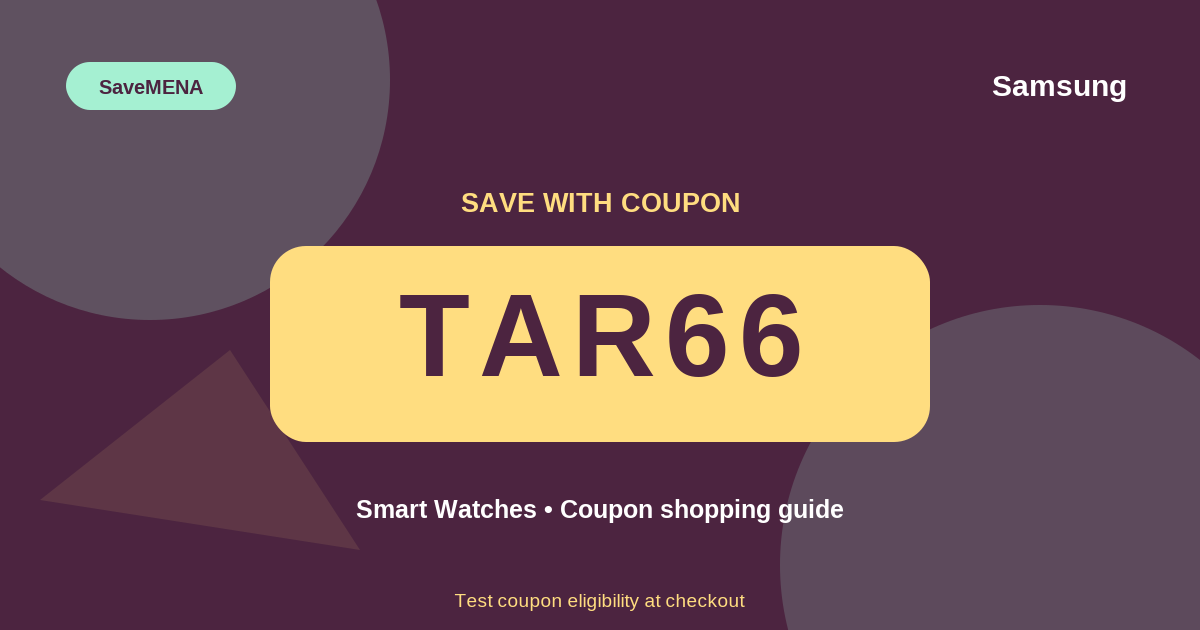
Codes available to try while comparing
These codes are not guaranteed for the article topic or listed brands; test them at checkout and use the live result.
Decoding Noon UAE Total with Samsung Payment
When you choose Samsung as your payment method, Noon’s checkout will separately list the payment fees, if any, alongside the deliverable charges. These fees can affect the final Line‑Item total that appears in the “Noon UAE total with delivery Smart Watches Samsung payment method” view. The distinction is important: shipping costs are looked at first; payment fees are applied second, meaning a small percentage added to the amount you end up transferring via Samsung Pay.
Because the system updates the final total in real time, any change you make—such as selecting a different shipping slot or swapping a payment method—will instantly reflect in the “Noon UAE total” figure. To be sure you’re not overpaying, pause at the checkout screen, scrutinize the parts list, and confirm that each charge corresponds to what you agreed to prior to completing payment.
Selecting the Right Smart Watch Variant for Your Delivery Budget
Smart Watch variants often differ in weight, size, and included accessories, all of which can influence shipping cost. Heavier models may incur a higher delivery fee than lightweight fitness bands, meaning the more premium you go, the more your total might swell. Checking the variant description in the product page can alert you to “weight‑based” shipping that might be hidden in cart summaries.
This becomes especially relevant if you are near the threshold for free shipping. Occasionally, a slightly cheaper variant will fall under the free‑shipping line, eliminating that extra pound on your final payable amount, while a more expensive variant surpasses it. Compare the variants’ shipping details before locking in your selection, especially if you’re using Samsung payment and want to keep the final “Noon UAE total” as low as possible.
Leveraging Noon’s Delivery Options for Best Value
Noon offers several delivery options—standard, express, and pickup—that directly impact the final cost. Standard delivery typically has the lowest or sometimes zero fees, whereas express services, while faster, often bring a premium. Even free delivery may be contingent on a minimum cart value, so often the best strategy is to combine Smart Watch purchases or add a small companion item to meet that threshold.
For Samsung payment users who prefer immediate results, aligning your order just below or above the free‑delivery cut‑off can be critical. Accordingly, you should scroll to the “Delivery Options” section before proceeding to payment. Not only does this let you compare prices, but it also highlights if any “delivery fee exemption” applies—information that will instantly adjust the “Noon UAE total with delivery Smart Watches Samsung payment method” figure.
Samsung Payment Method: Fees, Rewards and Final Payable Amount
Samsung Pay, like many mobile wallets, may impose a small transaction fee for each purchase, especially if you are transferring money from a linked bank account. This fee is added after the product price and post‑delivery charges, and it’s displayed on the cart page, ensuring that you’re aware before finalizing payment.
Beyond fees, Samsung Pay sometimes offers exclusive cashback or reward points on certain retailers. While the payoff may not cover the exact amount added to your final total, it can offset future purchases. Keep an eye on any “Reward” line item, and verify that those benefits are indeed applied by checking your Samsung Wallet rewards page or the receipt that Noon sends after you complete the transaction.
Applying the TAR53 Coupon Safely at Checkout
If you have the coupon code TAR53, you can try applying it in the “Coupon” box on the checkout page. Success is contingent on a number of conditions: the coupon must be active, the smartwatch must be eligible for coupons, and you must meet any unstated minimum spend (if applicable). No guarantees exist if the coupon is invalid, expired, or ineligible for the product.
When you hit “Apply,” the cart will recalculate the subtotal, shipping and payment fees, and then the coupon discount. Double‑check the line items for a “Coupon Discount” entry; if none appears, the system is likely rejecting TAR53 for that order. Remember to re‑apply after choosing the payment method because some coupons are tied to specific payment types.
Tracking Your Smart Watch Order After Payment
Once the checkout sequence—including Samsung payment, shipping, and any coupon—has been finalized, Noon will provide you with an order confirmation number. Use this identifier to track the courier status on Noon’s order history page. Tracking updates often include an estimated delivery window.
If you notice that the shipping status has not progressed despite the time indicated, you can contact Noon’s customer support. For Samsung Pay transactions, the support portal will list your payment confirmation details, making it easier to verify that the funds were successfully transferred before the shipment was dispatched.
Common Pitfalls That Inflate the Final Price
A frequent oversight in online shopping is assuming that the listed price equals the final payout. Delivery fees can be non‑refundable, and Samsung payment fees can be overlooked. Likewise, coupons may be silently rejected if they do not meet unstated criteria, leading to an unexpected increase in the final total.
To avoid these surprises, it is prudent to pause and examine each cost component—product, shipping, payment, coupon—before clicking the final “Place Order” button. Additionally, keep a written or screenshot record of your cart summary, especially if you intend to revisit the order or dispute an unexpected charge.
Related SaveMENA pages
Related articles
Official sources to check
Frequently asked questions
Why does my Samsung payment add an extra fee?
The payment fee is applied by the payment processor after shipping costs and only appears in the cart summary. Verify this line item before finalizing the purchase.
Can I use the TAR53 coupon with Samsung Pay?
Attempting to apply TAR53 during checkout will only succeed if the coupon is active and the product allows coupons. If it fails, the cart will not display a discount.
What if my delivery fee changes after I choose Samsung payment?
Payment fees are added after the shipping cost; changing the payment method will not alter the delivery fee already applied.
How do I verify the final total before paying?
At the checkout screen, scroll through the “Order Summary” to view each individual charge and confirm the final amount listed under “Total” before clicking “Place Order.”