Puma Sports on Noon UAE: payment method — delivery-inclusive price
160 words. Then 8 section tags each with heading, 2 paragraphs. Paragraph word count: need roughly 75 words. Let's write. We'll do. Need to ensure counts.
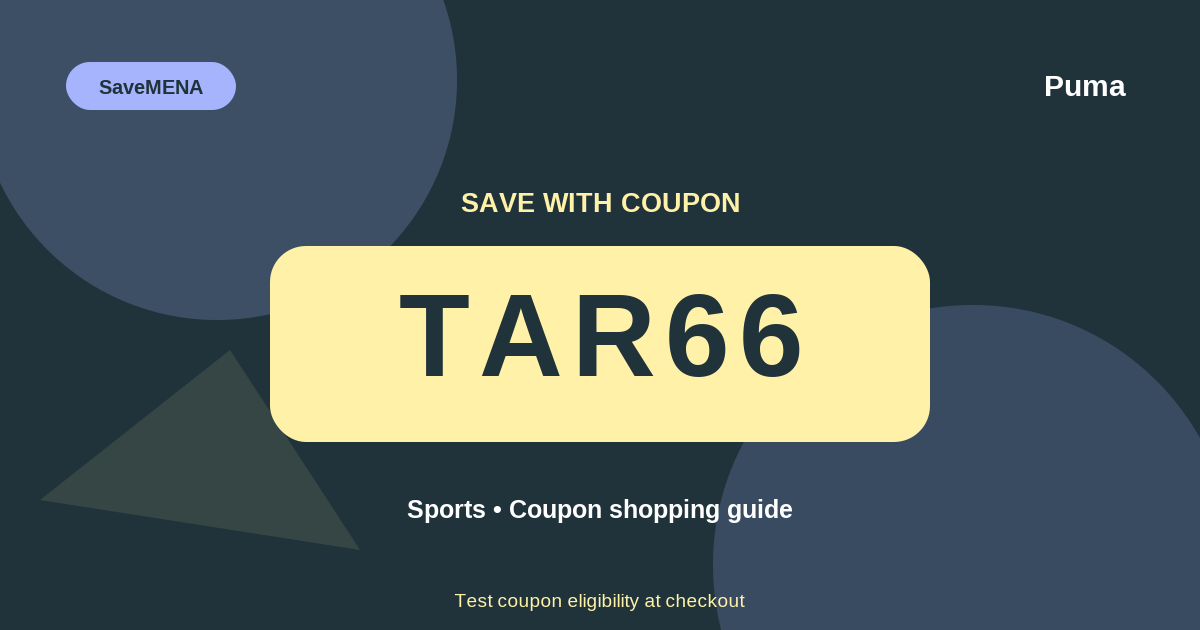
Codes available to try while comparing
These codes are not guaranteed for the article topic or listed brands; test them at checkout and use the live result.
1. How Noon Calculates Your Final Bill
Once you add a pair of Puma sneakers or a set of sportswear to your cart, Noon lists the base price, then dynamically inserts any applicable delivery fee. The fee is not static; it depends on factors like the size and weight of the package, delivery speed, and your location within the UAE. The platform also calculates percentage‑based service or handling charges that may apply to certain categories, ensuring the seller is compensated for special handling or packaging requirements.
After these add‑ons, the total reflects the sum of the item price, delivery fee, and service fee. If you have chosen a payment option that offers rebates or points, that benefit is applied at the last moment, potentially lowering the payable amount. Always scroll to the final total before confirming the purchase to confirm all numbers are correct.
2. Choosing the Right Delivery Option
Noon offers multiple delivery windows, from same‑day to scheduled pickups. Same‑day service usually comes with a higher delivery fee but guarantees rapid receipt, which is handy for last‑minute sports needs like pre‑game gear. Standard delivery is cheaper but may take several days. The cost difference here can swing the final total by a few dirhams, so weigh the need for speed against the added expense.
Delivery fees also vary with the chosen pickup location. If you select a Noon Hypermarket or a convenient kiosk, the fee can be lower than using a 24/7 delivery slot. Always preview the delivery fee before adding items to your cart to avoid surprises at checkout.
3. Payment Method Impact on Fees
Noon’s platform accepts a range of payment methods including credit cards, debit cards, PayPal, and Noon Pay. Each has its own approval process and, in some cases, transaction fees that may be passed on to the consumer. For instance, a credit card issuer might add a small surcharge for foreign‑card transactions, slightly raising the final amount.
Choosing a payment method that offers cashback or reward points—such as a loyalty card—can offset the small fee added. However, the exact benefit depends on the issuer’s terms and cannot be guaranteed; it’s best to verify the perk during checkout when the payment option is selected.
4. How to Apply the TAR66 Coupon Code
To try the TAR66 coupon, proceed to the billing section of Noon’s checkout page. Enter the code exactly as shown; the platform will verify its validity against your cart’s contents. If the coupon covers sports items, the discount will appear directly next to the item subtotal. If it does not, the discount field will remain unchanged.
Note that coupons are subject to Noon’s policies, and the code’s applicability can change over time. The discount, if granted, will adjust the final total before delivery and payment fees are applied, potentially saving you a respectable amount on larger sports purchases.
5. Selecting Puma Sports Gear on Noon
Puma’s sports catalog on Noon ranges from high‑performance running shoes to versatile training apparel. The product pages list key specifications such as material type, sizing, and any special features like moisture‑wicking or arch support. Checking these details avoids a mismatch that could trigger a return and cause extra shipping fees.
When buying Puma items, also look for seller‑specific guarantees. A direct seller may offer a lower delivery fee or a free pickup option, which again shifts the final total in your favor. Confirm the seller’s details before adding items to your cart to lock in the best pricing package.
6. Managing Category‑Specific Fees for Sports Items
Sports products sometimes carry additional fees that are tied to the product’s weight or special handling requirements. This includes a small packaging fee for large items like sports bags or insulated water bottles, which can double as a delivery charge depending on the seller’s policy.
These fees are clearly outlined on the product’s checkout page in a separate line item. Failing to notice them can lead to a higher final total; therefore, always scroll through the fee breakdown before confirming your purchase.
7. Tracking Delivery Fees and Adjusting Your Order
After finalizing a purchase, Noon allows you to track your order’s status. If a delivery option changes—for example, due to a scheduling conflict—the platform may update the delivery fee. In such a case, the total payable amount will adjust accordingly, though any saved or newly applied discounts will remain intact.
Should the fee change significantly, you can cancel the order within the allowed cancellation window and re‑select a different delivery option at a lower cost. Always review the cancellation policy and the timing of the fee update to avoid unexpected charges.
8. Final Tips for a Smooth Checkout Experience
Before hitting the buy button, double‑check every section of the order summary: the item subtotal, delivery charge, any service fees, the applied coupon, and the payment method’s potential surcharge. Any misstep at this stage will be reflected in the final payable amount and can be difficult to correct once the order is confirmed.
Keep an eye on the confirmation email for a detailed breakdown. Should any of the figures appear off or you notice a new fee, contact Noon’s customer service promptly. By staying vigilant, you’re more likely to achieve the lowest possible final total for your sports purchase.
Related SaveMENA pages
Related articles
Official sources to check
Frequently asked questions
Does the TAR66 coupon apply to all Puma sports items?
The TAR66 coupon may or may not apply to specific Puma products. Check the coupon’s terms or try entering it during checkout to confirm eligibility. If it is not valid for a particular item, the discount field will remain unchanged.
Will the delivery fee change after I place my order?
In some cases, delivery fees can shift if a different delivery slot becomes available or if the seller updates the shipping rate. Monitor the order status email—if a fee adjustment occurs, the total payable amount will reflect it.
Can I use another payment method if my card is declined?
Yes. Noon offers multiple payment options, including credit cards, debit cards, and PayPal. Switching to an alternative method during checkout can prevent transaction delays or additional surcharges.
Will I see the exact final total before I confirm my purchase?
You can review the full breakdown—item price, delivery fee, service fees, coupons, and payment charges—on the checkout page. The final total is displayed just above the ‘Place Order’ button, giving you a clear view of all costs before you proceed.