Huawei Tablets on Noon UAE: payment method — delivery-inclusive price · TAR92
In a world where every cent counts, understanding how Noon’s UAE total with delivery impacts your tablet purchase is essential—especially when you choose Huawei
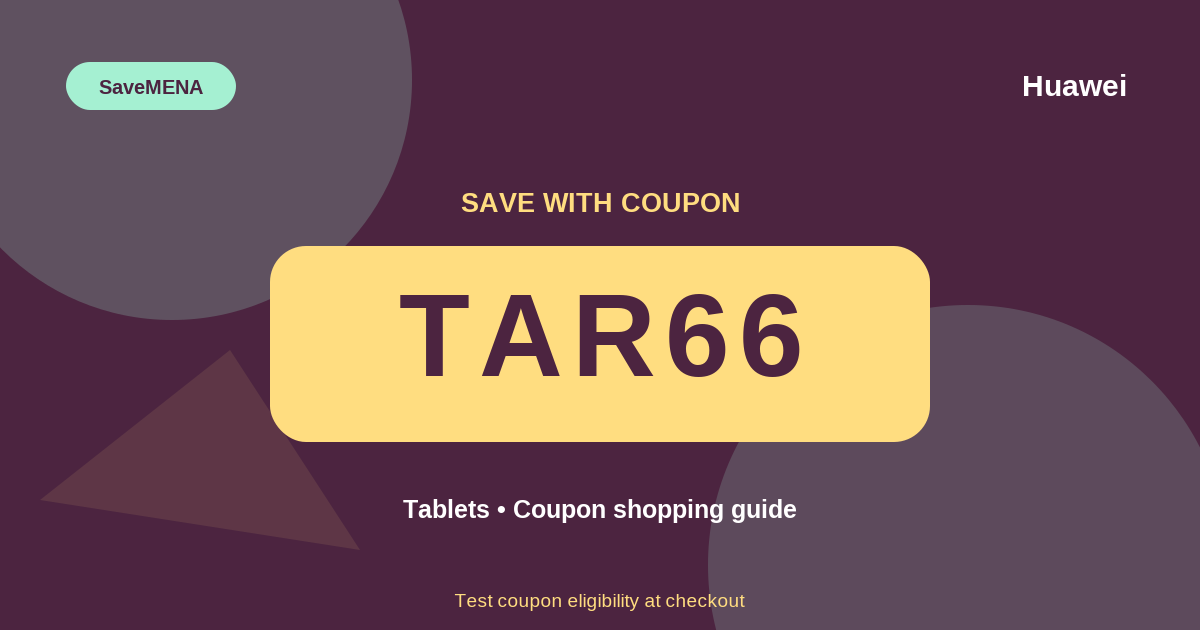
Codes available to try while comparing
These codes are not guaranteed for the article topic or listed brands; test them at checkout and use the live result.
1. Understanding Noon UAE Total Charges for Tablets
When you browse Noon for a tablet, the product page lists a base price that includes VAT but excludes shipping. The displayed price appears as your starting point, yet the UAE total will reflect additional costs like delivery and, if applicable, service fees. Because Noon adjusts shipping charges based on seller, distance, and shipping option, you must keep track of these numbers as they will amalgamate into the keypad summary on checkout.
To avoid surprises, review the “Estimated Total” section on the product detail page. This preview usually offers a lay‑down of the base price, a provisional delivery fee, taxes, and the payment method’s impact. Still, the final sum will be recalculated in the cart, reflecting the exact value you ultimately pay once the checkout page processes the precise shipping profile and any applicable coupon entries.
2. Mapping Delivery Fees onto Your Final Payable
Delivery fees on Noon can vary by seller’s location and the speed you select. The site indicates a flat shipping rate or “Free Shipping” if you meet a certain purchase threshold. Even if the fee looks static on the cart, it can shift after applying certain coupons or choosing a different payment method due to hidden handling charges.
During checkout, ensure that the delivery fee listed matches the location-based rate shown earlier. This confirmation is vital because a mismatch often signals that a discount might have altered the fee or that a different seller’s terms apply. Double‑checking keeps your total transparent and helps you decide whether to stick with the chosen delivery option or reorder via a seller offering a lower fee.
3. How Huawei Payment Method Can Influence Total Savings
Huawei’s payment method typically offers streamlined processing times and sometimes preferential exchange rates for UAE dirhams. It might also deliver bonuses such as loyalty points or partner cashback, which can reduce the effective price at checkout. However, only the shopping cart’s final page confirms whether these incentives apply.
When you opt for Huawei payment, watch for a subtle line item: “Payment Method Discount” or “Points Applied.” If this is present, it will lower the final payable amount. Always verify that the charging is applied by comparing the pre‑payment and post‑payment totals on the checkout screen, ensuring the discount actually translated into decreased cost.
4. Step-by-Step: Adding Huawei Payment to Your Noon Cart
Adding Huawei payment involves a few clicks: first, add a tablet to your cart; next, proceed to checkout. Under the “Payment Method” section, toggle to Huawei, enter your credentials, and confirm. The cart will instantly recalculate, displaying any discounts or fees associated with that payment method.
After confirmation, pause to scroll down to the “Summary” area. Here, you should see a breakdown that includes a potential payment method deduction. If you notice the “Huawei” logo next to a lowered line item, you can trust that the payment method helped reduce your total. If not, enable the “Show Details” option to verify any hidden charges.
5. Checking Eligibility of the TAR92 Coupon on Tablet Purchases
Coupons on Noon are generally entered at the checkout screen, beneath payment options. To try the TAR92 coupon, type the code in the designated field, hit apply, and observe whether the discount line appears.
Because coupons may not apply to all categories or brands, confirm the “Applies to” detail shown by the site after submission. If the coupon does not affect the tablet’s price, it might display a message stating ineligibility. In such cases, you can look for alternative discounts or consider applying the coupon to another yet-to-be-selected product.
6. Comparing Noon’s Tablet Offers with Other Apps for Payment Perks
Samsung, Apple, and other regional retailers also present payment‑method discounts, but each platform’s structure varies. For instance, a certain marketplace might bundle a small discount with a specific card, whereas Noon offers a flat rebate when paying via Huawei.
When planning a purchase, compare the final net amount after payment method charges across multiple stores. This comparison can reveal differences that may influence your choice, especially if the ending total on Noon ends up higher due to a non‑matching postal fee or lack of manufacturer rebates offered elsewhere.
7. Validating Final Total Before Checkout
Prior to clicking “Place Order,” scroll to the final pay‑image section that includes base price, shipping fee, any coupon deductions, and payment‑method rebates. This overview is your last opportunity to confirm that the UAE total aligns with your expectations.
If any of the figures deviate from earlier screens, count them before submitting. Many shoppers overlook a charging nuance that, while small, could bump the total by a few dirhams. The best practice is to glance at the total after applying the Huawei payment method and the TAR92 coupon together to ensure everything adds up correctly.
8. Pro Tips for Maximizing Value on Noon UAE Tablet Deals
Keep an eye on Noon’s monthly “Best Deals” section, as many tablet listings feature limited‑time promotions that coexist with payment‑method incentives. During peak sales windows, coupons and payment‑method bonuses may stack, offering cumulative savings that reduce your Uzbek total.
After confirming the final amount, take advantage of Noon’s loyalty program—if you qualify, you’ll accrue points that could offset future purchases. This long‑term strategy turns each cart addition into a small investment for later tablet deals, ensuring the cost per Dirham stays as low as possible.
Related SaveMENA pages
Related articles
Official sources to check
Frequently asked questions
Does the Huawei payment method always reduce the total price on Noon?
No, it depends on the current promotion tied to Huawei payments. Some periods offer cashback or loyalty points, while others may not. Verify the presence of a discount line in the final total before placing the order.
Will using the TAR92 coupon affect the delivery fee?
Generally, coupons the coupon code the product price or payment method, not shipping. However, a coupon might waive a shipping fee if it explicitly includes delivery. Check the coupon description or display after applying it.
Can I combine Noon’s coupon, Huawei payment rebate, and free shipping?
It’s possible to stack these if each offers separate, non‑exclusive benefits. Confirm on the checkout page that each discount is applied without overlap and that Amazon’s terms allow simultaneous usage.
What if the final payable amount changes after I select Huawei payment?
Contact Noon customer support for clarification. Usually, the payment module adjusts the total instantly, but discrepancies can arise from automatic fees or glitch. Ensure the summary fully matches before confirming the order.