Adidas Women’s Fashion on Noon UAE: payment method — delivery-inclusive price · TAR53
If you’re curious about how delivery and fees affect the final total on Noon UAE while shopping for Women’s Fashion from Adidas, this guide breaks down the process
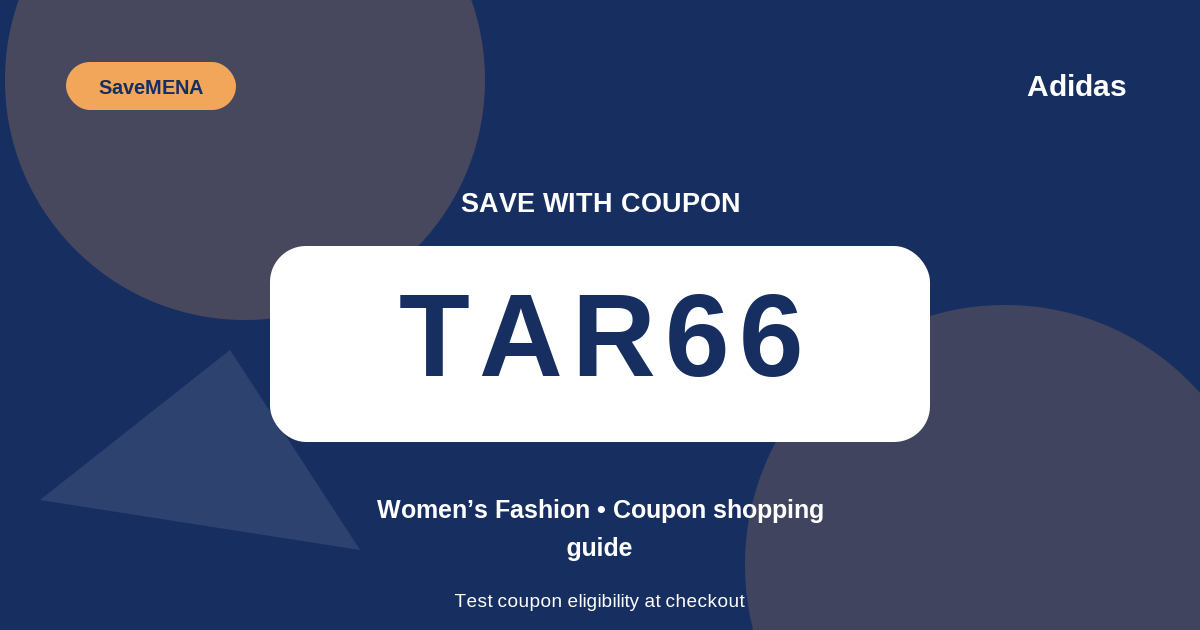
Codes available to try while comparing
These codes are not guaranteed for the article topic or listed brands; test them at checkout and use the live result.
How Noon Calculates the Total for Women’s Fashion Items
Noon lists the base price of each Women’s Fashion product, such as an Adidas jumpsuit or sneakers, next to the product title. The site automatically adds a delivery fee that depends on the shopper’s delivery address and the selected shipping speed. This fee appears on the shopping cart before you proceed to checkout, giving early visibility into the full payable amount. If you add more items, the base price updates dynamically while the delivery fee may remain constant or adjust based on weight and volume. The calculated “Order Total” presented on the cart reflects these components, so you can see the aggregated amount before selecting payment. Knowing the cart’s breakdown helps you anticipate how changes in quantity or size could affect the final bill, especially when applying a coupon later on.
The Role of Delivery Fees in Final Payable Amount
Delivery fees on Noon are not arbitrary; they usually vary by distance from the nearest distribution center, the chosen delivery speed, and occasionally by special promotions. Importantly, they are added only after you place your order, not at the product page. Consequently, a shopper who adds a low‑priced item may see a surprisingly small or larger fee based on shipping terms. These fees are displayed in full before you reach the payment stage, ensuring that there are no hidden charges once the payment method is selected. As a result, when you view the “Order Summary” after clicking “Proceed to Checkout,” the delivery fee is part of the final total you will see, making it easier to decide whether to modify your cart or opt for another shipping option.
Selecting the Right Payment Method: Why It Matters
While Noon itself does not levy extra charges for card or digital wallet payments, your chosen payment method can still influence the final out‑of‑pocket expense. For example, some providers add convenience fees for certain transaction types, whereas others may not. It is therefore important to review the terms of your payment option prior to confirming the purchase. During checkout, the payment screen lists all accepted methods, including major cards, digital wallets, and installment plans. A clear display of any associated fees or promotional rates helps you compare and choose the most economical route. By verifying this information before final payment, you confirm that the total displayed—base price plus delivery—corresponds exactly to what you will pay with your selected method.
Applying the TAR53 Coupon to Your Order
Once you have verified that your amount matches your expectation—including base price and delivery fee—you can enter the coupon code TAR53 in the designated field on the payment page. The platform will validate the coupon against your cart at this stage. If the voucher is accepted, the discount is subtracted from the subtotal before adding any service taxes or final fees. SaveMENA’s editorial stance is that the coupon can be applied but its effect is only confirmed at checkout. Therefore, after entering the code, double‑check the updated “Order Total” section to see the exact amount you’ll be charged. This step ensures that there are no surprises when you navigate to the final payment button.
Tracking Your Order and Managing Unexpected Fees
Once you complete payment, Noon’s tracking system provides updates on each step: confirmation, dispatch, in‑transit, and delivery. If, for example, a delivery delay postpones the shipment, Noon usually re‑evaluates the fees associated with the new transit plan. These adjustments are reflected in the tracking interface, allowing you to see if any change in the final bill is necessary. If a new fee emerges that you did not anticipate—like a local tax surcharge—Noon’s system will prompt you to acknowledge it before finalizing the payment. Being informed of such adjustments early in the tracking process gives you the chance to address them before the order reaches the destination.
Managing Returns and Refunds for Women’s Fashion
In the event you return an Adidas piece or any Women’s Fashion item, Noon typically refunds the base price along with any applicable service fee that was tied to the original order. The delivery fee may be prorated or waived depending on the reason for return and the return window. Refunds are processed back to the original payment method, so keeping an eye on the payment ledger is essential. You can view the refunded amount once the return is approved and the shipment is received. Being aware of how refunds are handled keeps your total expenditure in line with your initial expectations.
Saving Tips for Future Shopping on Noon UAE
While SaveMENA does not claim affiliation with Noon, we can share practical hints for savings. First, compare the “Order Total” for fast versus standard delivery; the fee difference can be significant for bulk purchases. Second, keep an eye on the checkout screen for any promotional pop‑ups that might ignore the voucher but offer a flat discount. Lastly, when you plan a larger shopping spree, add items to the cart gradually. This allows you to monitor how delivery fees change when you replace a small item with a larger one, giving you flexibility to adjust the order before final payment.
Final Checklist Before Checkout
Before you hit the “Pay” button, review the cart one last time: verify the total amount includes the base price, delivery charge, and any payment‑method fees. Enter the coupon code TAR53 and confirm that the new total reflects the discount accurately. Ensure your chosen payment method has no pending limits. If satisfied, proceed to the payment stage. Once the transaction is completed, keep the confirmation screen or receipt as proof of the final amount, which will be useful for future references or potential returns.
Related SaveMENA pages
Related articles
Official sources to check
Frequently asked questions
What happens if the delivery fee changes after I place my order?
Delivery fees are typically fixed once you confirm payment. However, in rare cases of logistical changes, Noon may update the fee and inform you via notification. You can review the new cost on the tracking page and decide whether to cancel or proceed.
Can I use the TAR53 coupon with any payment method on Noon?
The coupon can be entered at checkout regardless of the selected payment method, but its applicability will only be confirmed after the promo code is validated by Noon.
Will using a different payment option affect my total cost?
Some payment methods may add convenience fees, so it is wise to check the fee schedule of your chosen method before confirming the purchase on Noon.
How can I track if a return affects my final payment?
After a return is accepted, Noon updates the refund details in the order history. The adjusted total will show the refunded amount and any cost changes due to the return.