LG Home Appliances on Noon UAE: price changes — delivery-inclusive price
When you plan to purchase a new home appliance, such as an LG refrigerator or washing machine, through Noon UAE, it’s essential to understand how delivery fees
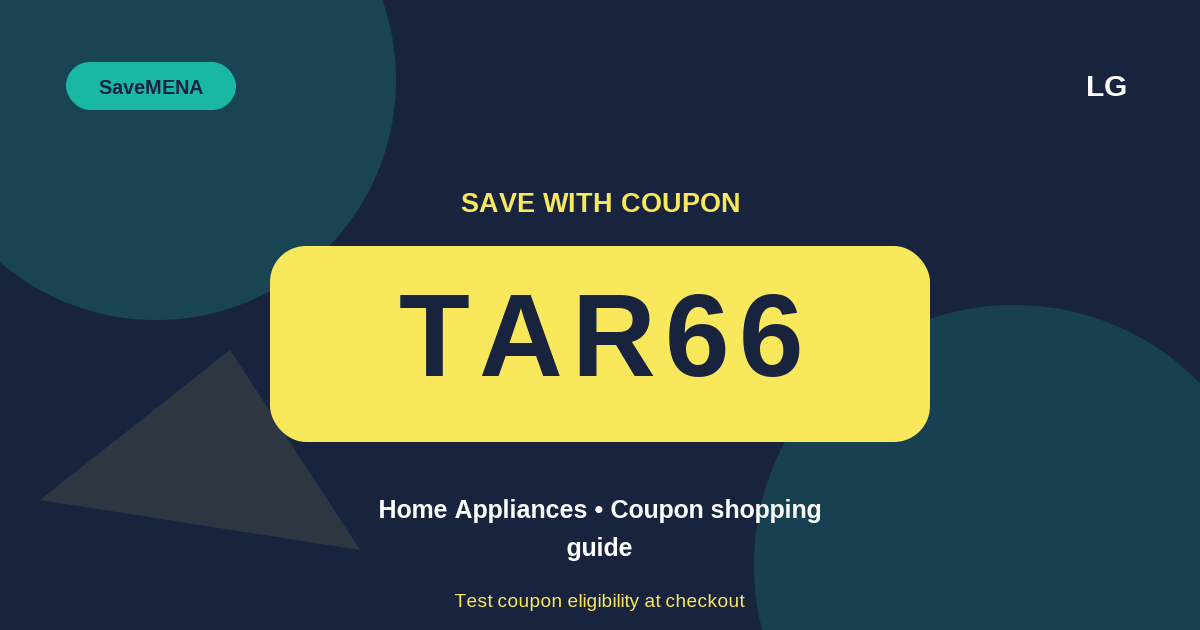
Codes available to try while comparing
These codes are not guaranteed for the article topic or listed brands; test them at checkout and use the live result.
1. Understand the Components of Your Noon UAE Order Total
A Noon UAE order total is not just the product price; it includes several separate line items that can add up quickly. The main components are the item’s base cost, any applicable delivery fee, local taxes or duties, and a potential handling or service fee for larger appliances. Recognizing these categories early helps you spot where added costs may arise, especially after a price change on the item itself. Think of the total as a recipe: each ingredient must be accounted for before you can trust the final yield.
This early awareness directs your attention to the next step—confidently verifying whether the price reflected in your cart matches the most recent price posted by Noon. The repositioning of a price after a change can affect the subtotal, which, when combined with delivery and tax fees, may shift the overall bill. Mapping out the components keeps you prepared to adjust your strategy accordingly.
2. Verify the Updated Price Before Adding to Cart
Before you add an LG appliance to your cart, double‑check the listed price on Noon’s product page. Occasionally, promotional discount factors or return of an earlier price can shift the displayed amount. It's worth pausing to compare the current price with any recent price change announcements or discount banners that might apply. Even a small alteration can influence the subtotal, which later propagates through delivery and tax calculations.
If you notice a price adjustment, but the page still shows the old number, it’s prudent to refresh or revisit the page after a few minutes. Price changes can be time‑sensitive, and Noon often updates its listings in real time. By confirming the correct price beforehand, you reduce the risk of unexpected overruns once you proceed to the next steps.
3. Add the LG Appliance to Your Cart and Review Subtotals
Once you confirm the correct price, place the LG appliance into your cart. Immediately after adding, scroll to the cart overview to locate the ‘Item Total’ or ‘Subtotal’ line. This figure should reflect only the product's updated price at that moment. Be sure to verify that the number matches the price you saw on the product page; discrepancies often indicate prior cached data or delay in price updates.
To prepare for delivery calculations, note that the cart typically separates the item subtotal from the upcoming delivery fee section. Hold this separation in mind so you can later compare the cost differences before and after any price changes. The cart view also often lists a quick summary of total expected fees, which becomes a useful benchmark when you revisit after applying a coupon or selecting a delivery method.
4. Examine Delivery Method and Associated Fees
Delivery options on Noon UAE can vary significantly based on your address, the size of the appliance, and whether you opt for same‑day, next‑day, or scheduled delivery. Check the delivery fee listed next to each option; larger or heavier LG units often carry higher charges due to special handling requirements. Understanding these options will let you choose a plan that balances cost and convenience, especially if a price change has altered the relative value of your appliance.
After selecting a delivery slot, scroll down to the ‘Delivery Charges’ line in the cart. This line usually appears after the item subtotal and before tax calculations. Scrutinize that amount for any adjustments that might have occurred after a price change. If the delivery fee is dynamic—based on distance or packaging—it may fluctuate slightly; confirming it before advancing to checkout secures the figure you’ll ultimately pay.
5. Factor in Local Taxes and Import Duties
Once you have the item price plus delivery fee, it’s time to consider local taxes or import duties that Noon applies to certain home appliances. UAE e‑commerce often includes a destination‑based tax that is added automatically during checkout. Since tax calculations are derived from the subtotal, any price shift on the appliance can influence the tax amount proportionally.
Locate the tax line (often labeled “VAT” or “Duty”) in the cart preview. Make sure you understand whether this fee is a fixed rate or varies with the total cost of the appliance. After a price recheck, confirm that the tax line reflects the updated base price, not the old value. This step ensures that you’re not paying an outdated tax rate on an increased or decreased purchase price.
6. Apply the TAR66 Coupon and Confirm Eligibility
The coupon code TAR66 is publicly available for users to try during a Noon UAE checkout. Before applying it, check the cart for an “Apply Coupon” button. Enter TAR66 and wait for the system to process the code. A note will appear indicating whether the coupon was accepted or rejected. Even though the coupon is available to try, the system may still refuse it due to terms not disclosed in the prompt.
If the coupon is accepted, observe the “Coupon Discount” line that appears below the tax section. The new subtotal should reflect the discount amount, directly reducing the final payable balance. If the coupon is rejected, double‑check that the code is typed correctly and that there are no special conditions like order minimums or exclusions that might prevent it from applying.
7. Cross‑Check Final Payable Amount at Checkout
Proceed to the checkout page only after you have verified that the item price, delivery fee, tax, and any coupon discount are accurate. On the final order summary, a comprehensive breakdown will appear: item subtotal, delivery cost, taxes, coupon discounts, and the grand total. By cross‑checking each line with the earlier cart view, you confirm that there are no hidden changes after coupon application or price adjustments.
This final review is crucial because any discrepancy discovered here—such as an unexpected increase in delivery or a tax recalculation—can affect your decision to complete the purchase. If you find an inconsistency, you can contact Noon’s customer support or cancel and start over, ensuring you only proceed when the total matches the expectations set in the cart.
8. Record and Recheck for Post‑Checkout Adjustments
Even after you submit the order, orders can undergo post‑checkout adjustments if Noon detects a price change after your cart completion. It’s prudent to preserve a screenshot or note of the order confirmation page, capturing the final total displayed. This record serves as a reference if Noon later issues a credit or adjustment due to a price correction or fee adjustment.
Things to monitor: any follow‑up emails from Noon confirming the final amount, or notifications in your account dashboard. If an adjustment occurs, examine the reason carefully. Did a price revert, or did an extra handling fee kick in? Understanding these potential post‑checkout scenarios aids you in making informed future purchases, especially when rechecking prices before adding items to your cart.
Related SaveMENA pages
Related articles
Official sources to check
Frequently asked questions
What if the price of my LG appliance changes after I add it to the cart?
If the price updates after you’ve added the item, the cart will usually display a notification or adjust the subtotal automatically. Review the cart again before proceeding to checkout to ensure the new price is reflected in the total you’ll pay.
Will the TAR66 coupon apply to all LG home appliances on Noon UAE?
The coupon code TAR66 is available for users to try, but its applicability depends on Noon’s current terms. If it isn’t accepted during checkout, it may be due to specific conditions or exclusions not disclosed publicly.
How do I know if a delivery fee is truly final?
Delivery fees appear on the cart preview and the order summary. If a fee changes after you’ve confirmed the cart, Noon may issue an adjustment. Keeping a screenshot of the cart before checkout helps verify the final cost.
Do local taxes automatically update if the appliance price changes?
Yes. UAE taxes are calculated based on the subtotal, so any price alteration will proportionally affect the tax amount. Verify the tax line after applying a coupon or after a price change to ensure accuracy.