Huawei Tablets on Noon UAE: price changes — delivery-inclusive price
Before anything else, hover over the tablet listing on Noon’s UAE site or mobile app and note the displayed price.
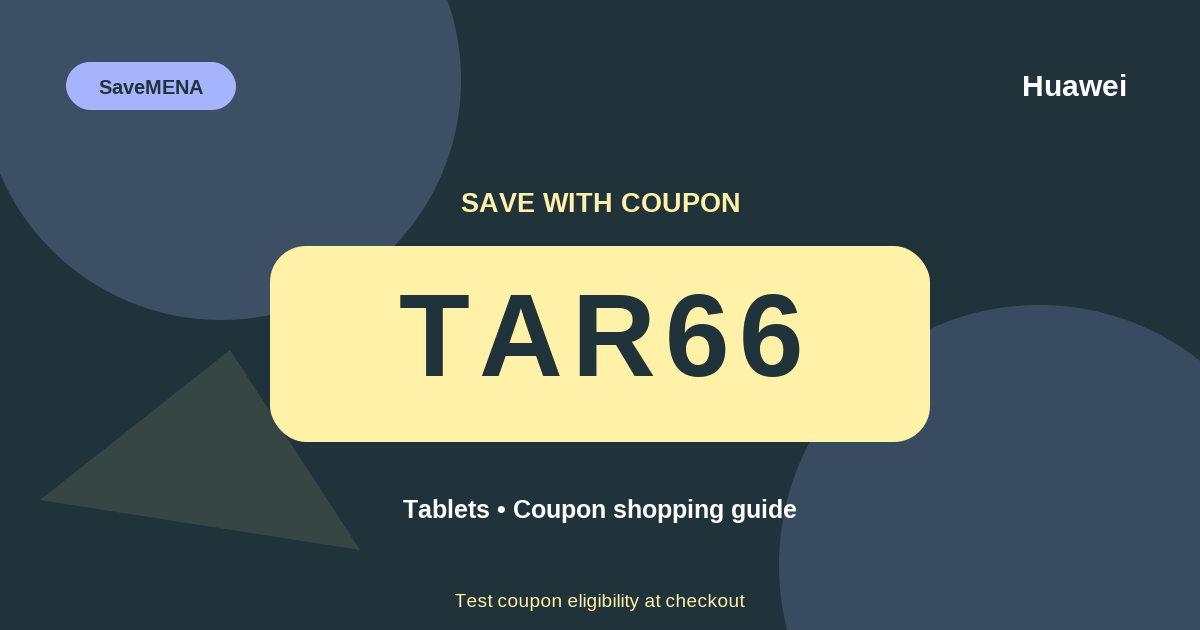
Codes available to try while comparing
These codes are not guaranteed for the article topic or listed brands; test them at checkout and use the live result.
Verify the Latest Retail Price
Before anything else, hover over the tablet listing on Noon’s UAE site or mobile app and note the displayed price. Because Noon occasionally applies a quick promotional update, the price you see initially may not match the one applied when you add it to the cart. Capturing the printed price or taking a screenshot alerts you to any later changes. If you notice a sudden jump or drop, consider whether a new seller or a flash sale may be behind it, as this can affect the final unit cost before any discounts.
Once you have the current price locked in, double‑check the seller’s discount structure. Many tablet listings show a “Save” percentage next to the price, which reflects the discount already applied by the seller. Make sure the discount is still valid at the time you add the product to the cart. Typing or copying the full price into a spreadsheet can help you track whether the checkout screen reflects the same number, giving you an extra safety net after a price change occurs.
Review the Tablet’s Delivery Window
After verifying the price, scroll down to the delivery options under the product description. Noon offers several shipping speeds in the UAE—express, standard, or economy—each with its own cost. If the delivery window appears longer than anticipated, it could also add a small fee that can alter the final total. Pay close attention to the dates and minutes listed, as an older listing may push the shipment to a later date with an added charge if stock levels are low.
Check whether the storefront offers free shipping at a certain purchase threshold. If you’re close to the free‑shipping cut‑off, a modest price drop from a seller or coupon could bring you just over the line, saving you the delivery fee. Keep a running count of your cart total as you add items to decide whether tweaking the quantity or swapping a cheaper variant may unlock free delivery.
Examine Potential Hidden Fees
Noon often displays an item’s base price upfront, but any service charges or handling fees can appear only after you reach the cart or checkout stages. Scroll to the “Summary” section near the bottom of the cart to reveal these hidden entries. Common hidden fees in the UAE market include event‑specific handling charges or customs paperwork, which normally only arise for overseas orders—though it’s best to double‑check if you’re buying from a foreign seller.
One last hidden figure to watch for is the VAT amount, normally added after the unit price and shipping fees have been tallied. In most UAE domestic purchases, VAT is fixed at the discount shown at checkout, but Noon sometimes combines it into a single line item. Reviewing the final total allows you to confirm that the tax was correctly applied and not inadvertently omitted, ensuring the amount you see before payment matches the post‑checkout receipt.
Confirm Coupon Compatibility
The TAR66 coupon is available for experimentation, but Noon does not guarantee its universal applicability across all categories. To test its effect, click the “Apply Coupon” box while in the cart, and type TAR66. If the input is accepted, the screen will automatically update the subtotal. If it is rejected, a short explanation will appear, such as “Coupon not valid for this category,” alerting you to product or cart restrictions.
Re‑apply the coupon after reobtaining the current unit price and the shipping information. Sometimes the coupon only becomes usable once the cart’s total surpasses a certain threshold. If it still doesn’t apply, double‑check for constraints such as “single‑use only” or “must be a purchase over the amount shown at checkout.” This way, you can be sure the code has run its full potential before final payment.
Compare Payment Method Charges
Default e‑wallet or credit‑card payments on Noon typically do not carry an extra fee, but some less common methods – for instance PayPal or certain local bank transfers – may incur a small processing fee. When the payment type is selected, a note beneath the payment button will state any applicable fees. This is particularly relevant if you have recently switched payment methods, or if Noon has introduced a new fee structure for a certain card issuer.
Because the installment plan on Noon can add interest after a price change, it is wise to re‑calculate the monthly payment. If you are selecting a three‑ or six‑month plan, the adjustment may affect the total interest paid over the period. Check the “Plan details” section in the payment screen to compare the new effective interest rate with the rate displayed when you initially added the tablet to the cart.
Scrutinize Seller’s Return Policy
Privacy of returns is especially important if a price shift triggers quicker or slower dispatch timelines. Each seller’s page on Noon stipulates a return window, and some sellers limit returns to 14 days after receipt. If a price adjustment causes the shipment to depart sooner, the return window might begin earlier, potentially shortening the overall period you have to validate the purchase. Reading the policy text is the safest way to confirm this timing once a price shift is confirmed in the cart.
Beyond the window, also look for any restocking fee clause that might apply should the item not be returned unmodified. Some tablet sellers add a the discount shown at checkout fee to returned tech items. If the online receipt references a restocking fee, factor this into your final cost calculation: it could be an unanticipated line item hidden inside the total until you hit the “Return” button.
Reassess Quantity and Variants
Adding a second tablet or switching to a higher‑spec variant can change the per‑unit price dramatically, as well as alter associated shipping fees. Even a single additional tablet might unlock a free‑delivery threshold, while a larger variant might simultaneously push the cart past a fee bracket, causing an extra charge. When you adjust the quantity, keep an eye on how the delivery fee updates in real time—this gives a clearer picture of your final out‑of‑pocket expense.
Because tablets sometimes have optional accessories (charger, case, stylus), check if any of these items are bundled. Bundled deals sometimes trigger a discount on the tablet itself but require the accessory to be present for the price to stay valid. If you remove the accessory from the cart, the tablet’s price may revert to a higher figure. Verify the final numbers after any quantity changes to avoid hidden surcharges.
Finalize Shopping Cart Before Checkout
Once every element—price, shipping, coupon, payment fee, and returns—is verified, scroll to the bottom of the cart page and examine the “Total” line. This line should reflect every fee added or deducted. Should there be any discrepancy, match the individual line items against the subtotals until you find where the mismatch comes from. If the final amount is higher than expected, re‑enter the coupon, double‑check return policy related fees, or consider shifting the delivery speed.
A quick safety check before confirming the order is to leave the cart open for a few minutes and revisit it. Noon sometimes recalibrates the final total if backend inventory changes or if a new discount becomes available. This brief pause can expose hidden adjustments that would otherwise be missed. Once you are satisfied, proceed to the secure payment screen and enjoy a hassle‑free purchase with confidence that the *Noon UAE total with delivery* reflects the true cost for your tablet.
Related SaveMENA pages
Related articles
Official sources to check
Frequently asked questions
How can I ensure that my total includes all delivery fees?
The cart overview in Noon lists a separate line for delivery or handling charges. The “Summary” section will also show any applied shipping fees, ensuring they are reflected in the final amount. If you see a “Free Shipping” icon, that fee has been waived. This information is live, updating whenever you modify the cart.
Can the TAR66 coupon be applied after I view the final price?
Coupons are only applied when you enter them in the cart before final payment. If the coupon is accepted, the order total will immediately update on the screen. If not, Noon will display why the code was rejected, enabling you to retry or choose an alternative discount.
Is there an extra fee for Cash on Delivery in UAE on Noon?
Typically Noon does not add extra charges for Cash on Delivery orders. However, a handling or service fee might appear in the final breakup if it applies to that specific seller or order type, and it would be shown in the checkout summary.
What happens if the tablet price changes after I have added it to my cart?
When a tablet price is updated, the cart refreshes automatically to show the new unit cost. Any associated changes in shipping thresholds or coupon eligibility will also be recalculated, ensuring the final total you see before payment reflects the current latest price.