Skincare on Noon UAE: offer combinations — delivery-inclusive price
Start by reviewing the item subtotals in the cart. Each skincare product’s price should match the listed price you selected, inclusive of any tax that the platform
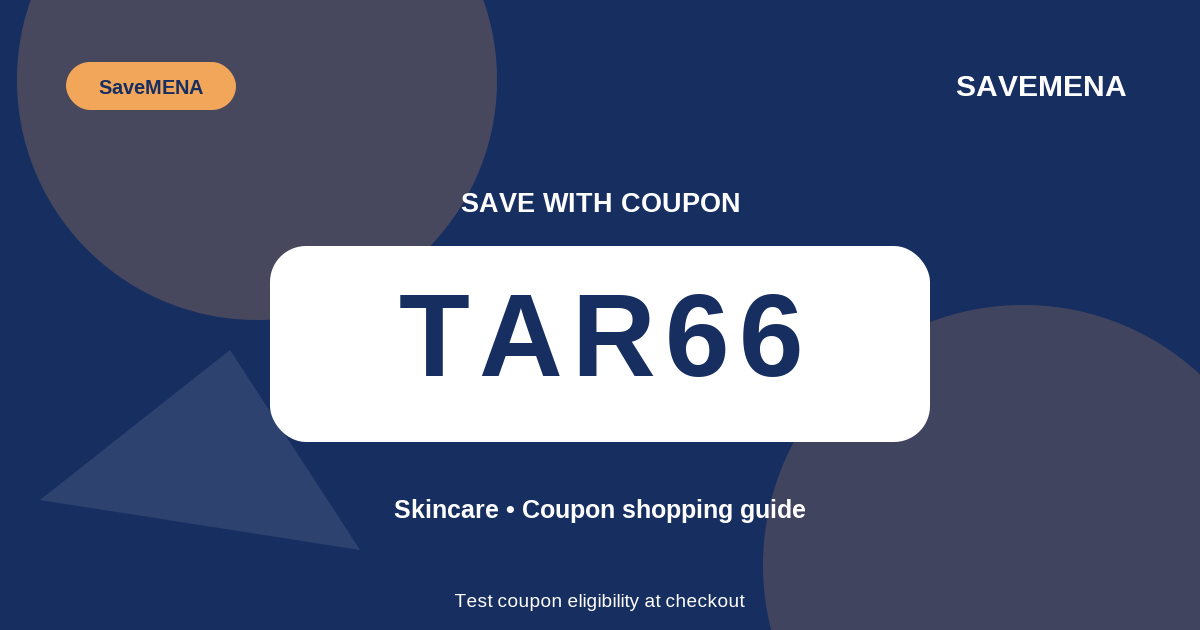
Codes available to try while comparing
These codes are not guaranteed for the article topic or listed brands; test them at checkout and use the live result.
Inspect Item Totals Before Applying Coupons
Start by reviewing the item subtotals in the cart. Each skincare product’s price should match the listed price you selected, inclusive of any tax that the platform applies automatically. When you scroll through the cart, you’ll see a line item total that reflects the sum of all items before additional charges or discounts. This step is critical because if a price is wrong or a product is out of stock, the final calculation will shift and could make a coupon inapplicable.
Make sure the quantity for each item is correct—mis‑counts can inflate the subtotal and push your order past thresholds set by visible store promotions. If you spot any discrepancies, address them before proceeding with the coupon code. Correct item totals create a reliable baseline for the subsequent calculations.
Align Coupon Usage with Store Promotions
Visible promotions on Noon, such as “Free shipping on orders over AED 200,” typically apply after coupon calculations. To ensure the TAR66 coupon doesn’t inadvertently negate a promotion, add the code at the point the platform invites you to enter a promo or voucher. Observe whether the promotional banner updates—this indicates the coupon was accepted and any applicable promo still stands.
If a promotion is visible but the platform does not automatically adjust after inserting the coupon, double‑check whether the promotion’s eligibility criteria remain met. Some promotions may only trigger after a discount is applied; verify the current cart subtotal against the promotion’s requirement before finalizing the order. This check safeguards your savings from being overlooked.
Check the Delivery Fee Displayed for the Cart
Most e‑commerce sites like Noon calculate a delivery charge based on your cart value or shipping destination. Before applying any voucher, note the displayed delivery fee—it’s a fixed or variable amount that will stay on your invoice unless a free shipping promotion is triggered. A mis‑identified fee could shift your order over or under a promotion threshold, impacting whether the TAR66 coupon is accepted.
Keep an eye on any dynamic changes: for instance, if you move a high‑priced item out of the cart, the delivery fee might shift or a promotion trigger may shift. Regularly refresh the cart page after each modification to confirm that the fee reflects your true cart composition.
Understand the Impact of Subscription or Loyalty Programs
Some store vendors or the platform itself may offer loyalty points or subscription benefits that apply after coupon usage. Be aware that the TAR66 code might not stack with a loyalty discount or a subscription benefit that is applied automatically. The order of operations—whether a loyalty discount or a coupon applies first—usually follows the platform’s algorithm, which is not openly disclosed.
To protect your savings, verify that any loyalty point redemption isn’t overwritten by the coupon entry. If you are uncertain, consult the FAQ or customer service of Noon for clarification. Being clear on how these benefits intersect lets you plan the optimal sequence of applying them.
Verify Voucher Eligibility at Checkout
Once you’re ready to apply the TAR66 coupon, navigate to the checkout screen where voucher codes are entered. The platform will typically prompt you to confirm that the coupon applies to the current cart content. Watch for any error messages indicating ineligible items or insufficient order value.
If the coupon code accepts, the platform should reduce the subtotal, and the final payable total should reflect this reduction before adding the delivery fee. If the platform shows no change or rejects the code, revisit the cart to check whether any items fall outside the coupon’s basket. Confirming eligibility again prevents later surprises.
Factor in Payment Method Fees
Depending on the chosen payment method, some platforms disclose a small service fee or surcharge. While such fees are rarely disclosed until the final payment screen, they can shift the final total. This fee typically appears after you confirm the order but before you make the payment.
Before finalizing the payment, review the “Order Summary” page where the payment method fees, if any, are listed. If the fees exist, they will be added to the total after your coupon has been applied and any promotions have been considered. This helps keep your final out‑of‑pocket amount realistic.
Confirm Cart Items and Quantity Accuracy
Occasionally, autoloaded bundles or “add‑on” suggestions can alter cart contents, adding items your skincare purchase didn't intend to include. Before accepting the final order confirmation, cross‑check the cart listing again for unexpected items or quantities.
Each added item increases the subtotal and may also affect eligibility for free shipping or other promotions. Ensuring that your cart reflects only your desired selections preserves the integrity of the calculations that couple the TAR66 coupon with visible promotions.
Re‑Review the Final Total After Coupon Application
The checkout page presents the last opportunity to confirm the total payable amount before making a payment. At this stage, verify that the subtotal, delivery fee, any unexpected service fees, and the discount from TAR66 sum correctly to the amount shown.
If there is a mismatch—such as the displayed total not reflecting the coupon discount—contact Noon customer support immediately. An error at this point should be reported before the order is finalized, allowing a correction in the final amount.
Related SaveMENA pages
Related articles
Official sources to check
Frequently asked questions
Will the TAR66 coupon reduce the delivery fee?
Typically, coupons reduce the item subtotal before delivery fees are applied. If the coupon brings the subtotal below a free‑shipping threshold, you may see delivery become free. If it doesn’t, the delivery fee posted before discount usually stays unaffected.
Can I combine the TAR66 coupon with other promos on Noon?
Promotions and coupons may not stack depending on the terms of each offer. The coupon will only apply if the platform signals acceptance; otherwise, only the most advantageous promotion may apply.
Is there a risk that my order will be rejected after I submit the coupon?
Orders can only be rejected if the coupon becomes ineligible or if cart items change after confirmation. Verify all items and eligibility before submitting the final payment to avoid this risk.
Where can I find a detailed list of the specific promotions applied to my cart?
While promotional details may not be fully disclosed until checkout, the order summary page often lists active promotions. If unclear, contacting Noon help can clarify which promotions influenced your final total.