Beauty on Noon UAE: seller context — delivery-inclusive price · TAR84
When you add a beauty item to your Noon UAE cart, the “Total with delivery” is what you eventually see on the checkout screen.
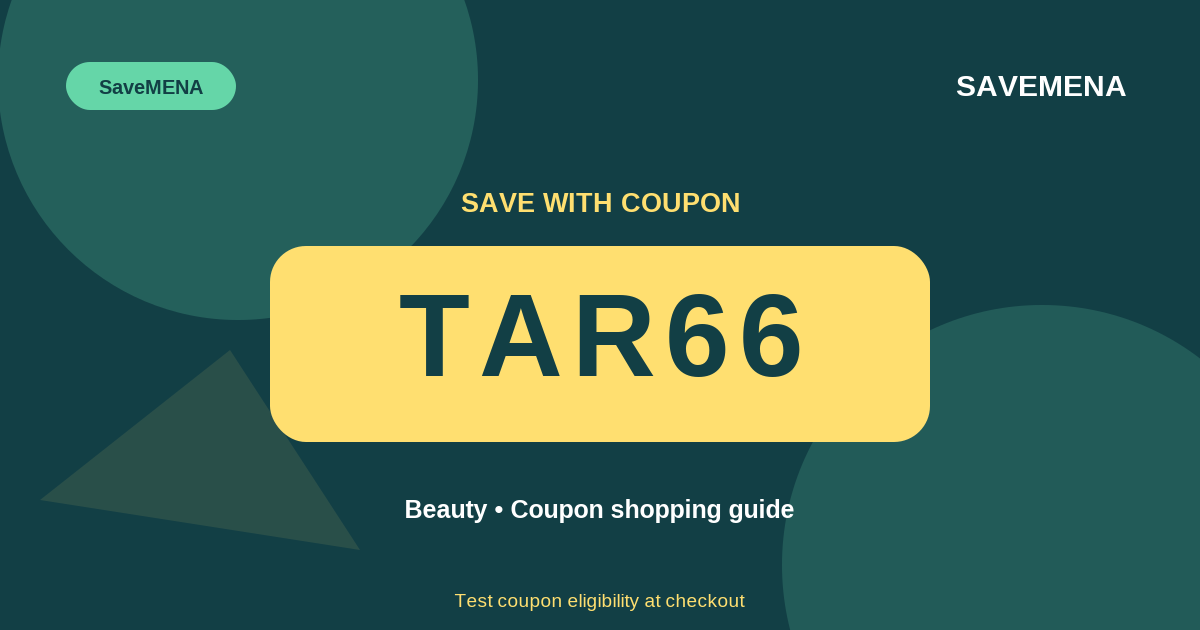
Codes available to try while comparing
These codes are not guaranteed for the article topic or listed brands; test them at checkout and use the live result.
1. The Anatomy of Noon UAE Beauty Totals
On Noon, the price you see before checkout is only a starting point. Each beauty item carries a base seller price, and when you click “Checkout,” the platform adds a delivery component that depends on the seller’s location, the product’s weight, and your own address. The resulting “Total with delivery” is not static—small changes in any field can shift it. For example, ordering a 250‑ml moisturizer from a seller located in Dubai rather than Abu Dhabi might trigger a slightly different shipping bracket, thereby adjusting the final sum. Keeping track of these shifting details ensures you stay within the budget you’ve set.
Moreover, the Beauty category often involves items that are heavier or larger. Some sellers add a handling fee to offset packaging costs, which appears before any delivery charge is calculated. This fee is transparent only at checkout; it is not visible in the cart. Thus, the only reliable snapshot of the final cost comes once you reach the payment page. Being aware of this sequence helps you anticipate how much the delivery portion will add to your picture.
2. Delivery Fees: How They Are Determined
Delivery fees on Noon are largely governed by two factors: the seller’s warehouse location and your pickup or home address. Sellers set a base delivery range for their goods, and the platform aligns that with the nearest shipping hub. While the interface shows a single “Delivery” line, it hides the internal tiering that can vary by weight and distance. If a beauty product is heavy, the fee may rise relative to a lightweight makeup item. Knowing this helps you compare options from multiple sellers before the fee locks in.
Another nuance is the optional same‑day or next‑day delivery service. Sellers who opt into these faster windows typically charge an extra premium that becomes part of the “Total with delivery.” The cost for this add‑on is bundled into the final amount on the payment screen, and any savings from free delivery promotions are applied only after you confirm the order. Hence, the final total reflects the most up‑to‑date fee structure available at checkout.
3. Seller Location’s Influence on Delivery
When you browse beauty items on Noon, you may notice sellers appearing in different cities—Dubai, Abu Dhabi, Sharjah, or even smaller emirates. The geographical spread of the seller’s store or fulfillment center directly impacts shipping logistics. Sellers based closer to your address typically benefit from lower or even free delivery brackets, whereas distant sellers incur higher shipping charges. This proximity factor is invisible until the presence of a “Delivery” line during checkout.
It’s therefore wise to note a seller’s stated location before adding an item to your cart. If the seller is listed as Dubai‑based, and you reside in Ajman, the distance may push your fee into a higher tier. Conversely, a local seller may waive the fee entirely under certain promotion thresholds. Always check the seller’s city next to the product title to gauge this potential impact early.
4. Delivering with Seller Ratings and Service Levels
Many beauty shoppers rely on seller ratings to gauge reliability, but hidden within those ratings can be hints about delivery efficiency. High‑rated sellers often maintain faster shipping periods and may have negotiated better logistics agreements, indirectly reducing the everyday cost of shipping. Users mastering the Noon interface should look at the seller’s rating next to the product and consider whether the perceived trust level associates with a smoother delivery experience.
Beyond ratings, sellers sometimes advertise “Express” or “Standard” service levels. These distinctions usually tie to a guarantee on delivery timelines, but they also carry price signals. A seller’s “Express” listing, for instance, might include an extra handling charge that elevates the “Total with delivery.” By comparing the same beauty item across service levels, you can decide whether the fee premium aligns with your urgency.
5. Coupons: Understanding the TAR84 Code and Its Role in Total
While the available coupon LAD (TAR84) can potentially lower the cost of a beauty purchase, it does not automatically apply across every seller. Noon requires that the coupon be entered during checkout, and its validity is determined after all delivery and seller fees have been added. Because the coupon’s effect appears in the line breakdown after delivery is calculated, the final total will reflect the coupon discount only if the seller accepts it.
To verify eligibility, check the parent listing for a “Coupon” icon during checkout. If the TAR84 code lands on the final bill, you will see a line item showing the price reduction. However, the coupon does not alter the delivery fee; it applies solely to the product’s base cost and any seller handling fee. Therefore, the final “Total with delivery” still shows the delivery amount unchanged.
6. Payment Options and Their Hidden Fees
After the total, including delivery, has been finalized, Noon offers several payment methods: cash on delivery, credit or debit card, digital wallets, and a native “Points” option. While the platform estimates a flat transaction fee for credit card payments, this fee is usually absorbed by the seller and not shown in the consumer’s bill. Still, the fee indirectly influences the seller’s pricing, which surfaces as a higher base product price and potentially a higher delivery fee.
If you choose cash on delivery, the “Total with delivery” remains the same, but you should note the seller’s cash-on-delivery surcharge if any. Digital wallets may come with small promotional discounts; however, those discounts apply after the delivery calculation. Therefore, the final amount on the payment screen reflects the after‑discount product price plus delivery and any service‑specific handling fee.
7. Calculating Your Beauty Budget Before Checkout
To avoid surprise charges, UAE shoppers should pre‑evaluate the sum of product, seller handling, and delivery fees before crossing the checkout threshold. During the cart review stage, Noon shows the product price and a provisional "Subtotal." Add the seller’s handling fee to reach an estimate of what the delivery cost will be applied to. Once you’ve confirmed seller information—location, rating, and service level—you can anticipate the final delivery bracket.
Do not rely solely on the online display; instead, mark the approximate figures in a note or a spreadsheet. When you confirm the order, compare these estimates to the final line items on the payment page. If a delivery fee is higher than predicted, look at the seller’s published delivery policy or reach out to their customer service for clarification. This step ensures you’re not caught off guard by unforeseen logistics charges.
8. Final Checklist for a Smooth Beauty Experience
Your last line of defense before hitting “Place Order” is a quick audit. Verify the seller’s location, confirm the product’s weight or size, and double‑check if the beauty item requires a handling charge. Second, plug the TAR84 coupon to see if it registers as a discount in the summary. Third, choose a payment method and watch for any hidden surcharge that might creep into the delivery portion.
After these checks, the “Total with delivery” displayed at checkout is the definitive price you will pay. Keep in mind that Noon’s final total always incorporates the last policy updates before you complete your purchase. By staying informed of seller context and fee structures, you can confidently navigate the Beauty marketplace and make the most of every AED spent.
Related SaveMENA pages
Related articles
Official sources to check
Frequently asked questions
Does the TAR84 coupon reduce the delivery fee?
No. The coupon applies only to the product’s base price and any seller handling fee. Delivery costs remain unchanged even after the coupon discount is shown.
Can I exclude a seller to lower delivery costs?
Choosing a seller with a closer fulfillment center often reduces delivery charges. Inspect the seller’s location listed next to the product title and opt for a nearby option if delivery cost is a concern.
Will the final amount on the payment screen change after I hit “Place Order”?
On Noon, the payment screen reflects the final total, including all fees and discounts. Any changes typically happen before this screen appears, so the amount you see is what you’ll actually pay.
What should I do if the delivery fee looks higher than expected?
Review the seller’s delivery policy on the product page or contact seller support. Sometimes weight thresholds or location changes can trigger a higher fee that appears only at checkout.