ASUS Computer Accessories on Noon UAE: seller context — delivery-inclusive price · TAR98
When you arrive at Noon UAE’s checkout for a new Computer Accessories ASUS item, the final amount you pay is not only the product price.
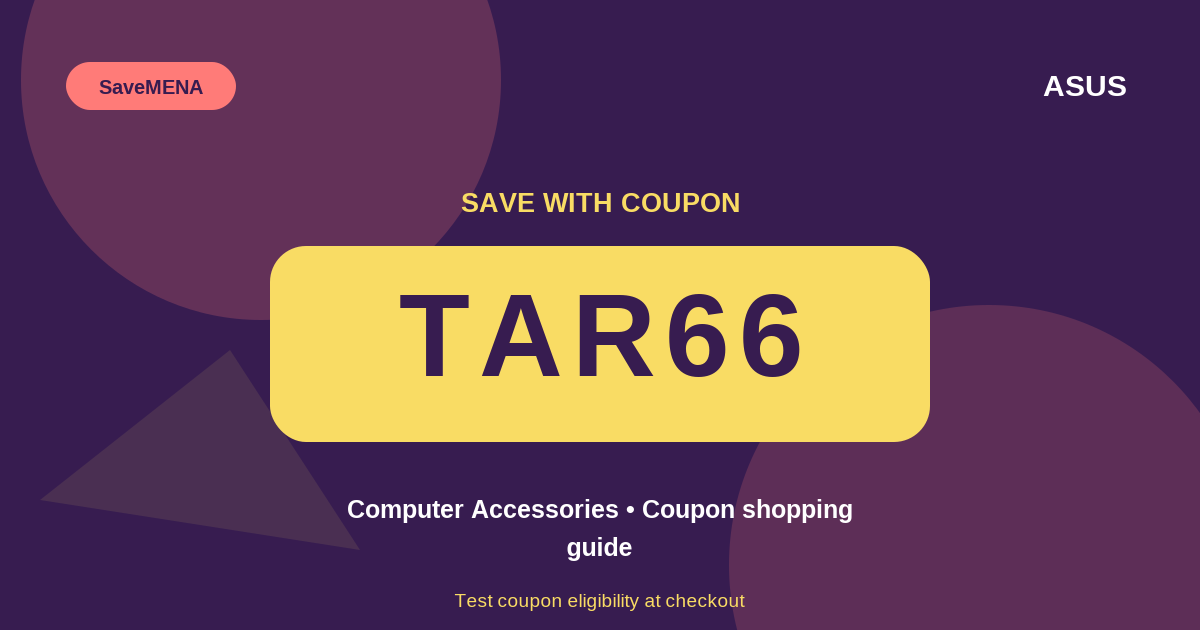
Codes available to try while comparing
These codes are not guaranteed for the article topic or listed brands; test them at checkout and use the live result.
1. Decoding Noon’s Delivery Framework
Noon UAE calculates delivery charges based on order size, distance, and the seller’s logistics policy. These charges can vary not only from one seller to another but also within the same seller’s catalog, depending on the category or stock status. When you add an ASUS computer accessory to the cart, check the “Delivery” section on the product page; it will display the standard fee before any adjustments.
To see how the fee will apply at checkout, scroll to the bottom of the cart summary. There you will find a subtotal that aggregates product prices, the selected seller’s delivery fee, and wholesaler-added surcharges. Use this section as a pre‑checkout checkpoint to verify that the displayed fee matches the policy shown on the seller’s profile.
2. Selecting the Right ASUS Accessory
ASUS offers a wide range of computer accessories, from high‑end gaming mice to professional docking stations. Each item can have different shipping constraints, such as weight limits or packaging requirements, which affect the final delivery cost. On the product detail page, look for the specific shipping weight and dimensions; sellers often list this data near the product description.
If you’re unsure whether a particular ASUS accessory will incur a higher delivery fee, contact the seller through Noon’s messaging system. A prompt response will clarify shipping options, potential split deliveries, and whether the item can be bundled with other purchases to lower fees.
3. Evaluating Seller Credibility
The seller context is a critical lens because delivery incentives, return policies, and overall service often differ between brands and independent retailers. Reviewing ratings, feedback, and seller history gives you an initial sense of reliability. Pay special attention to items with boutique sellers who specialize in ASUS peripherals, as they may offer customized delivery arrangements.
During checkout, verify that the seller’s “Free Delivery” threshold aligns with your cart total. Sellers sometimes provide free shipping above a minimum spend, and knowing where that boundary lies prevents unpleasant surprises in the final total. These details are always visible in the cart when you finalize the order.
4. How Delivery Fees Impact the Total
Delivery costs are often charged per item or per order, depending on the seller’s policy. Add a single heavy ASUS docking station and you might see a higher fee than for a lightweight USB head‑set. Understanding each seller’s formula helps you anticipate the total even before you reach the payment screen.
Sometimes, the platform applies a “handling” surcharge in addition to the standard fee. Check the cart summary for any line item marked as “Handling” or “Processing.” These small but real additions can accumulate if you acquire multiple accessories from the same seller.
5. Applying the TAR98 Coupon
The TAR98 coupon code is something you can try to use at checkout. Enter it in the coupon field on the payment page; if it is compatible with your ASUS accessory and the selected seller, the discount will apply right after the final subtotal is calculated.
Because coupon applicability can change, confirm after entry that the discount appears before you click “Place Order.” If a discount is not shown, double‑check that your cart still meets any category or seller conditions, or consider whether the coupon code is still active for the selected item.
6. Accounting for VAT and Regional Taxes
Noon UAE automatically adds a VAT component to the final total, calculated on the combined price of the product and delivery. VAT can slightly increase the final amount you see at checkout, even though it is not an extra “fee” you pay beyond the subtotal.
Because the platform standardizes VAT across sellers, the percentage is consistent and listed under the “Taxes” heading in the order summary. Cross‑check this figure against your cart subtotal to ensure there is no discrepancy before proceeding to payment.
7. Choosing a Payment Method & Final Payable
Payment options such as credit card, debit card, or Noon Wallet all settle the final amount after coupon and tax calculations. However, some carriers may offer incentives like cashback or discounts when using their preferred payment method. Verify any such benefits by checking the payment options on the checkout page.
Once all calculations are shown—product total, delivery, VAT, coupon discount, and any payment‑method savings—your visible “Total to Pay” represents the definitive amount. Double‑click the order review screen and compare each line item with the product page details to confirm accuracy.
8. Final Review Before You Click “Place Order”
Before confirming your purchase, scroll through the entire order summary. Verify the seller name, AST accessories’ SKU, chosen delivery method, and that the TAR98 coupon has applied. Also, ensure the final payable amount matches the pre‑payment visible on your screen.
Once satisfied, click “Place Order.” Your confirmation email and order tracker will automatically reflect the final total, ensuring what you saw at checkout matches what will appear on your receipt. Always keep the confirmation handy in case you need to reference any discrepancies.
Related SaveMENA pages
Related articles
Official sources to check
Frequently asked questions
Will delivery fees be added after I apply the TAR98 coupon?
Noo's platform first applies the coupon to reduce the subtotal, then calculates delivery and taxes on the discounted amount. Thus, the delivery fee is based on the final product price after the discount is applied.
Can I split delivery costs across multiple sellers to save on fees?
Delivery fees apply per seller, not per item. If you purchase different ASUS accessories from separate sellers, each seller’s deliveries will be calculated separately on the checkout page.
What if I notice a discrepancy between the cart subtotal and the final payable amount?
Re‑enter the coupon code, verify shipping options, and confirm all selected items are correct. If the issue persists, contact Noon support for a review of the order summary.
How can I ensure the seller offers reliable delivery for my ASUS accessory?
Check seller ratings, read customer feedback on delivering ASUS products, and confirm delivery times on product pages. Contact the seller through Noon’s messaging system for any specific inquiries about shipping.