Dell Computer Accessories on Noon UAE: seller context — delivery-inclusive price · TAR84
Sellership quality is a primary lever affecting delivery cost. When several Dell stores appear for the same accessory, compare each seller’s customer rating
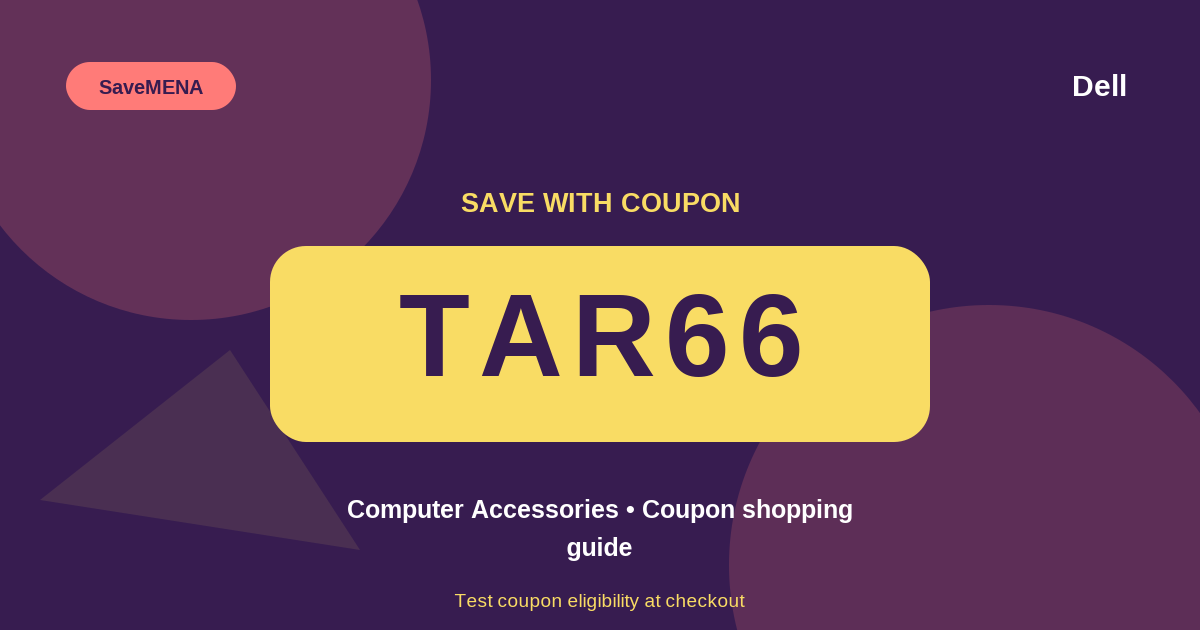
Codes available to try while comparing
These codes are not guaranteed for the article topic or listed brands; test them at checkout and use the live result.
Identifying the Right Dell Seller on Noon: Prices, Ratings, and Delivery Guarantees
Sellership quality is a primary lever affecting delivery cost. When several Dell stores appear for the same accessory, compare each seller’s customer rating, product reviews, and the “Verified Seller” badge that Noon sometimes provides. These indicators often give a fair sense of how the seller handles shipping, packaging, and dispute resolution. The seller’s shipping policy, which is visible on their profile page, explains whether they use standard, express, or buyer‑selected options, and whether delivery fees are flat or distance‑based.
Once you’ve shortlisted a seller, review the details in the “shipping & handling” section on the product page. This page will show whether the seller lumps the cost into the product’s base price or adds it as a separate line item. If you’re hunting for a quick delivery, look for sellers who offer “Same‑day” or “Next‑day” dispatch. Remember that a lower base price may be offset by a steep delivery fee, so keep the end‑to‑end cost in mind when choosing Dell accessories on Noon.
How Delivery Fees are Calculated and Displayed During Checkout
Delivery fees on Noon are typically displayed in a dynamic manner: as soon as you add an item to the cart, a provisional shipping cost estimates surface. This estimate takes into account the seller’s location, the chosen delivery method, and occasionally the international shipping policy if the product is sourced from another country. The fee is not fixed until you confirm the shipment details at checkout, so keep an eye on the final line of text that reads “Estimated Delivery Charge” or similar.
If you switch delivery options—such as from standard to express—or if you add more items from the same seller, the platform will reassess the total. In many cases, consolidating orders from a single Dell seller can reduce shipping costs, especially if there is a threshold for free shipping. Always double‑check the final amount after any change, as Noon recalculates the cost only during the final review step before payment. This ensures that no hidden surcharge sneaks into your bill for additional accessories you decide to add last minute.
Applying the TAR84 Coupon: Steps, Eligibility, and Impact on the Final Total
To use the coupon code TAR84 on a Dell accessory purchase, simply type it into the “promo code” field during the checkout process. The site will prompt a quick validation: if the code is eligible for your cart, the discount will appear as a subtraction beneath the subtotal. If you’re looking to see the effect of the coupon before you confirm payment, this screen is the right place to read out what your new payable total will be.
The code’s reach may depend on the seller’s current promotion policy, the total value of your cart, or whether the accessory is part of a special bundle. Because coupon policies can shift, SaveMENA suggests double‑checking at checkout rather than relying on in‑app announcements. If the code doesn’t work, you’ll receive a clear message explaining the failure. That transparency will help you decide whether to forgo the coupon or look for an alternative seller whose terms allow the discount you’re after.
Comparing Delivery Options: Standard vs Express for Dell Accessories
Delivery options on Noon range from economical standard shipping to expedited services that promise earlier arrival. When you look at Dell armaments—such as mice, keyboards, or laptops—frequent buyers often weight speed against cost. On the product page, a small drop‑down menu usually allows you to switch between “Standard Delivery” and “Express Delivery.” The platform will then adjust the fee pencil‑in and show you the new total.
The trade‑off is typically a higher delivery fee for express services, but it can be offset by the value of receiving hardware faster, especially if you’re preparing for a project deadline or a particular event. Since the cost difference appears only at checkout, be sure to explore both options if you’re in doubt. Checking the order summary after altering the shipping choice offers a clear view of the incremental expense, allowing you to choose the best combo for your budget.
Reviewing Return Policies and Warranty Benefits from Dell Sellers
One of the advantages of buying from a reputable Dell seller on Noon is the warranty that typically lasts a minimum year for most hardware. The seller’s profile will host a warranty summary, usually visible during the checkout section under “Product Guarantee.” If a seller offers a quicker return process or prepaid return shipping, this information is also listed before confirming the order.
In addition to the warranty, you should look for how the seller handles return logistics: provision of prepaid return labels, the acceptable time window for initiating returns, and whether refunds are processed to the original payment method or credited as store credit. These nuances become more relevant when you’ll be operating in a non‑standard timezone or have a limited return window. Listing any return fees or restocking charges can help you decide whether the seller’s return policy justifies a slightly higher price.
Payment Methods, Security, and Potential Additional Charges on Noon
Noon offers a range of payment methods: credit/debit cards, digital wallets, and, in some regions, cash‑on‑delivery. Each choice may come with its own set of fees; for example, some banks place a low surcharge on card usage for e‑commerce, while only free cash‑on‑delivery. Sooothingly, these charges typically show up only after you finalize payment, so keep an eye on the final “total payable” line that aggregates all fees, including handling, shipping, and payment processing.
The platform’s checkout flow also includes a security summary that highlights data encryption, tokenization of card details, and compliance with local e‑commerce regulations. These sections assure you that no payment information is stored in plain text. When dealing with high‑value Dell components—especially monitors or high‑end keyboards—checking the security assurances before you hit “Place Order” can give extra peace of mind that your purchase will be protected.
Final Checklist: Confirming Total Payable Amount and Recording the Order
Before you finalize a Dell accessory purchase on Noon with the TAR84 coupon applied, take a systematic quick‑scan of all components on the final order screen. The breakdown should list: product name, base price, any applied discount, shipping cost(s), and a brief note on payment fees. The visible total must match the amount your card will be charged. This step is especially important if you’re traveling or have multiple payment sources, as a mis‑calculation can lead to additional charges or delayed delivery.
After you’re on the “thank you” page, note the order reference number, estimated delivery window, and any seller‐specific return instructions. Inbox notifications are usually set up by Noon; a separate email from the seller may also outline the next steps. Keep this confirmation handy until the parcel arrives. If, after delivery, you spot a mismatch between what was promised and what was delivered—such as a different accessory model—immediately contact Noon’s support portal. This final review protects your rights as a buyer and ensures that the final cost you paid aligns with the service level you received.
Related SaveMENA pages
Related articles
Official sources to check
Frequently asked questions
What factors affect the total price on Noon when buying Dell computer accessories via SaveMENA?
Delivery method, seller location, coupon eligibility, payment fees, and any seller‑specific handling charges all shift the total. Verify each element at checkout to see the precise sum before confirming purchase.
How can I be sure I am using the most recent coupon code on checkout?
Enter the code in the promo field during checkout; if it’s valid, the discount will appear instantly. This screen is the only place to confirm the code’s current status and impact on the total.
Will my delivery fee change once I add more items from the same Dell seller?
Yes, many sellers calculate shipping in bulk; adding more items can reduce or eliminate the fee. Check the updated shipping cost after each change in your cart.
Does the savings from the coupon carry over to future purchases if I don't use all the balance?
Coupons on Noon typically apply only to the current cash‑out. Any unused value usually doesn’t carry forward—restart the process when you’re ready for another purchase.