HP Computer Accessories on Noon UAE: seller context — delivery-inclusive price · TAR98
When you search for “Noon UAE total with delivery Computer Accessories HP seller context,” the first thing you’ll encounter is a series of numbers that add up to a
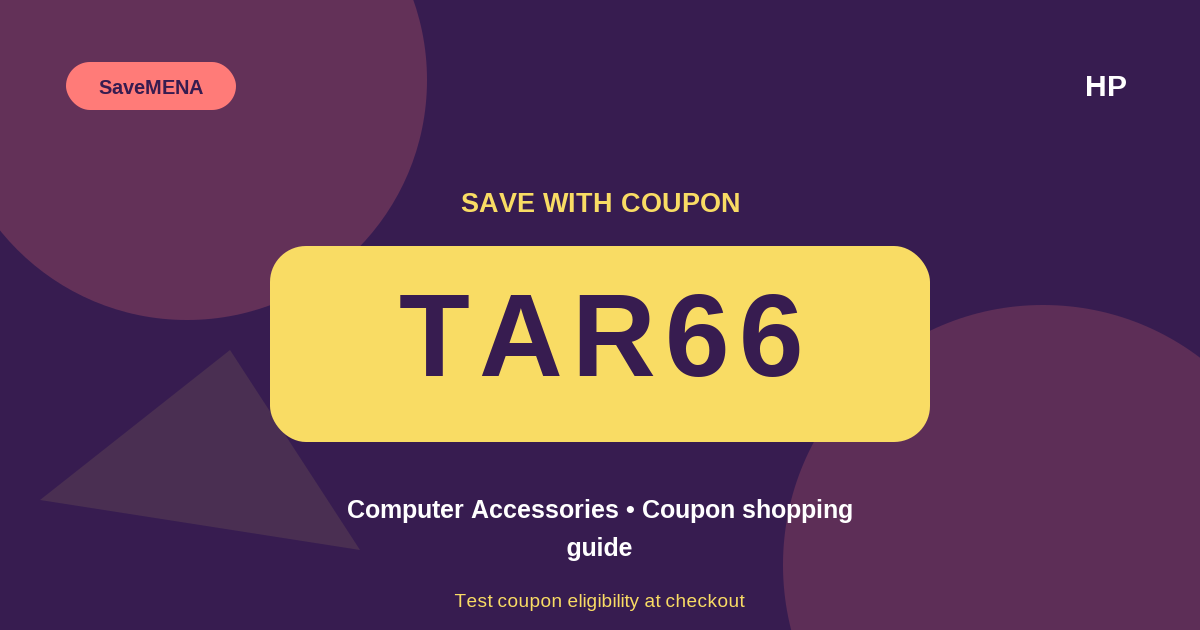
Codes available to try while comparing
These codes are not guaranteed for the article topic or listed brands; test them at checkout and use the live result.
1. Understanding Noon UAE Total with Delivery: The Big Picture
In the Morning’s Light of your shopping journey, the first line you see is the barcode‑scanned price of an HP keyboard. That price, however, paints only half the histogram. Nearby sits the delivery fee—a variable that depends on distance, shipping method, and sometimes the seller’s own logistics strategy. Placing the two together, the platform’s algorithm adds them, but it also reserves space for any eventual surcharges before presenting the final number. This final number is the most tangible sign you’ll see before you press “place order.”
Being aware of this workflow lets you flag any anomalous jumps. For instance, if a delivery fee seems unusually high for a local product, you can pause, verify the address, and check if the seller has a range of logistical partners. Until you witness the final figure, treat each movement as trivia hidden behind a bar‑coded conclusion that ultimately dictates wallet impact.
2. Why Seller Context Matters for Your Payable Total
In UAE e‑commerce, every seller has a unique relationship with Noon’s platform. Authorized HP dealers typically carry a manufacturer's warranty, whereas third‑party sellers might provide a quick snag fix or parcel only. Whichever partner you pick, the seller’s status often influences the delivery timeline and fee structure. A premium vendor may bundle courier services, smoothing out the final order cost, whereas a smaller shop may charge extra to match its own logistical cost base.
For shoppers, verifying the seller context before proceeding can reveal whether the seller charges a minimal delivery fee or a higher fee for expedited shipping. This verification can be as simple as checking the seller’s profile for verified badges, return policy transparency, and any community scrubbing. Knowing exactly which seller you’re evaluating shapes your expectation of how the final Amt will be calculated.
3. The Anatomy of Delivery Fees on Noon
Delivery costs on Noon consist of three loosely defined variables: the base parcel fee, a distance multiplier, and a security surcharge. The base fee covers the cost of shipping the shell, while the multiplier reflects the pickup point’s distance from the seller’s warehouse. If the frequent producer, HP, is within a 10‑km radius of a central hub, the multiplier is usually lower, giving you a neat, predictable cost. Even within this zone, sellers may alter the rates for weekend or pre‑launch delivery windows.
Remember that the final fee shown in your cart is an estimate. The Noon system allows the seller to tweak the fee once the seller’s rate card is updated or when unforeseen congestion forces a higher cost. By encouraging you to review the “Estimated Delivery Fee” link, it ensures you’re not caught by surprise when the final line loads. Woo or no, the seller’s role in determining this figure continues to hold an edge over platform‑wide averages.
4. Extra Charges: Tax, Import Duties, and the Final Line
Beyond delivery, a variety of regulatory fees surface in the final tally. Value Added Tax (VAT) is typically a flat rate applied uniformly on the subtotal, but the rate can vary between items depending upon whether they are local or imported. HP accessories arriving from overseas may trigger customs retroactive duties that appear after the initial checkout. This adjustment can modulate the final line after you hit the “review order” button.
Since the UAE has a fairly streamlined import regime, damage or loss overruns appear rarely—yet when they do, they can quickly drive up your total. The bottom line is that every contributor, from seller to customs to the marketplace’s own fee, is eventually captured before you confirm payment. The order’s final number is a mature, consolidated report of all these independent taxes.
5. Leveraging the TAR98 Coupon: Potential Savings, Real Reality
The TAR98 code can be entered into the coupon field on the checkout page, not the product list, to apply hypothetical savings. If the code is eligible for the selected HP accessory, Noon’s engine will reduce your subtotal before tax is calculated. The key is that Coupons run only on the pre‑tax subtotal; the rest of the fees remain constant unless the seller specifically supports dynamic pricing.
It’s important to note that not all HP products will accept every coupon. The seller may stipulate a minimum spend or exclude certain bundles. Because the system verifies the code at the final line, you can see at a glance whether the coupon was accepted or rejected. This iterative check helps you gauge how much COD (cash on delivery) is saved, if at all, before you commit to the purchase.
6. How to Verify Total on Checkout: Practical Steps
When you’re ready to pay, the Noon interface offers a “view breakdown” toggle on the checkout screen. This feature exposes each cost, from the HP item price, the delivery fee estimate, the VAT, to any coupon adjustment. By clicking through, you can reconfirm that the displayed total matches your calculation, ensuring the seller’s fee salad is well‑balanced.
For the affable shopper, a quick mental check is to add the base price + delivery fee and then compare it with the value presented before taxes. If the difference is larger than the coupon value, it could indicate hidden surcharges or an unaccounted VIP fee. Once satisfied, you should confirm payment via your preferred method—credit card or PayPal—thereby locking in the curated total dictated by the seller’s context.
7. Comparing HP Accessories Across Sellers: What to Watch
When you navigate to the assortment of HP accessories, a side‑by‑side comparison can help you decide which seller offers the most favorable final cost. Pay special attention to the nozzle “delivery estimates.” HP-certified stores often provide a standardized shipping fee, whereas smaller resellers might use a variable fee structure upward influenced by brand negotiations.
Another dimension to examine is the seller’s policy on returns and warranties. Those that have their own labs or repair centers may justify a slightly higher delivery bar by guaranteeing a faster turnaround. Conversely, a pick‑up‑point only vendor might slash the fee but cost you the luxury of immediate availability. Each variation will ripple into the final checkout total, so weigh the implicit cost savings of speed and dependability against the numeric advantage of a lower net fee.
8. Bottom‑Line Tips for Savings and Accuracy
Before completing the transaction, double‑check the coupon field one last time, because the system may impose a “Store‑only” validity rule. Additionally, some sellers offer ‘cash on delivery’ options that can eliminate the shipping fee when you pick a local pickup point. In that scenario, the delivery cost in your cart reflects a shelf‑stored rate—often higher than the content‑free spread—so be ready to recalibrate based on the pick‑up plan.
In the final card, set a repetition of the last step: Hover over each component, note the dollar‑wise difference when a coupon is applied, and confirm that the numbers line up with what you'd derived manually. By setting each seller on a transparent footing and vetting every fee line, you reduce the chance of surprise adjustments post‑purchase. Good luck in the marketplace—your awareness equals savings.
Related SaveMENA pages
Related articles
Official sources to check
Frequently asked questions
What does the “Noon UAE total with delivery Computer Accessories HP seller context” include?
The final total on Noon UAE includes the base price of the HP accessory, the estimated delivery fee dependent on distance, VAT, and any additional surcharges. It may also reflect coupon savings if the code is accepted.
Can I use the TAR98 coupon on any HP accessory?
Coupon eligibility may vary by product and seller. Check the coupon field at checkout; if it’s accepted, the discount will be applied to the pre‑tax subtotal.
How can I verify that delivery fees are correct?
Use Noon’s “view breakdown” or “estimated delivery fee” link before payment. Compare the displayed fee with that provided by the seller’s profile or similar items.
Do delivery fees include customs duties?
No. Customs duties are calculated during checkout after you confirm the amount but are separate from the initial delivery fee estimate.