Apple Laptops on Noon UAE: seller context — delivery-inclusive price · TAR84
When you shop for a laptop on Noon in the UAE, the final amount you pay isn’t just the sticker price.
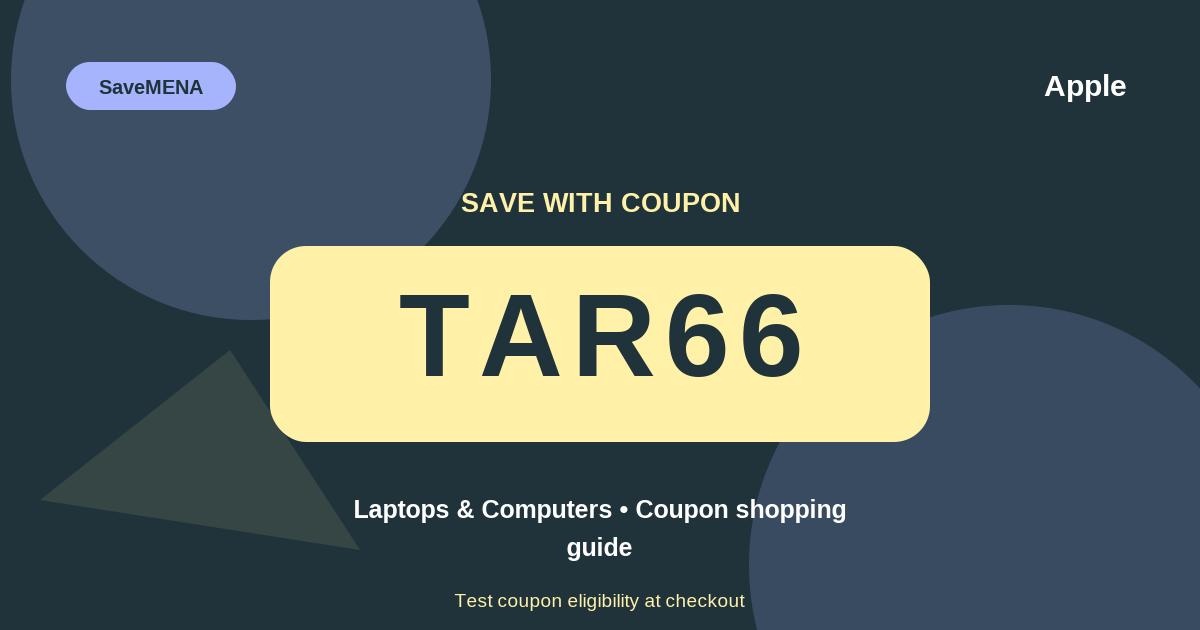
Codes available to try while comparing
These codes are not guaranteed for the article topic or listed brands; test them at checkout and use the live result.
1. How the Final Payable Amount is Built
The total displayed when you click "Checkout" on Noon is the culmination of several individual costs. First comes the base retail price of the laptop you selected. If you enter a coupon code like TAR84, the discount will appear next to the base price as a separate line item reflecting the reduction. The seller’s chosen delivery option—express, standard, or free—will add a delivery fee that can vary based on distance and shipping policy, and finally, a small handling fee often appears as a separate line at the bottom of the breakdown. Together, these sum to the final payable you’re required to authorize and pay.
To keep your eyes on every detail, it’s best to scroll through the entire price breakdown before pressing “Confirm.” This spot-check lets you confirm that each line item matches your expectations, including any coupon credit and the chosen delivery fee. If a line seems off, you can adjust the delivery options or refresh the page before the order is submitted.
2. Choosing the Right Seller on Noon
Noon hosts many sellers, and the one you pick affects not only price but also delivery options and delivery fees. Some sellers are Noon’s own brand stores, offering free shipping on certain Apple laptops. Others are third‑party merchants who may charge a modest delivery fee, but sometimes they add extra perks like extended warranties or bundled accessories. The seller’s ratings and reviews can also hint at reliability—higher ratings often correlate with on-time deliveries and solid customer support.
When you add a MacBook Pro to your cart, you’ll see multiple seller options. Check each seller’s shipping policy listed on their product page—this tells you the likely time window and whether a delivery fee is involved. Swap sellers if a better total price appears; sometimes a third‑party seller offers a lower base price that, when combined with a coupon, pulls the final amount below a Noon store’s offering.
3. How Coupons Like TAR84 Fit In
You can apply the coupon code TAR84 by typing it into the discount field on the cart page before you hit checkout. The system will automatically deduct the saved amount from the base price once the code is accepted. However, it is important to note that many coupons are only valid for specific sellers or product lines, so confirm that TAR84 applies to the Apple laptop you’ve chosen by reading the coupon details listed on the same page.
As the discount is applied, the price breakdown will update to showcase a “TAR84 Discount” line. This allows you to see exactly how much you are saving before any delivery fee is added. Since coupons do not change delivery costs, you still have to consider the seller’s fee beforehand.A coupon is not guaranteed; verify its result at the retailer checkout.
4. Delivery Options & Fees Explained
Noon typically offers multiple delivery speeds: instant (within hours), next‑day, or standard (3–5 days). The chosen speed determines the delivery fee, and sometimes the fee includes a small discount on the base price for faster shipping. This fee appears as a separate line titled “Delivery Fee” or “Logistics Charge” in the final basket. The seller’s shipping policy can also affect how much this fee will be.
Delivery fees are calculated based on your location, the seller’s warehouse proximity, and the chosen shipping method. Certain sellers may waive the fee for specific Apple models or if the product exceeds a set value, while others may apply a standard nominal fee regardless of price. If you relocate after placing your order, be sure to confirm whether the delivery location remains eligible for the fee you paid; otherwise, a change in the venue might trigger an additional charge.
5. Payment Method’s Impact on the Final Total
The payment method you select can sometimes influence the final payable amount. For instance, Noon may offer a small convenience fee when you choose a cash‑on‑delivery option instead of wallet credits or bank cards. That fee will appear after the delivery charge in the breakdown and can only be modified by changing the payment method before confirming the order.
Choosing a digital wallet or a credit card usually guarantees no extra cost beyond the product and delivery fees. However, if you’re using a card that charges an overseas transaction fee, that fee will not be added by Noon, but it will still apply to your bank statement, so you should account for it separately in your budgeting.
6. Verifying the Total Live at Checkout
Every detail—base price, discount, delivery fee, and payment convenience fee—gets summed up only when you hit the final “Confirm Payment” button. The screen will show a re‑calculated total that includes any last‑minute changes you might have made in shipping options or payment method. This live total is the definitive amount you’re about to commit to.
Be cautious: if your basket is large, Noon may split the delivery into multiple shipments, each with its own fee. In such cases, the final total will still add all shipment fees. Always review each line to ensure no hidden charges, and if something appears unfamiliar, double‑check the seller or Reach Junho for clarification.
7. Practical Tips to Keep Your Final Total Low
First, use the TAR84 coupon as soon as you add the Apple laptop to the cart. Next, compare sellers with free‑shipping options—those may eliminate the delivery fee altogether. If you’re flexible on shipping speed, opting for a standard delivery can reduce the fee, as seen in the price breakdown.
Finally, keep an eye out for Noon’s promotional events where certain Apple laptops receive additional shipping offers or bundled accessories that do not affect the base price but add value. Always double‑check that the checklist of fees is clear before confirming the payment.
8. Protecting Yourself from Unexpected Charges
While Noon strives for transparency, occasional changes in logistics or unforeseen shipping issues can lead to adjustments in the total. If a fee appears after you’ve already confirmed your purchase, it will be reflected in the e‑invoice, but it may trigger a small penalty or a delayed refund. Monitoring your email confirmation for any “post‑purchase fee” notices can help you react quickly.
To avoid surprises, bookmark the “Order History” page on Noon’s app or website. There you can view a detailed record of each line item and any changes that may have occurred post‑purchase. If an unexpected fee appears, contact Noon’s customer service before the shipment date—often, a quick dialogue resolves such issues without cost.
Related SaveMENA pages
Related articles
Official sources to check
Frequently asked questions
Does the TAR84 coupon apply to all Apple laptops on Noon?
Noon’s coupon policies are subject to seller and product restrictions. Check the specific coupon details on the cart page to confirm eligibility before applying it.
Can I change my delivery option after adding the laptop to my cart?
Yes, you can alter shipping speed or method on the cart page before final checkout, but some sellers lock the option within 24 hours of purchase.
Will a payment method change affect my final total?
Switching from cash‑on‑delivery to a digital wallet typically eliminates added convenience fees, while certain cards may incur bank‑side fees that Noon does not add.
What if a delivery fee changes after I confirm the order?
Note the fee in your final confirmation email. If an adjustment occurs post‑purchase, contact Noon’s support promptly to resolve discrepancies.