Anker Mobile Accessories on Noon UAE: seller context — delivery-inclusive price · TAR98
When you add a mobile accessory to your Noon UAE cart, the final Payable Total looks at more than just the list price.
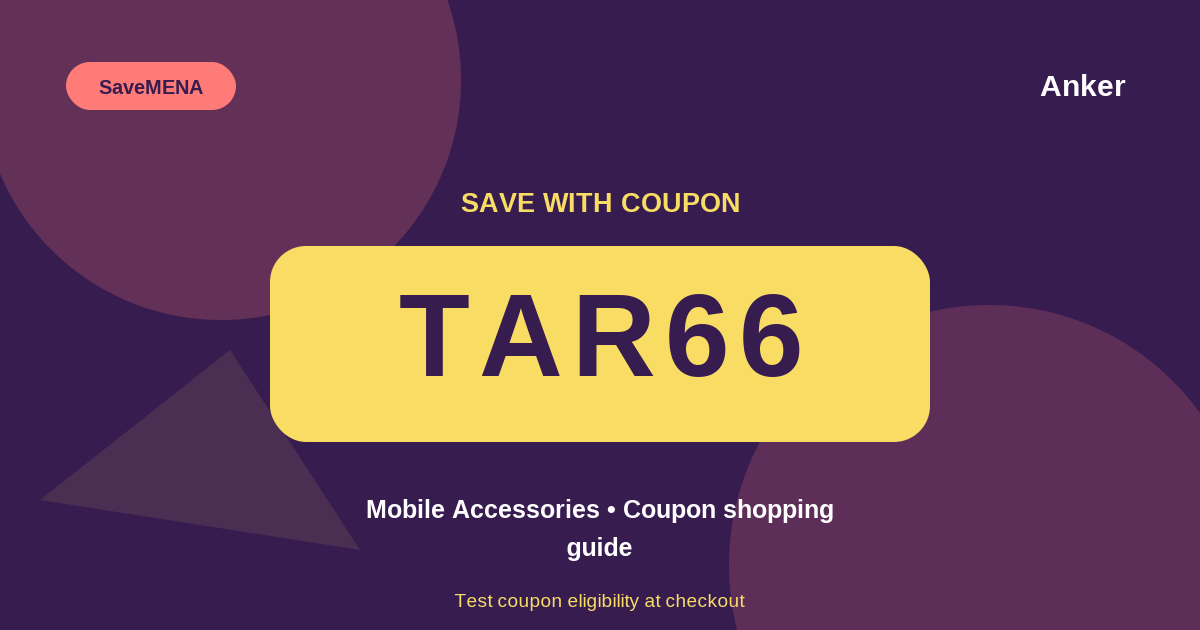
Codes available to try while comparing
These codes are not guaranteed for the article topic or listed brands; test them at checkout and use the live result.
Understanding the Noon UAE Shopping Journey for Mobile Accessories
When you search for Anker mobile accessories on Noon UAE, the first thing that shapes your final amount is how Noon graphs the cost on the product page. It lists the advertised price and, when you add the item to the cart, it automatically reveals the delivery fee and any applicable handling charges. Those figures are not static; they vary by the shopper’s location, the chosen shipping speed, and occasionally promotional conditions that are limited to certain sellers. Thus, the price you see before you add the product to your basket is just one part of the cost puzzle.
Choosing the Right Anker Mobile Accessory on Noon
Anker offers a wide range of mobile accessories, from wall chargers to silicone cases and wireless earphones. When you identify an Anker product, confirm that the seller listed is the official Anker storefront on Noon. The product description usually includes brand-certified details, but it is wise to double‑check the seller’s name in the “Seller” section to ensure you’re buying from the original shop. This step protects you from counterfeit versions and guarantees you receive the brand’s warranty and return policies.
Delivery Options: Speed, Cost, and Impact on Your Total
Delivery in the UAE can range from one‑day pickup in a nearby store to a scheduled home delivery on the next business day. Noon lists those choices on the product detail page and updates the order summary dynamically. The displayed fee depends on your shipping address, so even a safe pickup option that looks free at first glance may incur a handling charge once you check out. These small additions are the main way the total price jumps above the advertised amount.
Applying Coupons and Discounts on Noon UAE
Coupons can bring a noticeable cut to the final price, but they interact unevenly with the fee structure. When you enter a code such as TAR98, Noon applies the discount as soon as you reach the payment screen, nudging the subtotal. Some coupons are limited to certain product categories or sellers, while others apply broadly across the platform. The discount is shown instantly, but its effect on delivery fees remains the same – the fee is added to the adjusted subtotal.
How the TAR98 Code Influences Your Final Price
The TAR98 promo, available through Noon, can be applied in the checkout phase. Once you click “Apply Coupon”, the code is validated against Noon’s system. If the code’s conditions are met – such as no minimum spend or a specific product eligibility – the reduction will appear next to the item’s cost in a clear “Discount” field. The platform typically recalculates the subtotal immediately, giving you a transparent view of how much you’ve saved.
Seller Reputation and Review Verification on Noon
Even a well‑known brand like Anker can have different storefront ratings on Noon. When you view the seller profile, check the overall rating and the number of recent reviews. A high rating paired with many reviews suggests reliability. This data assists you in deciding whether to trust a seller that advertises excellent delivery performance, ensuring that the promised delivery type will indeed reflect the fee shown.
Checkout Checklist to Avoid Unexpected Fees
Before you press the final “Place Order” button, scan the summary for any hidden line items. Look for a “Handling” or “Service” fee that sometimes appears alongside the standard delivery charge. Noon’s checkout interface usually highlights these with icons or a separate fee line that can be toggled for visibility. If an unexpected fee surprises you, check whether it’s tied to a chosen delivery speed or a specific product restriction.
Making the Best Value Decision: Seller vs. Delivery
When choosing an Anker accessory on Noon, trade‑offs surface between the seller’s reliability, shipping speed, and the total cost you’ll pay. A direct connection to the official Anker storefront may come with a higher delivery fee, whereas a reseller might offer a cheaper shipping cost but less consistent delivery timelines. Look at the product’s delivery options and compare the fee differences with the overall buyer experience documented by the seller’s review profile.
Related SaveMENA pages
Related articles
Official sources to check
Frequently asked questions
A coupon is not guaranteed; verify its result at the retailer checkout.
No. The code is only available to try. Eligibility can vary with the live account, basket, item, seller and campaign context, so checkout is the final reference.
Where should I confirm the coupon result?
Apply the code in the Noon basket and review the live message and final payable total before payment. Do not rely on an undocumented percentage or condition.
Can the result vary by product or seller?
Yes. Eligibility and offer context can vary with the current basket details, so compare the exact item, seller, variant and final total before purchasing.
What should I do if the code does not work?
Check the market, account, item, seller, basket and payment context, then try another code available to try without guessing an unsupported reason.