Logitech Office on Noon UAE: seller context — delivery-inclusive price · TAR84
When you checkout a Logitech product on Noon, the platform calculates the base price and adds delivery and service components before showing you the upfront total.
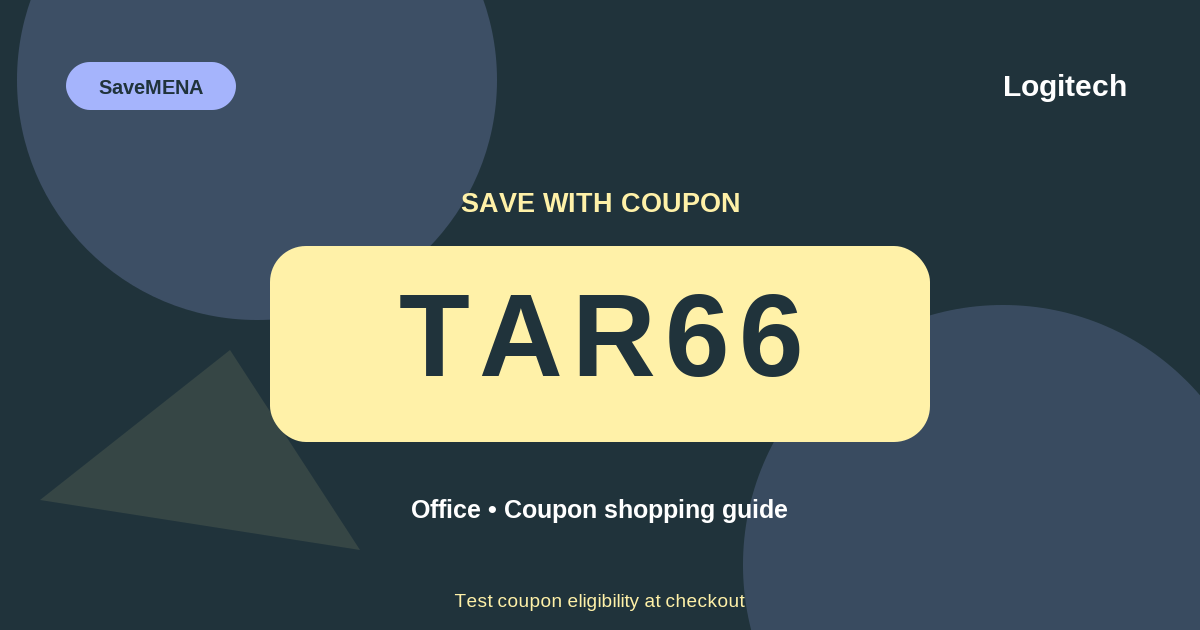
Codes available to try while comparing
These codes are not guaranteed for the article topic or listed brands; test them at checkout and use the live result.
Understanding the Total Cost on Noon UAE
When you checkout a Logitech product on Noon, the platform calculates the base price and adds delivery and service components before showing you the upfront total. The “Noon UAE total with delivery” reflects the combined cost of the item and any shipping fee, but it may also include a small handling or local tax adjustment that varies by seller. To see the accurate breakdown, always click through the order summary; this section will display each fee in detail so you can weigh whether to proceed or look for alternatives.
Keep in mind that delivery costs on Noon can shift based on factors like location, delivery window, or bulk packaging of multiple items. Some sellers offer free shipping over a threshold, while others charge a flat rate. Checking the delivery estimate early ensures that the final total remains aligned with your budget. If you’re unsure how these charges are applied, the order summary is your safest reference point before payment.
The Role of Seller Context in Office Shopping
Seller context is a framework buyers use to read beyond price tags. When dealing with Logitech office gear, each seller may handle warranties, return processes, or origin guarantees differently. A reputable seller will provide clear product specifications, verified shipping times, and prompt customer support responses. This information helps you confirm that the desktop or peripheral you want will reach your UAE office without any residual issues or hidden costs.
Products sourced from the same brand but sold by different sellers can differ in packaging or accessory inclusion. Moreover, certain sellers may bundle Logitech items with complementary office equipment, which could affect both shipping weight and the overall cost structure. Verifying seller reputation and browsing recent reviews give you a practical sense of how the final payment relates to the quality you receive.
Logitech Office Gear: Why Seller Matters
Logitech’s range, from mice and keyboards to webcams and ergonomic accessories, is popular for its reliability in Dubai’s corporate environment. However, a single camera on Noon can appear under several seller listings, each pointing to different copper finishes or bundled claims. These subtle differences shape delivery times and warranty coverage, directly affecting the "Noon UAE total with delivery" you see at checkout.
In addition, Logitech partners with certain vendors for exclusive office bundles that include cleaning kits or cable management solutions. The bundled price can offset a higher delivery charge, but this only holds if the seller states it overtly. Checking the seller’s return policy ensures you understand how cost savings from bundles might influence post-purchase support and potential refunds.
How Delivery Fees Impact the Final Total
Delivery fees on Noon can be distinct from the item’s price because they reflect the logistics needed to move a product from seller to your office. A heavier Logitech mouse, for instance, may shift the shipping tier, thereby altering the final amount. When viewing the “Noon UAE total with delivery,” you should anticipate that the fee summarizes all shipping requirements, including any local handling or package tracking.
Because the fee changes weekly or with specific events, it is wise to calculate your total multiple times during a session to track shifts. If you order multiple Logitech accessories in one go, the combined weight can bring you into a cheaper shipping bracket. Always double-check the fee after adding each new item to ensure the total remains consistent with your expectations.
Using the Coupon TAR84: What to Expect
Coupon code TAR84 is available for all UAE shoppers who want a potential discount on Logitech office gear. To test whether your purchase qualifies, enter the code during checkout where the platform prompts you for promotional offers. The coupon may apply to the base price or to the total, depending on the seller’s terms. However, the code’s effectiveness can differ based on quantity or selected items.
Because SaveMENA remains independent from Noon, we cannot confirm a guaranteed savings with this code. Instead, we suggest you try it each time you check out, noting how the final amount adjusts. If the code doesn’t work, proceed without it – the final total also reflects any fees that may come into play in the same transaction.
Calculating Your Final Payable Amount
When you reach the final payment screen, you’ll find the “Charge” section that aggregates the item cost, delivery fee, seller-specific fees, and any promotional adjustments. It is this composite figure that dictates what you pay via your chosen method. A quick way to verify accuracy is to cross-check each component: confirm the base price, deduct any coupon discount, and add the shipping estimate.
Remember that the total can change if an item is out of stock, or if a seller changes shipping terms mid‑checkout. If you notice a sudden increase, pause and review the item’s status or the seller’s chosen shipping method. Once you confirm all variables align with your expectations, proceed to payment knowing the figure reflects the complete cost.
Checkout Checklist for Accurate Pricing
Before finalizing a Logitech office order, use this short checklist: 1) Verify seller credentials and read recent reviews. 2) Review each selected item’s specifications and included accessories. 3) Check the estimated delivery fee in the order summary. 4) Enter the coupon TAR84 to confirm any discount. 5) Re‑calculate the final total to ensure all components are present.
Following this routine will help you spot pricing errors, hidden charges, or misapplied promotions. If any discrepancy appears, contact Noon customer support or the seller directly before payment. Applying this diligence keeps the "Noon UAE total with delivery" transparent and prevents post‑purchase surprises.
Staying Updated on Market Changes
The UAE e‑commerce landscape shifts quickly, and that includes Open‑Cart fees, local logistics partners, and promotional alignments. Alarmingly, a seller’s free‑delivery threshold can alter, or new courier contracts can modify shipping rates. To stay ahead, regularly revisit Noon’s FAQ or subscribe to updates on pricing policies. Knowing when the platform changes its fee structure helps you time your purchases for maximum value.
For Logitech enthusiasts, the newer device releases sometimes come with bundled offers that skip certain delivery fees entirely. Updating your advance regarding product launches ensures you capture any seller‑specific promotions that can influence your final cost. Staying informed, especially with the seller context lens, empowers you to make informed, financially sound decisions at Noon.
Related SaveMENA pages
Related articles
Official sources to check
Frequently asked questions
What does the "Noon UAE total with delivery" include?
The total on checkout reflects each item’s base price, plus any applicable delivery fee, service charges, and adjusted promotional discounts such as the coupon TAR84 if applied.
Can I use the coupon TAR84 on all Logitech office items?
You can try applying TAR84 on any Logitech office gear; its applicability depends on the seller’s terms and the specific product selected at checkout.
How do I verify seller reliability for Logitech products?
Check the seller’s profile for verified badges, read recent buyer reviews, and review seller support responsiveness to confirm reliability before purchase.
Will delivery fees change after I add items to my cart?
Delivery charges can shift when adding items, affecting weight or quantity tiers; always re‑check the order summary after each addition to capture any fee changes.