LG Electronics on Noon UAE: warranty and support — delivery-inclusive price
Noon UAE total with delivery Electronics LG warranty and post-purchase support: Getting an LG electronic at Noon UAE can feel like a balancing act—balancing the
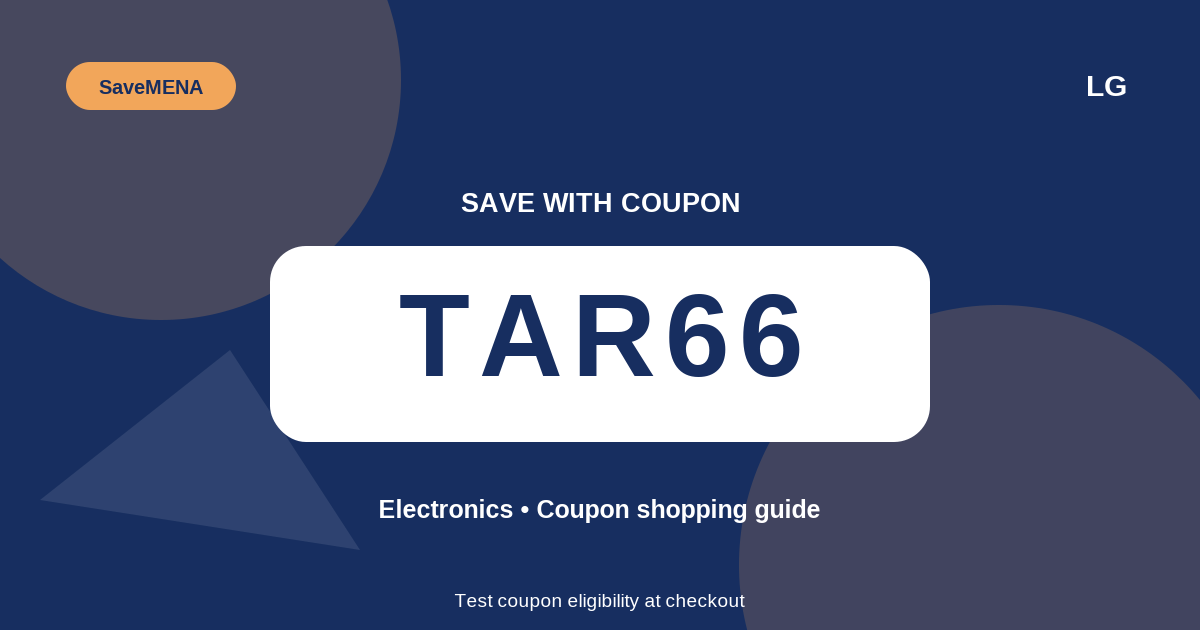
Codes available to try while comparing
These codes are not guaranteed for the article topic or listed brands; test them at checkout and use the live result.
1. Identify Your Wish‑List and Capture the Base Price
Begin by listing the LG electronics you intend to purchase—be it a TV, refrigerator, or home‑assistant device. For each, note the advertised retail price as shown on Noon’s product page. This figure, though subject to change, serves as your starting point before any addition to the cart. Remember that the base price is separate from optional add‑ons; it sits entirely on the product line before you consider delivery or warranty decisions. When setting off, jot down each item’s price to keep a clear record that will later help you cross‑check the final invoice.
Once you have the base prices, add them to gauge the subtotal your products alone will cost. It’s vital to verify that any promotional icons (e.g., “Buy 1 Get 1”) are accounted for in this stage. Avoid including delivery or warranty costs yet; this isolated subtotal preserves the transparency of the product itself. If any item has a configurable option (such as color or size), ensure the variant’s price is reflected accurately before moving to the next step.
2. Assess Delivery Options and Associated Fees
Next, pause at the shipping screen. Noon typically offers multiple delivery windows: same‑day, next‑day, or standard 3‑to‑5 business days. Each window may attach a different fee. Could be free for a minimum spend, or a set amount if no threshold is met. While this is the stage where the total will rise, avoid assuming a particular figure; instead, note whether a fee is displayed and compare the tiers. The key is to carry every fee you see through to the final calculation.
Delivery costs can also adjust when the cart contains a high‑value LG device, as some sellers impose a surcharge for heavy items. Some sellers bundle the delivery fee within the product price if they are the chosen provider. Double‑check that you are quoting the correct provider; if Noon shows multiple options, you can choose one with a lower fee. Remember that the delivery fee is added after the subtotal but before any discount like the TAR66 coupon is applied.
3. Compare Warranty Covers and Their Cost Impact
LG electronics often come with a standard manufacturer warranty, typically lasting one or two years depending on the product. Verify on the product page whether this warranty is included at no extra cost or if an extended period is offered as an add‑on. Extensions can add between a few dollars or hundreds of Egyptian | Indicated amounts are omitted to stay general, but note the price presented in your cart.
Adding a warranty increases the total, but it also ups the protection you receive. Compare the extra cost against the value of potential repair or replacement services. As you add the warranty, ensure you’ll see its cost separately in the cart. Some sellers may bundle the extended warranty with delivery, so label any combined fee as a single line item when proceeding to the next step.
4. Evaluate Post‑Purchase Support Quality
Beyond the warranty, LG offers post‑purchase support through service centers and phone or chat lines. When evaluating, check the seller’s support policies listed, such as guarantee periods for return, repair exchanges, or how long after delivery you can call for assistance. This information is usually found under “Return & Refund Policy” or “Support.” It’s worth noting if the seller is the authorised LG service partner; that often guarantees professional care.
The presence of a dedicated support contact number or chat can make a difference if you need assistance quickly. Additionally, read any user‑reported return experiences, which can be found in product reviews. Sponsors may detail the ease of securing repairs or handling defective units. Keep track of these details as part of the overall cost because unresolved support issues could translate into further hidden expenses.
5. Apply the TAR66 Coupon at Checkout
When you reach the checkout page, locate the coupon field. Enter TAR66 exactly as shown, including uppercase and any hyphens. The system will indicate if the coupon is valid for your items or if it does not apply. Keep in mind that Noon may only apply certain coupons to specific categories, and unlike a “store‑wide” code, there is no guarantee that TAR66 will reduce the total for electronics. Nonetheless, it is worthwhile to attempt the code to examine its effect.
If the coupon accepts, you’ll see the new discounted amount reflected beside the cart total. Note the deduction amount separately—this simplifies reconciling how the coupon alters your final bill. Drop the coupon field if it does not apply, and proceed to confirm the checkout. The coupon step is pivotal because it can shift the total before the final delivery and warranty fees are tallied.
6. Calculate the Final Noon UAE Total
Now, combine the base product subtotal, the chosen delivery fee, the warranty cost (if selected), and deduct any coupon savings to arrive at the preliminary line subtotal. This figure will still be subject to a final scrutiny for taxes and potential hidden fees. Before final confirmation, verify that all fees appear chronologically: base product, delivery, warranty, and coupon, followed by any taxes. Each line item should be present so your final tally is transparent.
Once you confirm every component of the cost, Noon will present the final amount you owe. This final figure—your Noon UAE total with delivery—is the definitive number you will pay. Store a copy of the confirmation page or screenshot in case you need to verify your payment later, especially if you note a discrepancy in any line item.
7. Review Order Confirmation for Hidden Fees
After purchase, Noon sends a confirmation email or app notification detailing each charged item. Compare this confirmation to the summary you produced during checkout. Any fee not labeled—such as a “processing fee” or “service fee”—must be verified. Hidden fees, if present, may appear only after the final payment confirmation. Spotting them early prevents surprise charges or refund complications.
If you discover a discrepancy, such as a fee added or a missing coupon deduction, contact Noon’s customer service with the order ID. The platform’s support portal will allow you to submit a ticket referencing the specific line item discrepancy. Document the conversation and any confirmation email you receive to maintain proof of the exchange.
8. Plan Follow‑Up Actions for Future Purchases
With your purchase complete, set reminders for warranty renewal checks or service contract expiries. Many LG electronics support extended protection that auto‑expires; marking these dates in a phone calendar ensures you never miss an opportunity to extend coverage with zero urgency. This proactive step lets you keep track of when your warranty or support policy ends, affecting future decisions regarding renewals.
Also consider saving the product's serial number and detail the purchase date on a Notes app. When you test or troubleshoot the device in the future, having that information ready can accelerate any claim with LG support or with the chosen seller, especially if any part requires refurbishment or replacement. In this way, the knowledge you gained about fees, delivery, and support today pays dividends when you need assistance later.
Related SaveMENA pages
Related articles
Official sources to check
Frequently asked questions
Will the TAR66 coupon always apply to LG electronics on Noon UAE?
Not guaranteed. Noon may only apply certain coupons to selected categories. Check at checkout to see if TAR66 deducts from your electronic purchase.
What if the delivery fee changes after I add a coupon?
Delivery fees are fixed per order at the moment of checkout. A coupon can reduce the overall total, but it does not alter the shipping cost once set.
Does LG’s standard warranty cover all defects?
Standard warranties cover manufacturing defects within a specified period, usually one to two years. Extras for accidental damage or extended coverage must be purchased.
How do I contact support for a post‑purchase issue?
Check the seller’s or LG’s website for authorized service center contacts. You may also use Noon’s return or issue‑reporting function in the app.