HP Laptops on Noon UAE: warranty and support — delivery-inclusive price
HP laptops typically include a standard limited warranty that covers hardware defects for a predetermined period.
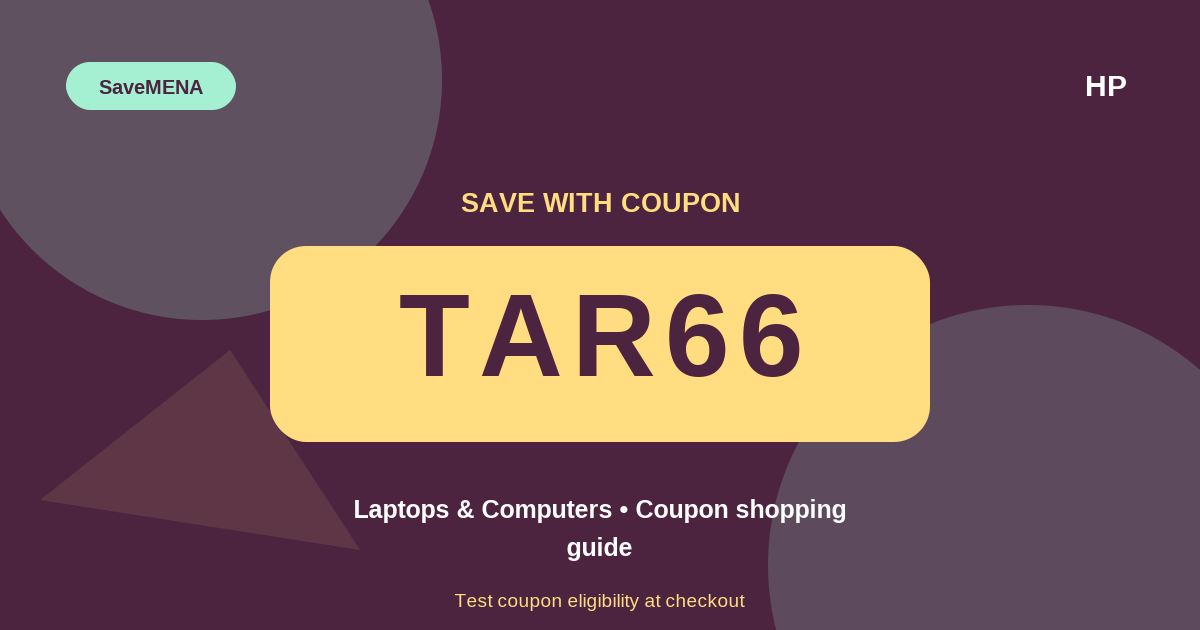
Codes available to try while comparing
These codes are not guaranteed for the article topic or listed brands; test them at checkout and use the live result.
Identifying HP Laptop Warranty Coverage Before Purchase
HP laptops typically include a standard limited warranty that covers hardware defects for a predetermined period. When browsing Noon UAE, it is essential to locate the warranty section on the product page or in the product description box. Verify the warranty duration, the geographical scope, and whether it covers accidental damage or software issues. These details are usually presented in a table or concise bullet list, allowing you to compare them across different laptop models or configurations. Understanding the terms before adding a product to cart saves you from surprise exclusions later.
Should an accessory or extended warranty be offered as an add‑on, note how it complements the base coverage. Pay attention to whether it requires a separate payment or is bundled into the laptop price. Because Noon does not disclose exact pricing information without checkout, review user comments or FAQs for insights. Confirming the warranty’s scope beforehand also lets you assess the value of local repair centers versus HP’s official service network. This step ensures the warranty aligns with your usage habits and travel frequency across the UAE and beyond.
Comparing Official Versus Third‑Party Warranty Extensions
Some sellers on Noon may advertise third‑party warranty extensions, often branded with their own logos or terms. While these can offer longer coverage or additional protection, it is crucial to examine their legitimacy. Check if the seller provides official documentation or a signed contract that outlines claim procedures, coverage limits, and defect definitions. If the service provider does not appear on HP’s official partners list, consider whether their support channels are reliable within the UAE’s service ecosystem.
When deciding between HP’s official warranty and a third‑party extension, evaluate the cost added to the laptop’s price and anticipate any impact on delivery fees. A higher price tag might offset the benefit of extended coverage if the overall total, including shipping, surpasses a comparable HP‑offered plan. Additionally, consider whether the seller’s support support is maintained by local technicians that can honour quickly or requires overseas intervention. Align this evaluation with your tolerance for potential delays or out‑of‑country repair processes.
Understanding Noon Delivery Fee Structure for Laptops
Laptops are generally classified as high‑value electronics, and Noon’s delivery policy reflects that classification. Delivery fees at checkout typically vary by order size, location, and selected shipping speed. Be prepared that some orders may trigger a higher fee if they exceed a certain threshold or if the delivery address is in a remote area outside the standard free‑delivery zone. Since exact fee amounts are contingent on the sale moment, review the fee card that appears during the cart review step.
Assess whether the delivery fee is a flat rate or calculated per unit. If multiple HP laptops are in the cart, the platform often aggregates the cost but may also apply an extra fee per item. Understanding how fees adjust when you add a wedge or change quantity helps anticipate the total. Note that if you choose expedited delivery, fees will likely increase, which can offset the benefit of faster service. Always review the fees at the final review screen before confirming the order to avoid surprises.
Calculating Total Cost Including Delivery and Warranty
The true cost of purchasing a HP laptop on Noon UAE emerges only after you proceed to checkout. At this point, the platform will display the base price, any selected warranty extension, cashback or coupon adjustments, shipping charges, and any applied taxes. Working through each line item individually clarifies how delivery fees and warranty costs interact. In practice, the delivery fee is added first, followed by the warranty if selected, and then any discount codes are applied last.
To ensure accuracy, cross‑check the subtotal against the sum of the product price and delivery fee before adding warranties or coupons. Verify that the warranty fee appears as a distinct charge so you can quantify its impact on the overall spend. If the calculation seems off, revisit the product page where some sellers note a “warranty included” badge that indicates no extra fee for that coverage. The final payable amount—the sum of all components—serves as the decisive figure for budget planning and supporting your decision to proceed.
Using Coupon Code TAR66 Effectively
The TAR66 coupon can be entered during the checkout process to reduce the net payment. Because Noon does not confirm the coupon’s validity for all product categories or sellers, input the code at the designated coupon box before completing the transaction. Once applied, observe whether the discount appears in the breakdown that lists each fee component. This visual confirmation assures that the code was accepted and the reduction is reflected in the final total.
Be mindful that discount calculation occurs after delivery and warranty charges are factored in, so the coupon may not make the final amount zero but will lower the overall sum. If the coupon appears unresponsive, double‑check that you are still logged in and that you are on the official Noon UAE site. Because availability can fluctuate, retain the code for future purchase attempts should it fail in this session. Always double‑verify the updated total after applying the code before confirming payment.
Verifying Post‑Purchase Support Channels with Seller
Once a HP laptop is acquired, the next line‑of‑action is usually contacting the seller for support questions. Noon’s platform often lists contact numbers, email addresses, and resolution timelines directly on the product page. Carefully read the seller’s response time commitments, especially for warranty claims. Some sellers offer support through a dedicated portal or a hotline that forwards queries to HP’s official technical team.
Engage the seller shortly after delivery to confirm they can process warranty claims efficiently. If the seller claims to handle returns or repairs but does not provide a clear chain of communication, ask for the next steps: whether they will redirect you to HP’s service center, handle onsite repairs, or arrange a courier pickup. Logging these details in a notebook or an email reply helps track the entire process, especially if a repair is needed under warranty after a few months of use.
Monitoring Warranty Renewal and Service Dates
HP laptops’ warranties expire after a set number of months from the purchase date. At the checkout screen, when the warranty extension fee is added, the platform also records the expiration date. Store this date securely—ideally in a calendar reminder—to keep track of the warranty’s life span. Knowing when the warranty ends allows you to decide whether to orchestrate an early backup, such as a data transfer plan or cancellation of a third‑party extension, to avoid coverage gaps.
If you rely on a third‑party extension, verify that its renewal process aligns with HP's original schedule and that the seller informs you before the coverage period lapses. Set alarms or notify the seller if the renewal must be processed manually. Maintaining up‑to‑date coverage is critical if you anticipate heavy usage or travel outside Dubai, where service centers might be less accessible. A proactive approach to the warranty lifecycle saves both time and potential repair costs later.
Final Check‑Out Review and Confirmation
Before finalizing the order, return to the checkout summary screen to triple‑check every detail: product SKU, selected warranty, applied coupons, delivery fee, and the seller’s support information. Confirm that the coupon code TAR66, if entered, has altered the gross amount as intended. Moreover, ensure that the final amount reflected incorporates all fees, and there are no hidden or unexpected charges hidden in a separate “taxes” line item. A thorough final review prevents later disputes or unwelcome surprises after the laptop leaves the seller’s hands.
After confirming the total, proceed to the payment page. Most sellers on Noon accept credit/debit cards, PayPal, or installment options tailored for the UAE market. Select the payment method that best aligns with your financial strategy, but maintain a screenshot of the order confirmation page. This confirmation acts as proof of the agreed price, warranty, and delivery conditions. By retaining this evidence, you can reference it should any issue arise with the item, delivery, or warranty service.
Related SaveMENA pages
Related articles
Official sources to check
Frequently asked questions
Does the TAR66 coupon apply to all HP laptop listings on Noon UAE?
The coupon can be tried during checkout, but Noon does not guarantee it will apply to every listing. Verify at checkout whether the discount is accepted before finalizing the purchase.
How can I confirm the warranty coverage for my HP laptop before adding it to cart?
Check the product page for a detailed warranty table or description. Look for references to HP’s official terms and the coverage period. If unclear, contact the seller via Noon’s messaging system before adding the item.
Will the delivery fee increase if I select an expedited shipping option?
Expedited shipping typically adds a higher fee at checkout. The exact increase will appear in the delivery fee line item before confirming payment.
What should I do if the warranty coverage ends before the laptop’s repair is needed?
Set a calendar reminder for the warranty expiration date and stay in touch with the seller for any renewal options. If a third‑party extension is used, confirm its renewal terms in advance.