Makeup on Noon UAE: warranty and support — delivery-inclusive price
Noon UAE total with delivery Makeup warranty and post-purchase support: In UAE shopping, the final amount you pay for a makeup purchase on Noon isn’t just about the
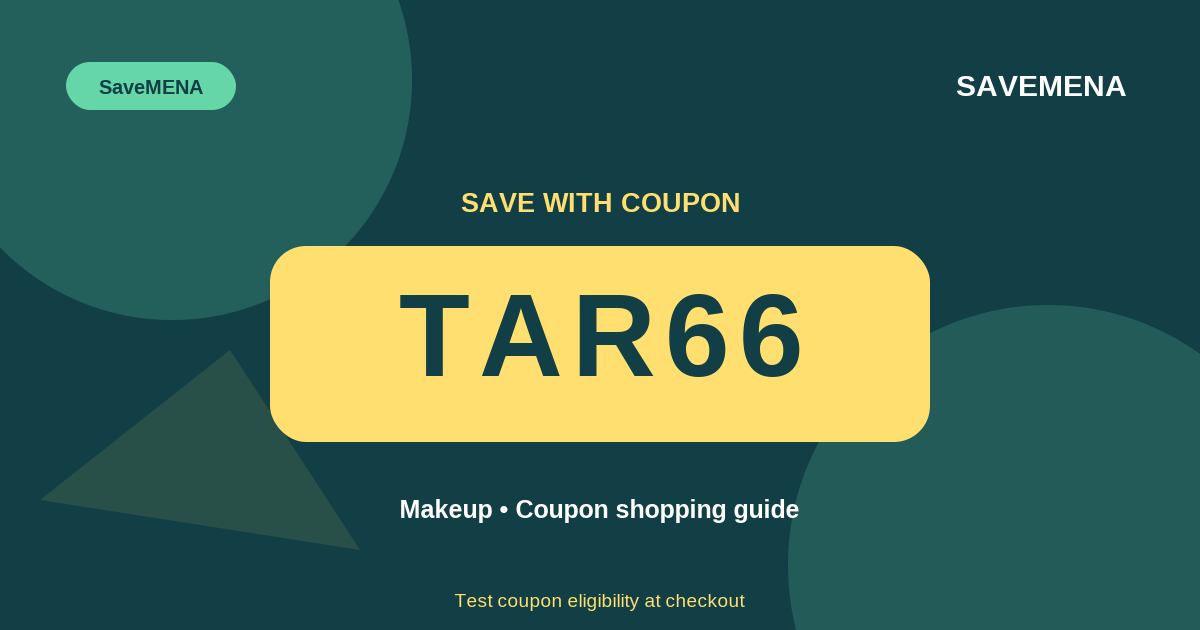
Codes available to try while comparing
These codes are not guaranteed for the article topic or listed brands; test them at checkout and use the live result.
1. Start with the Shopping Cart Overview
Begin each checkout by reviewing the cart page on Noon’s website or app. This screen lists every makeup item, its unit price, quantity, and any applicable seller charges. Delivery fees are usually displayed per seller, not per item, so keep an eye on the separate brief “Shipping” line that aggregates charges for every clinic you have underneath a single seller. Confirm that each item has the correct SKU and variant, especially for subtle shades or limited‑edition capsules.
Notice that the cart automatically recalculates a “Subtotal” and a separate “Total Before Fees.” This is the amount you will pay to the seller, and it is the figure that the warranty terms are tied to. Make sure you see all the subtotal numbers before you bypass the cart. Each checkout step will duplicate these numbers, so the first opportunity to identify any excise or platform fees is now.
2. Add Delivery Charges to the Running Total
Once you are confident that the items and quantities are correct, focus on the delivery component. Noon typically lists a specific fee per seller, and sometimes an additional “Handling” fee if an item is thick or fragile. This fee is added on top of the subtotal and appears as “Shipping.” If you’re under a certain order value, and many sellers offer free delivery, the calculation may shift to zero, altering the final sum.
In the UAE, some sellers charge extra for regional districts—Dubai and Abu Dhabi often have stable rates, while Sharjah or Fujairah may see minor differences. Always consider these when factoring in the final amount. Don’t forget that delivery charges do not usually factor into warranty coverage, but they do impact the overall price you pay for the product itself.
3. Verify the Makeup Warranty Details
Proceed to the product detail page for each item where the warranty is listed. Manufacturers in the UAE may offer one‑year protection against manufacturing defects, and sellers sometimes add their own seller‑guaranteed conditions. The warranty clause usually clarifies what is covered—visible flaws, incorrect color, or wrong item—and exclusion lists, such as damage from surface use.
While verifying the warranty, jot down the warranty period, the procedures for claims, and whether you need to contact Noon’s customer support or the original seller. This information will be essential in case a defect appears after delivery. Note, however, that warranty terms rarely encompass shipping damages, so ensure you also check if the seller offers a separate product protection plan.
4. Check Post‑Purchase Support: Returns and Exchanges
On the checkout confirmation page, Noon provides a short summary of its return policy and how to initiate a refund or exchange. Verify that the time frame—commonly 14 days—aligns with your needs. Many makeup sellers offer post‑purchase assistance such as tutorials, cosmetic consultations, or beauty guides attached to the order.
To confirm return shipping instructions, look at the product page’s “Return/Exchange” section. It usually states whether you can request a return label and the associated charges. Check whether the seller offers a prepaid return label for defective items. Knowing these details up front helps you avoid unexpected costs if you need to return an item after delivery.
5. Enter the Coupon Code TAR66 Before Finalizing
When you’re ready to ship, scroll to the “Coupon” field on the payment page. The exclusive TAR66 coupon is one that you can try to apply to reduce the payable amount. Unlike a guaranteed discount, the possibility of application depends on seller acceptance and any coupon restrictions that Noon may have on the evening of purchase.
After typing TAR66, click “Apply” and watch the cart recalculate the “Total” line. If the coupon does not apply, the system will notify you with an error message. Regardless, you can still see the original intent of how savings would affect your final total and adjust your cart if needed.
6. Re‑Assess the Full Total Before Payment
Before you proceed to payment, review the final number displayed in the “Order Summary.” This figure embodies the product subtotal, the delivery fee, any coupon adjustment, and the tax or service fee if applicable. Make sure that each category is accurately represented and that the voucher truly appears as an offset.
At this juncture, you still have the chance to modify the order—a new item might have higher warranty coverage, or an alternative seller may provide free delivery. As soon as you settle on the “Final Total,” a confirmation screen will lock in that amount for the payment gateway.
7. Complete Payment and Order Confirmation
Choose your preferred payment method—credit card, debit card, or an online wallet. Noon’s platform will double‑check the final total before authorizing the transaction. Once you confirm the payment, a confirmation page appears listing the order ID, items, total, and estimated delivery time.
Keep a screenshot or email receipt. The confirmation includes crucial information: the seller’s point of contact, the tracking number, and the return address for warranty claims. Storing this data handy is essential if a warranty issue surfaces after the package arrives.
8. Post‑Delivery Tracking and Warranty Follow‑Up
Right after receiving the package, run the tracking link available in the order summary. It will update the shipment status and route. At the same time, examine the product’s condition—color, texture, and packaging—to ensure they match the warranty description.
If any issues arise, use the contacts provided in the confirmation to initiate a warranty claim or return. Noon’s support usually offers a streamlined chat or email option. If the item fails the pre‑delivery inspection, double‑check the seller’s return instructions to confirm whether a prepaid label or a refund request must be filed.
Related SaveMENA pages
Related articles
Official sources to check
Frequently asked questions
How does Noon calculate the final amount for a makeup order?
The final amount is the sum of the product price, delivery fee, and any applicable tax, minus applicable coupons applied at checkout, before payment confirmation.
Does the warranty cover shipping damage on makeup?
Typically, no. Warranty usually covers manufacturing defects. Shipping damage often requires a return label, which may be free if the item is defective.
Will the TAR66 coupon always apply on Noon?
The coupon can be attempted, but its application depends on seller eligibility and Noon’s coupon policies at the time of purchase.
Can I change the delivery fee after checkout?
No. Once you finalize the payment, the delivery fee is locked in. You can only adjust if you cancel before payment.