Automotive on Noon UAE: account eligibility — coupon eligibility
To use a Noon UAE coupon before you finalize an automotive purchase, you must first confirm its eligibility against your Noon account.
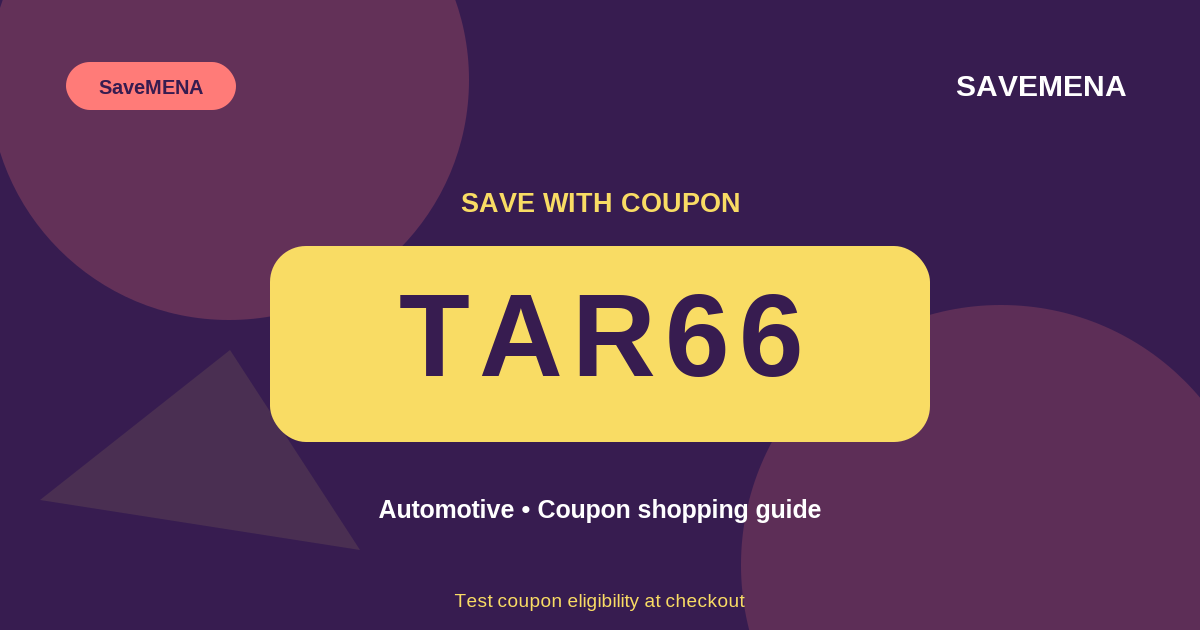
Codes available to try while comparing
These codes are not guaranteed for the article topic or listed brands; test them at checkout and use the live result.
1. Understanding Coupon Eligibility in Noon Automotive Purchases
Coupon eligibility rules on Noon are tied to more than just product categories; they also revolve around the shopper’s account status. For automotive items—such as vehicles, parts, or accessories—the platform may impose specific constraints like account verification level or membership tier. These conditions affect whether a coupon can be applied, and the only reliable way to determine eligibility is to view the coupon details while your cart is open. Pay close attention to any phrases that mention “account” or “profile” requirements, as they indicate that your account data must be compatible for the coupon to be accepted.
When you initiate the checkout process, Noon evaluates your cart against a set of eligibility criteria that include product type, cart value, and account context. If your account is pending verification or falls outside the required tier, the coupon will not be offered.A coupon is not guaranteed; verify its result at the retailer checkout.
2. The Role of Your Noon Account
Your Noon account holds the key to coupon usage, especially when dealing with automotive purchases that can trigger exclusive eligibility checks. Account attributes such as verification status, phone confirmation, and loyalty membership determine if a coupon is relevant to your transaction. For instance, a recent verification might unlock additional discount opportunities that were previously hidden. Thus, before you even open the cart, double‑check that your profile settings reflect accurate contact details and that you have completed any required validation steps.
In addition to verification, your account may have associated benefit programs that influence coupon applicability. Some programs provide automatic eligibility for certain coupons once you join the program, while others require a one‑time manual activation. It is crucial to access your Noon app or website, navigate to “Profile,” and review any active loyalty status or program participation notes, preparing you for a smoother coupon application process.
3. Why Check Eligibility Early
Inspecting coupon eligibility before payment reduces last‑minute surprises that can halt the checkout. When a coupon is deemed ineligible, Noon might prompt an error after you’ve already entered payment details, leading to missed savings or the need to re‑order. By verifying eligibility at the cart stage, you confirm whether the TAR66 code will be honored, ensuring the final price reflects any potential discount.
Early checks also help you gauge whether you need to modify your cart, for example by adding a mandatory accessory or adjusting quantities to meet a minimum spend requirement. Even if the coupon itself does not state a threshold, platform rules may still rely on the cumulative value of eligible items plus the user’s account context to process the discount.
4. Step‑by‑Step: Reviewing Eligible Coupons
Start by logging into Noon with your registered credentials. Add your chosen automotive item(s) to the cart and proceed to the cart overview. On the right side of the screen, you’ll find a coupon section, often labeled “Apply Coupon.” Click or tap this area to reveal available codes. If the TAR66 coupon appears, the system will automatically indicate whether it is ready to apply or if there are restrictions linked to your account.
If the code does not appear or shows a restriction message, go back to the main profile page and confirm your account status. Verify that your phone number is linked and that any formal verification steps have been completed. Once your account is confirmed, return to the cart to see if the coupon now appears, confirming its eligibility.
5. Applying the TAR66 Code Correctly
When the TAR66 coupon is visible and listed as eligible, simply tap it to auto‑apply. Noon will recalculate the cart total immediately, reflecting any discount zones associated with the coupon. The coupon pane will update to show the new subtotal and the applied code, clarifying that the coupon is active. No additional confirmation from the platform is required at this point.
After applying the code, review the cart summary again. You should see the TAR66 code next to the discount bullet point and a clear notation that the code has been applied successfully. This confirmation assures you that your account context aligns with the coupon’s eligibility constraints before proceeding to payment.
6. Monitoring Cart Totals for Eligibility Proof
Once the TAR66 code is applied, the cart displays the final price. Look for any indication that the coupon has been accepted; Noon may include a note such as “Coupon applied” or “Code accepted” next to the new total. If the code is under review or pending, the cart will often keep the original amount until the system confirms eligibility, usually within minutes.
If, on the other hand, the cart total remains unchanged and the code appears inactive, it signals that the coupon is currently ineligible. This is where your account profile comes into play—check whether you are logged in with the correct credentials and verify that your profile is fully authenticated to resolve such issues.
7. Common Pitfalls and How to Avoid Them
One frequent mistake is attempting to apply a coupon while still browsing as a guest. Without a logged‑in account, Noon cannot cross‑reference the cart against your personal eligibility criteria. Make sure to log in before adding items or applying codes, particularly when shopping for automotive goods that may trigger special account checks.
Another pitfall is neglecting to refresh the cart after applying a coupon. If you add or remove items after the code is applied, the platform may reassess eligibility, potentially invalidating the code.A coupon is not guaranteed; verify its result at the retailer checkout.
8. Final Checkout Verification
Before finalizing the purchase, revisit the checkout page. Noon will display the total payable amount, any applied suffix like “TAR66,” and confirm that your account status is recognized. This page is the definitive checkpoint where coupon eligibility is validated with your account data. If the code appears as applied and the total reflects the discount, you can proceed with payment confidently.
When you submit payment, keep a screenshot or confirmation email handy. It serves as proof that your account context and the TAR66 coupon were successfully applied during checkout, ensuring transparency and a smooth post‑purchase experience.
Related SaveMENA pages
Related articles
Official sources to check
Frequently asked questions
How do I know if my Noon account is verified for coupon eligibility?
You can check the “Profile” section on Noon for verification status. If your phone number and email are linked and confirmed, your account is typically considered verified, which is often required for coupon usage on automotive items.
What should I do if the TAR66 coupon does not appear in my cart?
Verify that you are logged in, that your Noon account is fully authenticated, and that the vendor’s items belong to the automotive category. If after these steps the code still does not show, contact Noon support for clarification.
Will a coupon be applied automatically if my account meets the eligibility criteria?
Noon’s system checks your cart against coupon rules before you apply a code. If your account meets the required criteria, the coupon will appear as eligible and can be applied with one tap; otherwise, it will remain unavailable.
Can I use the TAR66 coupon on multiple automotive items in the same order?
Coupon application rules are determined by Noon at checkout. If the coupon appears for one automotive item and is not stated otherwise, it typically applies to the entire cart if the conditions are met across all items.