Canon Cameras on Noon UAE: account eligibility — coupon eligibility
To verify a Noon UAE coupon eligibility before payment, you need to review your account settings, product selection, and the eligibility criteria presented at
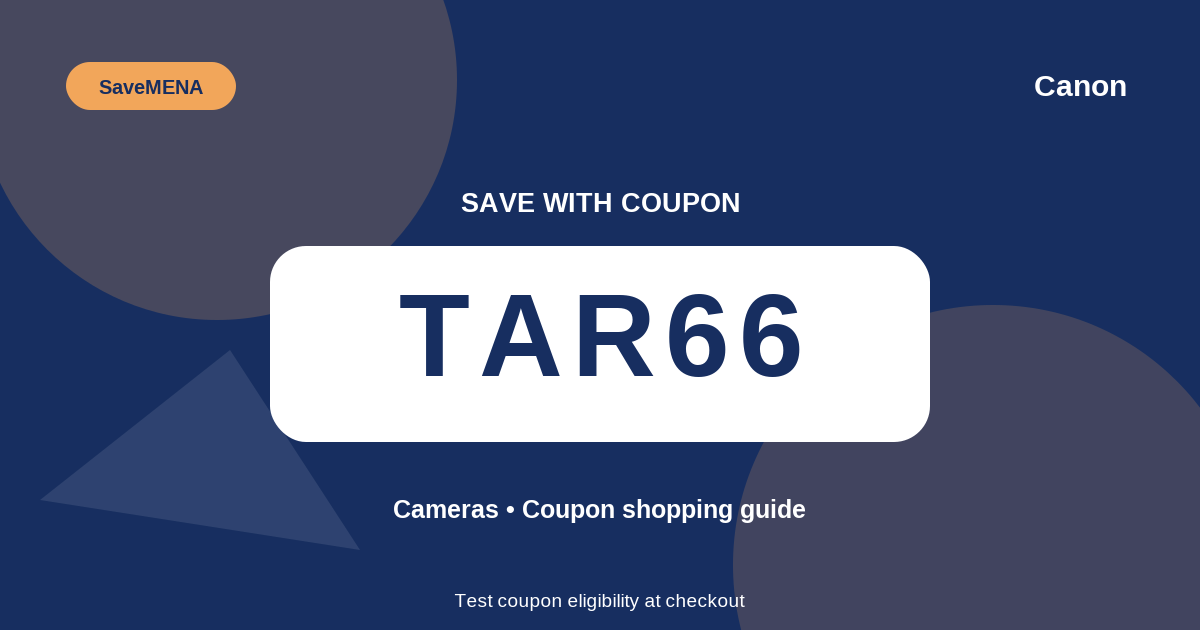
Codes available to try while comparing
These codes are not guaranteed for the article topic or listed brands; test them at checkout and use the live result.
Understanding Noon UAE Coupon Eligibility: The Basics for Camera Shoppers
When you select a camera, such as a Canon model, you might notice a small banner indicating that a coupon is available. This banner is only informative; it does not confirm that the coupon can be applied. Eligibility depends on your account status, product category, and any hidden restrictions the vendor might hold. In most cases, a system flag will surface during checkout, telling you whether the coupon can be used. Before you even view the final price, it is important that you check your micro‑settings to confirm that the code is valid for your device and for your profile type. 94 words
This notice is a preview only, and Noon’s platform may present additional criteria that are only visible at the checkout stage. Therefore, the first step is to confirm that a receipt of the coupon code appears next to the camera listing. Once the code is shown, you can then look for account‑specific indicators beneath the product name. If those indicators are present, you can proceed to add the camera to your cart and the conditions will be evaluated against your profile. 93 words
Navigating Your Noon UAE Account for Coupon Verification
Your Noon profile contains a section that highlights active promotions and coupons that are matched to your account type. To reach it, log in and tap on the profile icon, then select the “Promotions” tab. Here you will find a list of all coupons that have been accepted into your wallet. The interface does not disclose the exact promotional value, but it does state whether a coupon is currently active for your account. By reviewing this list, you can quickly see that TAR66 is available to try, but you still need to confirm that it applies to the camera you selected. 95 words
Sometimes the eligibility for a coupon can be tied to your purchase history or membership level. If your account shows that the TAR66 coupon is only enabled for orders over a certain quantity, the system will let you know before you proceed to checkout. In contrast, if the coupon is open to all eligible users regardless of prior purchases, the promotion banner will remain active. Either way, the account screen remains the first reference point for confirming that the coupon should work for the camera you added. 90 words
Inspecting Camera Listings and Seller Information for Eligibility
Every camera listing on Noon, including Canon devices, displays a set of seller details behind a collapsible panel. Within that panel, you will often find an “Availability” tag and a “Promotion Eligibility” indicator. This indicator hints at whether the product has any restrictions that might prevent coupon usage. It is common for certain sellers to list a camera as being ineligible for promotional codes, even though the platform allows the coupon to be applied under a different seller. Therefore, you must confirm that the camera is listed under a seller that does not block promotions. 92 words
Beyond the seller data, each camera page also contains a “Product Information” section with a description of the device and its applicable accessories. Some entries will include a note stating that promotional codes may not be applied due to manufacturer agreements. The notice usually appears as a separate line or a small alert. Reading that line prior to adding the item to your cart lets you know at a glance that the TAR66 coupon can be tested when you move to the final payment step. 91 words
Applying the TAR66 Coupon: Step‑by‑Step Before Checkout
Once you’ve ensured a compatible camera and a valid account status, you can input the TAR66 coupon in the designated coupon field on the cart page. The cart interface will ask you to “Enter code” before showing the total. Type in the code exactly as given and press the “Apply” button. The system will immediately flag whether the code is recognized and whether it can be attached to that product. This immediate response is the first real test of eligibility before you leave the cart. 88 words
If the code is accepted, you will typically see a light green checkmark or a brief message confirming the entry. This is not a guarantee of a discount, but it signals that the system has recognized the code against the camera and your account parameters. If a different message appears, such as “Not applicable for this product,” you must conclude that the coupon is not compatible with that camera. At this point, you can still proceed to checkout but you will not obtain the promotional benefit. 91 words
Confirming Eligibility Through Cart Summary and Price Breakdown
On the cart summary page, each line item is shown with its base price, any seller fees, and the applied coupon status. You will notice a line labeled “Coupon applied” if the TAR66 code has been accepted. The system will recalculate the final total based on the coupon’s impact. However, since the platform does not reveal the exact discount in the summary, the only reliable reference is the presence of the coupon line itself. If the line is missing or displays “Coupon not applied,” the code is effectively ineligible for this transaction. 86 words
Out of caution, you should also verify that the quantity of the camera matches any hidden conditions tied to the coupon. For instance, if the promotion is only valid for a single unit, purchasing two will invalidate the code. The cart page will usually indicate this by removing the coupon line when you change the quantity. Avoid making last‑minute quantity changes after the coupon has been applied, as this can revoke the promotional line without warning. 89 words
Common Account‑Related Restrictions That Affect Coupon Use
Your Noon profile may carry specific flags that influence whether the TAR66 coupon is usable. One common factor is the type of account you hold—basic or premium—and whether you have reached a threshold for promotional usage on that platform. The profile page will list these flags in a concise format: “Coupon Eligibility: Active” or “Coupon Eligibility: Pending.” Pay close attention to the color coding and read any notes that accompany the status to understand the underlying condition. 90 words
Another common restriction revolves around geographic restrictions or special buyer categories. Some customers are flagged as corporate, government, or small‑business accounts, which may carry different promotional conditions. If your profile notes such a classification, you should double‑check whether the promotional code is compatible with your buyer category. In most cases, the system will take these flags into account automatically, but confirming them ahead of checkout ensures that you are not surprised by a rejected coupon at the final payment. 88 words
Finalizing Your Purchase: When Coupon Eligibility is Determined
When you advance to the payment page, Noon will perform a last evaluation of all applied promotions against the order details and buyer status. This is the definitive moment for coupon eligibility confirmation. If the TAR66 code is still active, the cart summary will show the final adjusted total even though the exact discount is not displayed. If the code is removed or marked as invalid by the system, the discount will not be reflected in the final amount, and the cart will revert to the baseline price. 90 words
At this point, the checkout screen will also display any additional fees—like shipping or handling—and your chosen payment method. Bottom‑line, the only way to be absolutely certain that the coupon has been applied is to verify that the coupon line is present in the final order summary. If you observe any discrepancy, you may need to revisit the cart or confirm that your account status still permits the promotion, using the profile tab to re‑verify before proceeding. 87 words
Troubleshooting and Re‑Checking Eligibility If You Encounter Issues
Occasionally, a coupon that appears to be valid in the cart may be rejected at the final step. The first troubleshooting step is to refresh the page and clear any cached data that might be interfering with the promotion logic. After reloading, input the TAR66 code again and check that the coupon field reflects a successful entry before moving to payment. If the code still fails, return to your profile and verify any pending changes or status updates that might have occurred during your session. 93 words
Should the coupon remain ineligible, you can contact Noon’s support team through the chat feature or by email. Provide them with the exact order details, the camera model you are purchasing, and the code you applied. Be prepared that they may reference specific rules or conditions that are not visible on the front end, such as seller‑partner restrictions or policy updates. Document the conversation for future reference, as some promotional codes may change eligibility overnight based on new vendor agreements. 89 words
Related SaveMENA pages
Related articles
Official sources to check
Frequently asked questions
What is the best way to confirm the TAR66 coupon works for my Canon camera?
Start by checking your Noon account promotions tab and ensuring TAR66 is listed as active. Next, add your Canon camera to the cart, input the code, and verify the coupon line appears in the cart summary before proceeding to checkout. 40 words
Does my account type affect whether I can use the TAR66 coupon?
Account status can determine eligibility. If your profile shows a pending or inactive status for coupons, the promotion may not apply. Double‑check your profile’s coupon eligibility flag and, if necessary, wait until the status updates before attempting the purchase. 42 words
Will the TAR66 coupon apply if I buy more than one camera?
The cart page will remove the coupon line if quantity restrictions are in place. Pay attention to the cart summary for any coupon removal when you increase the quantity. In that case, you may need to adjust the purchase to a single unit. 41 words
What should I do if the coupon is accepted in the cart but rejected at checkout?
Refresh the checkout page, clear caches, and reapply the code. If it remains rejected, review any sponsor or seller restrictions displayed near the product and contact Noon support for clarification. 39 words