Sony Cameras on Noon UAE: account eligibility — coupon eligibility · TAR71
Coupon eligibility on Noon UAE is governed by a combination of product, seller, and account factors. Generally, a coupon can only be applied if the selected product
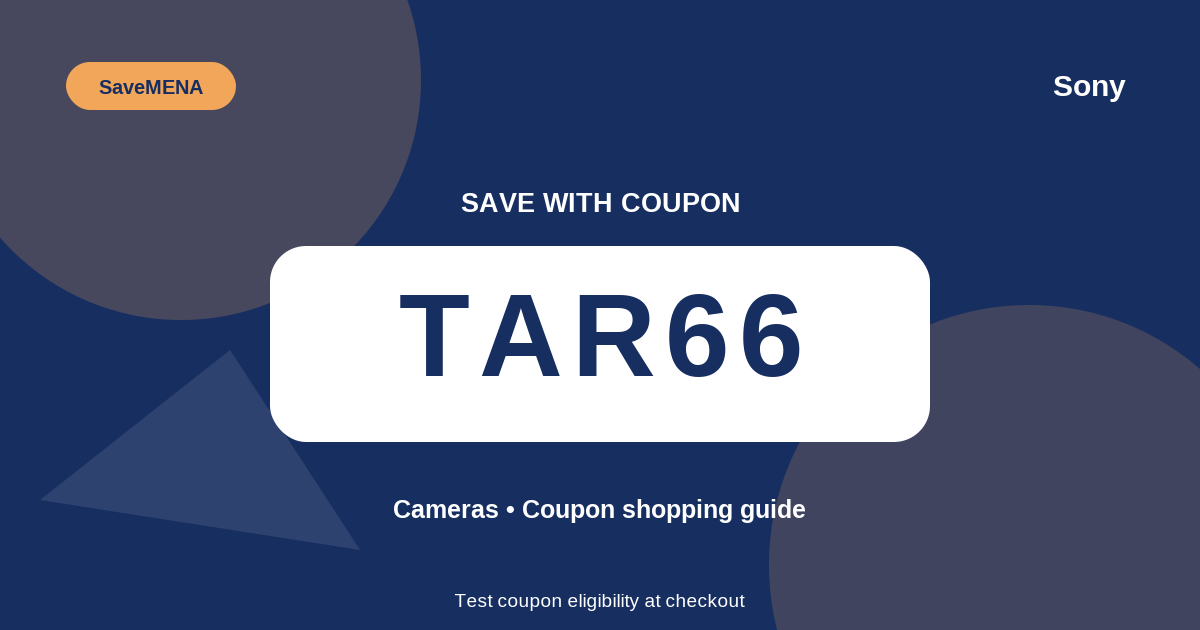
Codes available to try while comparing
These codes are not guaranteed for the article topic or listed brands; test them at checkout and use the live result.
Understanding Noon UAE Coupon Eligibility
Coupon eligibility on Noon UAE is governed by a combination of product, seller, and account factors. Generally, a coupon can only be applied if the selected product falls within the coupon’s advertised category and if the customer’s account meets any unstated participation conditions. For shoppers buying cameras, the first indicator appears when adding the item to the cart; Noon will flag an eligible product with a “✔ Coupon available” note if all criteria align. This pre‑payment check is essential because you cannot revert to a coupon once you proceed to checkout.
However, Noon does not display coupon eligibility in a universal format; it often nests the information within the price box or the “Discounts” tab of the product page. If you do not see any such indication, it’s wise to manually confirm at checkout, where the coupon code field provides a real‑time eligibility check. Note that even if the product appears clickable, the coupon might only activate under specific shipping destinations or payment methods—details that typically surface only during the final order summary.
Sony Kamera Offerings on Noon
Sony offers a broad spectrum of cameras on Noon UAE, from compact point‑and‑shoots to flagship mirrorless systems. Each model usually appears under the “Cameras & Camcorders” category, but subtle differences in titling—such as “Sony Alpha” versus “Sony Handycam”—can affect how coupons are applied. A larger body or a specific feature set may tie the product to a broader pair of discount eligibility rules.
For shoppers the coupon code the Sony lineup, it pays to read the product description carefully. Sellers sometimes list the camera as a bundle—battery, charger, and a protective case—under a slightly different SKU. While the bundle might still belong to the same category, the added items can push the COUPON eligibility condition to be “Bundle only” or “Minimum spend per item.” These nuances are invisible until the cart step, underscoring the importance of paying attention to line items listed in the cart after adding each Sony piece.
Preparing Your Sony Account for Coupon Checks
Before you launch into the Noon interface, ensure your account profile is complete and verified. An unverified phone number or an incomplete email address can block certain promotional offers. Noon’s internal system flags accounts that lack proof of address or purchase history; if these gaps exist, the “Coupon valid” message may not appear.
Additionally, check that your payment method is linked and active. Noon requires at least one registered card or wallet to apply coupons. Verify that the chosen payment method is listed under the main account settings and that no pending security verifications—such as 3D‑Secure for cards—are outstanding. A clean, verified account profile sets the stage for smooth eligibility checks across all product categories, including Sony cameras.
Step-by-Step: Adding a Camera to Your Cart
Navigate to the search bar and type the exact Sony model you want. Verify the seller’s name (it might be “Sony Outlet” or a third‑party store). Once you’ve selected a listing, click “Add to Cart.” Noon typically presents a pop‑up for quantity; default is one. Confirm the item is added by opening the cart icon at the top right corner.
When you view the cart, each Sony item will display its price, delivery fee (if any), and any active coupons. At this moment, the cart lists the line item and a small note such as “Coupon applied” or “No coupon available.” If the latter appears, you still have a chance to enter the code in the “Coupon Code” field—this triggers an on‑the‑fly eligibility validation before you continue to checkout.
How Noon Displays Coupon Eligibility in the Cart
Inside the cart, Noon provides a side panel showing coupon status. If a coupon is eligible, you’ll see a green tick and the code name, often highlighted in the “Discounts” section. A red exclamation mark, however, indicates the coupon isn’t currently applicable to the selected Sony camera SKU.
If the coupon badge is absent, input “TAR71” into the coupon field and press enter. Noon’s validation script will scan the cart contents, evaluate eligibility against your account’s status, and immediately update the discount amount. Even if the toaster confirms “Coupon added,” you still need to confirm the discount before proceeding to checkout, ensuring no mis‑application.
Verifying Eligibility for the TAR71 Coupon
To verify the TAR71 coupon in the cart: manually type the code into the field and hit enter. Noon will evaluate the code against all current cart items. If the Sony camera is eligible, the discount will subtract from the total price displayed. If not, a message such as “This coupon isn’t valid for the selected item” will pop up, advising you of the ineligibility.
The final total in the cart after coupon application will reflect the discount amount. Compare this total with the pre‑code total to confirm the coupon’s effect. If the difference is zero, the coupon was not applied. In such a case, double‑check your Sony device’s SKU, the seller’s status, and your account verification. Only once the coupon shows a reduction should you proceed to checkout.
Common Eligibility Pitfalls for Sony Cameras
One common pitfall is the listing’s hidden attributes: some Sony camera listings bundle accessories that raise the minimum spend threshold. Even if the camera is sold at a lower price, the additional accessories count toward the coupon's minimum spend rule, which you won’t see until you click “View Cart.”
Another issue is seller-specific rules. Third‑party sellers sometimes restrict coupon usage to their own items only. If the Sony listing comes from a partner with such a restriction, Noon will not apply the TAR71 code, regardless of overall eligibility. Hence, you should verify the seller label before adding the Sony camera to the cart.
Final Checkout: Confirming the Coupon and Payment
When you hit “Proceed to Checkout,” Noon presents a summary screen: items, shipping fee, tax, and the discounted total. Before confirming payment, double‑check that the discount amount (displayed beneath the subtotal) matches the code’s expected value. The screen also shows the applied coupon code name, ensuring you’re looking at the correct discount source.
If the discount is present and the total reflects the coupon, tap “Place Order.” Noon will finalize the transaction and send a confirmation email containing the coupon reference. If the discount is missing, abort the order and revisit eligibility, or contact Noon support to clarify any ambiguity. The final checkout recap is the last barrier before the transaction is finalized, so review it carefully to avoid post‑purchase surprises.
Related SaveMENA pages
Related articles
Official sources to check
Frequently asked questions
A coupon is not guaranteed; verify its result at the retailer checkout.
No. The code is only available to try. Eligibility can vary with the live account, basket, item, seller and campaign context, so checkout is the final reference.
Where should I confirm the coupon result?
Apply the code in the Noon basket and review the live message and final payable total before payment. Do not rely on an undocumented percentage or condition.
Can the result vary by product or seller?
Yes. Eligibility and offer context can vary with the current basket details, so compare the exact item, seller, variant and final total before purchasing.
What should I do if the code does not work?
Check the market, account, item, seller, basket and payment context, then try another code available to try without guessing an unsupported reason.