Anker Headphones on Noon UAE: account eligibility — coupon eligibility
Noon UAE coupon eligibility Headphones Anker account context: How to check coupon eligibility before payment is essential for any shopper looking to save on
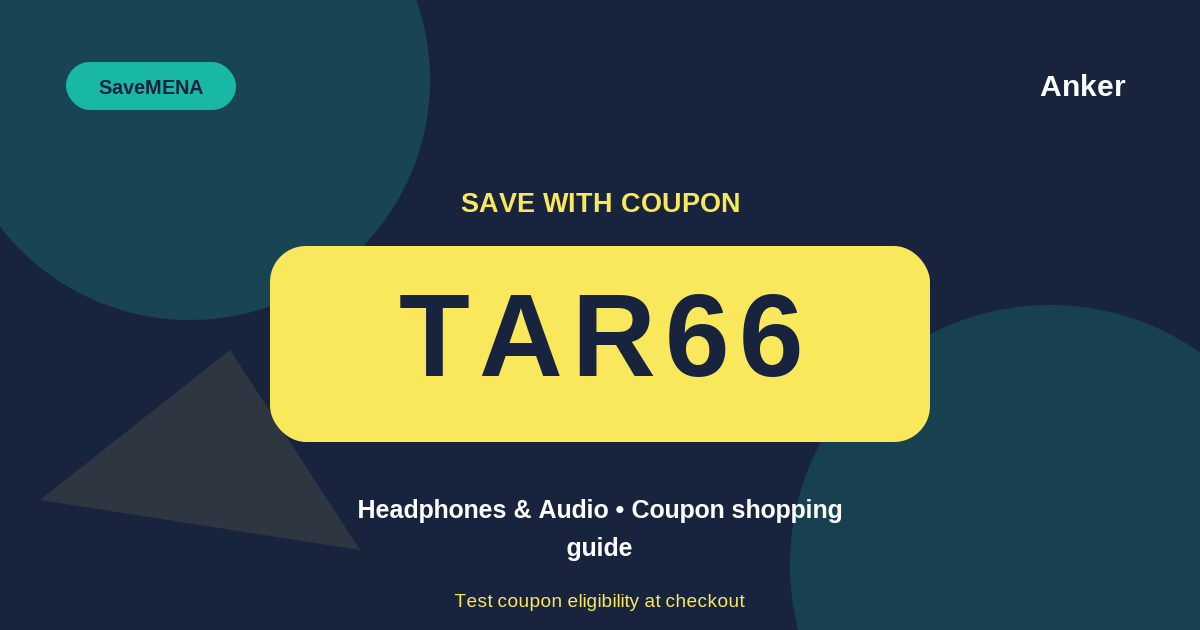
Codes available to try while comparing
These codes are not guaranteed for the article topic or listed brands; test them at checkout and use the live result.
1. Verify Your Noon UAE Account Status
Begin by logging into Noon UAE with the account you intend to use. Ensure your profile is fully verified—email address confirmed and delivery address added. An unverified account can block coupon visibility because some promotions require a confirmed identity to trigger. By confirming these details early, you avoid a late‑stage surprise where the coupon disappears.
After logging in, navigate to your account dashboard. While there, confirm that you have at least one active payment method saved, such as a credit card or a Noon Wallet balance. Many coupon rules tie eligibility to a payment method; unless the method is recorded, the coupon may not activate during checkout.
2. Confirm the Headphone Product’s Coupon Eligibility
Search for the desired Anker headphone model and ensure the product page notes any promotion tags. Some items display a “coupon eligible” icon or a brief statement like “Use a coupon for this product.” If no such indication exists, the coupon may not apply regardless of the code entered.
Check the product’s description for a “No coupons” restriction. These restrictions override general coupon applicability. In such cases, even a correctly entered coupon code will not reduce the price. Verify once more that the headphone model is set for “normal” purchase, not a variant or bundle that might exclude coupon use.
3. Inspect Delivery and Payment Options in the Cart
Add the headphone to your cart and observe the available delivery methods. Occasionally, coupons are limited to specific shipping options, such as free express delivery or a premium weight class. Ensure the delivery choice you selected does not conflict with the coupon’s restrictions.
Review the payment method options shown in the cart. Some coupons only activate when paying with certain cards or with Noon Wallet credits. If your default card is a prepaid card, test switching to a debit card to see if the coupon banner appears. If no banner appears, the coupon may not be eligible under the chosen payment method.
4. Review Tracking for Experiment‑Based Coupon Activation
When you click “Apply Coupon” and enter TAR66, notice whether a confirmation message flashes or a loading icon appears. This brief pause can indicate the coupon is being checked against an internal probability model. If the screen freezes or you see an error message, the coupon is likely not eligible for the specific product or account state.
In the event the apply button becomes greyed out, that is a clear sign the coupon is not on hand for that cart. Continue to keep the refresh button in mind; a quick refresh may sometimes bring the option back if it was a temporary glitch. Active testing of the apply button is a low‑risk way to gauge eligibility before final payment.
5. Check the Coupon’s Existence in Your Coupon List
Inside your Noon UAE profile, find the “Coupon” section. Tap to see all active coupons in your wallet. The list indicates whether TAR66 is flagged as pending or ready. If it appears as “Not Available” or “Expired,” it will not work at checkout, no matter the product.
Do not assume the list is exhaustive; sometimes coupons appear only after you hit the checkout step. After you apply the coupon, if the code shows up under the coupon list—as “Used” or “Applied”—this confirms the system recognizes it. This step is a safety net for when coupon visibility is partial.
6. Assess the Coupon Acceptance During Checkout
Proceed to the final checkout page. The moment you add the coupon to the transaction, the page updates the total if the coupon is valid. Watch for any textual update such as “Coupon applied” or a small discount line showing the deduction. If the price remains unchanged, the coupon hasn’t applied.
Do not skip the “Review Order” screen. Check the summary box where all discounts are listed. That box represents the true reduction, if any. If the screen indicates “Coupon code invalid” or shows no change, the coupon will not be reflected in your final payable amount.
7. Confirm the Final Payable Total Before Confirmation
When the order summary is brick‑wall‑style before you hit the payment button, double‑check the stated total. The displayed amount includes shipping, taxes, and any coupons applied. If TAR66 was accepted, the reduction will be reflected here.
At this point, you can cross‑check your expectations: If the toolbar shows a coupon applied, confirm that the amount saved matches your previous calculations. If the amount stayed the same, the coupon will not affect the final cost. Only the final screen can give you confidence in the coupon’s effect—or lack thereof.
8. Record the Transaction for Future Reference
After confirming the coupon status and final amount, follow through with payment. Once transaction success is displayed, open the order history to capture any coupon code usage details for record‑keeping. This is useful for understanding coupon behaviour over time.
If you intend to rely on coupon experiments in the future, store the order ID and transaction snapshot. If the coupon didn’t trigger this time, you’ll know whether to retry or switch to a different promotion. A documented history helps contextualize how your account interacts with coupon codes.
Related SaveMENA pages
Related articles
Official sources to check
Frequently asked questions
How do I input the TAR66 code during checkout?
After adding the headphone to your cart, click the “Apply Coupon” field on the checkout page, type TAR66, then press enter. A confirmation or error message will appear indicating whether the coupon was accepted.
Can I use TAR66 with a Noon Wallet balance only?
The coupon’s acceptance may depend on the chosen payment method. If Noon Wallet is your sole available option, try applying the coupon and check the confirmation. If it isn’t accepted, the coupon may not support that payment type.
What if the coupon appears in my list but not during checkout?
Sometimes coupons are pending or restricted to certain products or account states. If it shows in the list but fails at checkout, the coupon likely doesn’t apply to your selected headphones under your current account context.
Is there a limit on how many times I can try a coupon like TAR66?
There is no published limit on tries. However, repeatedly applying an ineligible coupon to the same product will not produce a discount. The coupon remains at your disposal until it’s activated for a compatible transaction.