Sony Headphones on Noon UAE: account eligibility — coupon eligibility · TAR73
To determine how to check coupon eligibility before payment on Noon UAE, follow these steps focused on headphone shoppers, especially those eyeing Sony models.
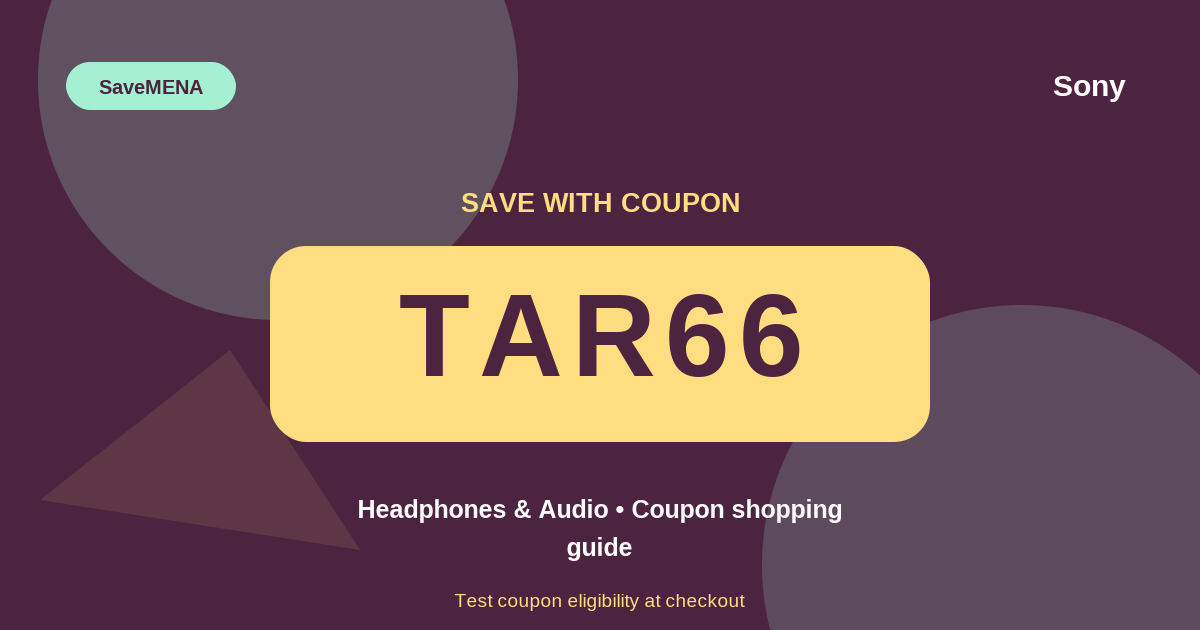
Codes available to try while comparing
These codes are not guaranteed for the article topic or listed brands; test them at checkout and use the live result.
Understanding Noon UAE Coupon Eligibility for Headphones
Coupon eligibility on Noon is tied to specific conditions such as account status, product category, and applicable seller agreements. For headphones, the first check at checkout is whether the product falls within the coupon’s allowed catalog. Noon’s system automatically flags if a headphone is excluded. This step ensures you don’t waste time trying to apply a coupon to an incompatible item.
When you add a Sony headphone to your cart, the platform will display a message indicating whether the coupon code is viable. If it shows “Not eligible,” you can still proceed but the discount won’t apply. That’s why verifying eligibility early saves you from frustration at the final payment screen.
Accessing and Adding the TAR73 Coupon to Your Cart
Open the Noon UAE app or website, locate the Sony headphones you intend to buy, and add them to your shopping bag. Once the item is in the cart, tap “Enter coupon” and type TAR73. The interface will immediately attempt to validate the code against your current cart contents. This front‑end check lets you see if the system accepts the code before you move to checkout.
If the application successful, the discount will appear in the order summary. This preview is the only time the coupon’s effect is visible; you won’t know the final amount until you reach the payment gateway, which is why detailed pre‑checkout checks are essential.
Verifying Eligibility Against Your Sony Headphones Order
After entering the code, the checkout page shows a section labeled “Coupon Summary.” Here you can confirm that TAR73 is accepted for the particular Sony headphone model. Noon’s system lists the exact amount deducted, if applicable. Even if a small discount appears, it proves the coupon satisfied basic criteria.
If you see a red notification linked to the coupon (e.g., “Coupon not applicable to selected items”), it means the code is not valid for that product. Double‑check the headphone’s listing page; sometimes sellers have separate SKUs that may differ in eligibility status.
Checking Account Context: Premium, Standard, or Guest
Your Noon account type can affect coupon usage. Premium or Gold members may receive additional perks but can also have distinct coupon restrictions. Navigate to your profile, and note whether you’re logged in. Some coupons are only usable when logged in, while others are open to guest users.
In the coupon entry field, Noon automatically references your account context. If you’re a guest, the system may hide certain discount opportunities. Therefore, it’s important to log in before attempting to apply TAR73 to avoid missing eligibility flags linked to account status.
Confirming Payment Method Compatibility
Different payment methods on Noon can interact differently with coupon discounts. Credit card, debit card, PayPal, and Noon Wallet all process totals in the same way, but some cards offer additional cashback or reward points. The coupon code itself, however, should be indifferent to the payment method.
Before confirming payment, inspect the “Total Payable” line; the discount should already be reflected. If the total doesn’t change after coupon entry, it might be a sign that the chosen payment method is incompatible or that the item violates a product rule. Rerun the check with a different payment option if uncertainty persists.
Ensuring No Additional Shipping Charges Affect Total
Shipping costs can affect the final payable amount, but they normally do not influence coupon eligibility on product prices. Noon displays a separate line for “Delivery Charges” that adds to the subtotal before coupons. Check that the shipping carrier and method are within the coupon’s constraints, if any.
If the coupon message does not show after you select free delivery, confirm your shipment address falls within the coupon’s eligible zone. Shipping restrictions are rare for headphones but still worth verifying, especially for older, bulkier models that may incur extra handling fees.
Final Checkout Review: Seeing the Coupon Applied
Once all prior checks are satisfied, proceed to the final checkout page. Here Noon lists your items, individual prices, total before discount, the applied coupon code, discount amount, shipping fees, and final payable total. This is the last place you can see whether the TAR73 code truly lowered the price.
If the discount appears, confirm that the final amount matches your expectations. If not, something may have changed during the checkout, such as inventory updates or subtle policy adjustments. In that case, pause and double‑check each field again, or contact Noon support for clarification.
Common Pitfalls and Tips for a Smooth Experience
One frequent mistake is adding the headphone to an invitation‑only seller’s special bundle that overrides standard coupon rules.A coupon is not guaranteed; verify its result at the retailer checkout. Also, note that coupons can become invalid due to stock changes; refreshing the page often resolves temporary glitches.
To avoid last‑minute surprises, record the displayed coupon message before your payment. If you see a promise of “Try this coupon” but the benefits aren’t fully displayed, it could mean the offer is still testing across certain product lines. Write down the message or take a screenshot for reference in case a support agent needs it later.
Related SaveMENA pages
Related articles
Official sources to check
Frequently asked questions
How can I tell if the TAR73 coupon applies to my Sony headphones?
After entering TAR73 in the cart, watch for a confirmation in the “Coupon Summary” or a discount displayed next to the headphone’s price. If the code isn’t accepted, the page will show a not‑eligible message.
Does my Noon account type affect coupon usage?
Yes. Premium or Gold members may have different permissions, and some coupons require a logged‑in account. Make sure you’re logged in before applying TAR73.
Can I use the coupon on a supported payment method?
All standard payment methods are generally compatible. If the coupon doesn’t reflect after selection, try another method or verify you’ve correctly entered TAR73.
What if the coupon shows “Try this coupon” but I don’t see a discount?
It may be a test promotion. Confirm the displayed message during checkout; a final total without the discount indicates the coupon wasn’t applied or is pending validation.