LG Home Appliances on Noon UAE: account eligibility — coupon eligibility · TAR73
To find out whether a Noon UAE coupon is eligible for your Home Appliances order and how it interacts with your LG account context, you need to check beforehand.
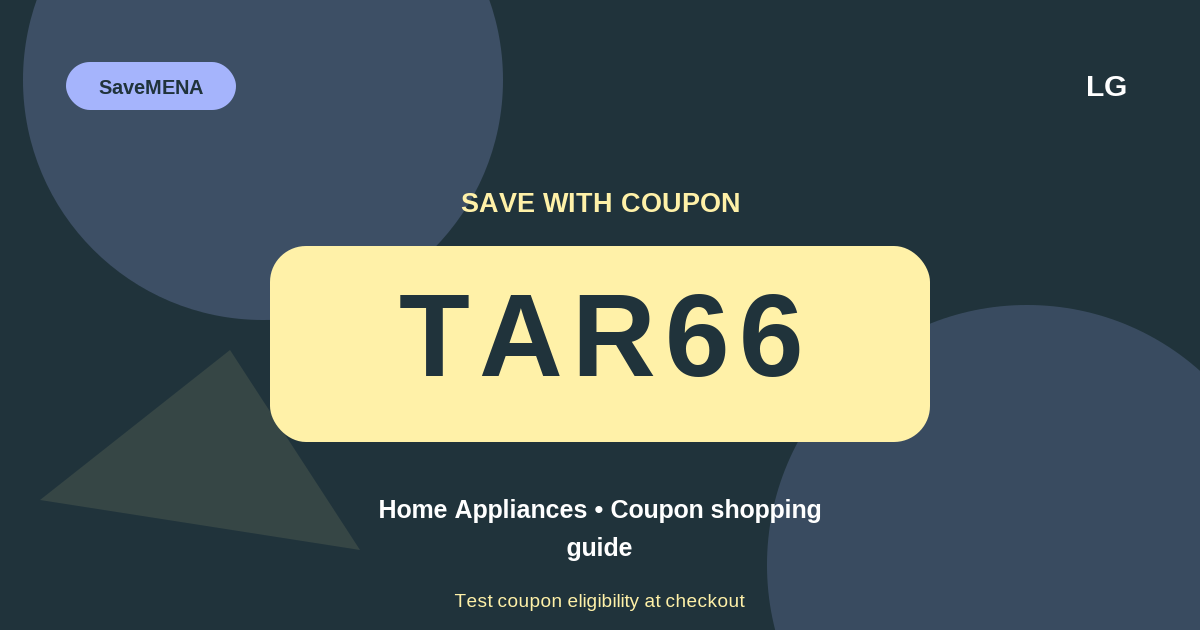
Codes available to try while comparing
These codes are not guaranteed for the article topic or listed brands; test them at checkout and use the live result.
Understanding Noon UAE Coupon Eligibility for Home Appliances
The first step in using a Noon UAE coupon is recognizing that the coupon will only be valid for the specific category you select at checkout. If you add a home appliance to your cart, the system will check the coupon’s category restrictions. Your payment method and shipping address are also part of the eligibility puzzle, but the core factor is that the item must be listed under the Home Appliances category on Noon.
Even though the coupon code TAR73 is advertised as a general discount, you should test its eligibility with a small home appliance purchase before committing to a larger item. This test order lets you confirm that the code is accepted by the platform and that it applies to the LG brand when you are logged into your account.
The Role of Your Noon Account in Coupon Usage
Your Noon account is the key gatekeeper for coupon application. When you log in, the platform pulls your loyalty status, subscription credits, and active permissions. If the coupon is limited to Premium members or requires a specific spending threshold, these details are in your account profile and will surface during the checkout screen.
Account context also impacts whether you can combine the coupon with other promotions. For example, if you have a pending credit or an active discount from a previous order, the system may flag the coupon as ineligible unless those credits are cleared.A coupon is not guaranteed; verify its result at the retailer checkout.
Checking Coupon Eligibility on the Noon App: Step‑by‑Step
Open the Noon app and tap the cart icon to review your selected appliance. Swipe to the “Apply Offer” section located just below the total price. Here you can enter the coupon code TAR73 into the field. Tapping “Apply” will trigger the system to check the coupon against your account and the product’s attributes.
If the coupon is eligible, the screen will show a green checkmark and the discount amount will be reflected in the cart total. If not, a clearly worded message will appear, explaining why the coupon cannot be applied. Remember that the final decision is confirmed only after you hit ‘Proceed to Pay’.
Why the LG Account Context Matters When Using Noon Coupons
Even though the coupon is not brand‑specific, the LG brand context can influence the outcome. Some coupons are earmarked for items under certain manufacturers. When you select an LG appliance, Noon checks the brand tag in your cart. The LG brand context is updated automatically, but if you switch to a different brand before applying the coupon, the eligibility might change.
When your account has previously purchased LG appliances, the platform may flag a higher chance of coupon acceptance. Conversely, if you rarely buy LG products, the system might default to a more restrictive evaluation. Double‑check that the manufacturer label still shows LG after you enter the coupon.
Common Pitfalls When Applying TAR73 to LG Home Appliances
One frequent mistake is applying the coupon after the payment window opens. Noon locks the coupon status once you hit “Proceed to Pay.” If you modify the cart after this point—for example, add a second appliance or change shipping options—the coupon may become ineligible.
Another pitfall is overlooking auto‑applied store credits or pending refunds. These items can alter the final price structure, leading to a mismatch between the coupon’s expected discount and the actual amount subtracted. Remove any opposing offers before verifying the coupon eligibility.
Order Confirmation: Where the Coupon Eligibility Finalizes
At the payment screen, Noon displays a final breakdown of all discounts, including the amount contributed by TAR73 if it has been accepted. This is the last checkpoint before the transaction is processed. If the coupon has not been applied, the total will reflect the standard price.
After you press “Confirm Order,” the system locks in the final payable amount. This total is the definitive reference for determining whether the coupon was successful. If you see any discrepancy, you can cancel the order immediately—provided you do not exceed the cancellation policy window.
Alternatives for Saving on LG Home Appliances if TAR73 Fails
If TAR73 does not apply, you can explore other discount avenues such as Noon’s flash sales, seasonal promotions, or clearance offers. Each of these comes with its own category and item restrictions, so check the eligibility before adding to the cart.
Another option is using loyalty points earned from prior purchases. Noon rewards programs provide a certain number of points per AED spent. Switching your purchase to a category that offers points can still yield savings, even without an active coupon.
Summary and Key Takeaways
A coupon is not guaranteed; verify its result at the retailer checkout. Watch for the green confirmation in the cart and the final discount display at the payment screen. If the coupon fails, consider alternative savings tools that are valid for the same appliance type.
Remember that Noon’s coupon mechanism is final at payment confirmation. Keep your app updated, double‑check manufacturer tags, and review any pending credits. With these steps, you can confidently apply TAR73 or pivot to another offer, ensuring you get the best possible price for your new LG appliance.
Related SaveMENA pages
Related articles
Official sources to check
Frequently asked questions
What happens if my checkout shows that the coupon is not valid?
When the checkout screen indicates the coupon is ineligible, the system has already verified account constraints, cart items, and any other conflicting promotions. The final total posted there is the amount you will pay. No hidden charges will apply beyond what is displayed.
Can I combine the TAR73 coupon with a Noon membership discount?
Noon typically restricts combining coupons with membership discounts. If a membership reward is active, the system will discount—or block—the coupon. It’s best to choose one method and apply it before initiating payment.
Will the coupon apply if I add more appliances to the cart after using it?
If you add or remove items after applying the coupon but before confirming payment, the platform performs a fresh eligibility check. The coupon will remain valid only if all items still meet its criteria. Adjusting the cart can invalidate the discount.
How can I confirm that my account is eligible for the coupon?
Check your Noon account status in the app settings. Look for any flags such as active subscriptions or pending refunds. An eligible account will accept the coupon during the cart review stage without error messages.