ASUS Laptops on Noon UAE: account eligibility — coupon eligibility · TAR71
To determine whether a Noon UAE coupon applies to your laptop purchase before you finalize the transaction, follow a systematic approach that centers on your Noon
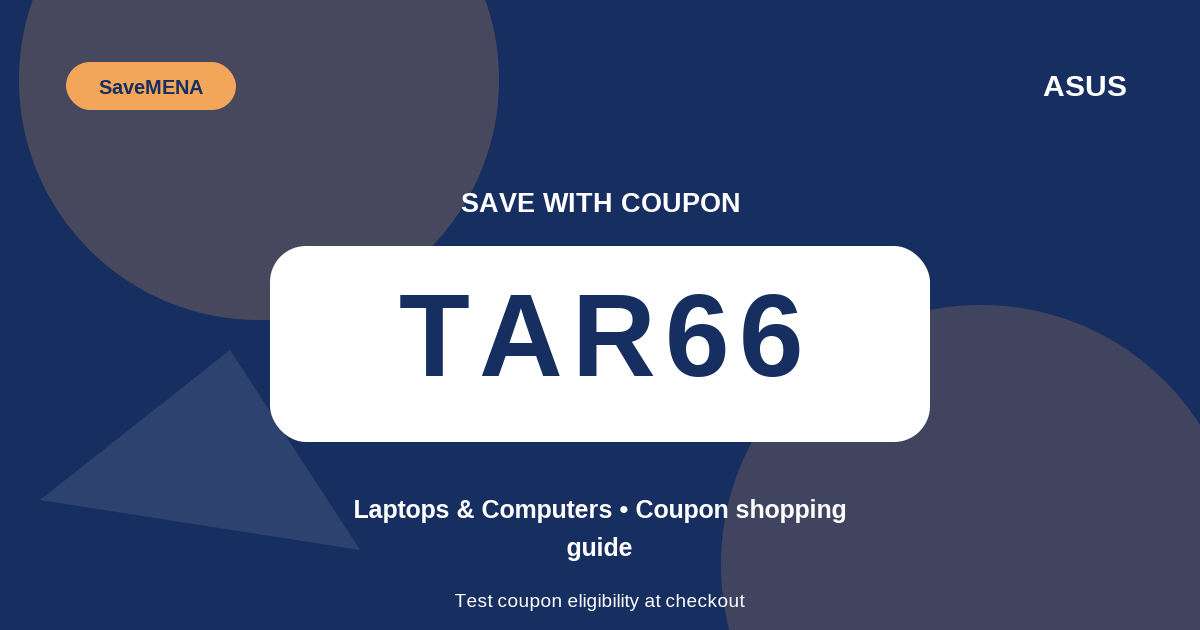
Codes available to try while comparing
These codes are not guaranteed for the article topic or listed brands; test them at checkout and use the live result.
1. Understand the Role of Your Noon Account in Coupon Usage
When a coupon is linked to your Noon account, its validity is often derived from your user profile settings, such as first‑time visitor status, loyalty status, or any ongoing promotions tied to your email address or phone number. This means the same coupon code may behave differently for a new user versus a returning customer. To avoid surprises, verify that your profile is up to date and that all personal data is correct before attempting to apply the code.
Beyond profile details, Noon may also restrict coupon usage to specific purchase categories or vendor tiers. For laptops, especially high‑end or brand‑specific items like ASUS, a coupon may require the entire cart to consist of eligible products. Checking your cart composition against the coupon explanation provided on the promotion page ensures you won’t hit a blockage later during checkout. This pre‑emptive review is critical to avoid wasting time trying to apply the code after you’ve already failed the eligibility test.
2. Login First: The Keystone of Eligibility Checks
Before you even open the coupon field, it is essential to log into your Noon account. Unauthenticated users often face fewer coupon options or are more restricted in selections. Some promotional codes, including TAR71, are consciously designed to surface only after you confirm your identity, ensuring that your shipping and billing preferences are correctly matched with the discount criteria. Thus, your login session marks the first boundary in the eligibility chain.
Once logged in, you might notice that the platform automatically pre‑selects eligibility indicators next to your cart items. These icons, while subtle, often reveal whether a particular product is blocked by a coupon due to brand restrictions or bundle limitations. Checking these markers lets you gauge the coupon’s reach across your selected laptops before you proceed to the payment step.
3. Verify Coupon Eligibility on Noon’s Web Portal
After logging in, navigate to the cart. On the cart page, locate the coupon code box—typically located near the total price. Paste or type “TAR71” and click “Apply”. The system will quickly evaluate your cart against the coupon’s criteria. If the coupon is eligible, you will see a confirmation message or a visual cue such as a green checkmark next to the coupon line item.
In case the coupon is not eligible, the platform will display a brief error message indicating why the discount couldn’t be applied. Pay close attention to the language of the message; it often references a product category, price point, or user status that is the root cause. Logging these details ensures you know exactly what to adjust—either by removing a non‑eligible laptop or updating your profile—before re‑trying the code.
4. Checking Eligibility Using the Noon Mobile App
The mobile app follows a similar process but offers a more compact interface. After adding laptops to your cart, tap the cart icon at the bottom of the screen. Scroll to the coupon code field, usually found near the total. Enter “TAR71” and tap “Apply.” The app will instantly validate the code against your cart’s content and display the result visually.
If the code does not accept the items, the app will present an error bubble. It’s advisable to pause the app to read the full message, as a brief prompt can sometimes be truncated on smaller screens. Document the error and cross‑check it against the steps you took on the web version; consistent failure patterns often point to the same eligibility hurdle, such as a brand restriction or a locked bundle object.
5. How to Spot Coupon Readiness in the Checkout Summary
Once the coupon has successfully applied, proceed to the checkout page where you enter shipping details and payment methods. The summary section will show your subtotal, any perk of the coupon, and the final total. Even if the coupon shows a discount, confirm that no hidden fees override it—such as a minimum spend or a delivery surcharge.
At this juncture, screenshot or note the entire summary before confirming. The nano‑details are often the difference between a promised discount and a turned‑down coupon. If the discount disappears after confirming, the issue could stem from a mis‑specified account type (e.g., business versus personal) or an order volume that had surpassed a promotional threshold.
6. Handling Coupon Rejection After the Cart Stage
If the coupon details revert during the payment step, pause the transaction and review your cart again. Noon may enforce a stricter filter once the user commits to payment, ensuring that the coupon truly applies to the final payable amount. For example, a laptop with a price above a certain threshold might be flagged as ineligible even if it was initially accepted.
In such a situation, remove any outlier items from the cart, retry the coupon code, and proceed to checkout. Alternatively, you can contact Noon support for clarification; however, the most reliable route is to keep your cart strictly within the bounds of the coupon’s implied criteria, which you can deduce from the earlier error messages.
7. Common Account‑Based Pitfalls That Affect Coupon Eligibility
One frequent issue stems from account type mis‑recognition. If your Noon account is set as a business account, certain personal coupons may be automatically locked. Verify the account type in the profile settings and confirm whether the TAN71 code has been marked for personal users only. Adjusting the account type (or creating a new personal account temporarily) can sometimes unlock otherwise non‑eligible codes.
Another recurring problem is a pending or declined payment method. If your stored card has an issue, Noon might block coupon application to prevent fraud or additional processing errors. Check that all stored payment methods are active and authorized before attempting to use the coupon.
8. Best Practices to Seal Coupon Eligibility Before Final Payment
Before you finalize the purchase, save a copy of the checkout screen with the coupon applied. This saves you from having to re‑verify after you submit the order and can serve as evidence if a post‑purchase discrepancy emerges. Furthermore, double‑check that your shipping address is approved for the discount—some coupons apply only within specific Emirates.
Finally, keep an eye on the ‘Order Review’ step—this is where Noon re‑evaluates all conditions. Confirm that the coupon status remains positive; if it flips, research whether any mandatory updates (like a new firmware or newer OS requirement for ASUS laptops) are influencing the decision. Once satisfied, proceed with the payment, and enjoy the benefit you’ve pre‑verified to be authentic.
Related SaveMENA pages
Related articles
Official sources to check
Frequently asked questions
Will the TAR71 coupon apply automatically for my ASUS laptop?
No, the coupon will only apply if the ASUS laptop meets all the eligibility criteria specified by Noon. Usually this involves category suitability and sometimes specific seller conditions. Verify at checkout for confirmation.
What should I do if the coupon is rejected after I hit “Apply” on the cart?
Check your cart for any items that may violate the coupon's rules—such as non‑eligible brands or price thresholds. Remove or replace them, then re‑apply the coupon. If the issue persists, contact Noon support for clarification.
Can I use the TAR71 coupon if I have multiple payment methods linked?
Yes, but ensure the chosen payment method is authorized and active. Noon's system will not accept the coupon if the selected payment method flags as declined or pending, to prevent transaction errors.
Is there a minimum purchase amount required to use the TAR71 coupon for laptops?
On Noon, coupon usage does not typically list a minimum spend explicitly. However, some coupons may implicitly require a cart total that meets a baseline, so double‑check the checkout total for any hidden thresholds.