Laptops on Noon UAE: account eligibility — coupon eligibility · TAR73
Start by opening the Noon app or the web page and sign in with the account you will use for purchase. Check the dashboard to confirm your profile is fully verified.
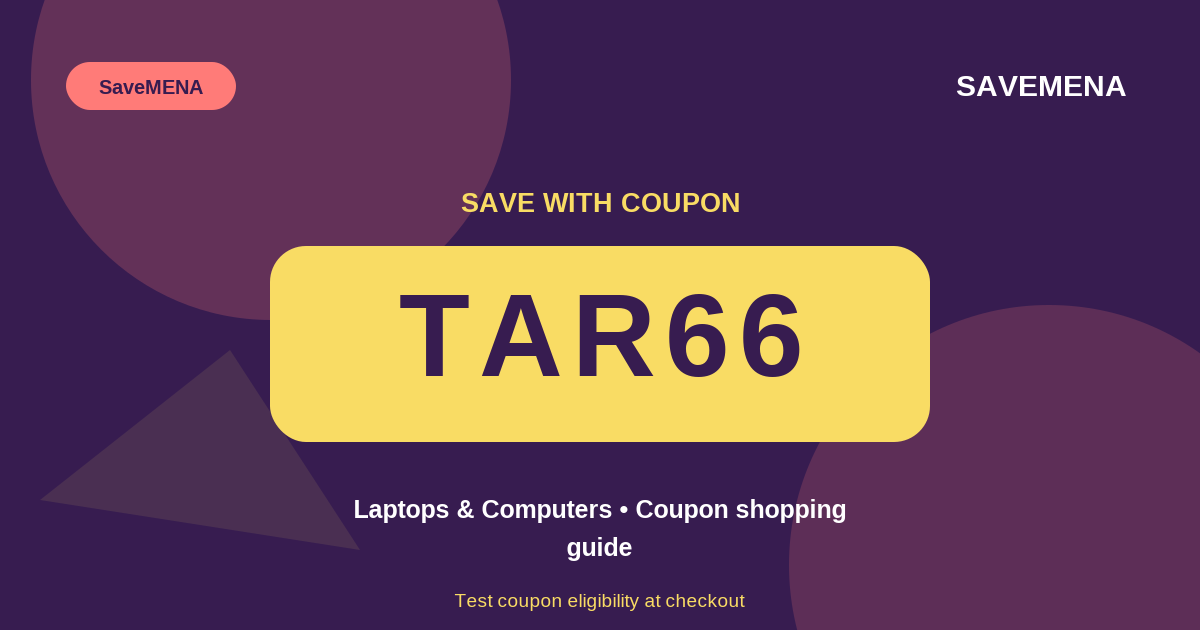
Codes available to try while comparing
These codes are not guaranteed for the article topic or listed brands; test them at checkout and use the live result.
Step‑by‑Step: Logging In and Checking the Laptop Cart
Start by opening the Noon app or the web page and sign in with the account you will use for purchase. Check the dashboard to confirm your profile is fully verified. Any missing phone or email link can trigger a failing eligibility test when you try to use a coupon. After logging in, build your laptop cart by selecting the desired models and adding them to the basket. Keep the total quantity and price below what the coupon’s terms might specify – if unknown, keep it low until you see an error at final checkout.
Once the laptops are added, scroll to the cart summary. This view shows the base price, taxes, and an “Apply Coupon” field. It may already display a message such as “Eligible for discounts based on account status.” If the message is absent, the application of *TAR73* will still be subject to verification later, but knowing the cart is populated helps you gauge the final total.
Inspecting the Laptops’ Offer Section for Valid Codes
Each laptop listing on Noon includes an Offer/Discount strip perhaps with a promotional tag like “Save During Promo.” Tap or click on the strip to see details, which sometimes inform you about permissible coupon codes. If *TAR73* is flagged there, it’s a sign that the code is applicable to that model. However, account‑specific checks—such as login status—follow this step and might still block the code. Use the “View more offers” option to double‑check if your account's status qualifies for any hidden restrictions.
Also look at the “Deal of the Day” label; devices highlighted there often drop in price automatically, but if a coupon is intended alongside, the system may prompt you to apply it at checkout. The code *TAR73* does not replace a store locator offer; you must use it during the payment stage. Thus you’ll need to re‑read the discount information whenever you swap a laptop or modify the quantity in the cart.
Using the Login‑Specific Rules: Store Credits and Membership Perks
Noon users with an active ‘VVIP’ or ‘Gold’ membership can receive store credits or unique discounts. These benefits influence how a coupon will be applied because the system tests for any existing credit at the moment you enter the code. If your account has still‑unused store credit, the platform may subtract it before applying the coupon or vice versa. It’s essential to view your credit balance from the account side before you proceed to checkout.
Similarly, if you’ve accumulated reward points or hold a buy‑now‑pay‑later plan, the presence of those perks affects coupon eligibility. A typical scenario is that a long‑term customer might be blocked from using certain codes if their account is tied to an exclusive promotion. Check the “Points” tab to ensure no disqualifying conditions are active before you insert *TAR73*.
The Role of Your Noon Profile Settings in Coupon Validation
Beyond the promotional data, your Noon profile settings—especially shipping address, payment method, and notification preferences—can create small hurdles. If your address falls in a restricted delivery zone or belongs to a region not covered for laptop shipping, the system may refuse all coupon applications, including *TAR73*. To avoid this, update your profile and ensure the selected address is valid for electronics delivery in the UAE before pressing “apply coupon.”
Payment method matters too: some coupons are only eligible for certain payment types, such as e‑wallet or card payments. Confirm that your chosen method is active in the method list. If you switch to a cash‑on‑delivery option for a laptop, the coupon may not be honored, so double‑check before name your payment method as this can override coupon eligibility.
Common Pitfalls When Applying the TAR73 Code to Laptops
One of the most common mistakes is typing the coupon wrong. Noon requires exact characters, including uppercase letters; even a stray space will prevent activation. When you open the “Apply Coupon” field, clear any previous inputs, paste *TAR73*, and press submit. If the platform displays “invalid coupon code” or “code not eligible,” you’ve probably encountered one of the red flags above, such as a restricted device model or missing account verification.
Another pitfall is timing. Some codes refresh after a short period of inactivity. If you’ve added laptops, walked away, and then returned after a few hours, the code might expire or be flagged as reused. Input the coupon immediately after you finalize your cart, then proceed to the payment step before any timeout or session reset occurs.
Final Check: Confirming Eligibility at the Checkout Page
Once you confirm the cart totals, you’ll reach the payment screen. That is the definitive moment the system checks all eligibility aspects—the product type, your account status, shipping area, and stored credits. At this point, the “Apply Coupon” field will either accept *TAR73* and adjust the total, or reject it with an explanatory banner. If the code is rejected, the banner typically details the reason (e.g., “code not eligible for this purchase” or “account not verified”).
After applying the code, look for a line in the order summary showing a discount amount. This part confirms the code’s success. If you see no discount or a message that it couldn’t be applied, verify all previous steps: your account verified email, shipping address, and that you haven’t exceeded any quantity limits. Correct any mismatches, redo the coupon entry, and proceed to final payment only once you confirm the discount line appears.
Tips for Saving Further While Shopping Laptops on Noon
While confirming *TAR73* eligibility is key, additional savings can still be realized by using Noon’s built‑in comparison tools. When you’re on the laptop details page, hover over the “Compare” icon to view the same model across different sellers. If the price difference is significant, the platform may allow you to switch sellers, but be aware that different sellers might have differing coupon applicability; always re‑verify the code after switching.
Also keep an eye on flash sales. Noon frequently offers a 24‑hour discount every day, and the platform sometimes adds extra coupon codes just for that window. Always check the “Deals” section before finalizing your cart, because a new code can be combined with *TAR73* if the terms allow it. And, if you’ve used a store credit before, attempt to apply it last so the system checks the combined discount correctly.
Related SaveMENA pages
Related articles
Official sources to check
Frequently asked questions
What should I do if the TAR73 code isn’t accepted at checkout?
Double‑check that your Noon account is fully verified, the shipping address is valid for laptops, and no restrictions like store credit or membership perks conflict. Make sure the code is typed correctly and try entering it again immediately after the cart is finalized.
Can the TAR73 coupon be combined with other discounts or points?
Coupon application and the use of other discounts depend on Noon’s internal hierarchy. Generally, the system tests eligibility for all codes simultaneously; however, if one discount conflicts with another, it may be overridden.A coupon is not guaranteed; verify its result at the retailer checkout.
Is the TAR73 coupon only for purchase on the Noon app?
Noon allows coupon application via both app and web. The eligibility checks and approval process are identical across platforms. Just ensure you are logged into the same profile on whichever interface you use.
How long does the TAR73 code remain valid after I add laptops to my cart?
The code status is evaluated at checkout. If you attempt to use it much later, the session may have ended; simply re‑enter the code when you’re on the payment screen. No explicit expiry is disclosed, so treat it as “use‑when‑ready.”