Lenovo Laptops on Noon UAE: account eligibility — coupon eligibility
Before you hit the 'buy now' button for a Lenovo laptop on Noon UAE, you should verify coupon eligibility so you know if the TAR66 code will apply.
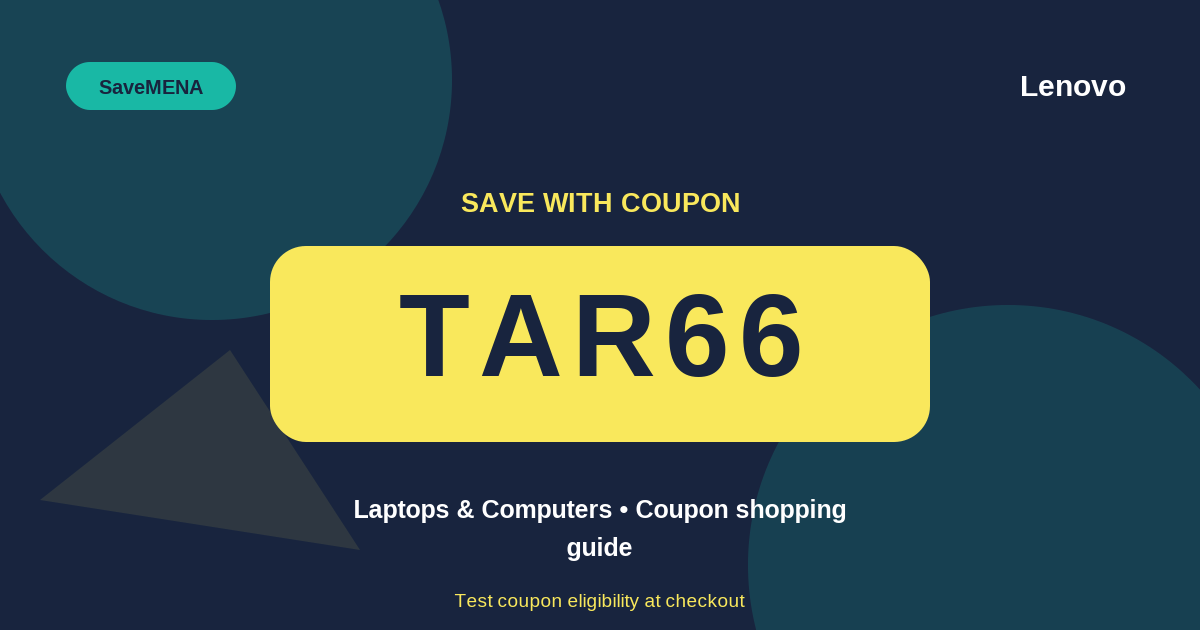
Codes available to try while comparing
These codes are not guaranteed for the article topic or listed brands; test them at checkout and use the live result.
Why Account Context Matters When Using Noon UAE Coupons
When Noon processes a coupon, the system queries your account’s profile before applying any discount. Details such as country code, loyalty tier, and email verification status can alter eligibility. For example, a coupon that works for residents of the UAE may not be active for guests expiring or for accounts that have not confirmed their phone number. These checks happen automatically and can prevent a valid coupon from being applied at the last moment.
In addition, Noon’s coupon engine considers the maximum number of times a particular code can be used per account, as well as whether you are a new or returning user. The TAR66 code is unaffected by many of these parameters, yet you must still have a complete account setup to see the code’s effect. Ensuring your profile is fully updated eliminates an entire class of eligibility failures before you even proceed to checkout.
Preparing Your Laptop Cart – What to Look For
Begin by selecting the Lenovo laptop model that suits your needs. Pay attention to the product listing to confirm you’re choosing the correct variant—e.g., screen size, processor, and RAM—because coupon eligibility can be tied to specific SKUs. Adding the single unit to your cart should populate the price field without any discount applied at this stage.
Verify that the cart reflects only the desired item. If a bundle or a promotional package is displayed instead, the coupon may not apply. Also, check that the ‘free shipping’ label, if present, is still applicable; coupon validation often bypasses shipping incentives as a separate condition that must be met before discount calculation.
The TAR66 Coupon – How to Enter and What to Expect
In the Noon cart page, locate the coupon field labeled “Enter coupon code.” Type TAR66 exactly, keeping in mind that the code is case‑sensitive. Press the “Apply” button once you’ve entered the code; the system will then attempt to match the coupon to your current cart contents.
After the apply action, the page may show a brief message indicating whether the coupon appears valid. However, this initial cue does not guarantee that the discount will survive throughout the checkout process. The final validation remains locked until you reach the payment section, where Noon revisits account and cart parameters.
Checking Eligibility Before Checkout – Step‑by‑Step
Click “Proceed to Checkout” from the cart screen. On the shipping page, ensure your delivery address is correctly entered and matches your account country. Then scroll to the payment summary; the coupon code field should still present the TAR66 entry along with any eligibility notification. If the system displays “Coupon not eligible” or similar, note that restriction before confirming payment.
If the coupon is marked as eligible, observe whether the total price updates, or if the site merely retains the original amount. In some cases, Noon may apply the coupon only after you input payment details, so re‑refreshing the summary page before finalizing is a quick test. Proceed only when you have visually confirmed that the discount has been accepted.
Common Pitfalls That Affect Coupon Eligibility
A frequent issue arises when the shipping address does not match the country for which the coupon is valid. Because Noon restricts some codes to UAE residents, using a foreign address will flag the coupon as inapplicable. Another problem is account verification; if your phone number or email is pending, the system may block coupon application to protect against fraud.
Other pitfalls include purchasing multiple units of the same laptop—many coupons accept only a single item per transaction—and inadvertently selecting a variant that is on a different inventory batch. Keep the cart narrowly focused on the exact product you intend to buy; this reduces the likelihood of automatic exclusion from discount eligibility.
Understanding Noon’s Coupon Validation Rules
From an operational standpoint, Noon’s coupon engine mandates a manual entry of the code on the checkout page; automatic pre‑application does not occur for TAR66. Moreover, you cannot combine this coupon with other promotional offers or loyalty credits simultaneously. The discount, if applied, will reflect only after the payment step, with no hidden fees unless the chosen delivery option incurs an extra charge.
Because Noon defers final calculation until the payment screen, any change in the cart—such as adding a gift card, altering quantity, or selecting a different shipping method—will trigger a re‑validation. If the new configuration violates the coupon’s constraints, the discount will be removed. Always confirm the final total before authorizing the transaction.
How to Resolve Eligibility Issues After Checkout
Should the TAR66 code be rejected after you press the “Place Order” button, you’ll receive a summary page that lists all applied discounts. A missing or “Not eligible” note will appear next to the coupon line item. At this point, you can cancel the order within the allowed notification period and return to the cart to correct any oversights.
If cancelling is not an option, contact Noon customer support for clarification. Provide the order ID and ask whether the coupon can be re‑applied. Often they can assist with a manual adjustment that restores the discount, but this requires immediate action before the order finalizes and shipping begins.
Long‑Term Tips: Keeping Your Account for Future Savings
Build a reliable account by consistently updating your profile details and verifying contact information. Staying within the same residency region and maintaining a verified email prevents unexpected rule changes that might block coupon use. Also, consider joining Noon’s loyalty program to gain visibility into upcoming promotional periods that might feature similar or enhanced coupon codes.
Regularly review the coupon history section of your Noon profile for patterns or recurring codes that appear in seasonal cycles. This proactive approach ensures that when a new promotional period rolls out, you’ll already be set for a swift eligibility check—saving time now and maximizing your savings on future Lenovo laptop purchases.
Related SaveMENA pages
Related articles
Official sources to check
Frequently asked questions
What does "Check eligibility before payment" actually involve on Noon?
It means verifying that the coupon code shows as eligible during the checkout flow, usually on the payment summary page, before you submit your payment information. If the site reports the coupon is valid, you can be confident it will apply to the final total.
Does the TAR66 coupon work on all Lenovo laptops?
While TAR66 can be entered for any product, Noon’s validation may exclude certain Lenovo models or variations. You need to check the eligibility notice during checkout to confirm whether the specific laptop you selected accepts the coupon.
Can I apply another discount with TAR66?
No. Noon’s system does not allow combining TAR66 with other promotional offers or loyalty credits. The coupon’s effect is calculated independently before any additional discounts are applied to the final amount.
What steps should I follow if my coupon is rejected at checkout?
First review the order summary for the “Not eligible” note. Then cancel the order quickly and return to the cart to correct issues such as shipping address or cart contents. If cancellation isn’t possible, contact Noon support with your order ID for manual assistance.