Puma Men’s Fashion on Noon UAE: account eligibility — coupon eligibility · TAR71
The first question you face before you even see the final tally on your screen is whether the Noon UAE coupon eligibility will survive the entire purchase journey.A
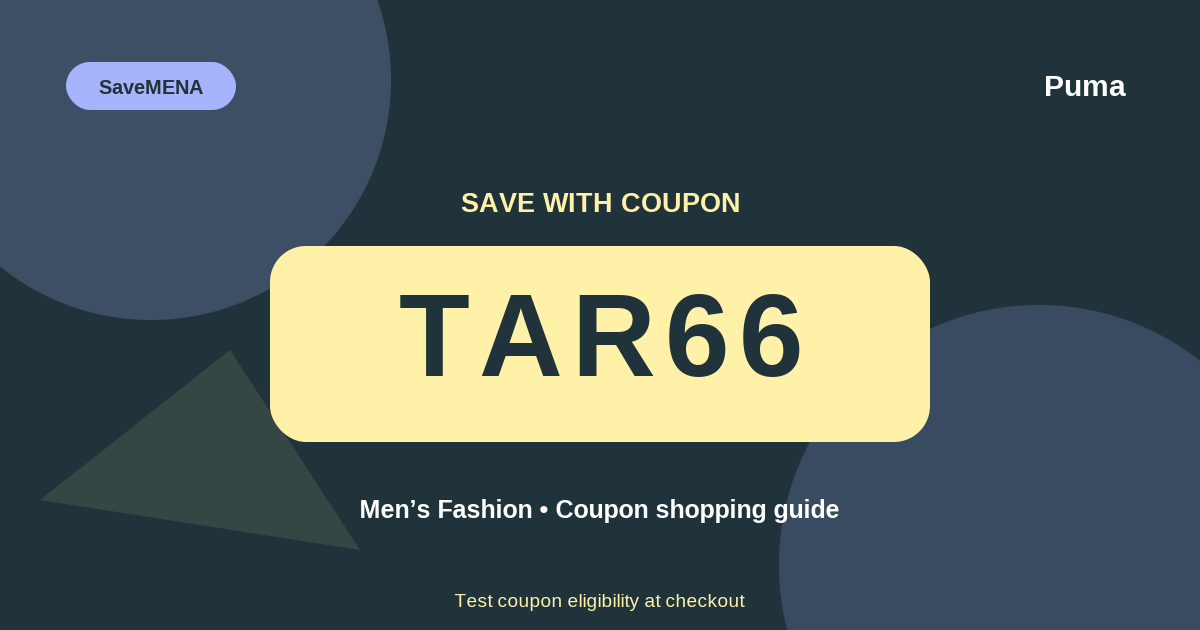
Codes available to try while comparing
These codes are not guaranteed for the article topic or listed brands; test them at checkout and use the live result.
Why Your Noon Account Holds the Key to Coupon Success
A Noon account is more than just a login; it’s the vessel that carries your cookie data, wishlist preferences, loyalty points, and, crucially, any coupon rules that apply to you personally. Every time you add a men’s fashion item to your cart and later trigger the TAR71 code, the system consults this account metadata to decide if you’re eligible. Without an account, or if the account is missing certain attributes, Noon may silently refuse to apply the discount at checkout—even if the coupon shows as “available to try.” That’s why paying attention to the account context before you reach the payment step matters the most.
If you’re new to Noon or just want to update your profile, make sure your account information—such as your preferred shopping country and payment methods—is complete. Incomplete profiles can accidentally trigger eligibility errors. “Account context” refers to everything that Noon reads about you: your logged‑in status, whether you’re a logged-in guest, any pending payment holds, and if an existing order is still processing. By verifying these factors early, you gain visibility into whether the TÜ71 coupon will actually reduce the price of your men’s fashion haul before you submit your order.
Begin with a Fresh or Existing Account
Start by opening the Noon app or website and click “Login” or “Create an Account.” If you already have an account, double‑check that the email address and phone number listed on your profile are correct; mismatched contact details can create a mismatch between your coupon file and the actual cart. A freshly registered account typically starts in a “minimum eligibility” state, meaning unless it satisfies specific requirements, certain coupons may be flagged as ineligible at checkout.
If you’re choosing a guest checkout, be aware that many coupons, including TAR71, may be tied to an account ID or registered user status. While Noon offers guest shipping, coupon eligibility checks often rely on account‑based data. Should you prefer to browse the men’s fashion section without signing in, save your selections to a wish‑list instead. Then, once you return and log in, you can cross‑check eligibility before applying the code, preventing any last‑minute surprises.
Add and Inspect Your Men’s Fashion Picks
Browse your favorite men’s fashion categories—think crisp shirts, stylish joggers, or athleisure pieces—and add your desired items to the cart. Pay close attention to any brand descriptors like “Puma” or “Nike.” Even if the TAR71 coupon isn’t explicitly dedicated to a brand, Noon’s system may still cross‑reference your cart against implicit brand filters when checking eligibility. In simple terms, it’s better to be organized early on.
Once the items are in the cart, notice the subtotal and any displayed shipping fees. The cart page acts as the first real checkpoint: if there are flags like “coupon not valid for this item” or “price above eligibility ceiling,” those notes appear right there. A clear view of your cart contents lets you make any item swaps before you head toward the checkout, ensuring the TAN71 code stays within the needed parameters of the coupon.
The Coupon Dashboard – Your First Checkpoint
On Noon, navigate to the “Coupons” or “Deals” section. Here, the TAR71 entry will show as “available to try,” which signals that you’re permissible to attempt its usage but not that it will definitely apply. Tap into the coupon detail page to read any fine‑print that’s relevant to men’s fashion items. Even generic coupons sometimes carry hidden restrictions tied to account status, like “new‑user only” or “must have a BASIC membership.” These nuances become visible in the coupon’s own guidelines.
In addition to the text, the interface may display a small eligibility icon—often a green tick or a caution sign. A green tick typically means the code is technically compatible with the items in your cart *provided your account context clears the internal checks.* If you see a caution icon, that’s a hint to scrutinize your account or cart before continuing. Stay engaged with the coupon preview rather than launching into the payment flow prematurely.
Trigger the TAR71 Code and Watch Eligibility Flag
When you’re ready to test checkout, first review the “Apply Coupon” field on the cart page. Enter TAR71 and hit “Apply.” Noon will instantly check if the account and cart satisfy the coupon’s eligibility matrix. If the system accepts the code, you’ll notice an immediate drop in the subtotal—this is a live preview of what the final price may look like, but still subject to the final checkout confirmation.
Should the system reject the code, a brief message will indicate the reason—often related to account context such as “enrolled in loyalty program” or “prior order pending.” Taking a screenshot or simply noting the error can help you troubleshoot before reaching the payment screen. This step is crucial because many users skip the coupon test altogether, only to discover at payment that the discount isn’t applied.
Revalidate Post‑Application – Do the Numbers Still Match?
After successfully applying TAR71, scroll down to the order summary. Verify that the subtotal, any listing fees, and the total after the deductive number all match the numbers shown after the coupon was applied. If there is a mismatch—say, the total still appears higher—review the cart for items that might have been disqualified or for new items added after the code was entered. This is a known source of last‑minute churn in many e‑commerce carts.
Even if the figures seem correct, keep a mental note to reconfirm after you proceed to the payment details. Noon’s payment gateway sometimes applies additional taxes or dynamic shipping rates that alter the final amount. The important thing is that the TAR71 discount remains attached to the order until you hit “Place Order.” If the discount disappears or is applied incorrectly, the refund pipeline can become confusing and slow.
Final Checkout Confirmation and True Eligibility
At the checkout page, you’ll choose a delivery address, payment method, and final reviews of items. This screen is the definitive checkpoint where Noon confirms coupon eligibility against your account context once more. If the code was valid during earlier steps, you should see a “Coupon Applied” message and a final price that reflects the discount. The action to “Pay” will only be possible if the coupon is still considered eligible.
If you encounter a denial at this point, there may be a last‑minute eligibility conflict—perhaps a new subscription requirement just triggered or a dynamic deal rule fired. In such cases, Noon will explicitly state that the coupon cannot be applied and often suggest re‑applying after reviewing the disputed item. At this stage, reading the short notice carefully and adjusting the cart accordingly is the best way to keep the discount intact.
Avoiding Wardrobe and Wallet Mix‑Ups
Even when you successfully apply TAR71 before you pay, it’s wise to double‑check the final order summary for any hidden fees or incurring charges. Noon’s interface typically lists the final payable amount, a final list of items, and a note regarding any exclusions—e.g., “gift wrapping not eligible.” Since the coupon eligibility surface changes only on refreshing the cart or because of dynamic pricing, an extra hand‑check can catch anything you might otherwise miss.
Once the order is submitted, a confirmation screen will display the final price and a digital receipt.A coupon is not guaranteed; verify its result at the retailer checkout. If an inconsistency surfaces, contacting Noon support via the in‑app chat points you directly to the voucher’s status from your account perspective.
Related SaveMENA pages
Related articles
Official sources to check
Frequently asked questions
How can I confirm the TAR71 coupon works before I reach the payment page?
After you add your desired men’s fashion items to the cart, click “Apply Coupon” and type TAR71. Noon will immediately show if the code is accepted or not based on your current cart and account context. Verify the new subtotal before proceeding to checkout.
Does my Noon account status affect TAR71 eligibility for Puma products?
Account status can influence eligibility; for example, a new user or a loyal customer with specific subscription might meet or miss hidden requirements. Check your profile fields and any coupon constraints listed in the TAR71 detail page to understand whether your set of credentials meets the need.
What if TOI71 shows as “available to try” but disappears after payment?
If the discount vanishes at payment, the system likely found a conflict during final eligibility screening, perhaps a dynamic price change. Review your order summary, adjust the cart if necessary, and re‑apply the code before re‑submitting the order to maintain consistency.
Are there any hidden fees that might affect the final price when using TAR71?
Common hidden fees include dynamic shipping or tax adjustments that Noon processes at checkout. Always review the final amount on the confirmation screen; this includes all fees and reflects any discount, ensuring there’s no surprise after placement.