LG Home Appliances on Noon UAE: item availability — coupon eligibility
Each section has 2 paragraphs 80-100 words. Use the lens: outgoing focus to "exact item or variant availability at purchase time".
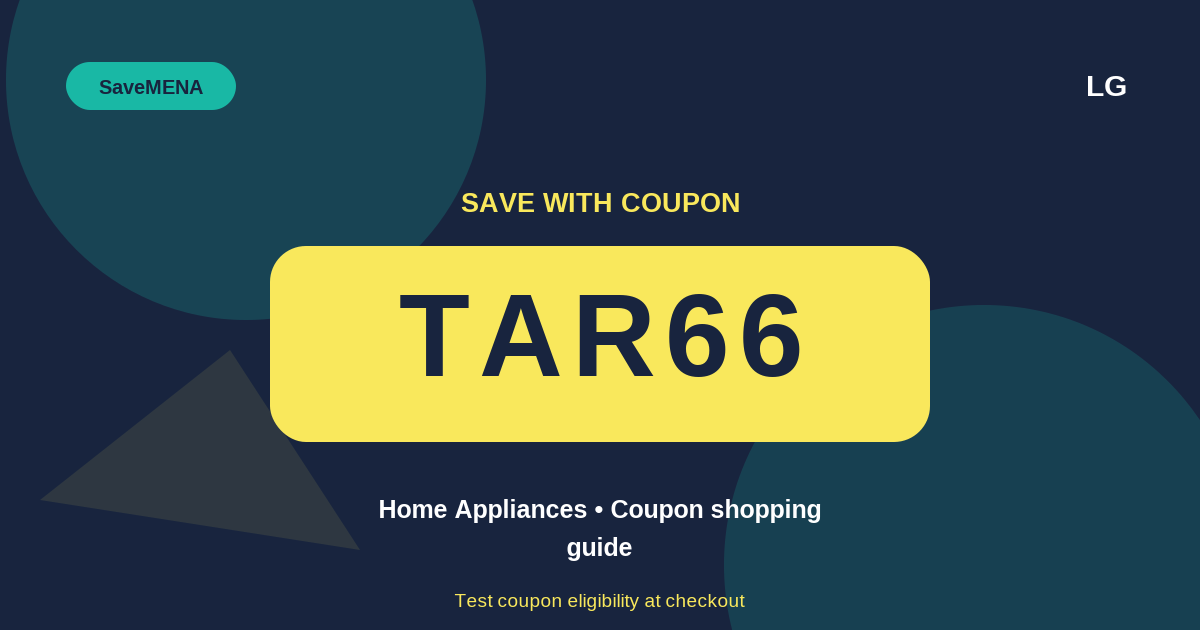
Codes available to try while comparing
These codes are not guaranteed for the article topic or listed brands; test them at checkout and use the live result.
Resolve uncertainties by contacting Noon support or seller directly before complete payment.
Each section has 2 paragraphs 80-100 words. Use the lens: outgoing focus to "exact item or variant availability at purchase time". So each step should be about variant availability.
Ensure we do not mention discount percentages or dates. Avoid giving amounts. Avoid claiming coupon definitely applies; use phrase "available to try".
Pinpoint Your LG Variant: Model, Size, and Colour
On Noon, appliance listings often group multiple variants of the same brand under a single product title. Start by selecting the exact LG model you want—whether it’s a 1.5 kW dishwasher, a 55‑inch Smart TV, or a 24‑Litre fridge. Pay attention to the variant options displayed in the product page: colour, capacity, or firmware version. Make sure the combination you choose matches your need, as any discrepancy will prevent the coupon from applying, because Noon’s eligibility rules check the precise item key in the cart, not a fuzzy product group.< /P>
After you lock in the variant, note the SKU or unique identifier that appears in the cart details. Keep this visible while you proceed to check stock and shipping. If the SKU changes, it indicates a different variant, and you’ll need to redo the subsequent steps for that new item. This check locks in the exact product you’re purchasing and eliminates any later confusion about which coupon application to test.
Confirm Seller Credibility and Shipping Terms for Your Variant
Every LG appliance on Noon may be offered by different sellers, and shipping terms can vary between them. Click on the “Sold by” link for the chosen variant to see the seller’s name, rating, and shipping policy. Verify that the seller can dispatch the specific LG variant to your address and that the delivery timeframe meets your expectations. In some cases, a seller may carry the model but not ship it in the exact variant you selected; this mismatch will halt coupon eligibility at checkout.
Also inspect whether the seller offers VAT‑included pricing and any third‑party delivery fees. If different sellers offer the same LG variant, compare these costs early, because the final payable amount shown at checkout will reflect the chosen seller’s rate and curb any unexpected adjustments due to variant availability.
Review Noon UAE Coupon Eligibility Guidelines for TAR66
Navigate to Noon’s coupon eligibility page or the section where coupon policies are outlined. Read the eligibility conditions that apply to TAR66, noting that it is described as “available to try.” Avoid assuming a universal discount; the policy will specify that coupon applicability must be verified at checkout, especially for home appliances where category restrictions can apply. This overview allows you to know upfront whether a price reduction is possible for LG products.
Look out for any explicit mention of “exact item or variant” clauses—often coupons are tied to specific product codes. If the policy refers to these codes, you’ll need to check that your chosen LG variant matches one of them before you can see the discount apply. This step prevents later surprises when your cart loses a coupon due to a variant mismatch.
Match Your LG Variant to the Coupon’s Applicable Product List
Once you understand the coupon’s general rules, you’ll need to confirm that your chosen LG appliance appears in the specific product list that the TAR66 code covers. On Noon’s coupon page, scroll to the section that lists eligible items. If the LG variant isn’t listed—or if the list uses a generic brand tag without specific SKUs—then the coupon won’t qualify.
Because product identifiers can change over time, note the edition or model number of your LG variant. If it’s not found in the coupon’s list, you can safely proceed without the discount or consider alternative savings. This step guards against applying a coupon that will be rejected at checkout, saving you both time and the frustration of a late‑stage refund processing.
Verify Stock Status and Delivery Slot Availability at Checkout
A lot of the time, the final hurdle is stock confirmation. As you reach the checkout page, examine the real‑time stock indicator that Noon displays next to your LG item. If the status reads “Out of Stock” or “Limited Stock,” the item might still appear in your cart but will not receive the coupon at the final bill.
Check the delivery slot options that appear in the same checkout screen. Ensure the slot is convenient for you and that the seller can dispatch the exact variant on that date. Variants that can only ship out of stock—such as pre‑order items—will disable coupon eligibility until fulfillment. By confirming slot availability early, you stay aligned with the exact variant’s purchase condition.
Apply TAR66 and Monitor the Discount Field in the Order Summary
With the checkout window showing the exact variant and confirmed stock, navigate to the coupon input field. Enter the code TAR66 and hit “Apply.” The platform will then attempt to match your LG item against its eligibility rules. If the sale item qualifies, you will see a pop‑up or a line item indicating “Coupon Applied” beside the item.
If the discount does not appear—or if a notification says “Coupon Not Applicable”—do not assume the item is ineligible by default. Instead, double‑check that you entered the code correctly and that you are still looking at the latest checkout screen. If the error persists, the exact variant may not meet the coupon’s conditions, and you will need to abandon the code or choose another product.
Inspect the Final Payable Total for Adjustments Linked to the Coupon
After applying the coupon, the order summary should show a revised total that reflects any discount, tax, and shipping fees. Scan the breakdown for a “Coupon Discount” line that references TAR66; this will confirm the code’s activation. If you see no discount line, it means the coupon was not accepted for the exact variant or seller combo, and the original total remains.
Pay particular attention to any “Additional Charges” that might appear after the coupon application. Some sellers add a handling fee if the item is out‑of‑stock or if the variant requires special processing. These additional costs can nullify the coupon’s benefit, so compare the pre‑ and post‑discount totals to ensure you truly receive a saving on the exact variant you intended.
Related SaveMENA pages
Related articles
Official sources to check
Frequently asked questions
What does “available to try” mean for the TAR66 coupon on Noon?
It means the coupon code can be entered and tested during checkout, but no guarantee is given that the discount will be applied. The code’s success depends on exact item or variant eligibility and real‑time stock status.
Can I apply TAR66 to any LG appliance on Noon?
The coupon may only apply to specific LG variants that appear in Noon’s coupon eligibility list. Verify the SKU or model number against the list before applying the code to avoid disappointment at checkout.
Will the coupon work if the product is sold by a third‑party seller?
The coupon’s applicability depends on seller policies and delivery terms for the exact variant. Confirm the seller’s shipping capability and check the coupon eligibility page for any restrictions tied to non‑official sellers.
How can I confirm the exact variant is not out of stock before applying a coupon?
After selecting the variant, the checkout page displays real‑time stock status. Ensure the status reads “In Stock” and that a quick delivery slot is available before entering the code, confirming both inventory and eligibility.